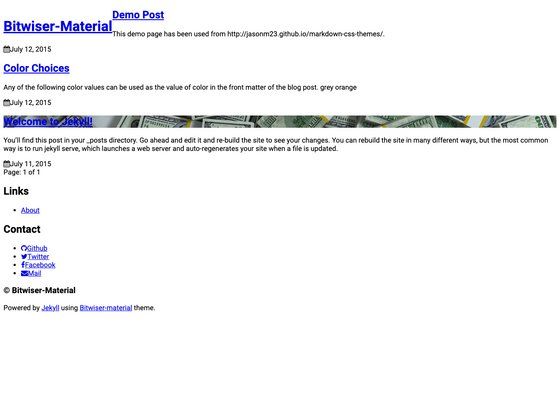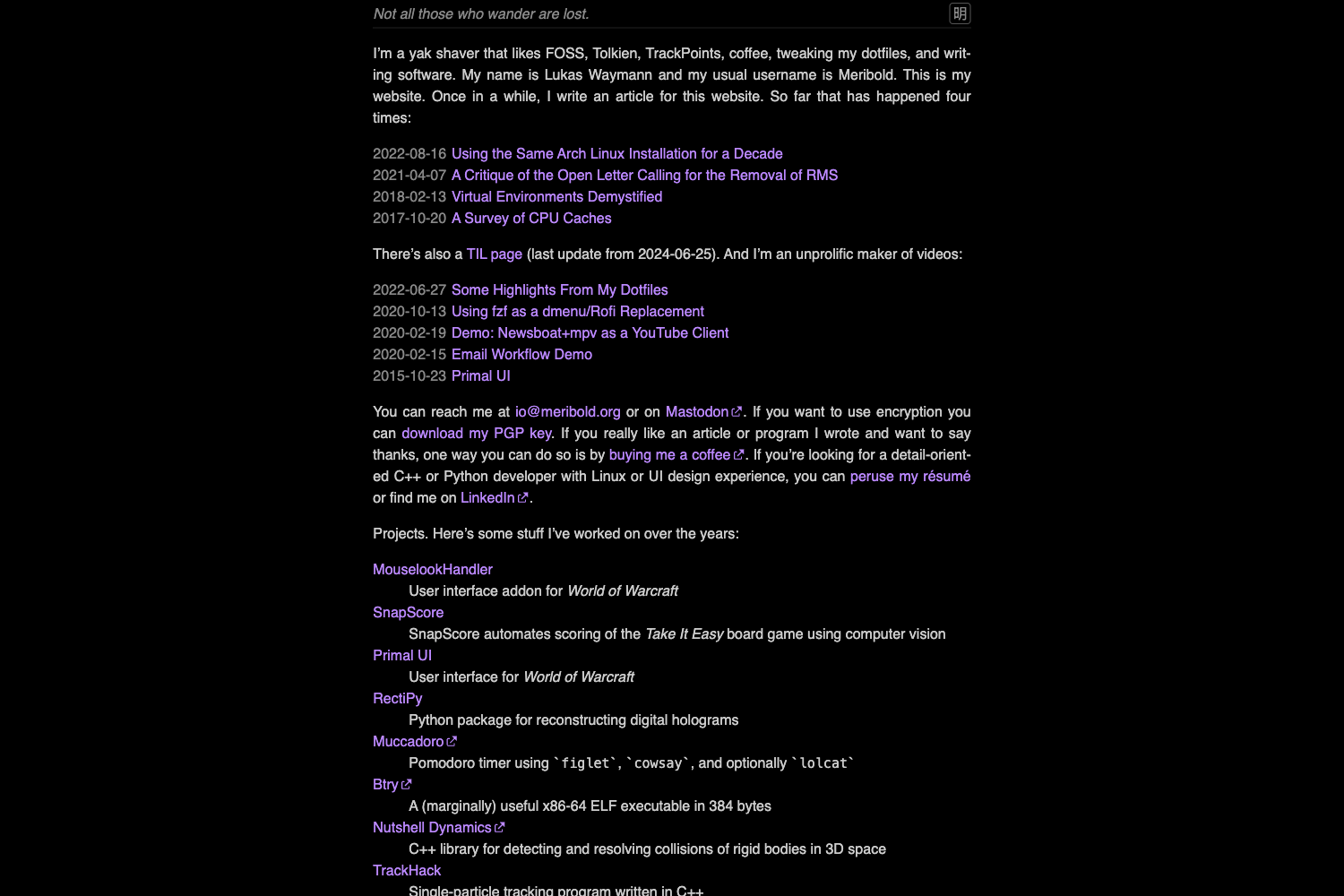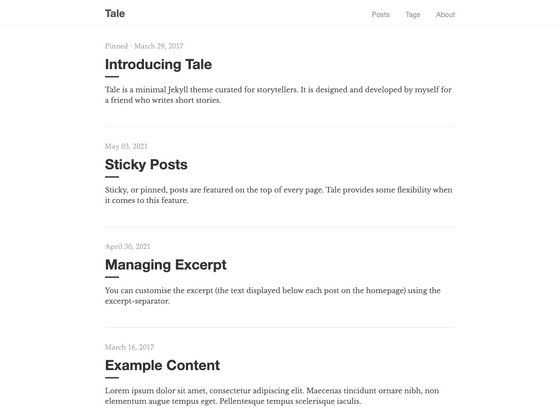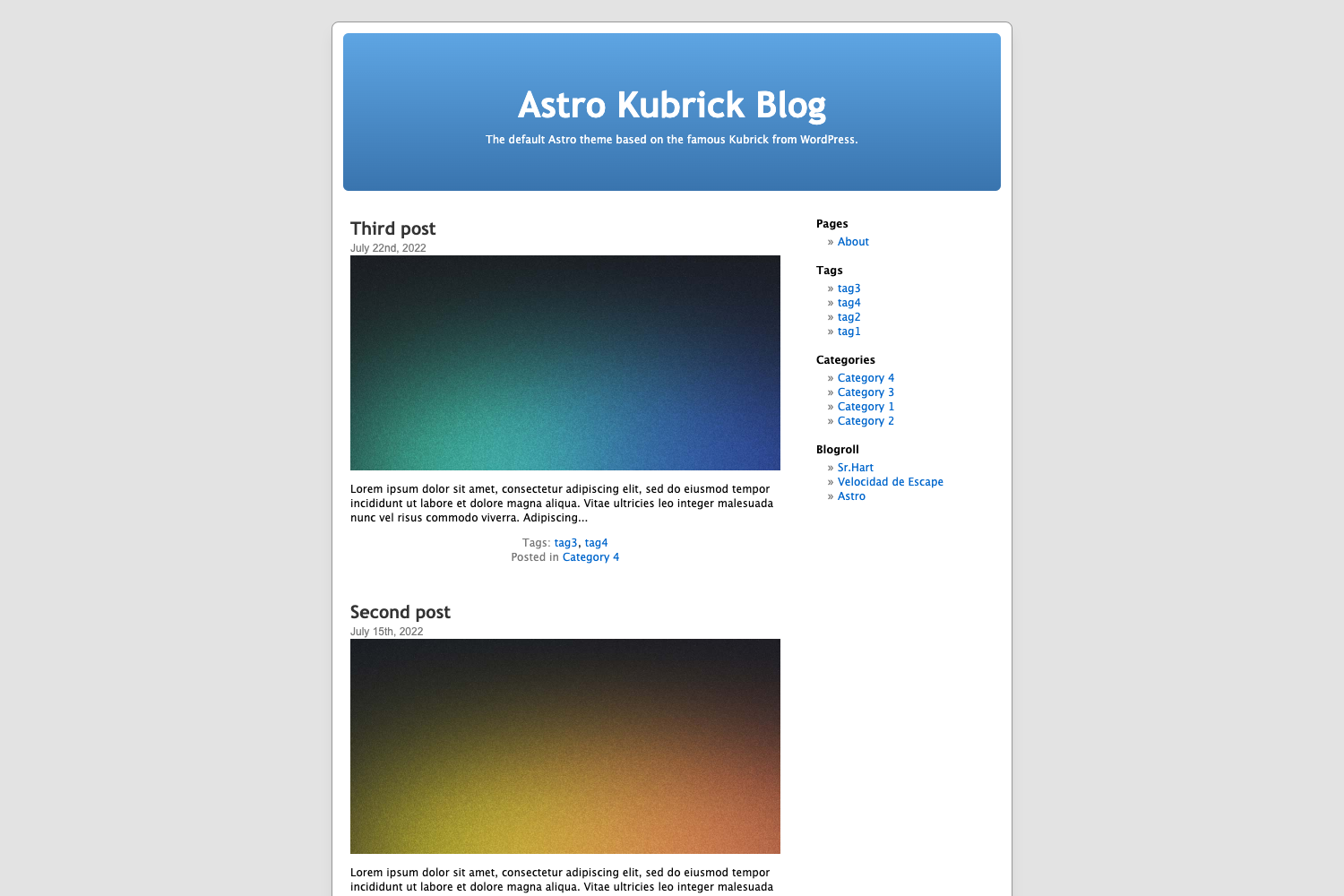
Template details
Materialize Jekyll
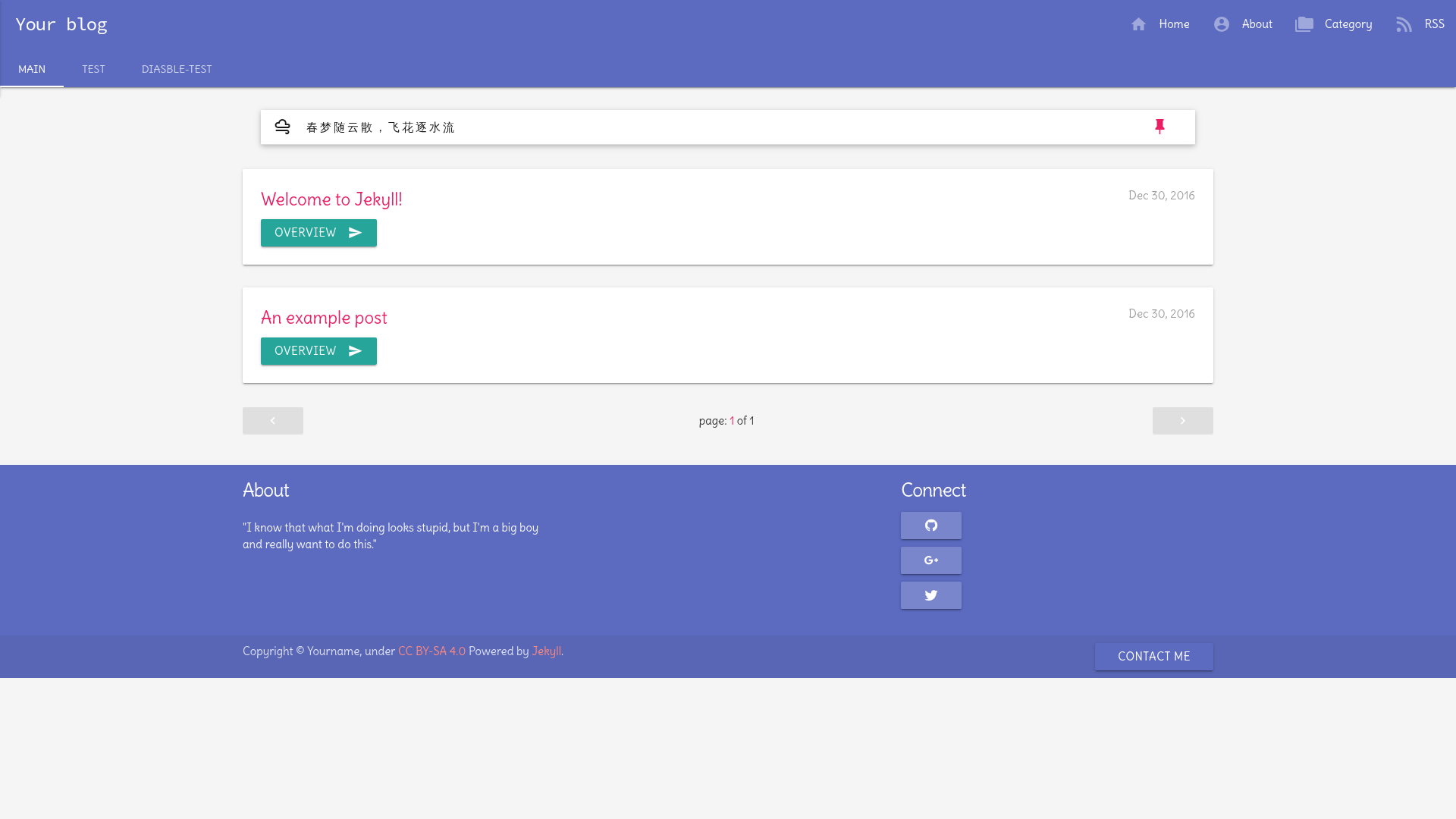
A Jekyll blog theme based on Materialize CSS with emoji support, Docker setup, and Google Analytics integration.
About this template
Materialize Jekyll is a Jekyll blog theme based on the Materialize CSS framework, released by developer mumuxme under the GNU GPL v3 license. It provides a Material Design look for static blogs with support for GitHub-flavored emoji, a Docker-based development workflow, and optional Google Analytics integration.
What is Materialize Jekyll?
Materialize Jekyll is a Jekyll theme that replaces the default styling with the Materialize CSS framework, giving a blog a Material Design appearance. It takes a standard Jekyll site with configuration and content files as input and produces a static HTML blog. The theme runs on any platform that supports Jekyll, and the source repository is available on GitHub under the user mumuxme. A live demo is hosted at https://mumuxme.github.io/materialize-jekyll/.
Key Features
- Materialize CSS integration — The theme is built directly on the Materialize CSS framework, bringing its grid system, cards, and components to Jekyll.
- GitHub-flavored emoji — Uses the jemoji plugin to render emoji like GitHub does, with an emoji cheat sheet linked from the README.
- Docker support — Includes a Makefile with build and run targets, plus an optional GEM_MIRROR environment variable for Ruby gem mirroring, so you can run the site in a container.
- Google Analytics ready — You can drop a google-analytics.js file into the js directory to enable tracking.
- Customizable config — The standard Jekyll _config.yml file and about.md page let you set site metadata and author info.
- Favicon support — Place a favicon.ico in the project root to add a site icon.
- Open source license — Released under GNU GPL v3, allowing free modification and redistribution.
- Draft support — You can start the Jekyll server with the --drafts flag to preview unpublished posts.
Who is it for?
- Jekyll bloggers — People who want a Material Design-styled blog without building the frontend from scratch.
- Developers — Those who prefer a Docker-based workflow for local development, avoiding manual dependency installation.
- Theme tinkerers — Developers who want to modify a GPL v3-licensed theme freely and learn from its implementation.
What can you do with Materialize Jekyll?
- Personal bloggers: Clone the repository, edit _config.yml and about.md, and publish a material-styled blog on GitHub Pages or any Jekyll host.
- Docker users: Run
make buildandmake runto start the site inside a container, optionally pointing GEM_MIRROR at a Ruby gem mirror. - Emoji enthusiasts: Write posts using GitHub-flavored emoji shortcodes and have them render as actual emoji via the jemoji plugin.
How does Materialize Jekyll work?
First, install system dependencies like liblzma-dev and zlib1g-dev on Debian or Linux, then clone the repository and run bundle install. After editing the configuration files, start the site with bundle exec jekyll s, optionally adding --drafts to preview drafts. For containerized use, make build and make run handle the setup.
Pricing
The theme is free and open source under the GNU GPL v3 license.
FAQ
How do I install Materialize Jekyll?
Clone the repository, install the required development headers on Linux, and run bundle install to fetch dependencies. Then launch the site with bundle exec jekyll s to start a local server.
Does Materialize Jekyll support Docker?
Yes, the repository includes a Makefile with build and run targets. You can export a GEM_MIRROR environment variable to use a Ruby gem mirror and then run make build and make run.
Can I use Google Analytics with this theme?
Yes. Add your google-analytics.js file into the js directory of the project. The theme will then include it, enabling tracking.
Is Materialize Jekyll free?
Yes, it is released under the GNU GPL v3 license, which permits free use, modification, and redistribution under the same license.
How do I add emoji to my posts?
The theme uses the jemoji plugin. You can write GitHub-flavored emoji shortcodes (like :smile:) in your Markdown and they will be rendered as emoji on the site.