Template details
Typewriter
A simple and beautiful theme for Jekyll.
About this template
Typewriter is a Jekyll theme for creating simple, beautiful static websites, with a focus on a clean writing experience.
What is Typewriter?
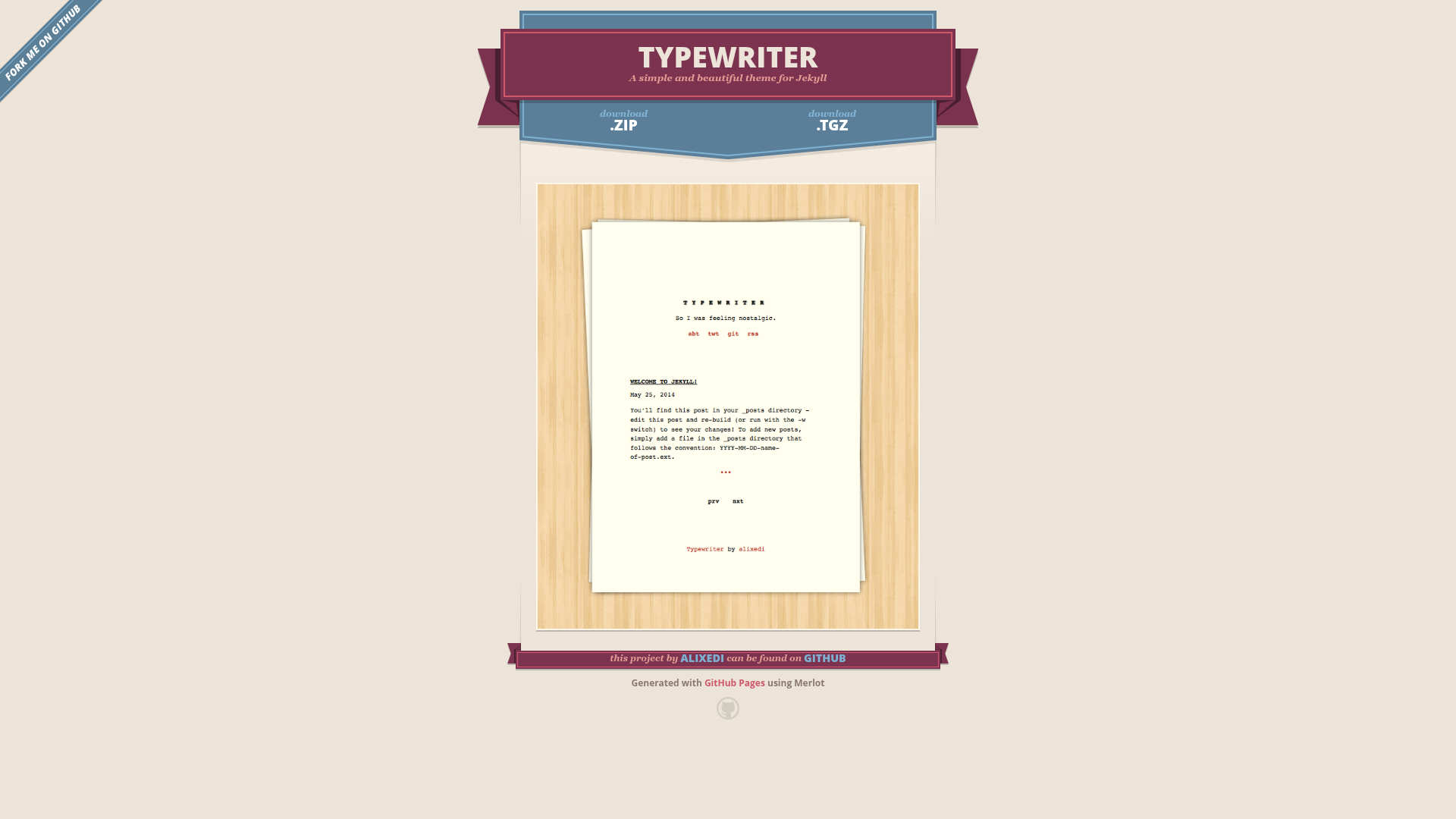
Typewriter is a Jekyll theme created by GitHub user alixedi and published in the repository at alixedi/typewriter, which has 60 stars. The repository description calls it "a simple and beautiful theme for Jekyll." As a Jekyll theme, it takes content authored in Markdown and Liquid templates and generates a complete static HTML site that can be deployed to any static host, including GitHub Pages. The repository includes a screenshot file at images/screenshot.png that illustrates the theme's visual style, and the name "Typewriter" suggests a typewriter-inspired typographic design.
Key Features
Because the official page only provides the tagline "simple and beautiful," the features listed here are derived from the fact that this is a Jekyll theme and from what the repository shows:
- Jekyll compatibility — Works within the standard Jekyll project structure, using directories such as
_layouts,_includes, and_posts, plus configuration through_config.yml. - Markdown authoring — Content is written in Markdown, which Jekyll automatically converts to HTML at build time.
- Liquid templating — Layouts and includes use Liquid syntax to handle loops, conditionals, and variables so you can control how pages are generated.
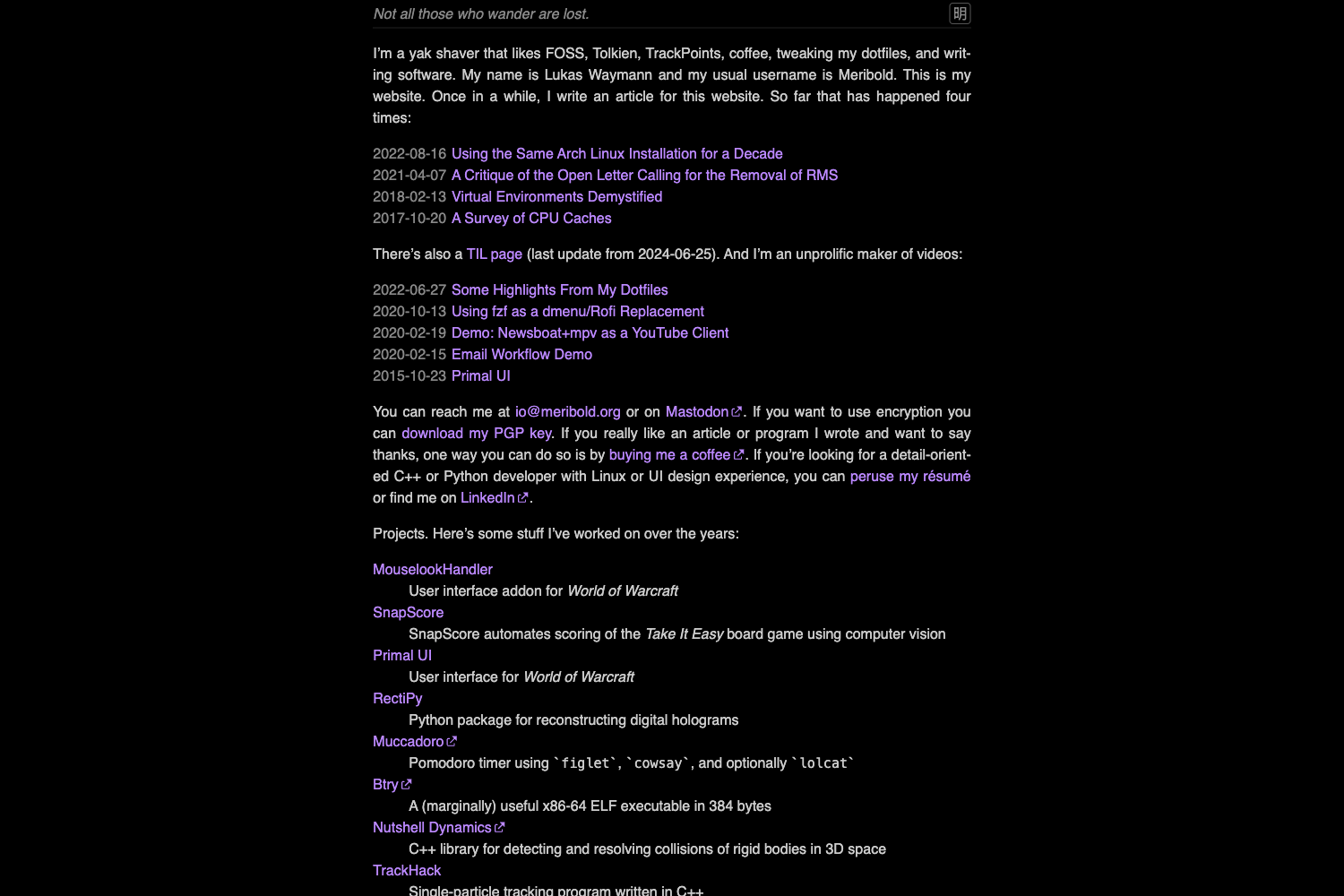
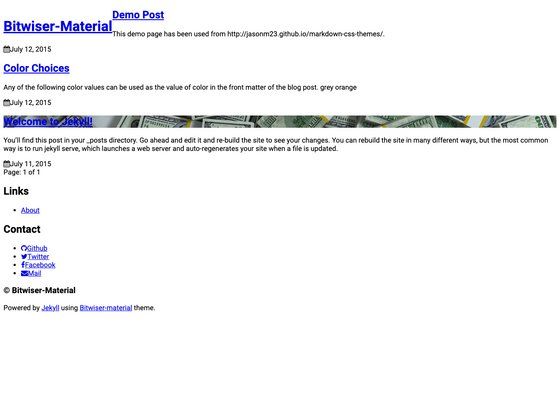
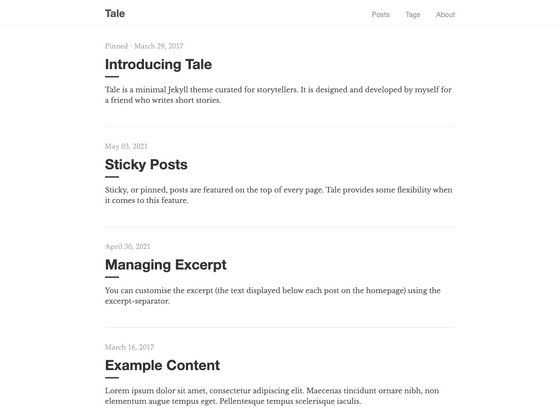
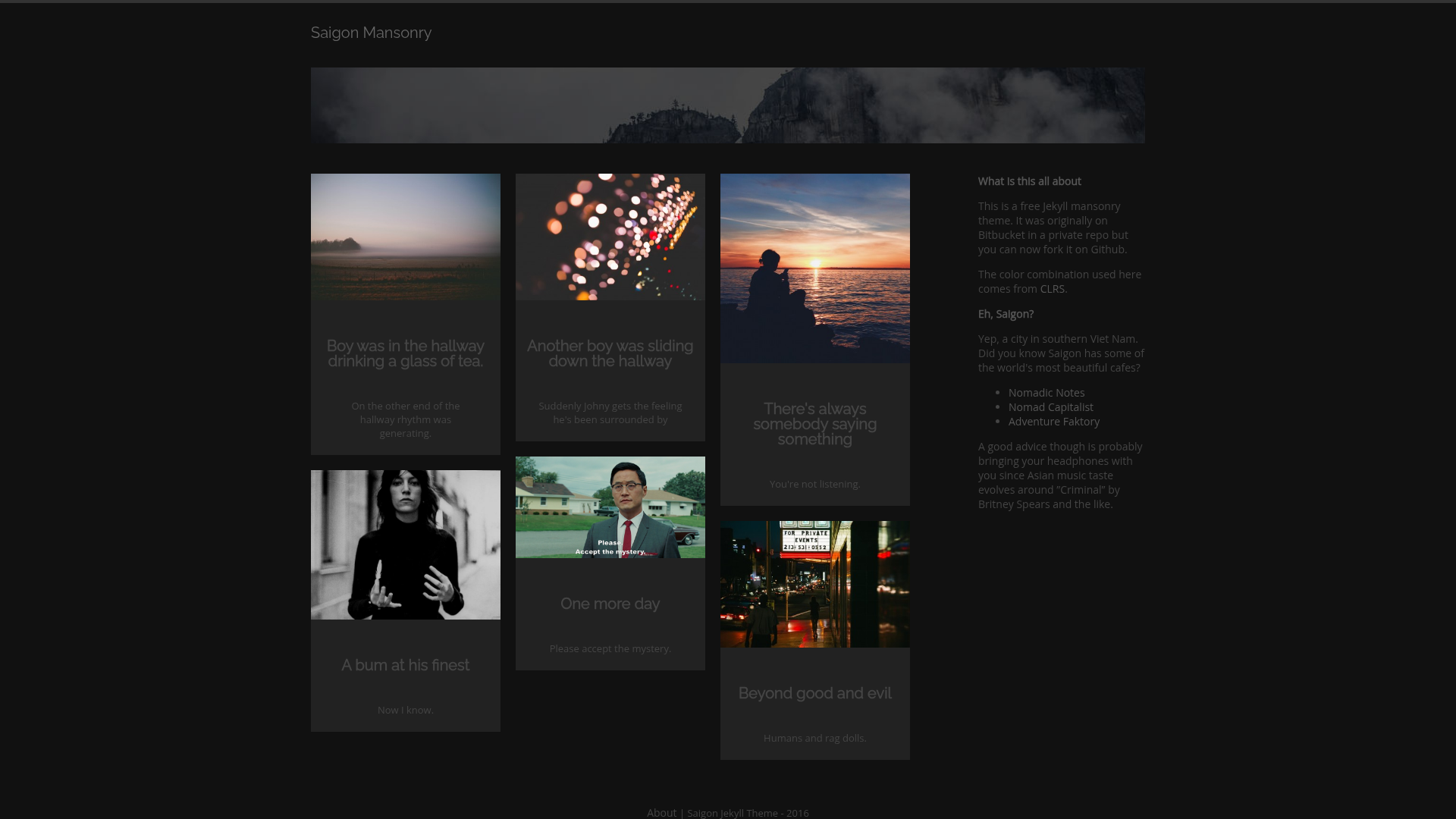
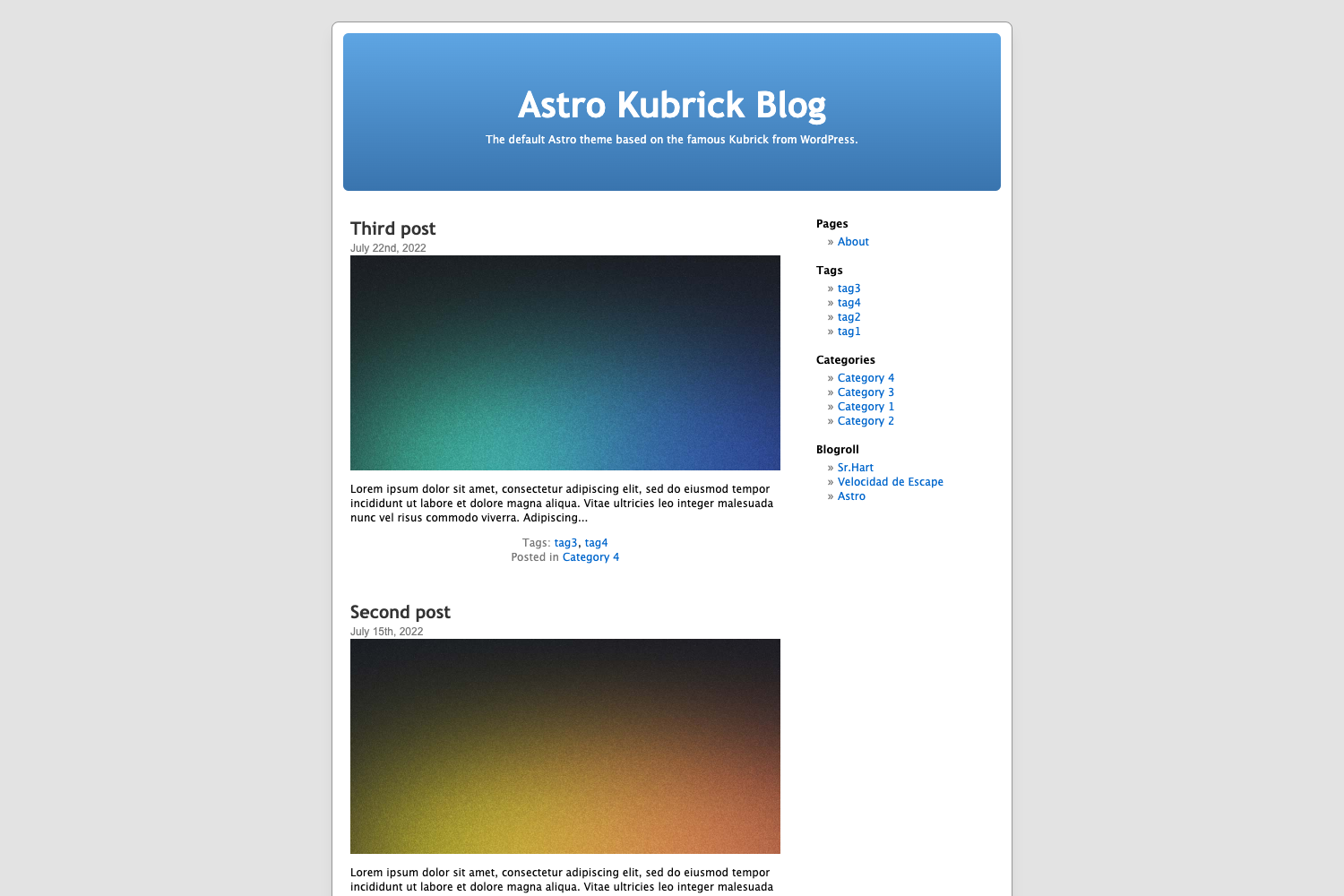
- Simple design — The description highlights simplicity, and the screenshot reveals a minimal layout that keeps the focus on text and readability.
Who is it for?
Typewriter is intended for people who use Jekyll and want a ready-made theme rather than building a site from scratch. Bloggers can drop Markdown files into the _posts folder and generate a full blog with Jekyll's built-in post processing. Writers seeking a clean, minimal presentation for essays or articles can rely on the theme's simple layout. Developers new to Jekyll can study the theme's templates to learn how Jekyll themes are structured.
What can you do with Typewriter?
- Bloggers: Publish a personal blog by writing posts in Markdown and letting Jekyll build the static pages, including archive and feed pages.
- Writers: Present long-form content such as articles or short stories with a distraction-free design that puts text at the center.
- Jekyll learners: Use the theme as a starting point to understand how layouts, includes, and data files work together in Jekyll.
FAQ
Is Typewriter a Jekyll theme?
Yes. The repository description explicitly says it is "a simple and beautiful theme for Jekyll," and the project is structured as a Jekyll theme with layouts, includes, and configuration files.
Who made Typewriter?
Typewriter was created by alixedi and is hosted on GitHub under the repository name typewriter.
Does Typewriter need a database?
No. Jekyll generates static HTML files, so the theme requires no database and no server-side application. The output is a folder of HTML files that you can host anywhere.
Where can I see a preview of Typewriter?
The GitHub repository includes a screenshot at the path images/screenshot.png in the repository root, which shows the theme's default appearance. Cloning the repository and running Jekyll locally will also render the sample site.