Template details
Blog Template
Template for the Jekyll-powered elementary blog
About this template
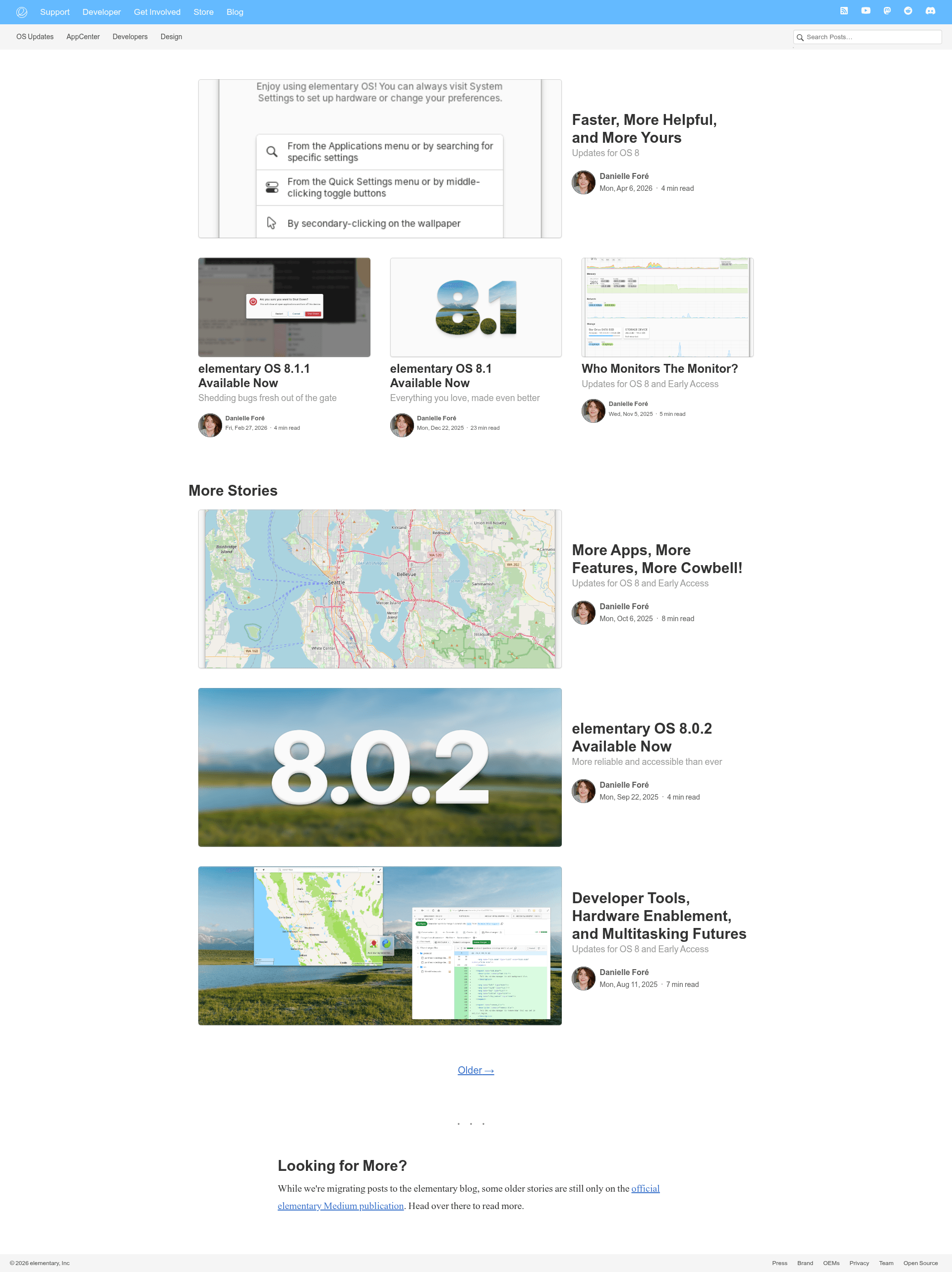
The blog template is a static, privacy-respecting Jekyll blog theme created by the elementary project for hosting its own blog, designed to be completely frictionless for readers with minimal JavaScript and no external resources. Inspired by Medium and the mediumish-theme-jekyll theme, the template is split into a public design repo and a private content repo, and it is the foundation for the elementary blog on GitHub Pages.
What is the blog template?
The blog template is a Jekyll-powered static site theme, intended to be hosted on GitHub Pages. It takes Markdown posts as input and outputs a fully responsive blog with built-in RSS feeds, dark mode, and image zoom enhancements. The template itself lives in the public elementary/blog-template repository, while the actual posts are stored privately in the elementary/blog repository, which is set up with GitHub Pages. Design and layout work is always done against the template repo, allowing future or private posts to be staged without exposing them.
Key Features
- Minimal JavaScript — The only JavaScript is a progressive enhancement for image zoom; there is no other scripting, keeping the blog a purely static site.
- No external resources — The theme avoids all third-party resources, which improves page load times and eliminates potential privacy issues for readers.
- Responsive design — The layout is fully responsive from the start, adapting to phones, tablets, and desktops.
- Dark mode support — Built-in dark styling covers the entire site, available from day zero.
- RSS feed support — A built-in RSS feed enables cross-posting and syndication of blog content.
- GitHub workflow — The editing process uses pull requests, requiring reviews and inline comments for collaborative publishing.
- Local development — Commands like
bundle exec jekyll serveallow local preview, with--draftsand--futureflags to show draft and future-dated posts. - Image optimization guidelines — The README specifies exact image sizes: up to 800px wide for normal-width loDPI, up to 1600px for normal-width HiDPI, and up to 2560px for full-bleed images, using a srcset attribute with a 2x descriptor for retina displays.
Who is it for?
The blog template is aimed at developers and organizations who want a fast, privacy-respecting blog without JavaScript bloat. It is ideal for Jekyll users who are comfortable with Ruby and GitHub Pages and want a ready-made Medium-inspired theme. The template is also suited to projects like elementary that need to keep future posts private while sharing the design publicly. Bloggers who value a clean, responsive reading experience with RSS and dark mode will find it fits their needs.
What can you do with it?
- Syndicate content — Use the built-in RSS feed to let readers follow posts via their favourite feed reader or to cross-post elsewhere.
- Preview locally — Run the site on your machine at http://0.0.0.0:4000, including draft and future posts, for testing before publication.
- Collaborate via GitHub — Use PRs, draft PRs, reviews, and inbound suggestions to manage the editing workflow within a team.
- Serve responsive images — Follow the documented image sizing and srcset conventions to deliver appropriately sized images to loDPI and HiDPI screens.
How does it work?
The blog is a static Jekyll site. To run it locally, install Ruby, the jekyll and bundler gems, then run bundle install in the template directory. Start the development server with bundle exec jekyll serve --host 0.0.0.0 and open http://0.0.0.0:4000. Appending --drafts shows drafts from the _drafts folder, and --future shows posts scheduled for future publication.
Pros and cons
- Pros: Minimal JavaScript and no external resources make the blog fast and privacy-friendly; it includes dark mode, RSS, and a responsive layout; the PR-based workflow supports collaborative editing well.
- Cons: The srcset image syntax in Markdown is verbose; the separation into two repositories adds complexity to maintenance compared to a single-repo setup.
Pricing
The blog template is free and publicly available on the elementary GitHub organization. Its public nature and Hacktoberfest tag indicate it is intended for free community use and contribution.
Alternatives
- mediumish-theme-jekyll — A popular Medium-like Jekyll theme that this template explicitly draws inspiration from, offering a similar visual style.
FAQ
How do I run the blog locally?
Install Ruby and the Ruby development headers, then install jekyll and bundler. Configure the gem home, run bundle install, and then bundle exec jekyll serve --host 0.0.0.0. The site will be served at http://0.0.0.0:4000 on your machine and on your local network.
Does the blog template support dark mode?
Yes, dark style support is built in from the start and applies to every part of the site. There is no need for additional plugins or configuration to enable it.
What image sizes should I use?
For standard-width images, use up to 800px for loDPI and up to 1600px for HiDPI. Half- or third-width images follow the same width limits, and full-bleed images can be up to 2560px wide. Use a high-quality scaling algorithm such as Lanczos3 when resizing.
Does the blog use JavaScript?
Very little. The only JavaScript is a progressive enhancement that improves the image zoom experience. The blog itself is a static site, so there is no client-side rendering or unnecessary scripts.
Why is the template split into two repositories?
The public blog-template repo holds the design and layout, while the private blog repo stores the actual posts and is connected to GitHub Pages. This lets the team stage future or private posts without exposing them, while still sharing the template with the community.