Template details
Fresh
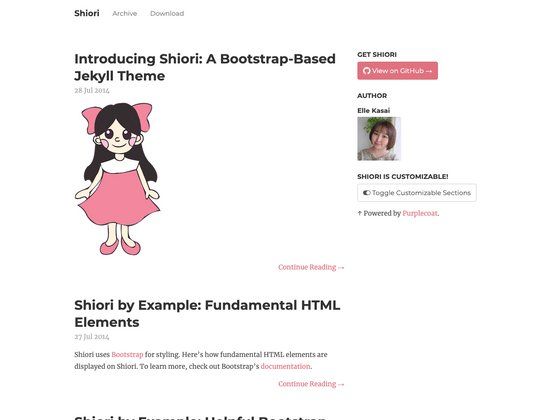
Free Jekyll blog template with simple design, SCSS styling, Disqus, Google Fonts, and social links.
About this template
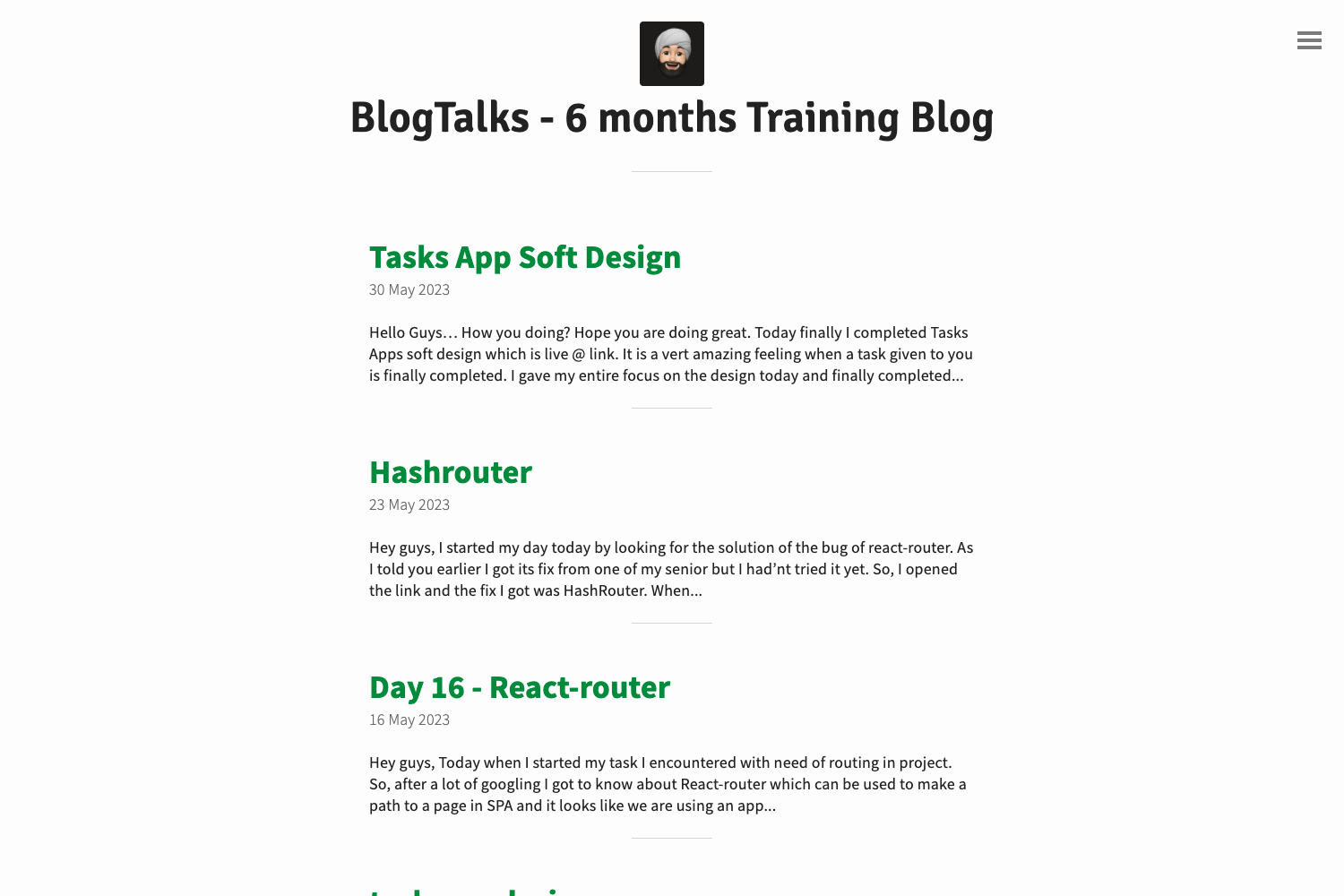
Fresh is a free, open-source blog template for Jekyll that builds a simple, readable personal blog from Markdown content. It uses SCSS for styling and ships with Disqus commenting, Google Fonts, Font Awesome icons, and social media links, making it a practical starter for static-site blogs.
What is Fresh?
Fresh is a Jekyll theme designed for blogging. It takes Markdown posts and pages written with YAML front matter and generates a static HTML site. The theme is available under the GNU General Public License v3.0 and is maintained by Artem Sheludko, with a live demo hosted at artemsheludko.pw. It is built with HTML5 and compiles SCSS into CSS, and it requires only Jekyll to run.
Key Features
- Jekyll-based static site generation — Outputs plain HTML from Markdown content, which can be hosted on any web server or GitHub Pages.
- SCSS styling — Styles are written in SCSS, allowing modular and maintainable CSS customization.
- Disqus integration — Add comment sections to posts simply by enabling Disqus in the site configuration.
- Google Fonts — Typography is loaded from Google Fonts, letting you swap in your preferred web font.
- Font Awesome icons — Built-in icon set for social links and decorative icons.
- Social media links — Configure links to your Twitter, GitHub, or other profiles in the site's config file.
- Simple, minimal layout — The design focuses on readability with a single-column, clean blog layout.
Who is it for?
- Personal bloggers — Publish essays, updates, and stories using a clean layout that puts content first.
- Developers who use Jekyll — Use Fresh as a starting point to customize a blog without building the front-end from scratch.
- Technical writers — Document tutorials and guides in Markdown while keeping a lightweight, fast-loading site.
What can you do with it?
- Write posts in Markdown — Add a new file to the
_postsdirectory with front matter, and Jekyll automatically turns it into a dated blog post. - Enable comments with Disqus — Turn on comments in the config so visitors can discuss each post.
- Customize the look — Override the SCSS variables and layout files to change colors, fonts, and spacing without touching the content.
How does Fresh work?
Fresh works like any standard Jekyll theme: you configure _config.yml with your site title, social links, and Disqus shortname, then write posts in the _posts folder. Run jekyll build to generate the static site, or push the repository to GitHub Pages for automatic builds.