Template details
Oinam Jekyll
A simple, clean, and minimal Jekyll theme distributed as a Ruby gem.
About this template
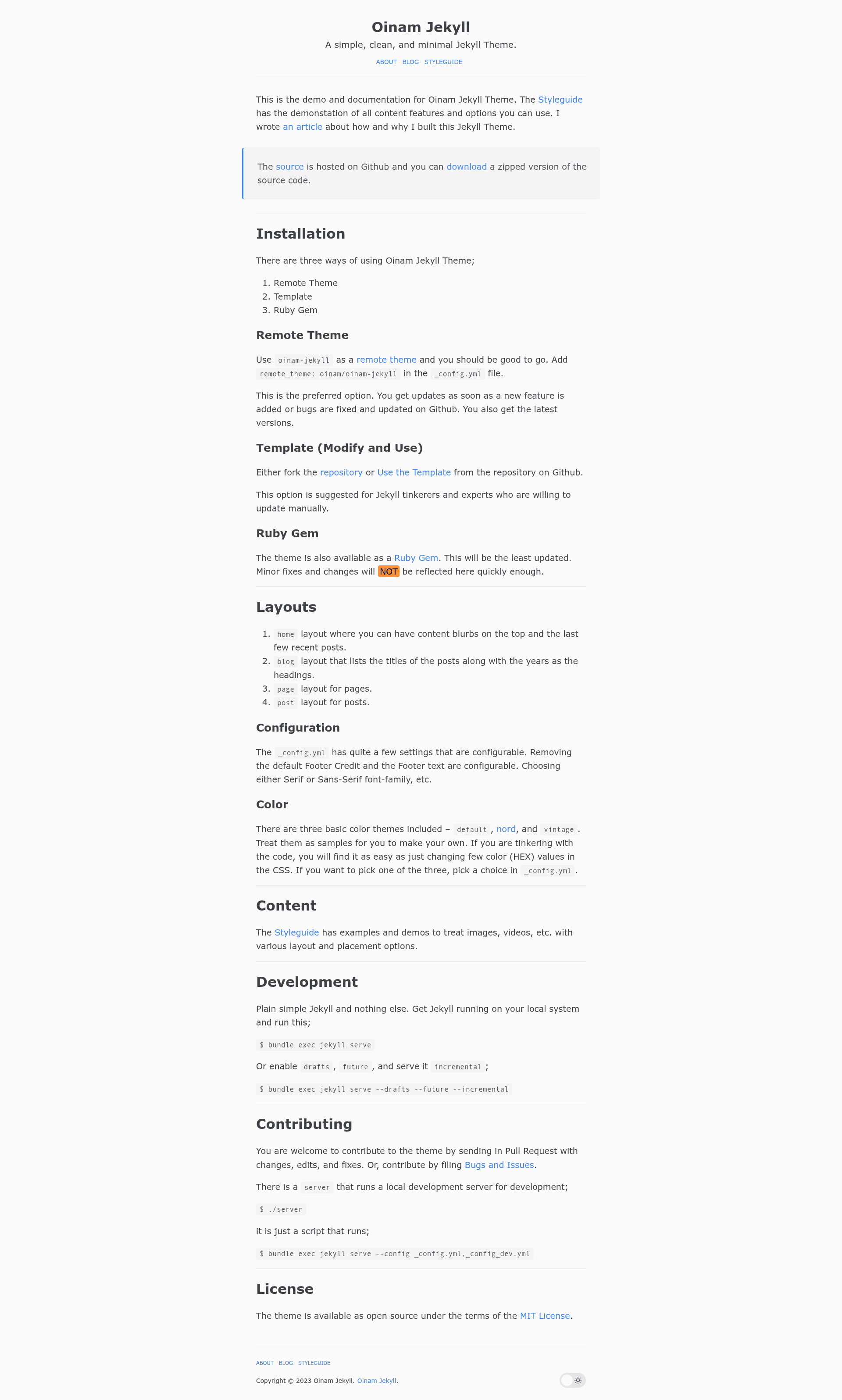
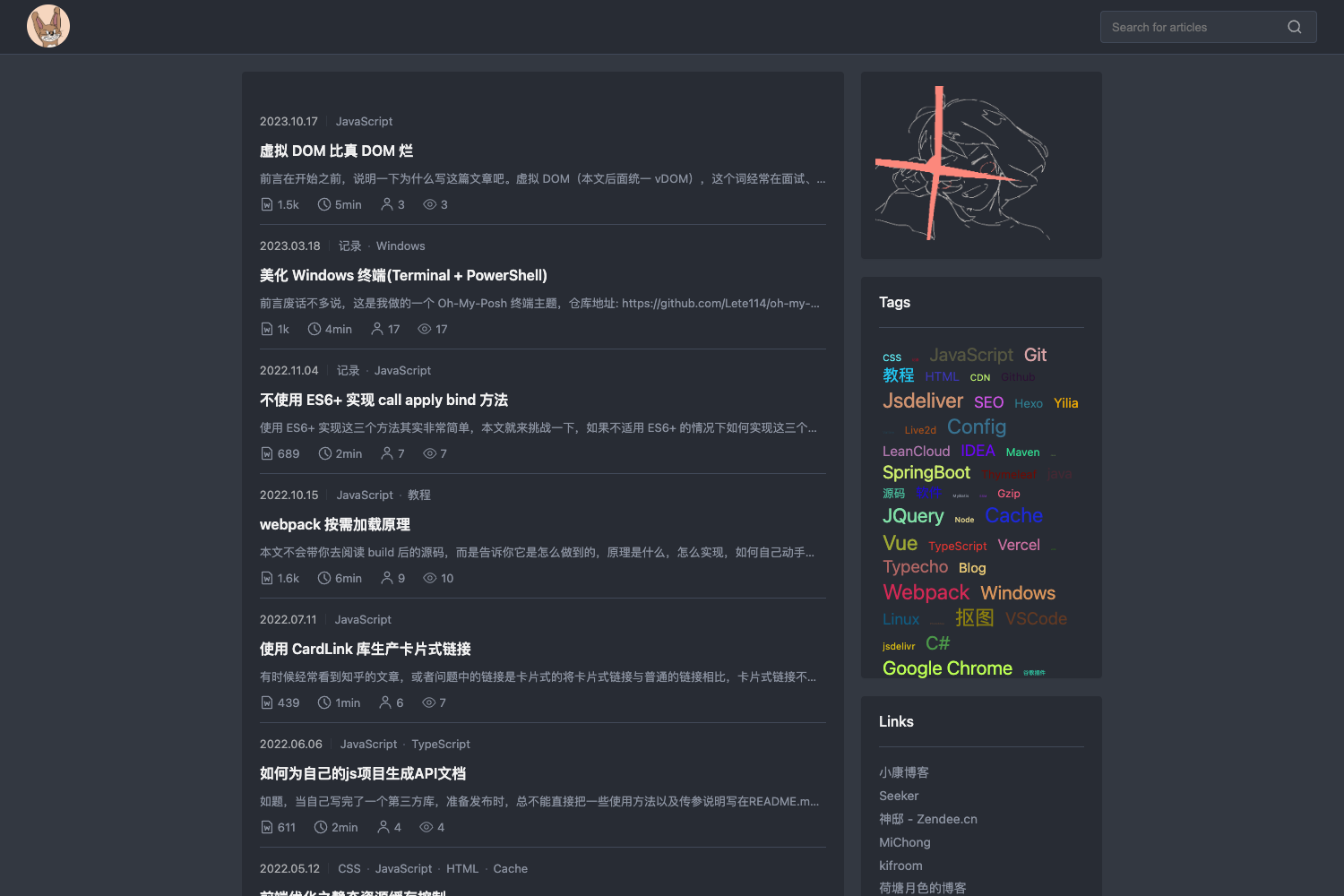
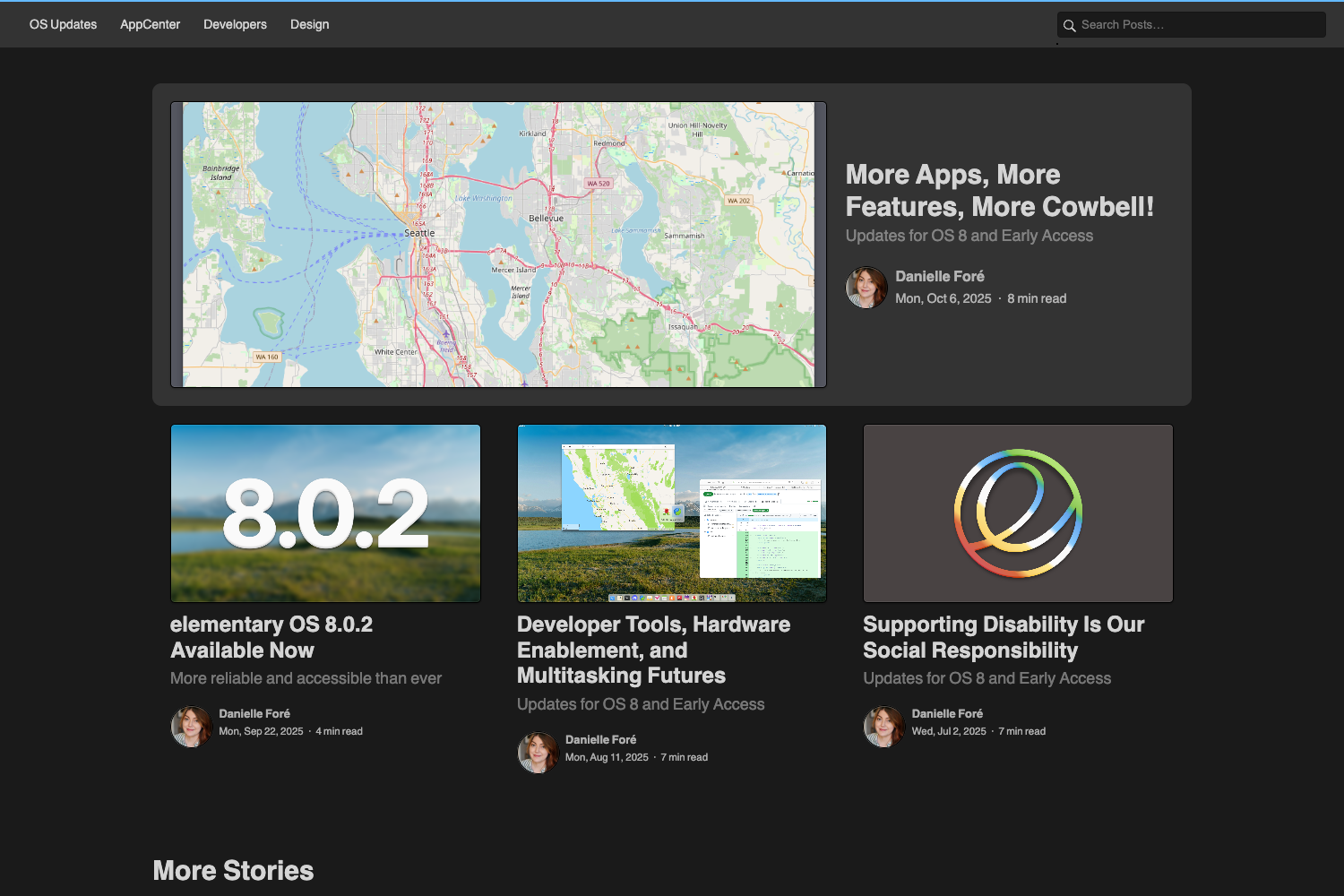
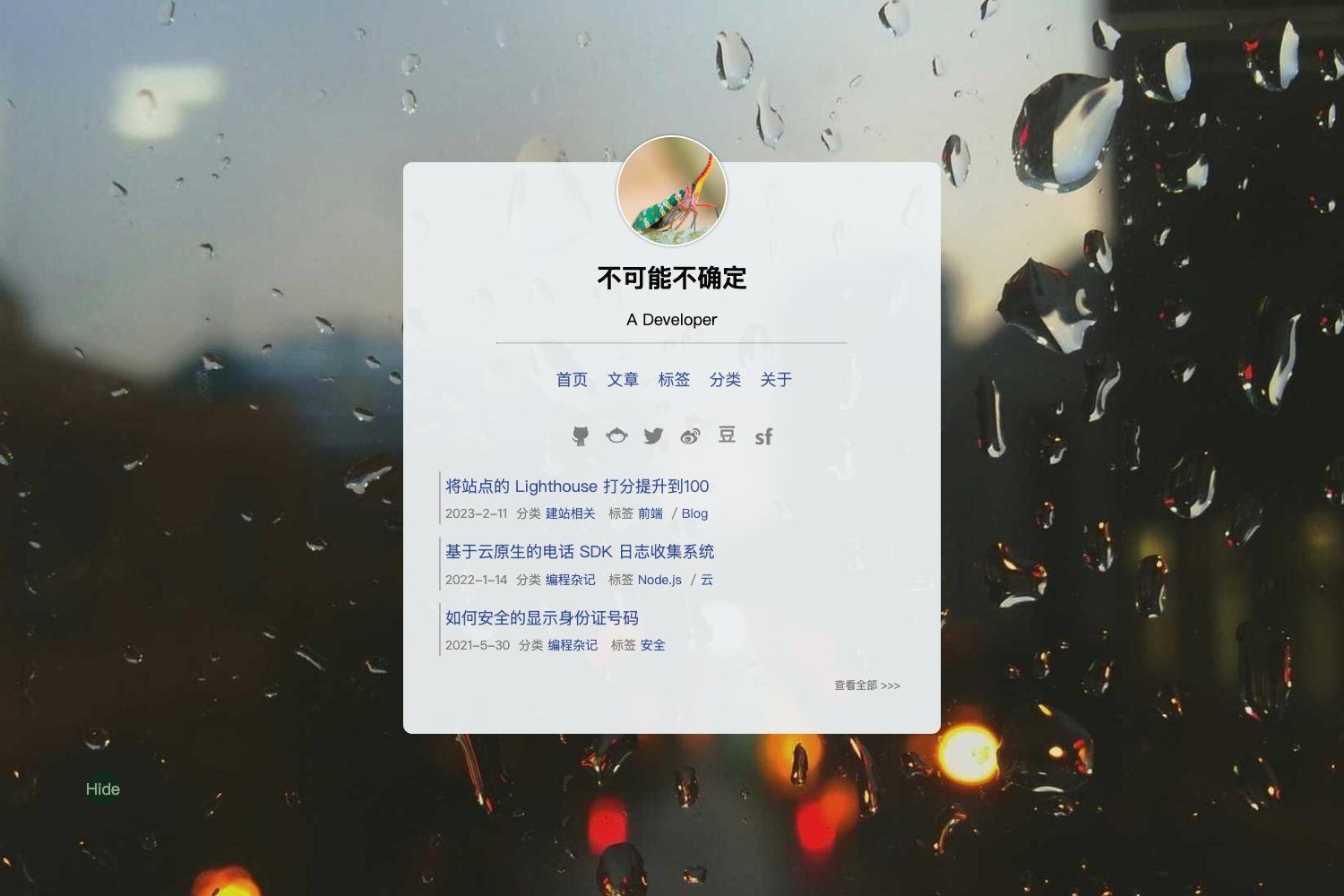
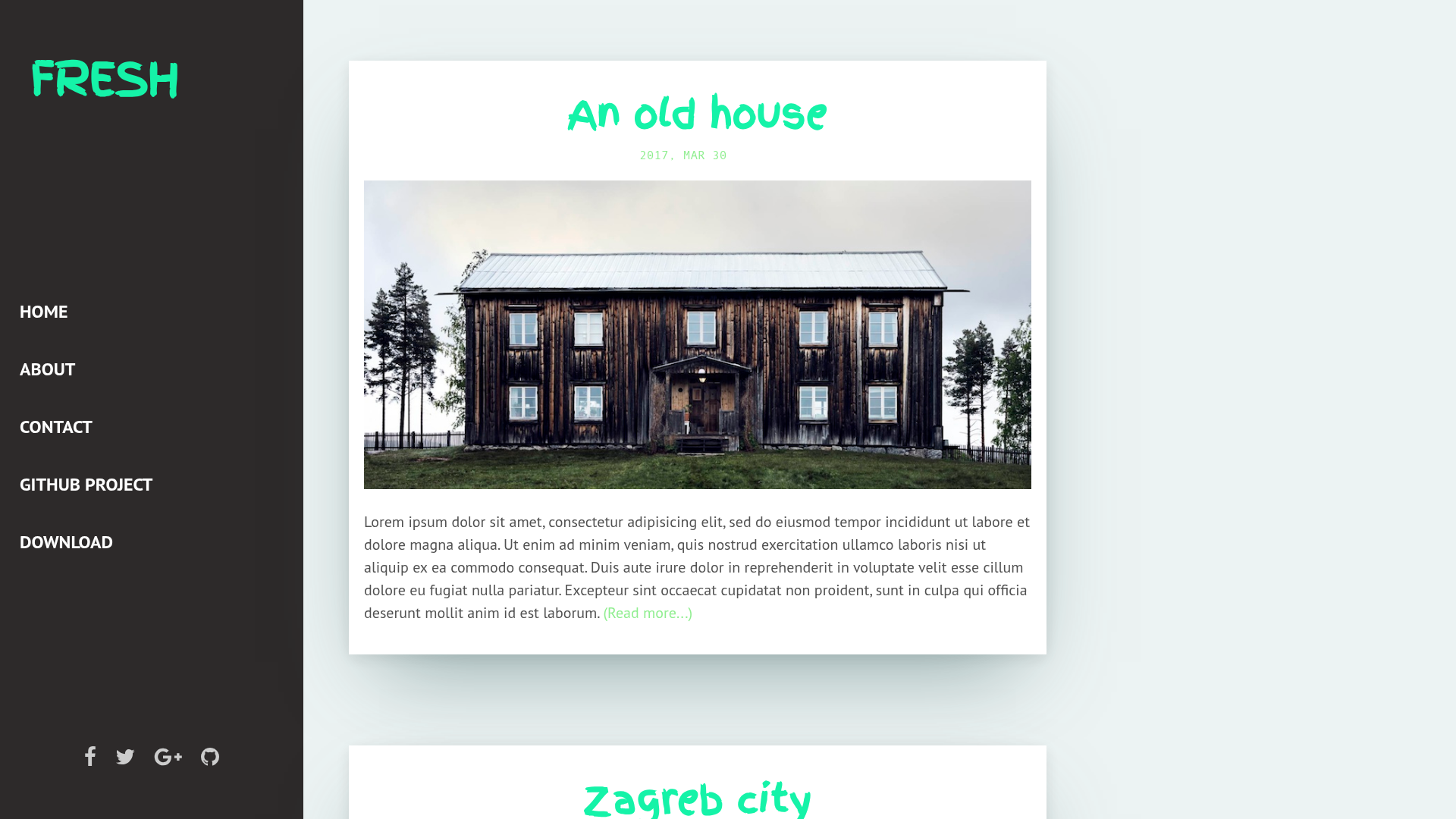
Oinam Jekyll is a simple, clean, and minimal Jekyll theme packaged as a Ruby gem, designed to convert standard Jekyll content into static HTML sites with a distraction-free reading layout.
What is Oinam Jekyll?
Oinam Jekyll is a lightweight Jekyll theme created by the GitHub user Oinam and distributed as the Ruby gem oinam-jekyll on RubyGems. The theme accepts ordinary Jekyll project inputs — Markdown posts, pages, layout files, and site configuration — and outputs a fully static website. Its minimal aesthetic centers on a single-column layout with an optional header description. The project maintains a live demo and documentation at oinam.github.io/oinam-jekyll/, and the source code resides on GitHub, where the repository lists 31 stars.
Key Features
- Header description toggle — A completed feature lets site owners show or hide the description text in the header, which adjusts the introductory text shown on the homepage without editing templates.
- Separated styles — The theme's CSS is organized into files that can be referenced from a plain HTML site, so the visual style works as a standalone stylesheet outside the Jekyll build pipeline.
- Ruby gem packaging — The theme is published as oinam-jekyll on RubyGems, enabling installation through a Gemfile and version management with standard RubyGems commands; the README documents building and pushing the gem.
- Minimal design philosophy — The theme keeps visual chrome to a minimum, emphasizing typography and content, which matches its self-description as simple, clean, and minimal.
- Open development roadmap — The project's TODO list reveals planned features including Tufte CSS-inspired sidenotes and footnotes, a reading progress bar, Lunr-based search, print styles based on Gutenberg, and a configurable approach to splitting CSS and JavaScript files. These are not yet implemented but signal the theme's direction.
Who is it for?
- Jekyll bloggers — Bloggers who want a ready-made, minimal theme for personal writing can copy the theme, write posts in Markdown, and build a static site without hand-crafting templates.
- Minimalist personal site owners — People who value clean, uncluttered layouts for their online presence can use the theme's simple structure and toggleable header description to create a focused homepage.
- Developers learning Jekyll — Developers exploring how Ruby-gem themes work can study this small, open-source codebase; the separated CSS also makes it easy to reuse the design in other static projects.
Use Cases
- Personal blog: write posts and pages, set a header description, and generate a static blog using Jekyll's standard build workflow.
- HTML prototyping: extract the theme's CSS files and apply them to a plain HTML page to quickly test a minimal design without a Jekyll environment.
- Theme development reference: inspect the gemspec, layout files, and style organization to understand how a Jekyll gem theme is structured for building custom themes.