Template details
BlogiNote
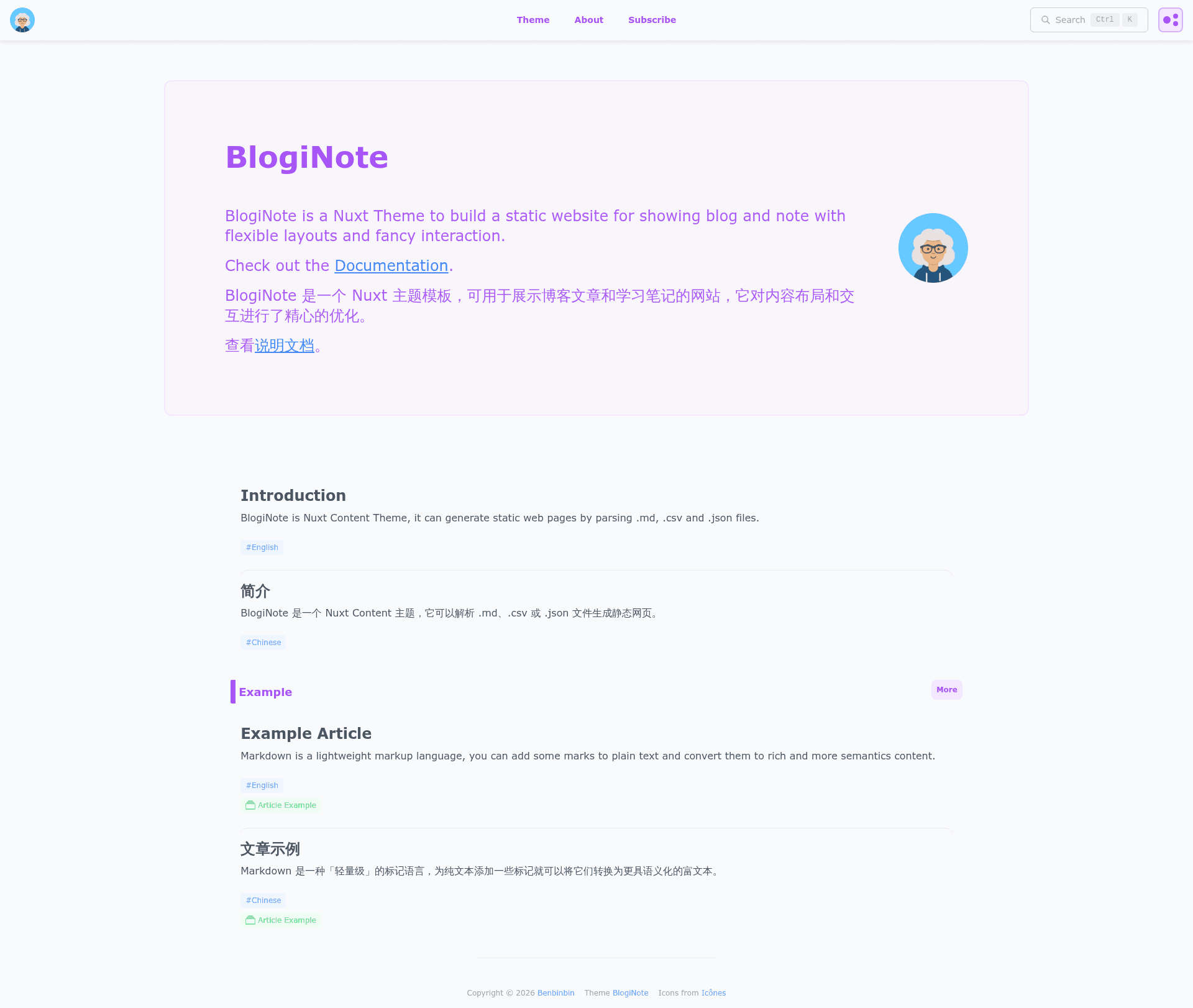
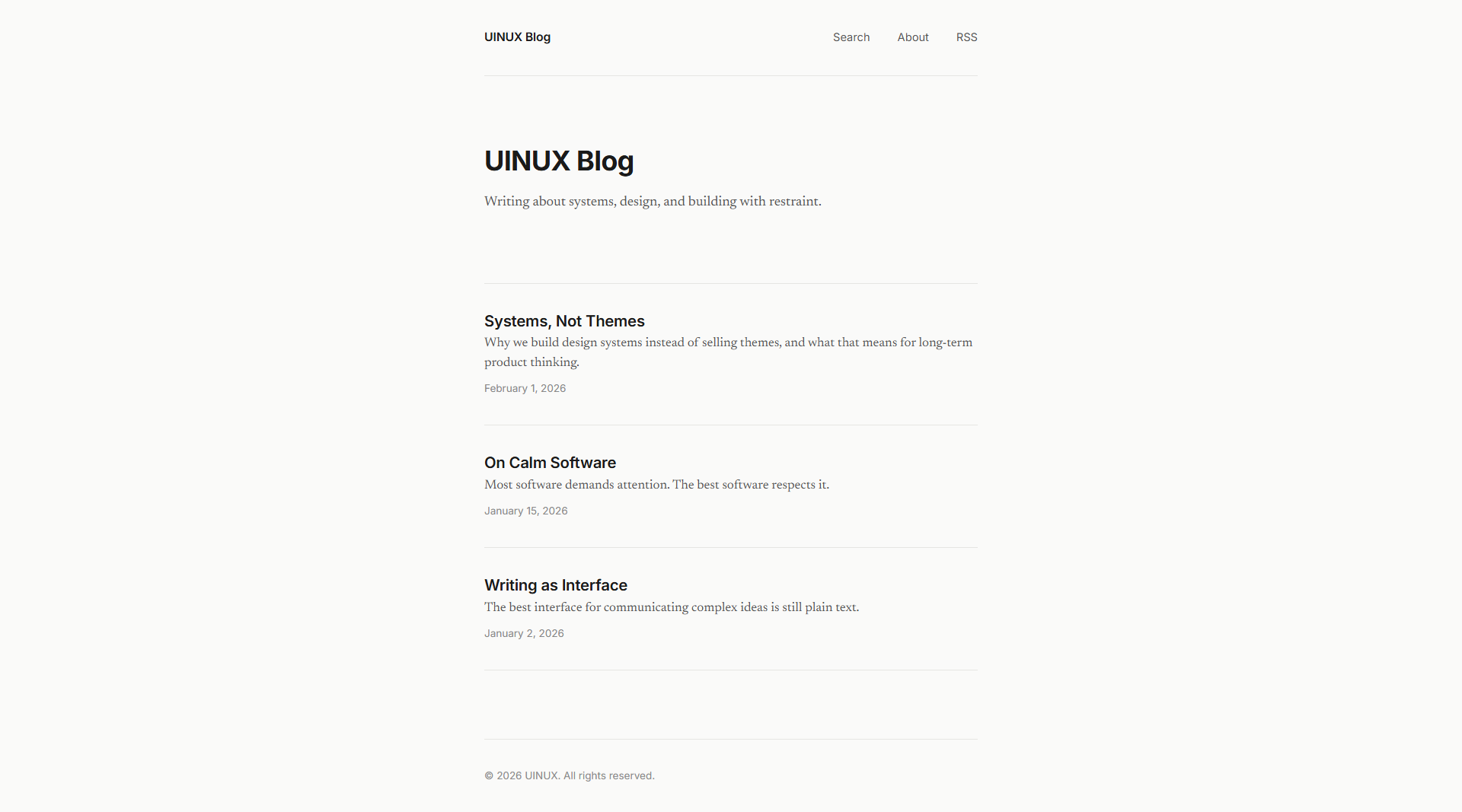
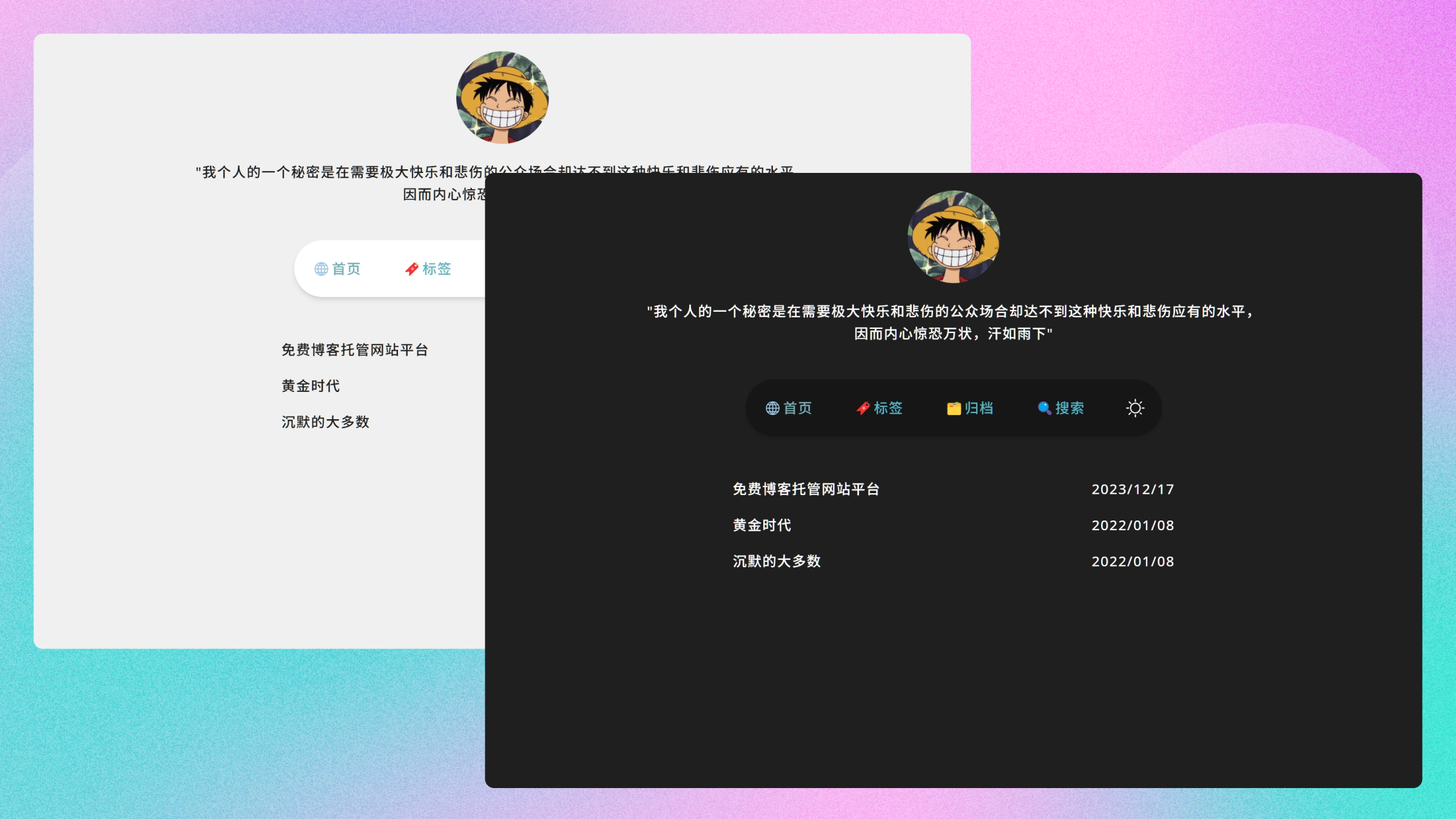
BlogiNote is a Nuxt Content Theme, it can generate static website to show your blog posts and notes with flexible layouts and multiple optimizations.
About this template
BlogiNote is a free, open-source Nuxt theme that generates a static website from Markdown, JSON, CSV, and other content files for publishing blog posts and notes. It is built on the Nuxt Content module and comes with full-text search, an interactive table of contents, and collapsible headings—all styled with SCSS.
What is BlogiNote?
BlogiNote is a Nuxt theme (a Nuxt layer) created by Ben Bin and shared under the MIT license. It takes content files in formats like Markdown, JSON, and CSV and outputs a fully static website, so you can host your blog or note collection anywhere without a backend. The project includes a demo site, a starter template, and a separate documentation site, and its GitHub repository currently has 41 stars.
Key Features
- Content-driven pages — Write posts in Markdown, JSON, CSV, or other Nuxt Content-supported formats, and BlogiNote automatically builds the corresponding HTML pages.
- Vue components in Markdown — Using MDC syntax, you can embed Vue components directly in your Markdown files for interactive content without extra page code.
- List page — A built-in list page lets readers filter and query articles, making large collections easier to browse.
- Full-text search — Pagefind powers a client-side search index, so visitors can search the entire site instantly with no external service.
- Tree catalog (mind map) — An interactive outline rendered with D3.js shows the structure of each article as a mind map, aiding navigation in long posts.
- Toggle heading — Readers can expand or collapse the content under any heading, which is particularly useful for very long articles.
- Starter template — The official starter template (linked from the repo) gives you a ready-to-configure project based on the theme.
Who is it for?
- Bloggers who want a clean static site with built-in search and no server-side dependencies.
- Developers who are comfortable with Nuxt and want a customizable theme they can extend with Remark plugins and custom Vue components.
- Note-takers and knowledge managers who need a searchable, hierarchical way to publish structured notes.
- Students or researchers who write long-form content and benefit from collapsible headings and a visual outline.
What can you do with BlogiNote?
- Launch a personal blog — Clone the starter template, add Markdown posts, and deploy the static site to any hosting service.
- Publish a knowledge base — Structure notes in a tree, use toggle headings for deep dives, and let readers search across every page.
- Create a writing portfolio — Use the list page to filter posts by tags or categories and showcase your work in a searchable layout.
How does BlogiNote work?
Start by cloning the BlogiNote starter template and running it with standard Nuxt commands. Write your content files in the content directory, and the Nuxt Content module reads them and generates static pages. You can customize the theme by adding Remark plugins to extend the Markdown syntax or by building new Vue components and including them via MDC.
FAQ
Is BlogiNote free?
Yes, BlogiNote is released under the MIT license, so you can use, modify, and redistribute it freely, including in commercial projects.
What content formats does BlogiNote support?
It supports Markdown, JSON, CSV, and any other format handled by the Nuxt Content module. The theme generates web pages from these files automatically.
How do I get started with BlogiNote?
Use the official starter template from GitHub, follow the tutorial in the documentation site, and add your own Markdown files. Then run the Nuxt build command to produce a static site.
Does BlogiNote have full-text search?
Yes, it uses Pagefind to build a search index that works entirely in the browser, so visitors can search all pages without any backend service.
Can I customize the theme's look?
Yes, because it's a Nuxt theme, you can override SCSS styles and modify the Vue components. You can also extend the Markdown parser with Remark plugins to add custom syntax.