Template details
Hexo Personal Site
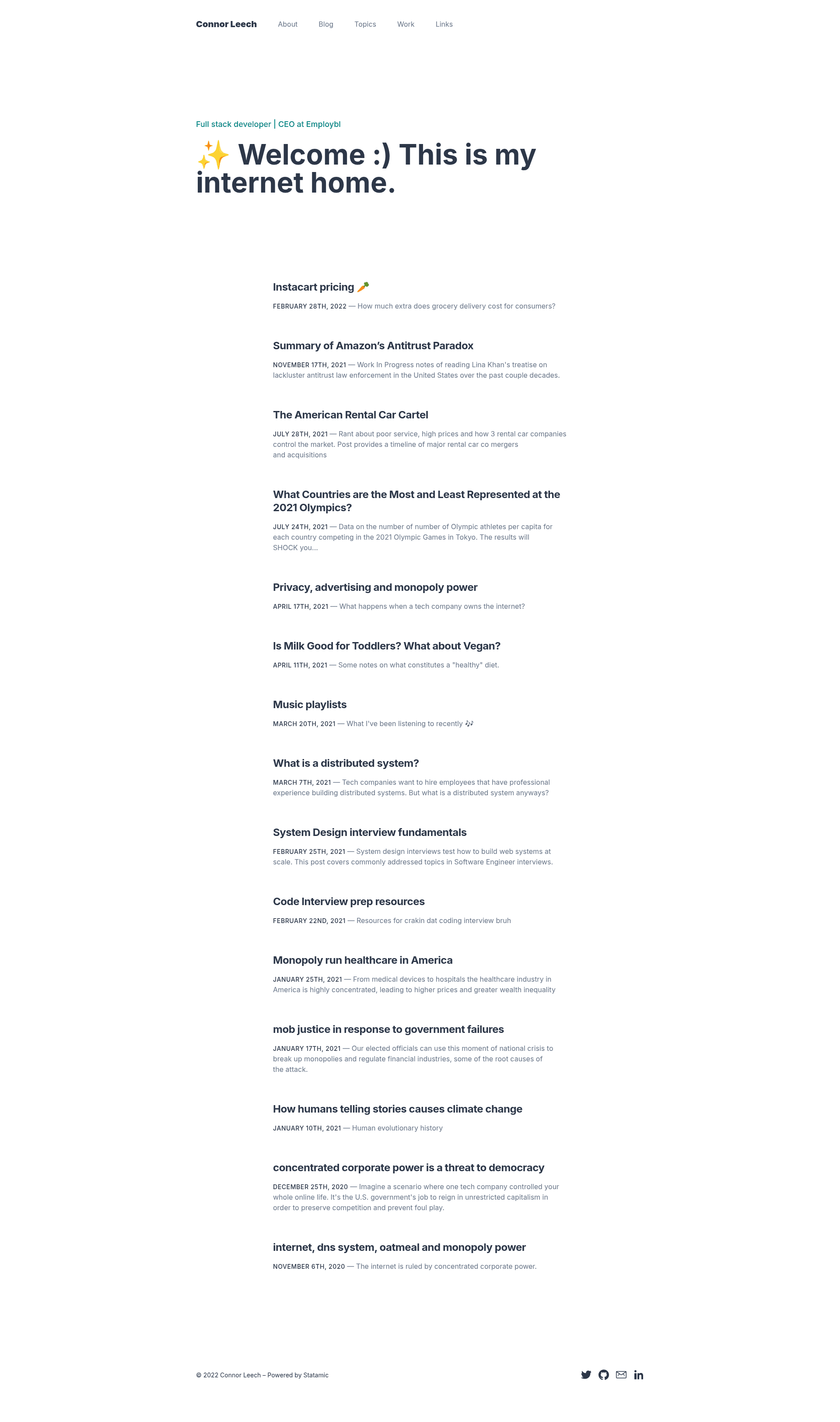
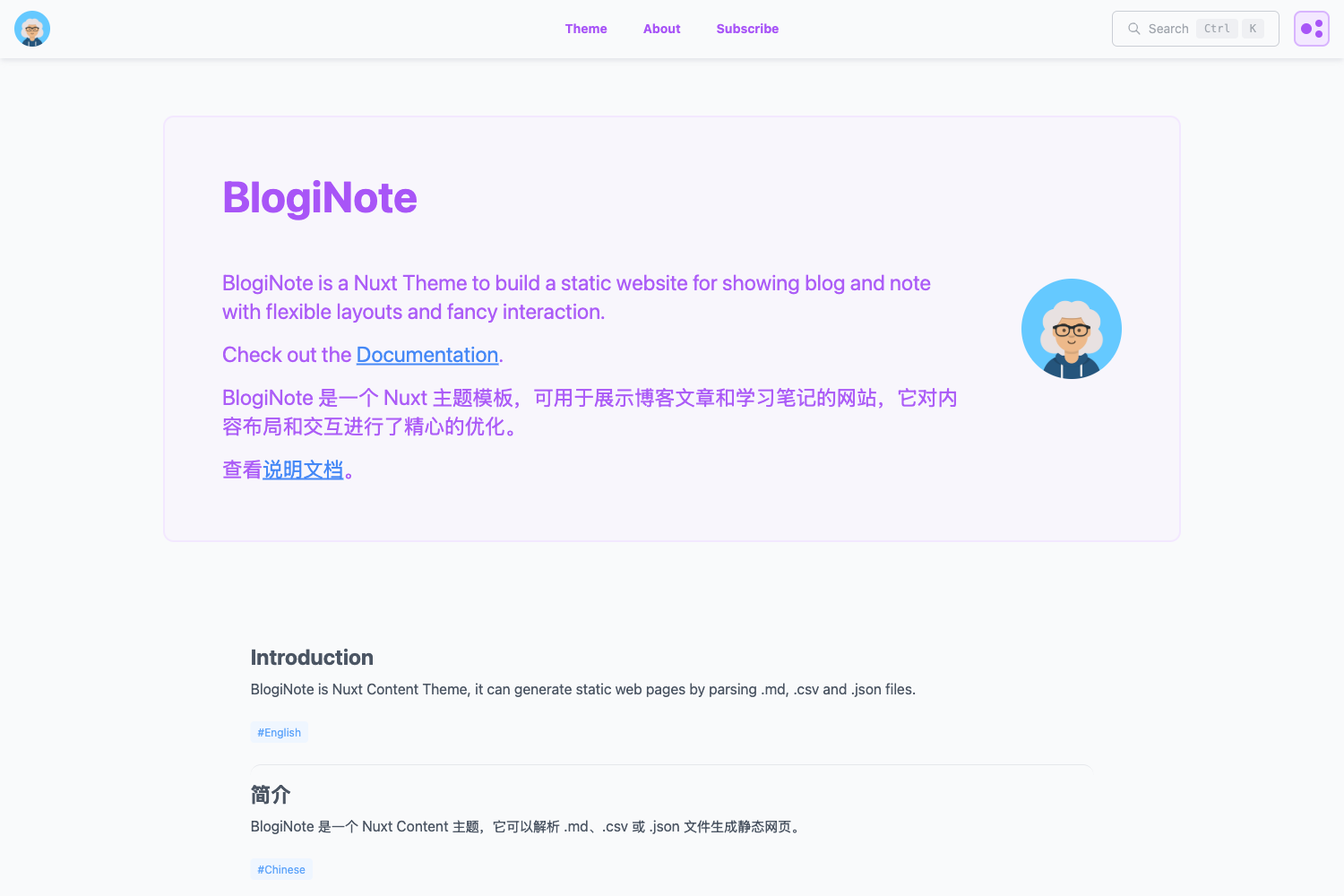
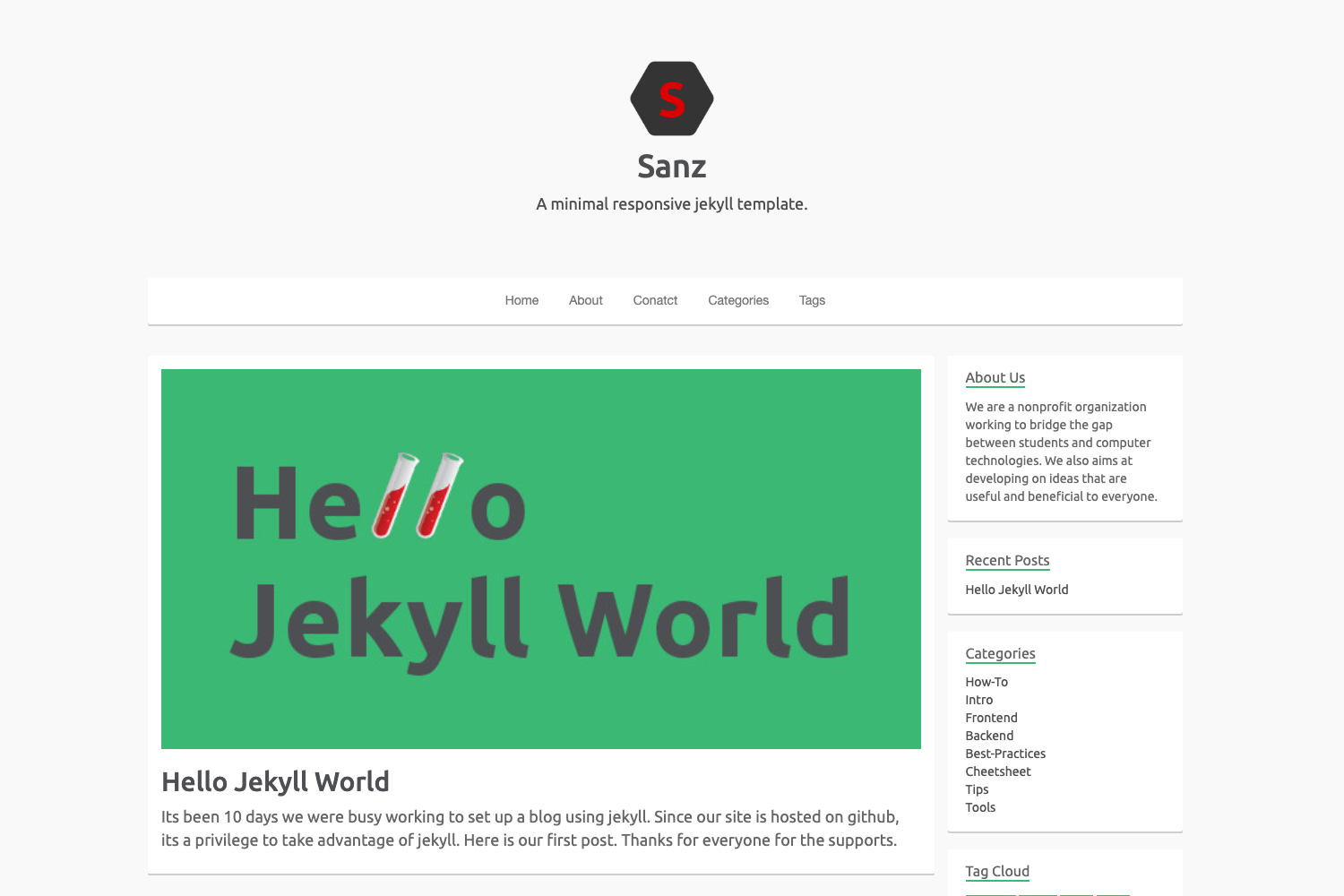
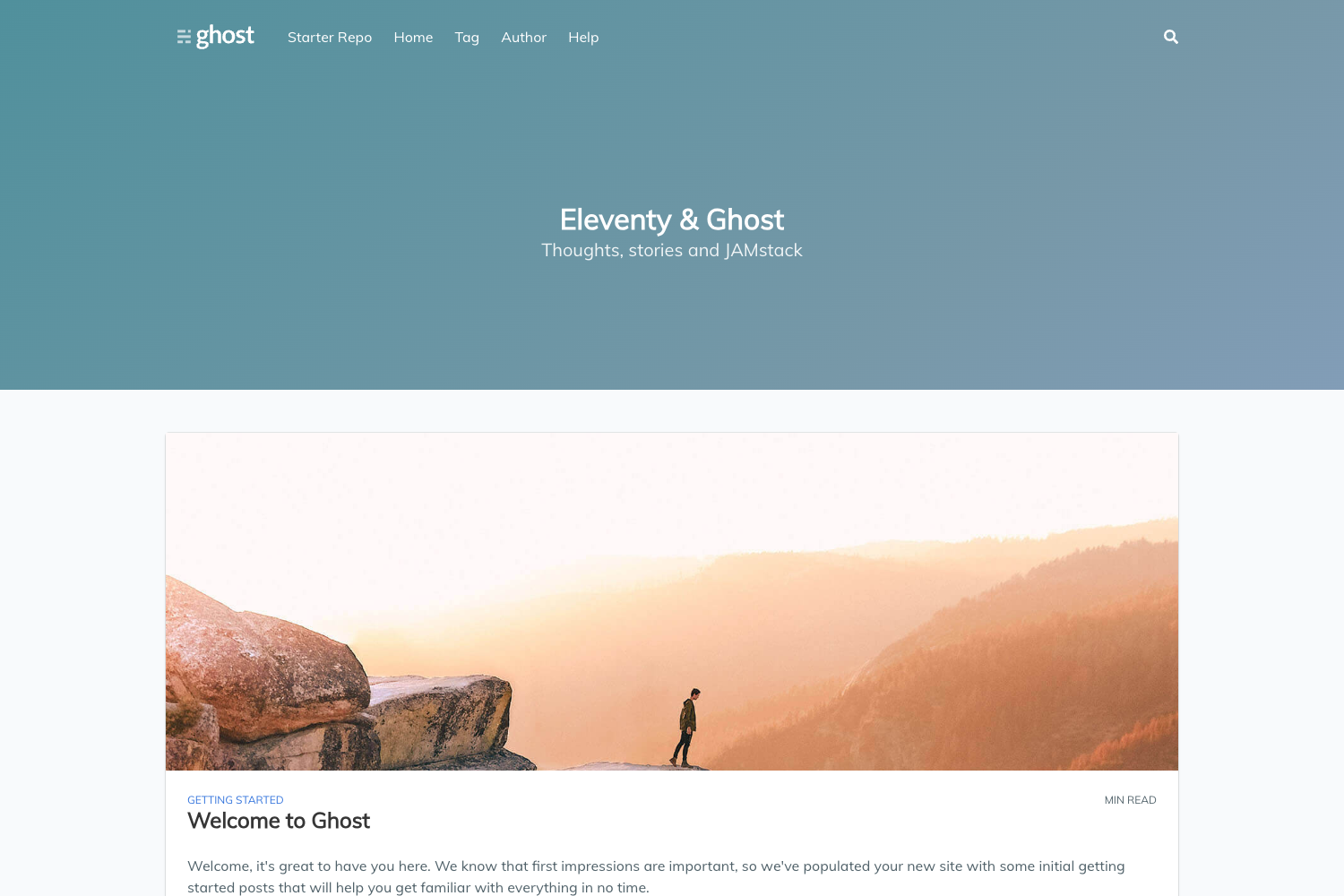
Custom theme for Hexo.js blog, made with Bootstrap and EJS.
About this template
Hexo Personal Site is a custom blog theme for Hexo.js, built with Bootstrap and EJS, that turns Markdown posts into a static personal website.
What is Hexo Personal Site?
Hexo Personal Site is an open-source starter repository for a Hexo-powered personal blog with a custom theme in the themes/customTheme folder. It takes Markdown blog posts as input and outputs a static HTML site using Hexo's static site generator. The project was created by cleechtech and currently has 11 stars on GitHub. A tutorial.md file documents each step of building the site, so you can recreate it from scratch or just clone and run it.
Key Features
- Custom theme folder — The theme lives in
themes/customTheme/layoutand uses EJS templates for layout rendering, giving full control over HTML structure. - Bootstrap styling — The design is built on Bootstrap, providing a responsive grid, typography, and UI components without writing custom CSS.
- Tutorial included —
tutorial.mdexplains how the website was made, and a specific commit shows the code exactly where the tutorial leaves off. - Standard Hexo CLI — Works with familiar commands:
hexo serverfor local development,hexo generatefor static output, andhexo new "Post Title"to create posts. - Codrops decorative separators — The distinctive diagonal line separators are taken from the Codrops article "A Collection of Separator Styles," adding a visual flourish to page sections.
- Personal blog structure — The theme includes layouts for posts and pages typical of a personal site, ready for content.
Who is it for?
- Developers learning Hexo — Follow the tutorial to understand how Hexo themes are structured and built with EJS and Bootstrap.
- Bloggers wanting a custom theme — Use this as a starting point and modify the EJS templates and Bootstrap styles to create a unique personal blog.
- Anyone who wants a quick personal site — Clone the repo, run
npm install, and you have a working blog with minimal setup.
What can you do with Hexo Personal Site?
- Create blog posts: Run
hexo new "My Post Title"and write Markdown; Hexo converts it to a static page. - Preview locally: Use
hexo serverto start a local development server and see changes in real time. - Customize the design: Edit EJS files in
themes/customTheme/layoutand adjust Bootstrap styles to change the look and feel. - Generate a static site: Run
hexo generateto build thepublicfolder, ready for deployment to any static hosting service.
How does Hexo Personal Site work?
The workflow is standard Hexo: install the Hexo CLI globally with npm install -g hexo-cli, clone this repository, then run npm install to install dependencies. Start the local server with hexo server, create new posts with hexo new, and build the final static site with hexo generate.
FAQ
Is Hexo Personal Site free?
Yes, the repository is public on GitHub, so anyone can clone, fork, and use it without cost.
What is EJS used for in this theme?
EJS is a JavaScript templating engine. The theme's layout files in themes/customTheme/layout use EJS to inject blog post data into HTML templates and keep the markup dynamic.
Does the tutorial cover the entire build?
The tutorial.md walks through the complete process of creating the site. The repository links to a specific commit that contains the code at the point where the tutorial ends.
Can I use this theme for a portfolio?
It's structured as a personal blog, but since it's a standard Hexo theme, you can adapt the layouts and content types to create a portfolio.
How do I deploy the generated site?
Run hexo generate to produce the static site folder, then upload that folder to any static web host. The repository does not include deployment configuration.