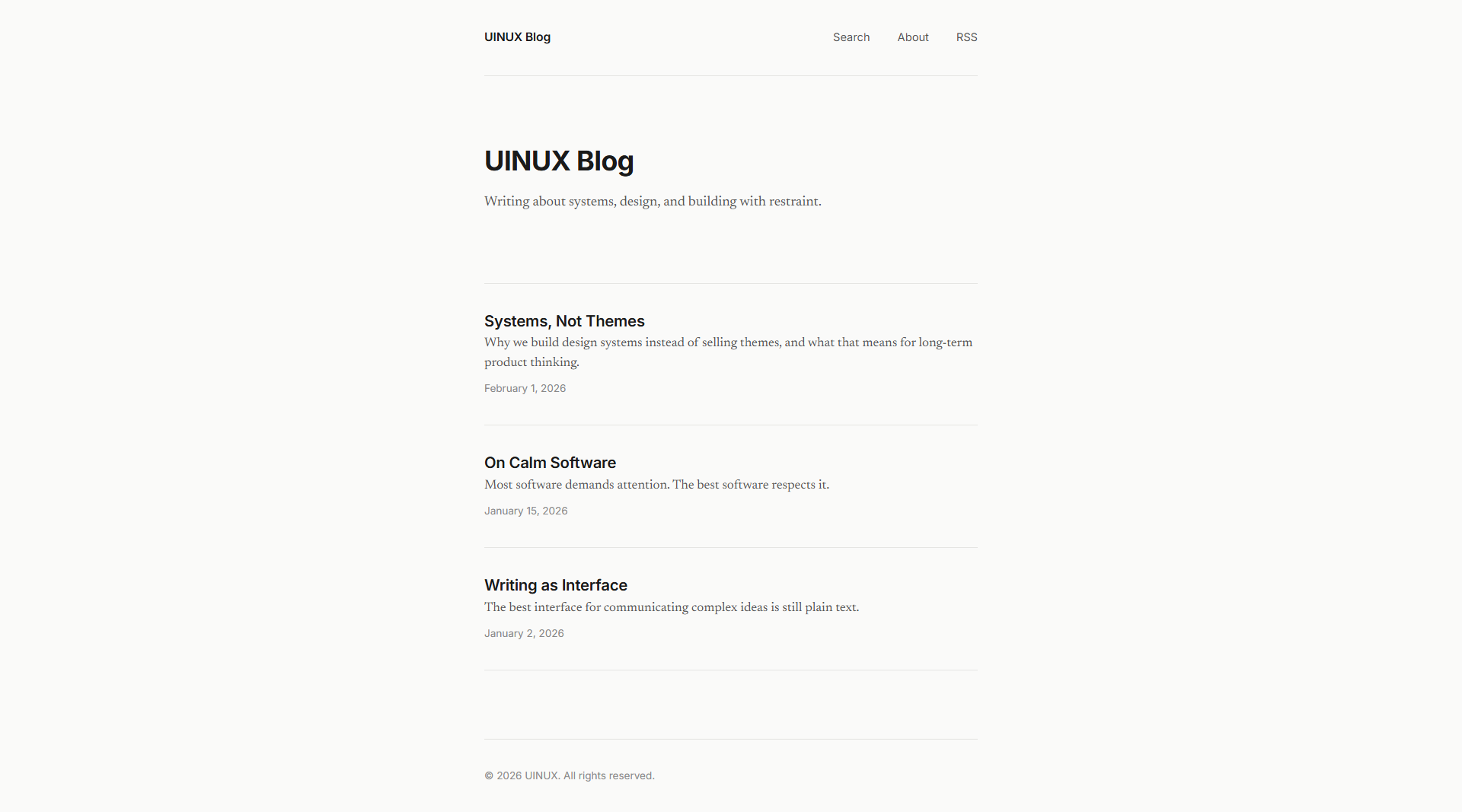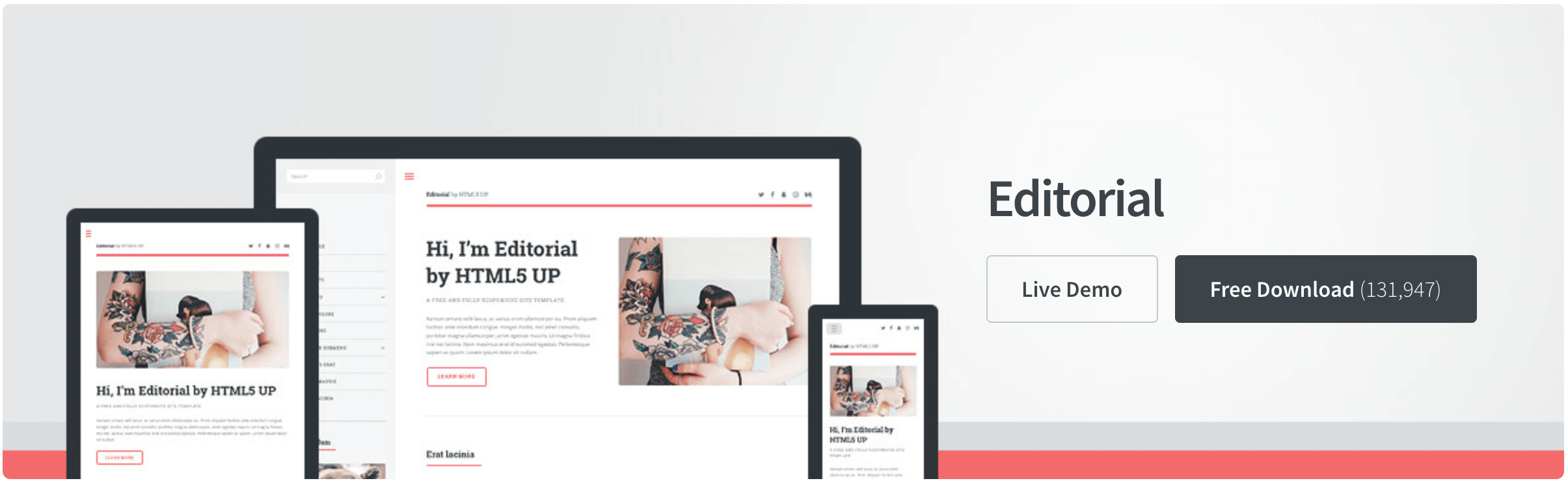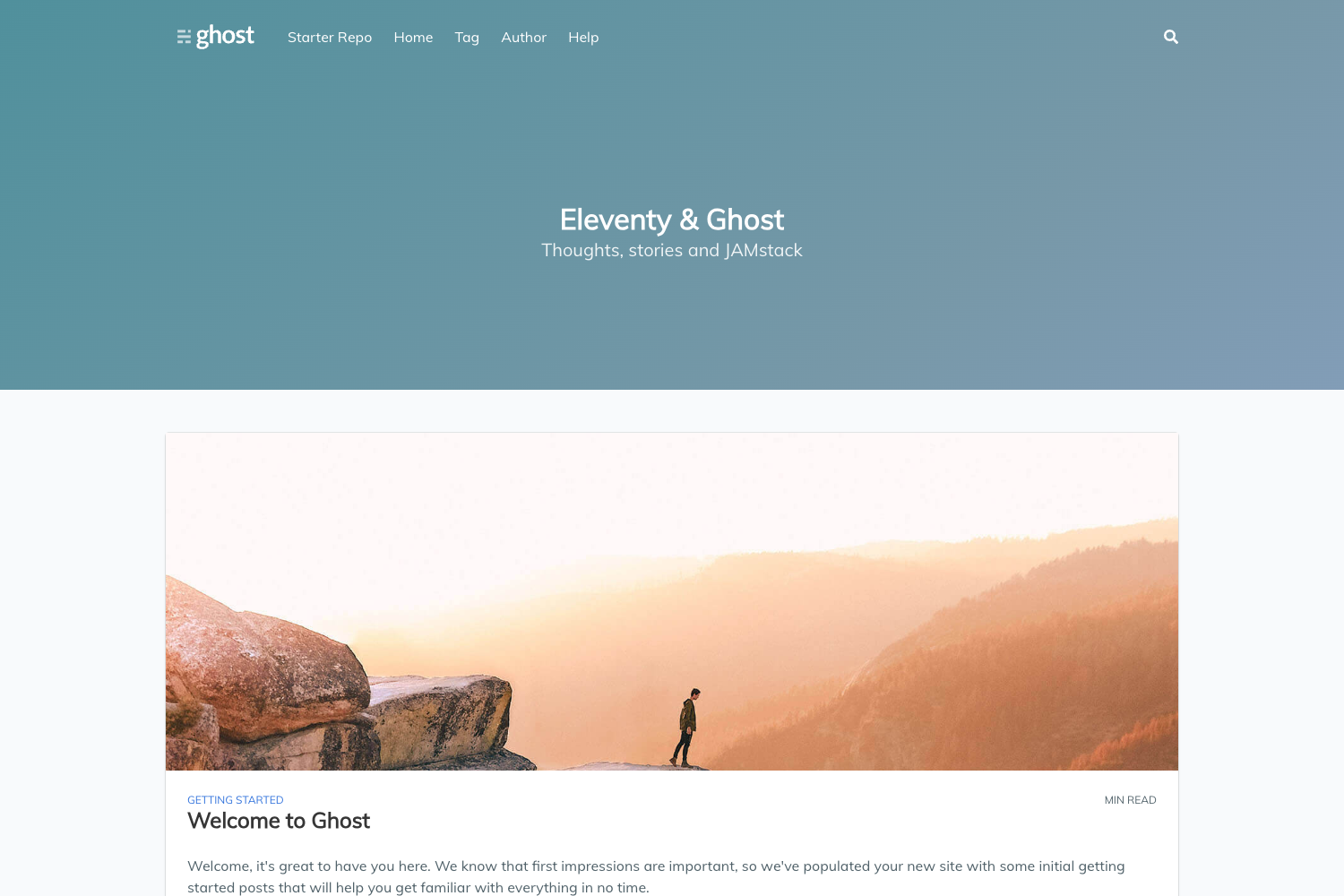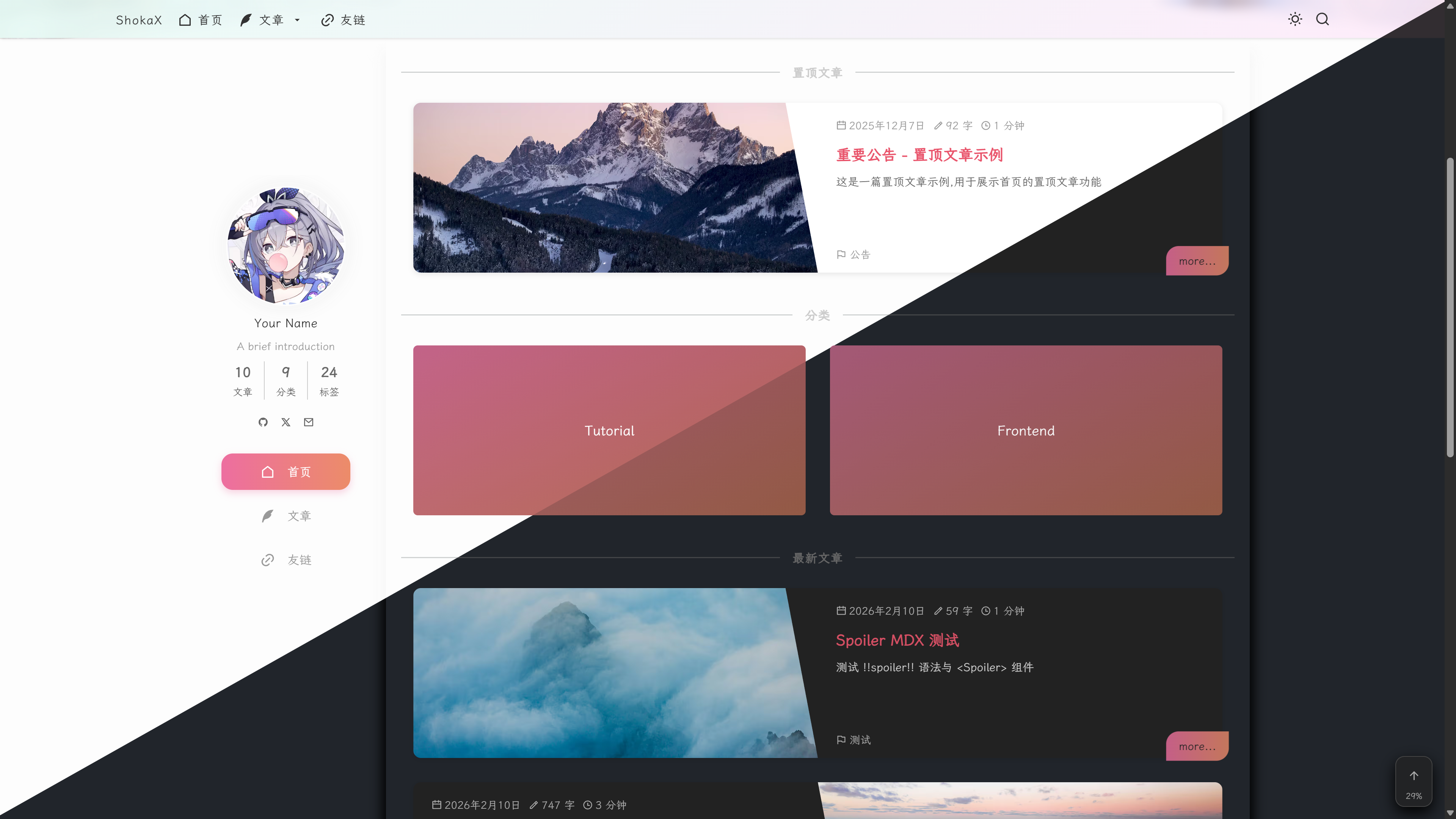
Template details
Astro Blog
A minimal Astro blog template with abbrlink support and a post generator script.
About this template
Astro Blog is a minimal single-purpose blog template built with Astro that generates static blog posts with permanent abbrlink URLs, and it is part of the didmax-blog repository. It provides a content collection under src/content/posts, a Node script for creating new posts, and an MIT license for reuse.
What is Astro Blog?
Astro Blog is a starter template for building a blog website using the Astro static site generator. It takes new blog posts written as Markdown files with YAML frontmatter and outputs a static site with permanent per-post links based on an abbrlink hash. The template runs on the Astro framework and is published under the MIT License.
Key Features
- abbrlink support — Each post gets a permanent short link hash (e.g. 21cdefe2) stored in the frontmatter, so URLs remain stable even if the title changes.
- Post generator script — A generate.cjs Node script creates a new Markdown file with the given title and directory, defaulting to drafts unless an explicit dir is passed.
- Content collections — Posts live in src/content/posts and are managed as Astro content collections, the standard Astro way to organize Markdown content.
- YAML frontmatter output — The generator writes date and abbrlink fields automatically into the frontmatter of each new post.
- MIT License — The project is open source under the MIT License, allowing free reuse and modification.
- Performance screenshot — The repository includes a Lighthouse screenshot, indicating attention to site performance.
Who is it for?
- Astro beginners — Learn how to structure a blog with Astro content collections and see a working example of a post generator script.
- Bloggers who want permanent links — Use abbrlink hashes to keep post URLs stable when slugs change.
- Developers customizing a blog — Fork the repository and use generate.cjs to automate new post creation.
What can you do with Astro Blog?
- Create new posts from the command line — Run
yarn run new --title='title-test' --dir="posts"and get a ready-to-edit Markdown file with frontmatter already filled. - Keep drafts organized — Use the default dir of drafts to write unpublished posts before moving them into posts.
- Publish a static blog — Build the Astro site and deploy it to any static hosting service that supports Astro output.
How does Astro Blog work?
Run the generate.cjs script with a title and optional dir parameter. The script generates a Markdown file under src/content/posts (or the specified directory), populated with title, date, and a unique abbrlink hash. You then write your post content and build the site as a normal Astro project.
FAQ
Is Astro Blog free?
Yes, the project is licensed under the MIT License, so it is free to use, modify, and distribute.
What is abbrlink?
Abbrlink is a short hash (like 21cdefe2) assigned to each post in the frontmatter. It serves as a permanent link identifier that keeps post URLs stable even when the title changes.
What do I need to run Astro Blog?
You need Node.js and Yarn (since the example commands use yarn run new). The repository provides a generate.cjs script and the Astro project structure.
Does the template include styling or UI components?
The content available does not mention any styling system, UI library, or prebuilt components beyond the core Astro blog structure.