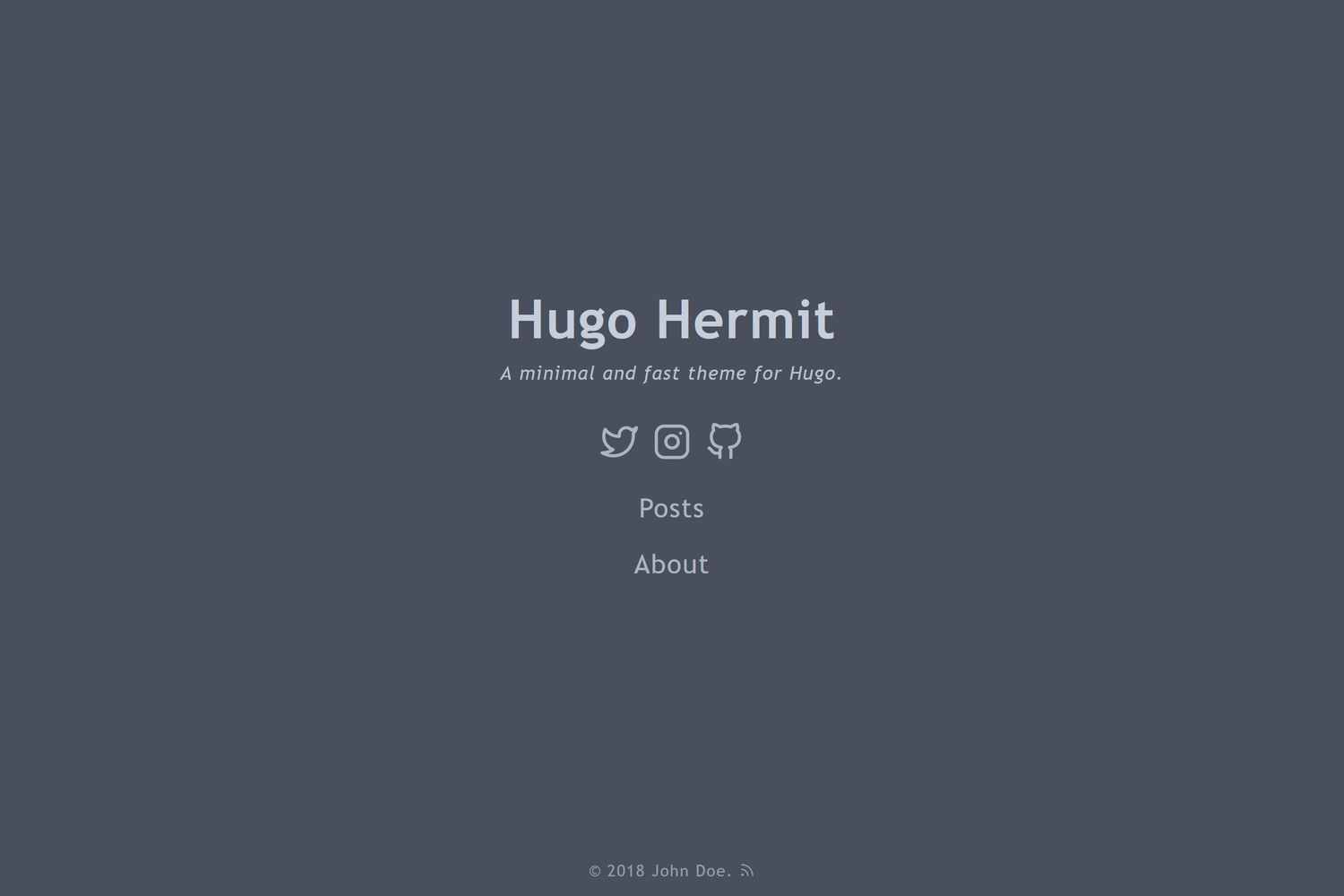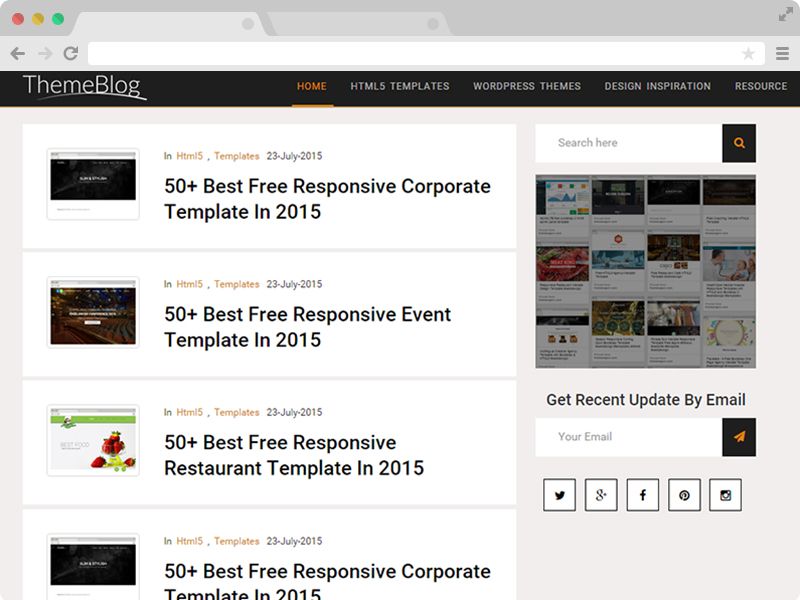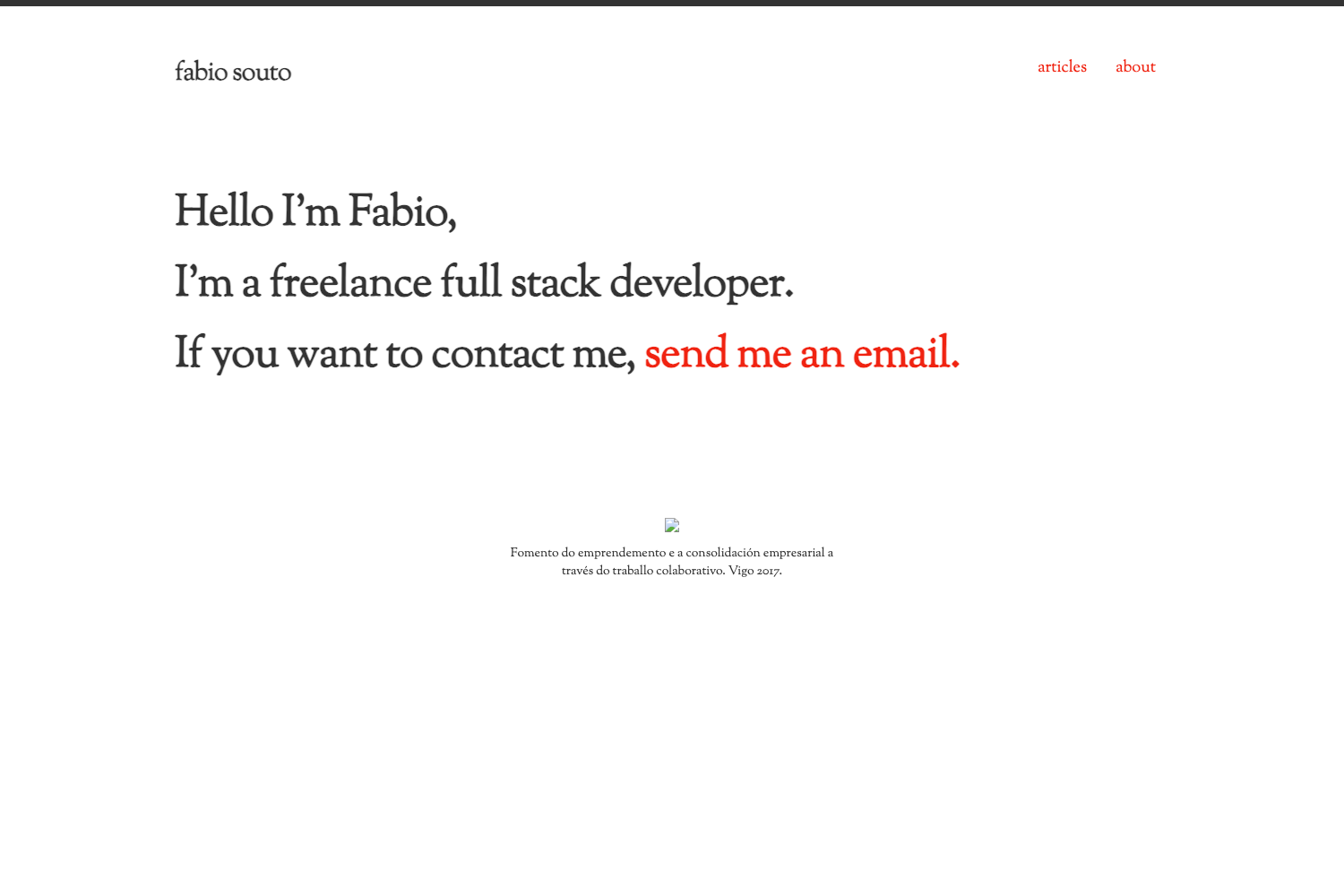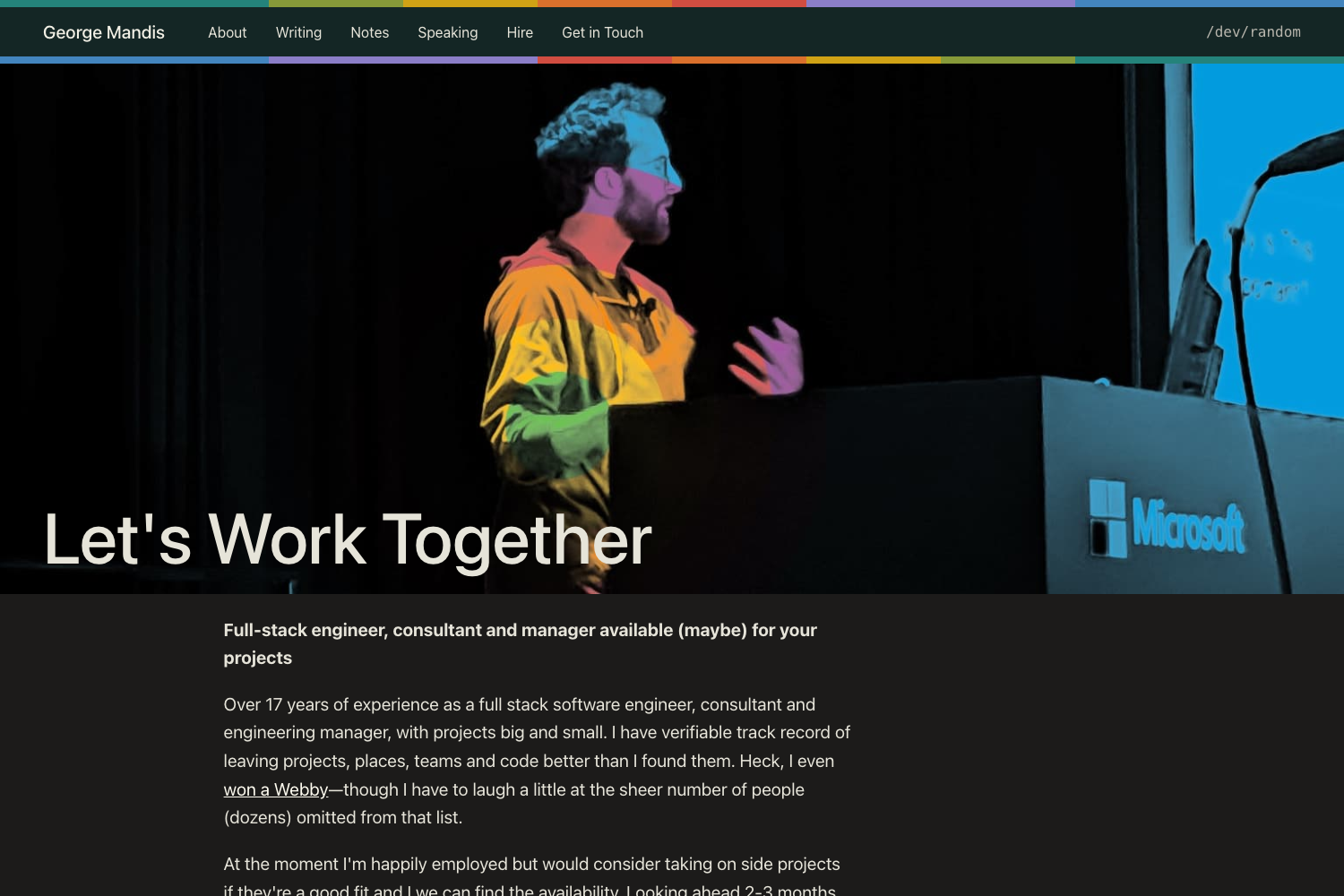
Template details
Blogpaper
A graphical newspaper-like blog theme for Hugo with banner images, automatic subtitles, and customizable CSS.
About this template
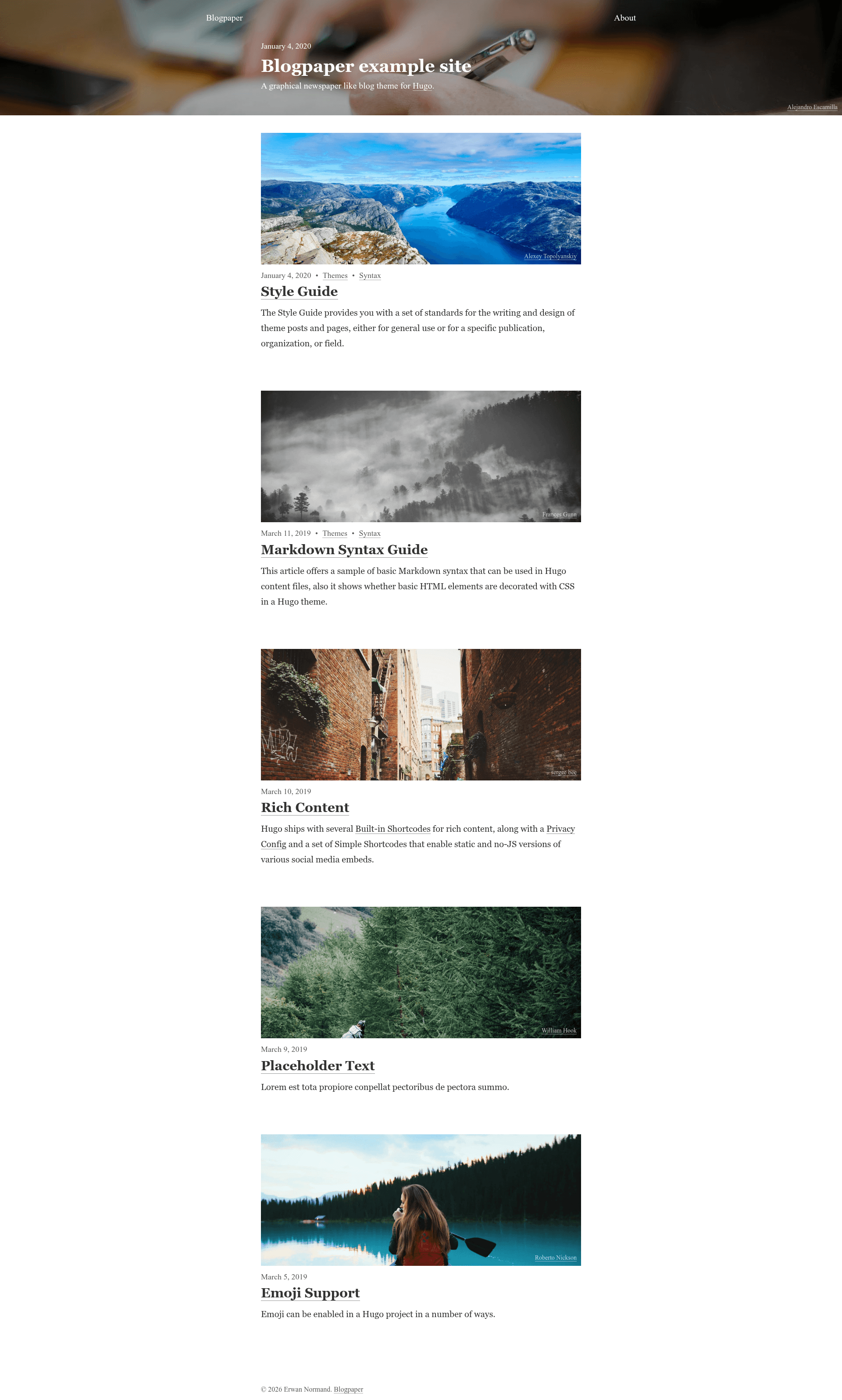
Blogpaper is a graphical, newspaper-style blog theme for Hugo that turns plain Markdown content into a homepage of banner-topped summary cards and full-width post pages. Created by NormandErwan and available on GitHub under the license described in LICENSE.md, it targets Hugo extended with Dart Sass and ships with an exampleSite, a live demo, and a style guide.
What is Blogpaper?
Blogpaper is a Hugo theme that gives a blog or content site the look of a printed newspaper, with large banner images on homepage cards, post headers, and section-level banners. It takes standard Hugo content folders — Markdown files plus optional JPG banner images — and outputs a static site with a responsive, single-column reading layout. The theme was authored by NormandErwan, is hosted on GitHub, and its README documents installation, configuration, troubleshooting, and contribution workflows.
Key Features
- Auto-detected banner images — A page picks its banner from banner.jpg next to index.md/_index.md, from a same-name JPG next to the Markdown file, or from the parent page's banner; front matter can override the source or disable the banner.
- Automatic page subtitles — A subtitle is generated from the first
subtitleLengthwords of content (default 25) or overridden with a subtitle front matter key. - CSS custom property theming — Banner heights are exposed as
--summary__banner-min-height(default 10rem),--summary__banner-max-height(default 30rem), and--header--main-min-height(default 0rem), so custom CSS can change them without touching theme code. - SCSS pipeline with a real requirement — The theme stylesheet is blogpaper.scss compiled by Dart Sass; it depends on normalize.css and does not bundle a UI framework like Tailwind or Bootstrap.
- Hugo-native configuration — Site settings live in hugo.yaml (title, baseURL, copyright, languageCode, params.description) and an optional top-right menu is configured through menus.main.
- Example site and style guide — The repository includes an exampleSite built from Hugo Basic Example content and a style guide page showing post typography and image usage.
Who is it for?
- Hugo bloggers — People who want an editorial, newspaper look for a personal blog can drop in the theme, add banner images, and publish Markdown posts that appear as image cards on the homepage.
- Developers starting a Hugo site — The README walks through Hugo quick start, submodule installation, hugo.yaml editing, and running hugo server with drafts, making it approachable for first-time Hugo users.
- Developers who customize themes — Since banner heights are CSS custom properties and custom CSS/SCSS can be added under assets/css, developers can restyle the layout without forking the theme.
- Editorial side projects — Sections that want consistent headers can rely on banner inheritance from parent pages and automatic subtitles for every post.
What can you do with Blogpaper?
- Personal bloggers: Publish posts with JPG banners and get a homepage of summary cards plus full-width post headers in a newspaper layout.
- Editorial or news-style projects: Organize content in sections, use section-level banner.jpg files, and let child posts inherit the same header image when they have none.
- About or static pages: Create pages like about.md with about.jpg beside it to produce a banner-topped page that matches the blog's visual style.
How does Blogpaper work?
Installation is a four-step process: confirm Hugo extended is installed, add the theme as a git submodule, set theme to Blogpaper in hugo.yaml, then run hugo server -D. After that, add banner images next to Markdown files or point banner.src in front matter at a custom file, and optionally override the banner height CSS variables from a custom stylesheet under assets/css.
FAQ
Do I need the Hugo extended version to use Blogpaper?
Yes. Blogpaper depends on Hugo extended because its SCSS stylesheet is compiled at build time. Running the standard Hugo binary can trigger a SASS build error, so install Hugo extended first and confirm it is the version on your PATH.
Why do I get the error failed to transform blogpaper.scss?
That error usually means Dart Sass is not installed or not on your PATH. Blogpaper requires Dart Sass rather than the deprecated LibSass; install Dart Sass, ensure it is reachable, and use Hugo extended when building the site.
How do I add a banner image to a page?
Place a JPG next to your Markdown file — about.md pairs with about.jpg, while index.md and _index.md look for banner.jpg. Alternatively, set banner.src in front matter to point at another image, or set banner to false to disable the banner for that page.
Can I override the banner heights?
Yes. Add a custom CSS file under assets/css and redefine the variables --summary__banner-min-height, --summary__banner-max-height, and --header--main-min-height. The defaults are 10rem, 30rem, and 0rem respectively, and the README gives an example that increases all three.
How do I update the theme after installing it?
Run git submodule update --remote themes/Blogpaper from your site folder. Because Blogpaper is added as a git submodule, that single command fetches the latest upstream changes and updates your local theme copy.