Template details
Flutter Minimal Website
A minimalistic Flutter website template for blogs and portfolios.
About this template
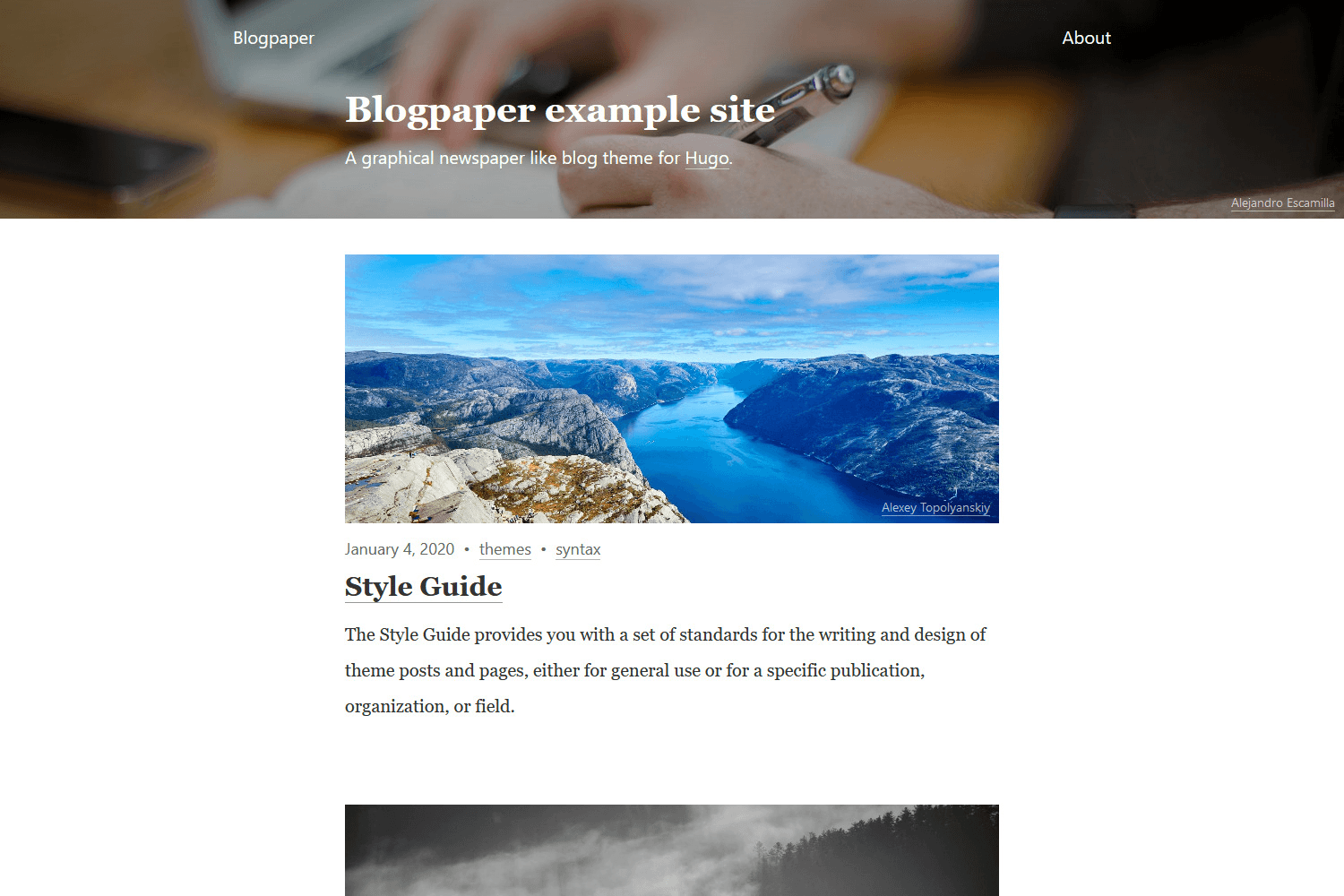
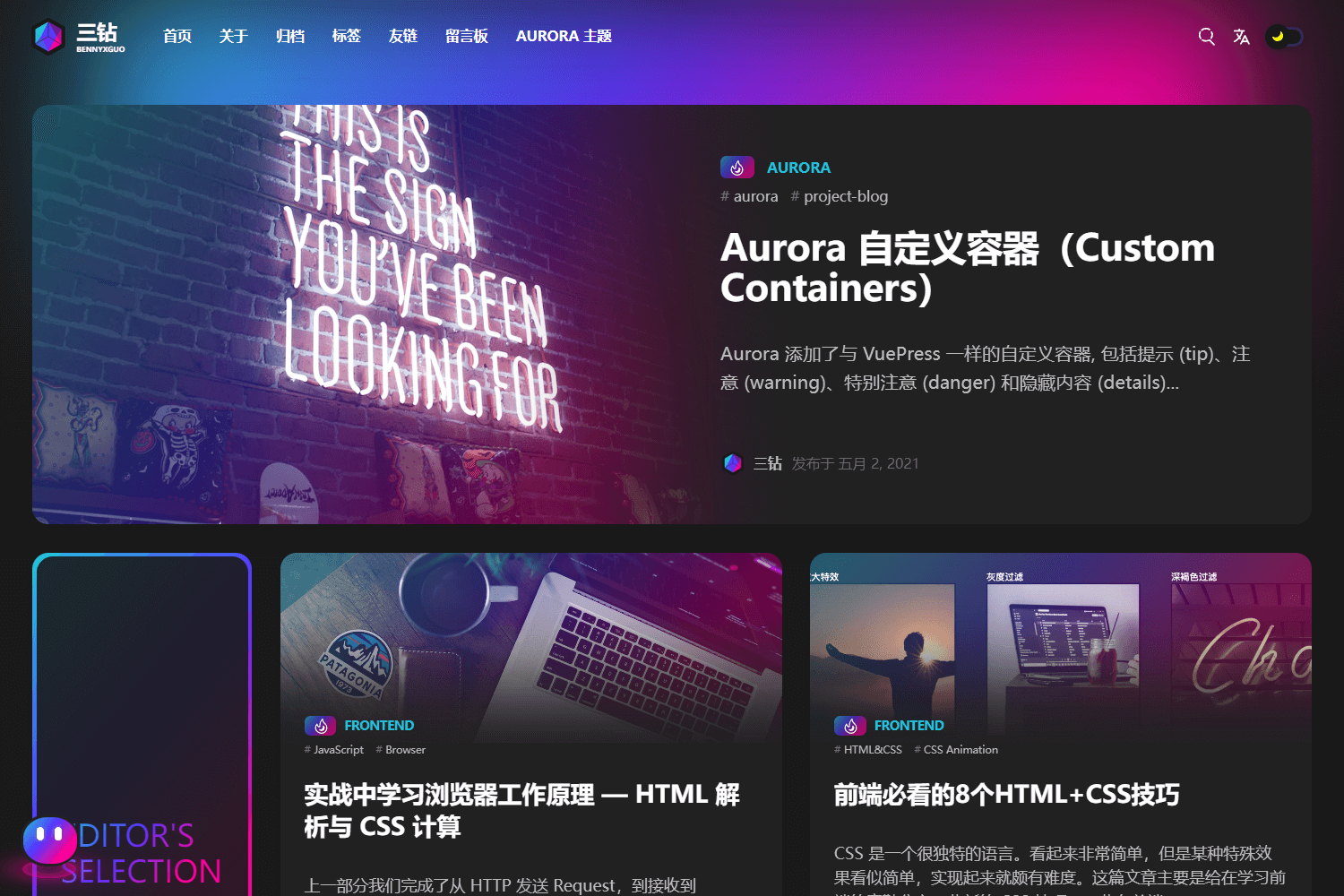
Flutter Minimal Website is a free, open-source website template for blogs and portfolios, built entirely with Flutter Web and the Flutter Responsive Framework. It provides a minimal, typography-focused layout with a list page and a post page, published by Codelessly on GitHub with two live demo renderer options.
What is Flutter Minimal Website?
Flutter Minimal Website is a Flutter-based web template that renders to HTML/WebGL via Flutter's web renderers, designed for blogging and portfolio sites. It takes structured content (list items, post entries) and displays them through a responsive single-page layout, with a list view showing paginated items and a post view for full articles. The template was developed by Ray Li (github.com/rayliverified) and sponsored by Codelessly. It is showcased in the Codelessly Gallery, with separate URLs for the CanvasKit renderer version and the HTML renderer version.
Key Features
The template's implemented features focus on a minimal blog reading experience, with additional components marked as future work.
- Built with Flutter — Entirely written in Dart, it runs on Flutter Web; two live demos are linked, one using the CanvasKit renderer and one using the HTML renderer.
- Flutter Responsive Framework integration — The site is built as a demo for Codelessly's ResponsiveFramework, which handles layout adaptation across screen sizes.
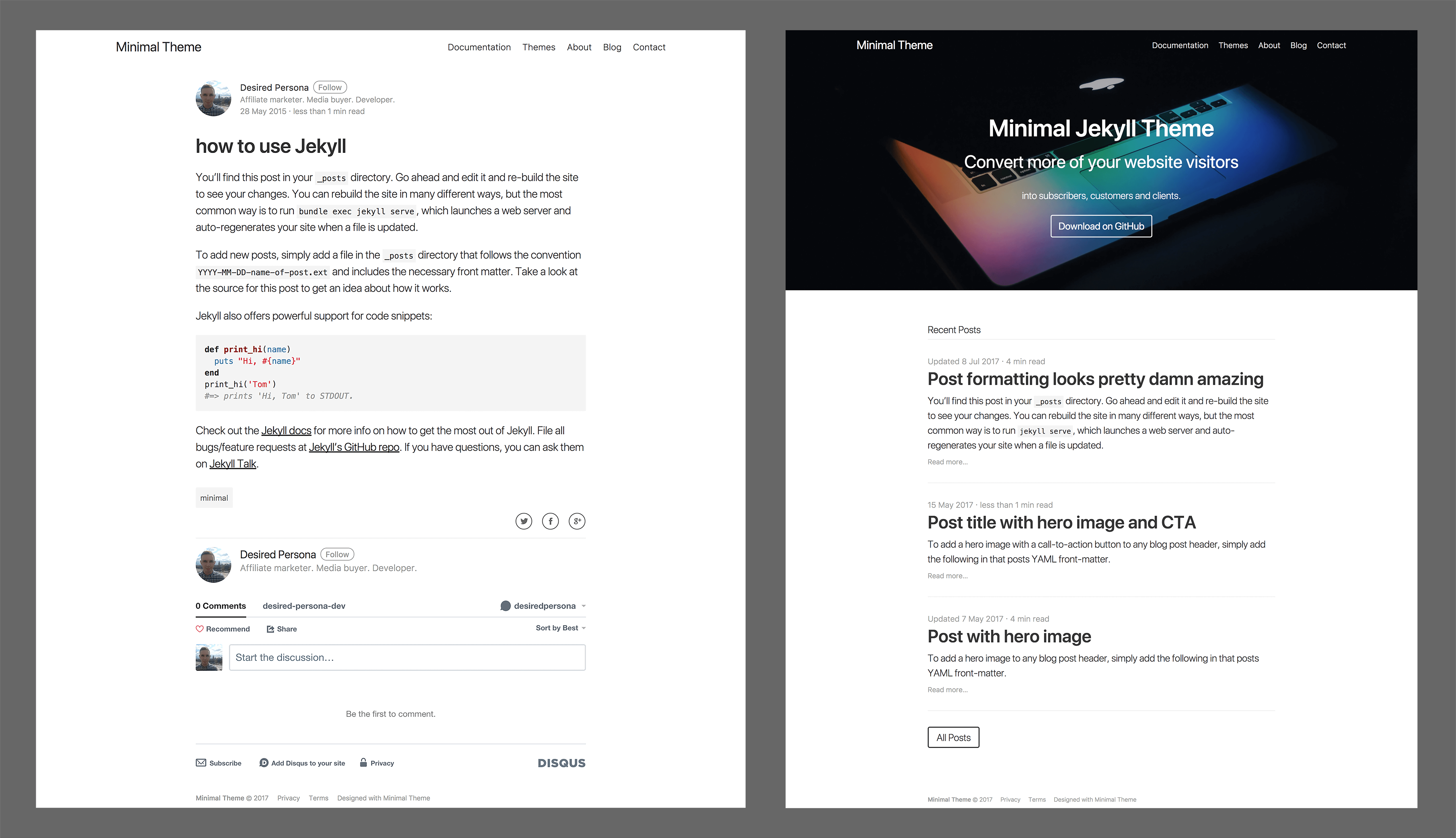
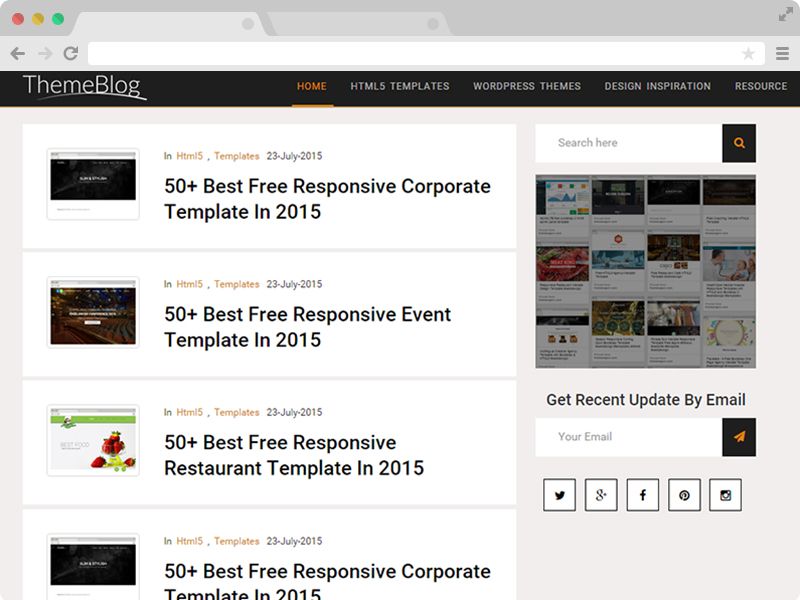
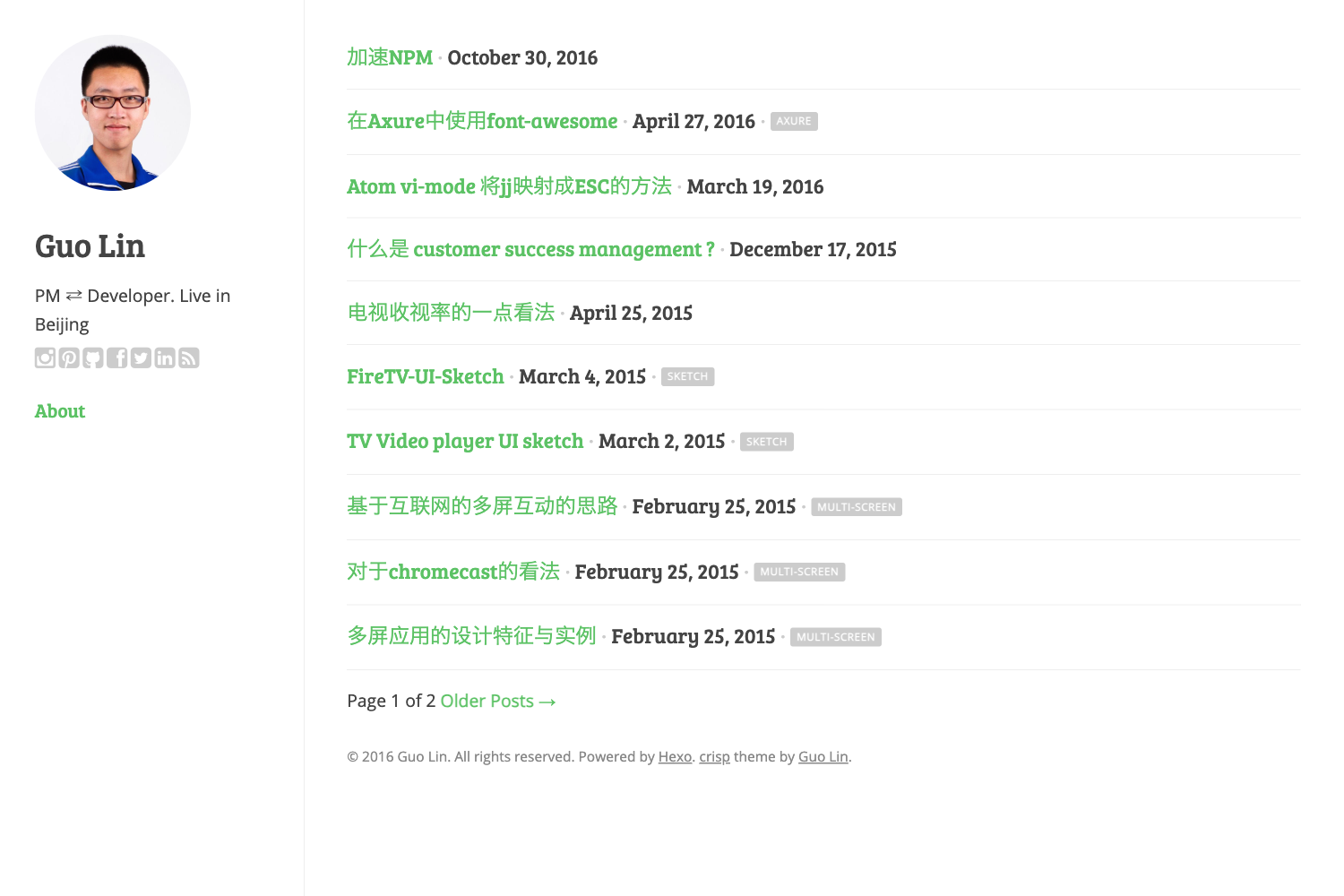
- List Page — Includes list items, pagination UI, and a continue reading button for navigating blog entries.
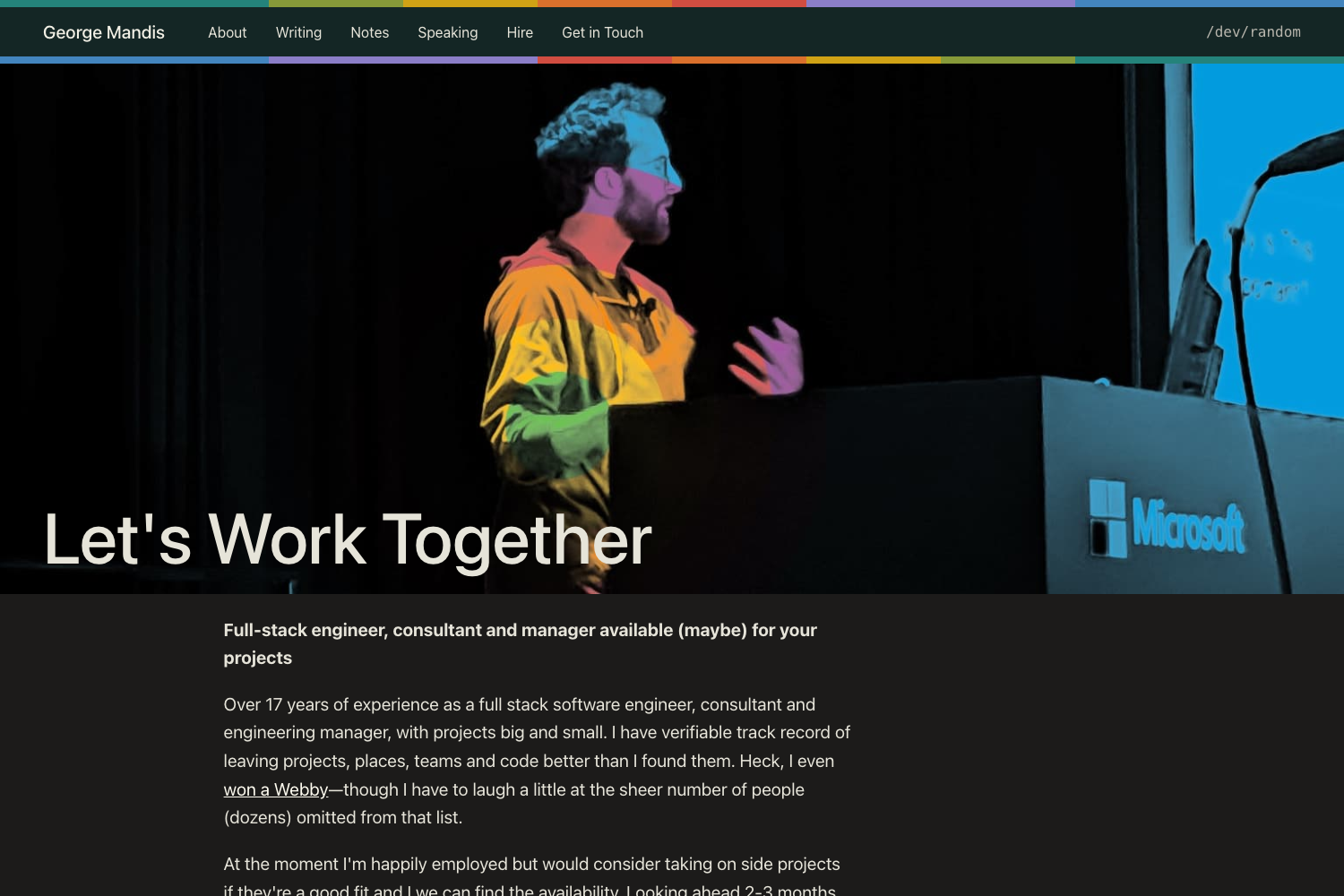
- Post Page — Includes simple typography, a fixed-height image, tags, an author box, and pagination UI.
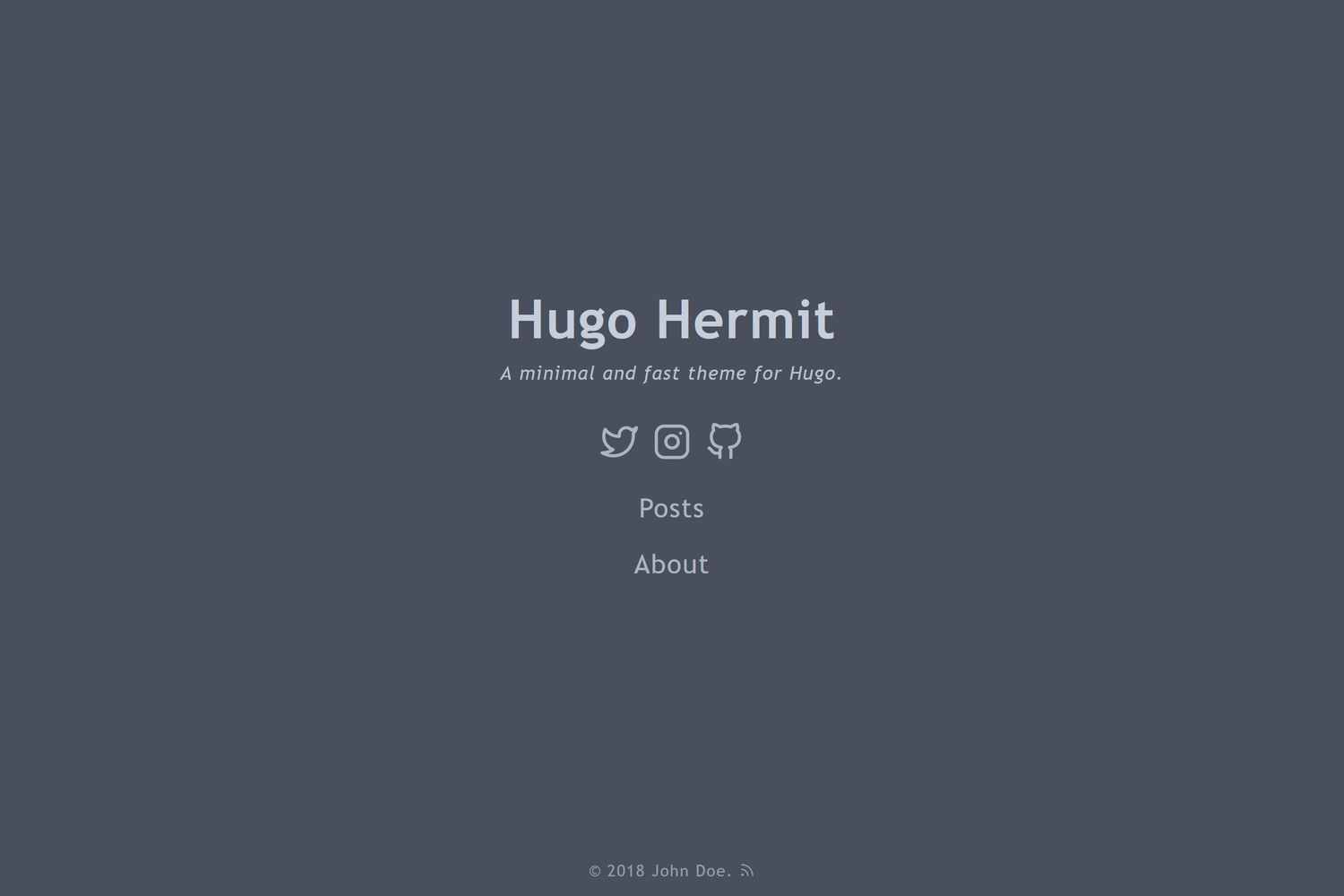
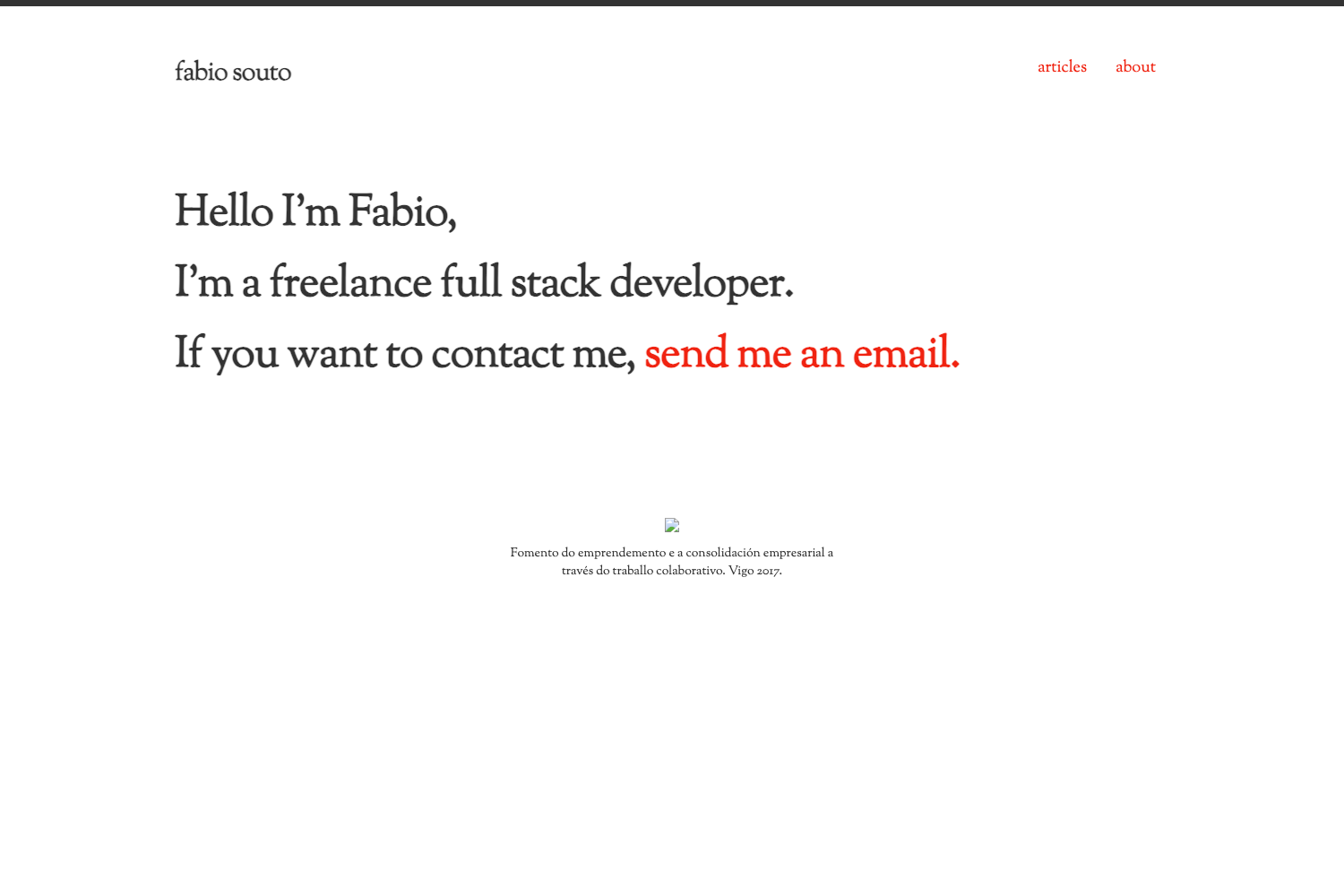
- Minimal typography-driven design — The visual style is deliberately minimal, putting content and whitespace first, suitable for blogs and portfolios.
- Open-source license — Released under the BSD Zero-Clause License, and as emailware; the GitHub repository is public with the source code.
- Newsletter signup page — The demo includes a signup page for an email newsletter, accessible from the gallery.
The repository's roadmap lists many unchecked features, including a portfolio image gallery with lightbox, about/contact pages, hero UI components, a 404 page, sitemap, and search.
Who is it for?
This template suits anyone who wants a clean, content-first web presence without hand-writing a traditional web frontend.
- Bloggers — Publish articles with a list page that paginates entries and a post page with metadata like tags and author info.
- Portfolio owners — Present work in a minimal layout; the basic structure is ready, though portfolio-specific widgets like galleries and lightboxes are not yet implemented.
- Flutter developers — Study a real-world example of building a responsive Flutter web app, especially for learning the ResponsiveFramework package.
- Designers — Adapt the simple typographic layout as a starting point for a personal site.
What can you do with Flutter Minimal Website?
The template's implemented pages let you launch a functional blog structure quickly.
- Start a personal blog — Use the list and post pages to publish entries with pagination, author boxes, and tags.
- Create a simple portfolio site — Showcase projects and writing in a minimal, typography-first layout, with plans for dedicated portfolio components on the roadmap.
- Learn Flutter web development — Explore how a Flutter app is structured for web deployment and how ResponsiveFramework handles responsive behavior.
- Preview the renderer options — Compare the same Flutter site rendered via CanvasKit and via the HTML renderer through the two gallery links.
How does it work?
The template is a Flutter application designed to be built and served as a website. The repository provides two hosted demo versions — one with the CanvasKit renderer and one with the HTML renderer — so you can preview behavior before running it yourself. To use it, you clone the repository and run the Flutter project for the web target.
Pros and cons
- Pros: Permissive BSD-0-Clause license permits almost any use; built with Flutter offers a consistent cross-platform codebase; responsive layout via ResponsiveFramework; lightweight minimal design; two live renderer demos to test.
- Cons: The current implementation only covers the list and post pages; many planned features (portfolio gallery, about/contact, hero UI, search, sitemap, 404) are still unchecked, limiting the template's out-of-the-box scope.
Pricing
Free — the template is open source under the BSD Zero-Clause License, with no paid tiers. As emailware, the author requests but does not require an optional email signup for updates.
FAQ
Is Flutter Minimal Website free?
Yes, the template is offered under the BSD Zero-Clause License, which allows free use, modification, and distribution with no copyright restrictions. It is also emailware — the author appreciates an email signup, but it is entirely optional.
What pages are included in the template?
Currently the template includes a list page (with paginated items and a continue reading button) and a post page (with a fixed-height image, tags, author box, and pagination). A newsletter signup page is also part of the demo.
Does this template work on mobile?
Because it's built with Flutter and the ResponsiveFramework, the layout adapts to different screen widths. However, mobile-specific components like the hamburger menu are on the roadmap and not yet implemented in the source.
Can I add a portfolio section?
You can use the existing list page to display portfolio items, but the dedicated portfolio features on the roadmap — image gallery, tag sorting, animated sorting, image overlay, and lightbox — are not yet built.
What showcase demos are available?
The Codelessly Gallery page provides two live previews: a CanvasKit renderer version and an HTML renderer version, letting you compare Flutter's two web rendering backends.