Template details
Hermit
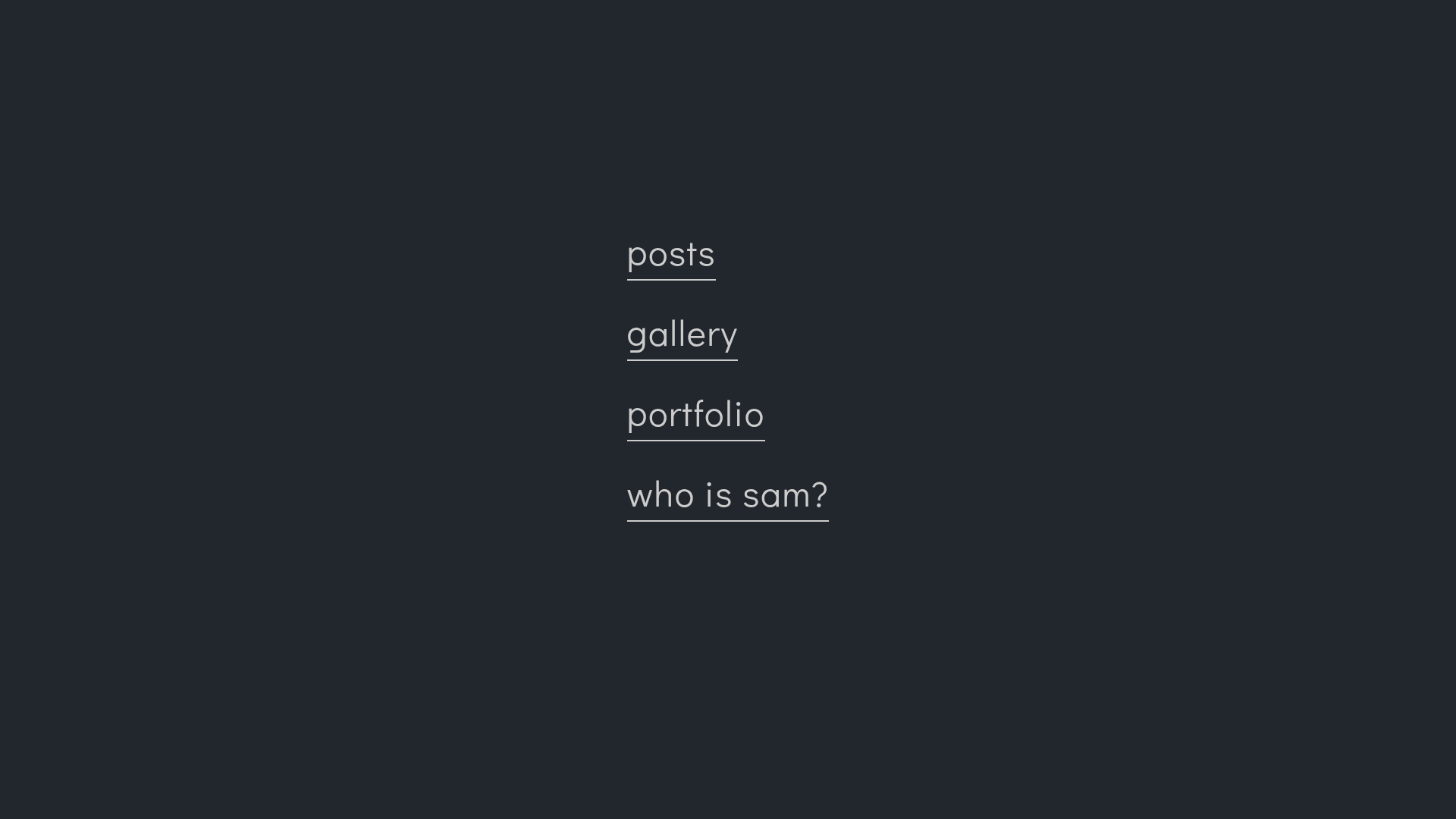
A minimal and fast Hugo theme for bloggers, featuring a single-column layout, yearly post archive, and lightweight code highlighting.
About this template
Hermit is a minimal and fast Hugo theme built for bloggers who want a simple, focused website. It runs on the Hugo static site generator, takes Markdown content from content and configuration from config.toml, and outputs a lightweight static blog with a single-column reading layout. The theme is developed by Track3 and has a live demo at https://hugo-theme-hermit.netlify.com/.
What is Hermit?
Hermit is a Hugo theme that presents all of your posts on a single home page, with each year as its own section, and renders individual posts as clean, typography-focused pages. It is built with SCSS and minimal JavaScript, uses no third-party JavaScript framework, and the repository has 1,146 stars on GitHub. The theme is fully responsive and retina-ready.
Key features
- Single-column layout — A focused reading experience with carefully crafted typography; all posts are listed on one page, grouped by year.
- Bottom navigation bar — Navigations and functions live in a bottom bar that automatically hides when you scroll down to maximize content space.
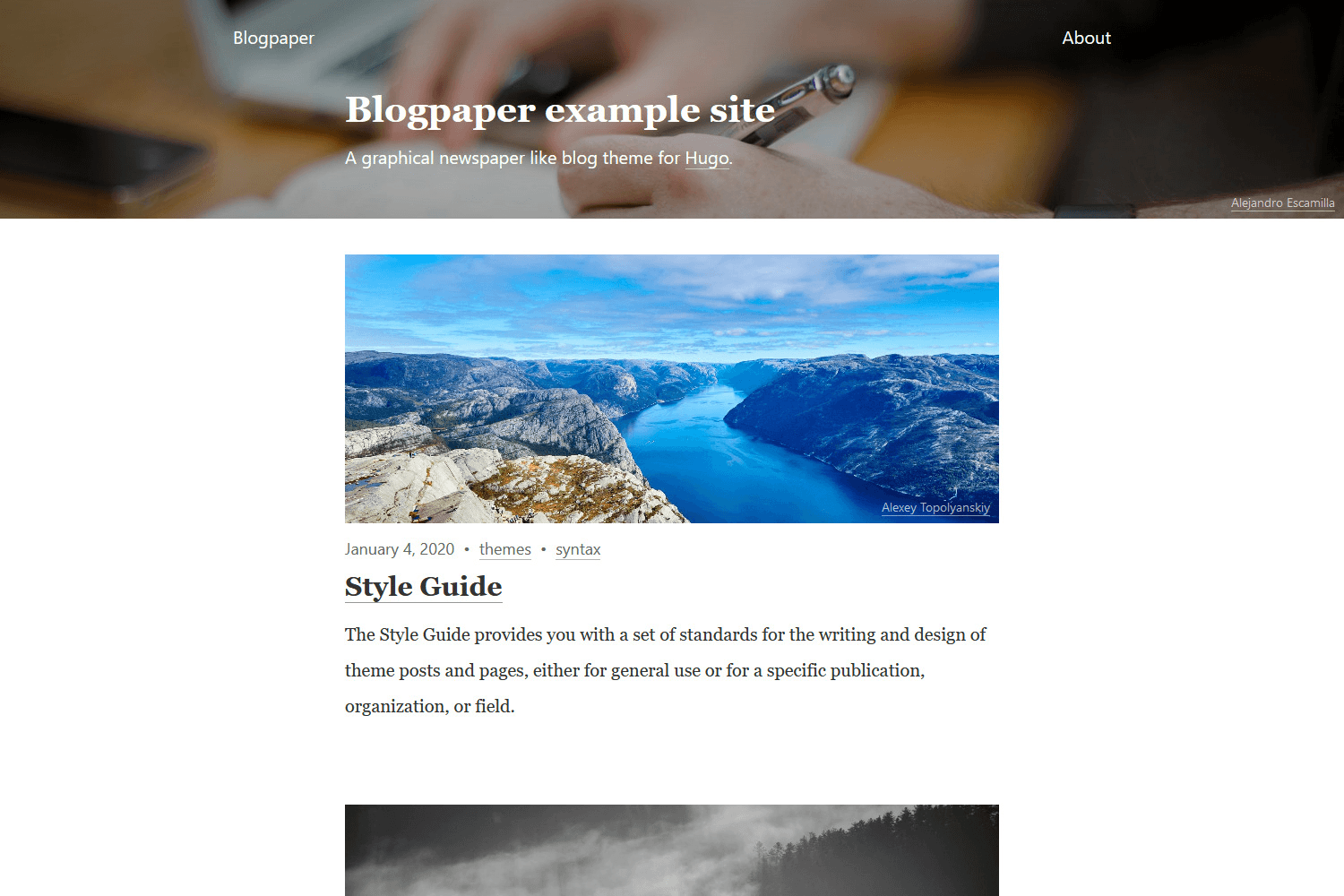
- Featured images — Each page can show a featured image rendered as a dimmed background behind the header area.
- Code highlighting and copy button — Code blocks include syntax highlighting and a click-to-copy button, powered by a small
code-copy.jsscript. - Responsive and retina-ready — No loss of quality on high-DPI displays because assets use vector formats, and the layout scales from desktop to the smallest phones.
- Built-in integrations — Native support for Disqus comments and Google Analytics, plus 22 social icons (email, Twitter, GitHub, Instagram, YouTube, etc.) configured in
config.toml. - Customization via partials and SCSS — Override any template by placing a file with the same name in your site's
layoutsfolder, and change colors or fonts by editingassets/scss/_predefined.scss(requires Hugo extended edition). - Code injection — Add arbitrary HTML to the head or footer of every page by creating
extra-head.htmlorextra-foot.htmlin your site'slayouts/partialsfolder.
Who should use Hermit?
Hermit is for bloggers who want a minimalist, fast website without visual clutter. It also suits developers comfortable with the Hugo ecosystem who want to customize the theme by overriding templates, editing SCSS variables, or injecting code. Writers who publish Markdown documents will benefit from the simple content workflow: just add a file to content or content/posts and run hugo.
Use cases
- Personal bloggers: Publish a personal diary or thoughts with a clean, single-column design that loads almost instantly.
- Technology writers: Share code-heavy posts with syntax highlighting and a copy button; the yearly archive keeps all posts accessible from one page.
- Developers new to Hugo: Learn how a real Hugo theme is structured by reading the theme's source, or use it as a starting point for a custom project.
How does Hermit work?
Install the theme by cloning the repository into the themes/hermit directory, or add it as a git submodule. Then copy exampleSite/config.toml to your site's root, create content using hugo new posts/post-title.md, and run hugo to generate the static site. To customize, add templates to your root layouts folder that override the theme's, or append custom CSS by listing it in the customCSS parameter.
Pros and cons
Pros:
- Extremely lightweight — no third-party JavaScript framework or build step required during normal use.
- Simple, flat content structure with a yearly archive on the home page.
- Flexible customization through partial overrides, SCSS variables, and code injection.
Cons:
- Only Disqus is supported for comments out of the box; other comment systems require overriding the
comments.htmlpartial. - Modifying built-in SCSS variables requires the Hugo extended edition to recompile stylesheets.
FAQ
Which Hugo versions does Hermit support?
The theme's documentation does not pin a specific minimum Hugo version, but it relies on features like partials and SCSS support, so recent Hugo versions (including the extended edition for SCSS rebuilding) are recommended.
Does Hermit support featured images?
Yes. You can set a featured image for a page or post, and it will be displayed as a dimmed background at the top of the page.
What social icons are included?
Hermit ships with 22 social icons including GitHub, Twitter, Instagram, LinkedIn, YouTube, Telegram, Dribbble, and more. The name parameter in the social menu must exactly match one of the supported names.
Can I add custom CSS?
Yes. There are two ways: assign an array of stylesheets to the customCSS parameter in config.toml, or override assets/scss/_predefined.scss to change theme variables (the latter requires Hugo extended).
How do I install Hermit?
Run git clone https://github.com/Track3/hermit.git themes/hermit from your Hugo site's root, or download the repository as a zip and extract it into your themes folder.