Template details
Dark Mode Nextjs Tailwind
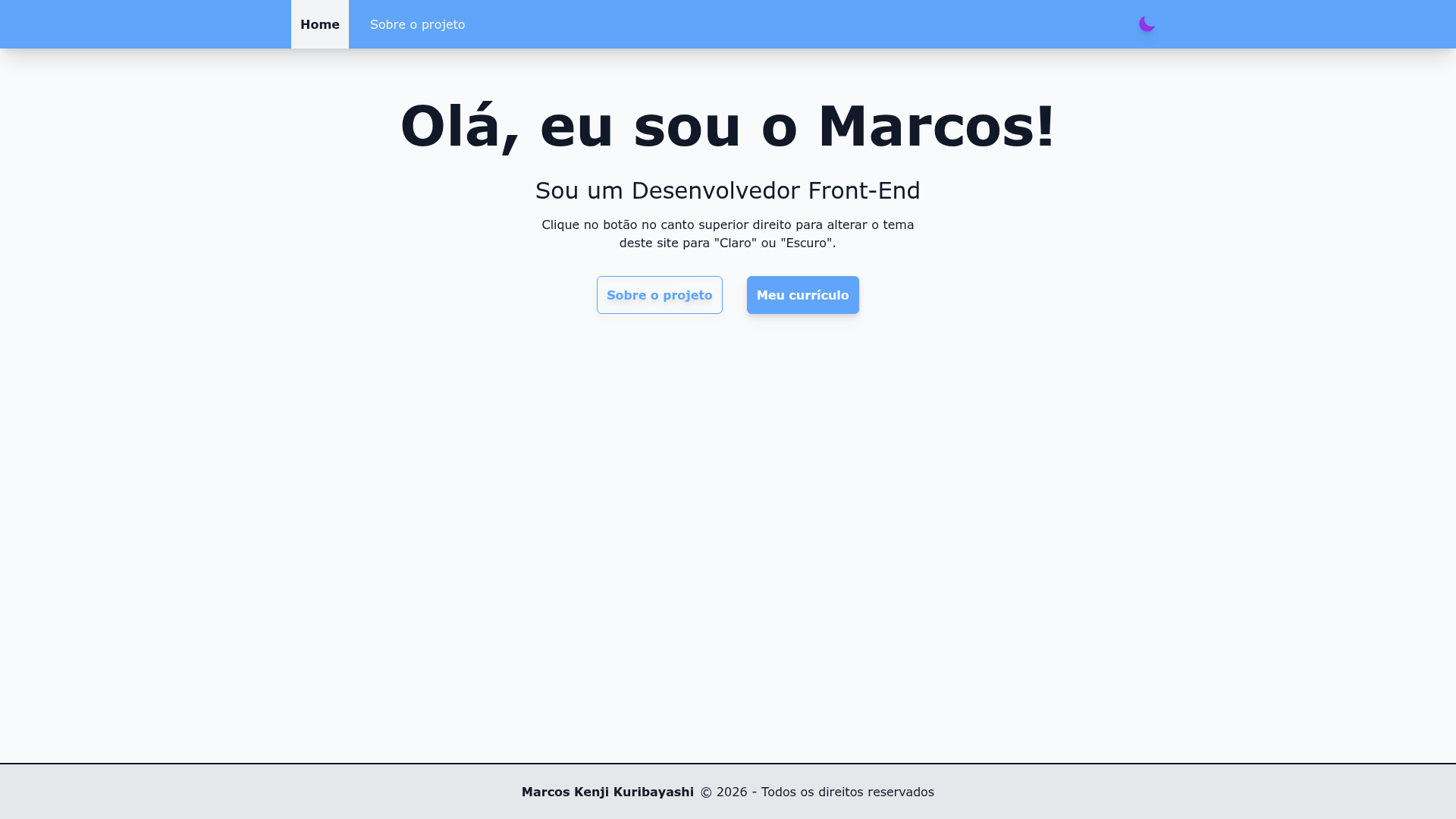
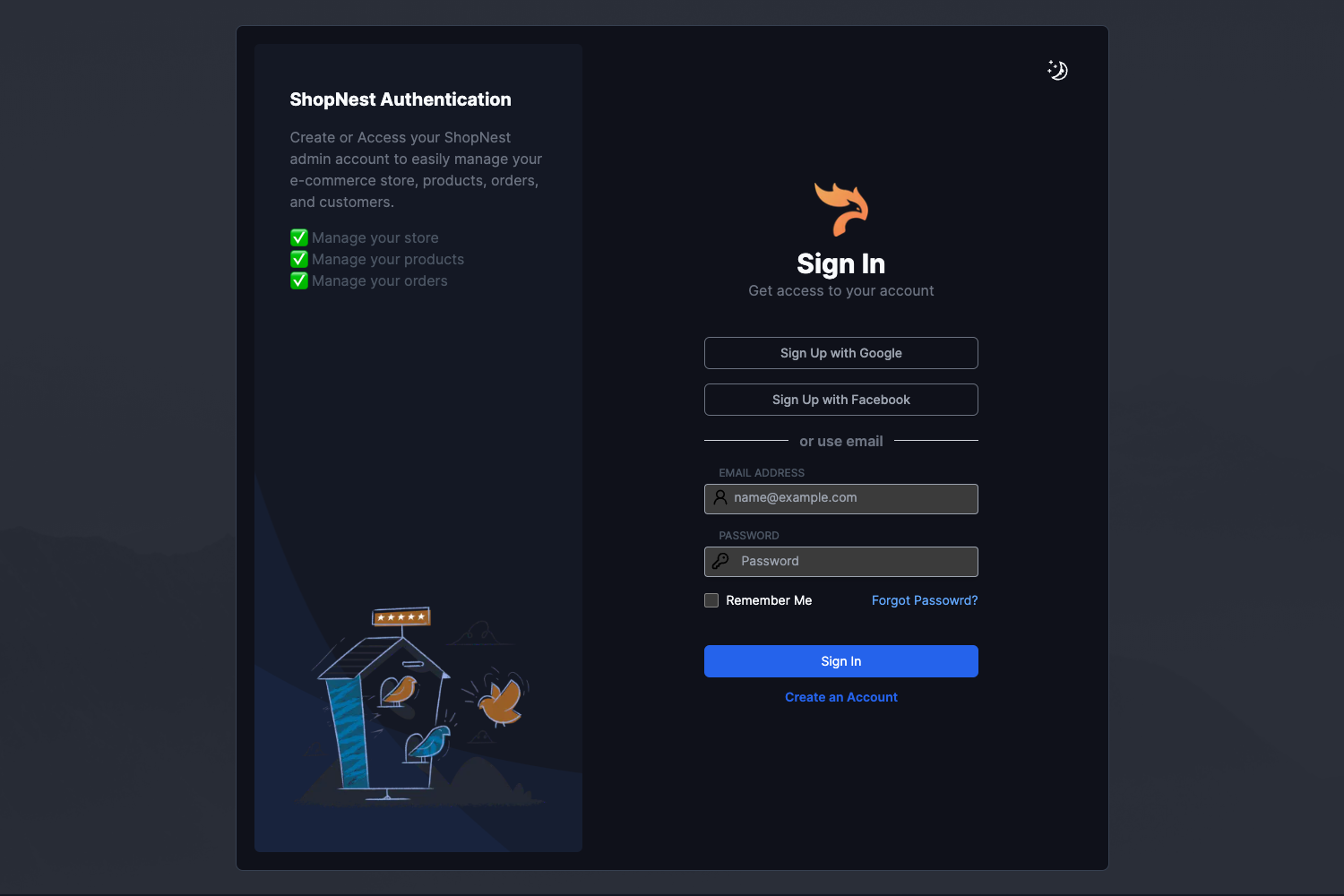
Project to practice implementing light/dark mode with Next.js and Tailwind CSS
About this template
Dark Mode Nextjs Tailwind is a starter project built with Next.js and TypeScript that demonstrates how to implement light and dark mode using Tailwind CSS, scaffolded by create-next-app. The repository metadata lists next-themes, reactjs, tailwindcss, and typescript as its topics, signaling the intended theme-switching workflow.
What is Dark Mode Nextjs Tailwind?
Dark Mode Nextjs Tailwind is a Next.js project bootstrapped with create-next-app, created as a practice ground for implementing light/dark mode. It runs on Next.js using the pages router, includes TypeScript for both the home page and an API route, and automatically loads the Inter font through next/font. The project comes with the standard folder structure and scripts, so you can start the development server with npm run dev, yarn dev, or pnpm dev and open http://localhost:3000 to see the result.
Key Features
- Next.js scaffold — Bootstrapped with
create-next-app, so it includes the familiar Next.js directory layout, package.json scripts, and apagesdirectory for routing. - TypeScript support — The main page is
pages/index.tsxand the example API route ispages/api/hello.ts, both written in TypeScript. - Tailwind CSS setup — The repository declares Tailwind CSS as a core topic, providing a utility-first foundation for styling light and dark themes with class-based toggling.
- next/font Inter — Uses
next/fontto automatically optimize and load the Inter custom Google Font, removing manual font-link setup. - API routes — The
pages/apidirectory maps to/api/*, and the includedhelloroute can be accessed at http://localhost:3000/api/hello for testing serverless endpoints. - Vercel deployment — The README points to Vercel as the easiest deployment platform, linking to both the one-click deploy flow and the official Next.js deployment docs.
Who is it for?
- Next.js learners — Developers who want a minimal project on which to practice adding theme toggling, state persistence, and dark mode styling with next-themes.
- Tailwind CSS users — Stylists who need a preconfigured Tailwind setup where they can quickly switch between light and dark mode using
dark:variants. - Starter template users — Anyone who wants a fresh create-next-app base with TypeScript and Inter font already wired up before building a larger application.
What can you do with it?
- Frontend practice: Edit
pages/index.tsxto build custom UI components and see hot-reload updates immediately in the browser. - API experimentation: Modify
pages/api/hello.tsto create and test your own serverless API routes under/api/*. - Theme implementation: Add theme toggle buttons and use next-themes to persist a user's light/dark preference across sessions, leveraging the Tailwind setup.
- Deploy a prototype: Push the project to a GitHub repository and deploy to Vercel to get a live URL for sharing or further development.