Template details
Bookworm Light NextJs
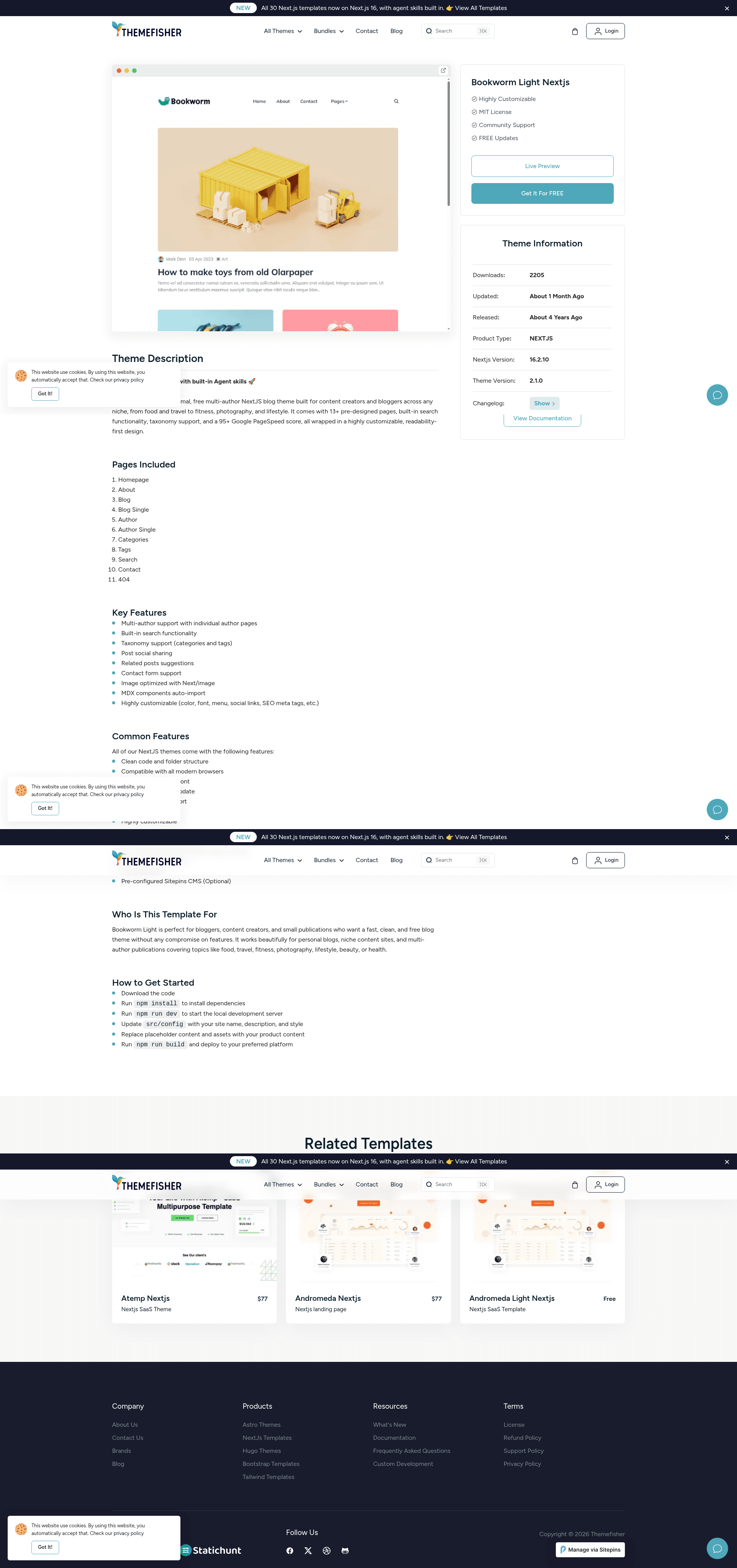
Free minimal Next.js and Tailwind CSS blog starter with multi-author support and 13+ pre-designed pages.
About this template
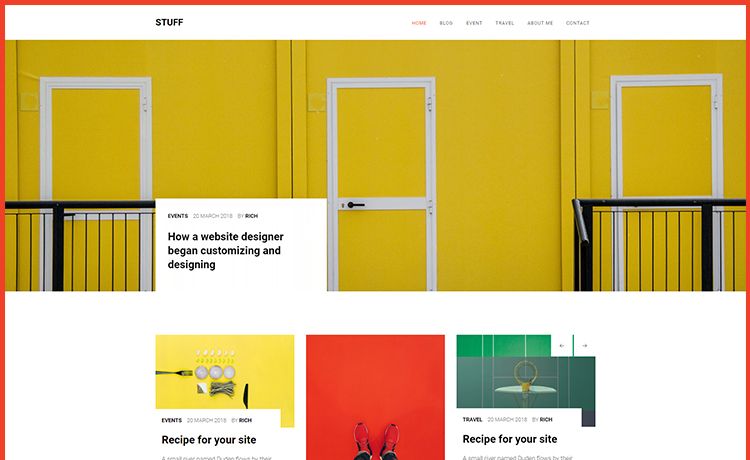
Bookworm Light NextJs is a free, minimal, multi-author blog template built on Next.js 13 and Tailwind CSS by Themefisher, designed to generate a complete blog website with 13+ pre-designed pages and a perfect Google Page Speed score.
What is Bookworm Light NextJs?
Bookworm Light NextJs is an open-source blog starter template created by Themefisher and distributed under the MIT license. It runs on the Next.js 13 framework with Tailwind CSS for styling and ships with over a dozen ready-made page layouts, including home, about, contact, author profiles, category archives, tag pages, an elements showcase, privacy policy, blog listing, and a single post view. The template takes blog content (typically Markdown) and produces a static, SEO-friendly website, with images automatically optimized through the Next.js image component.
Key Features
- 13+ Pre-Designed Pages — includes home, about, contact, author, single author, category, single category, tag, single tag, elements, privacy policy, blog, and single blog pages, covering the full structure of a typical blog.
- Multi-Author Support — lets multiple writers publish under one site, with dedicated author and single-author profile pages.
- Google Page Speed Score 100 — the demo reports a perfect 100 desktop performance score on Google PageSpeed Insights.
- Contact Form Support — a built-in contact page includes a form for collecting visitor messages.
- Search Functionality — a site search feature lets readers find posts by keyword.
- Semantic HTML Structure — clean HTML5 markup improves accessibility and search engine readability.
- Custom Logo Support — the default branding can be replaced with your own logo.
- Image Optimization — uses the Next.js
next/imagecomponent to serve responsive, optimized images. - Sitepins CMS Integration — pre-configured for Sitepins, a Git-based headless CMS, allowing visual editing of text, images, and configuration without touching code.
- All SCSS Files Included — the full source stylesheets are provided for advanced styling customization.
Who is it for?
- Independent bloggers — who want a fast, minimal blog without building from scratch, with built-in SEO and image optimization.
- Multi-author publications — such as online magazines or group blogs, because the template includes dedicated author pages and supports multiple contributors.
- Developers — who need a clean Next.js and Tailwind CSS starter to customize and extend, with all source files (SCSS) included.
- Agencies — looking to quickly deploy client blogs with a high performance score and a CMS editor for the client.
What can you do with Bookworm Light NextJs?
- Food and recipe bloggers: Launch a recipe site with category pages and SEO-friendly post layouts in minutes.
- Travel photographers: Showcase photo essays using the photography-focused blog pages and image-optimized components.
- Lifestyle and health writers: Create a multi-author magazine covering fitness, beauty, or lifestyle topics using the built-in author and tag archives.
- Startups and founders: Use the template as a company blog to publish updates and articles with a custom logo and contact page.
How does Bookworm Light NextJs work?
After downloading the template, install Node.js (LTS version) and run npm install to install dependencies. Use npm run dev to start a local development server with live reload, and npm run build to create a production build. For content management, the template is pre-configured with Sitepins; clicking the "Edit with Sitepins" button lets you clone the repository and edit content visually through a Git-based CMS.
FAQ
Is Bookworm Light NextJs free?
Yes. The template is released under the MIT license, so you can use it for personal and commercial projects without paying a license fee.
Does it support multiple authors?
Yes. The template includes multi-author support, with dedicated author pages and single-author profile pages, making it suitable for group blogs and magazines.
What is the Google Page Speed score?
The template claims a perfect 100 desktop performance score on Google PageSpeed Insights, as mentioned in the README and demonstrated on the live demo.
How do I install Bookworm Light NextJs?
You need Node.js installed on your machine, then run npm install in the project directory, followed by npm run dev to launch the local development server. For production, use npm run build.
Can I edit content without coding?
Yes. The template is pre-configured with Sitepins, a Git-based headless CMS. You can edit text, images, and configuration visually by clicking the "Edit with Sitepins" button and following the on-screen instructions.