Template details
BootAdmin
Free HTML5 Bootstrap 4 admin dashboard template with charts, datatables, auth pages, and more.
About this template
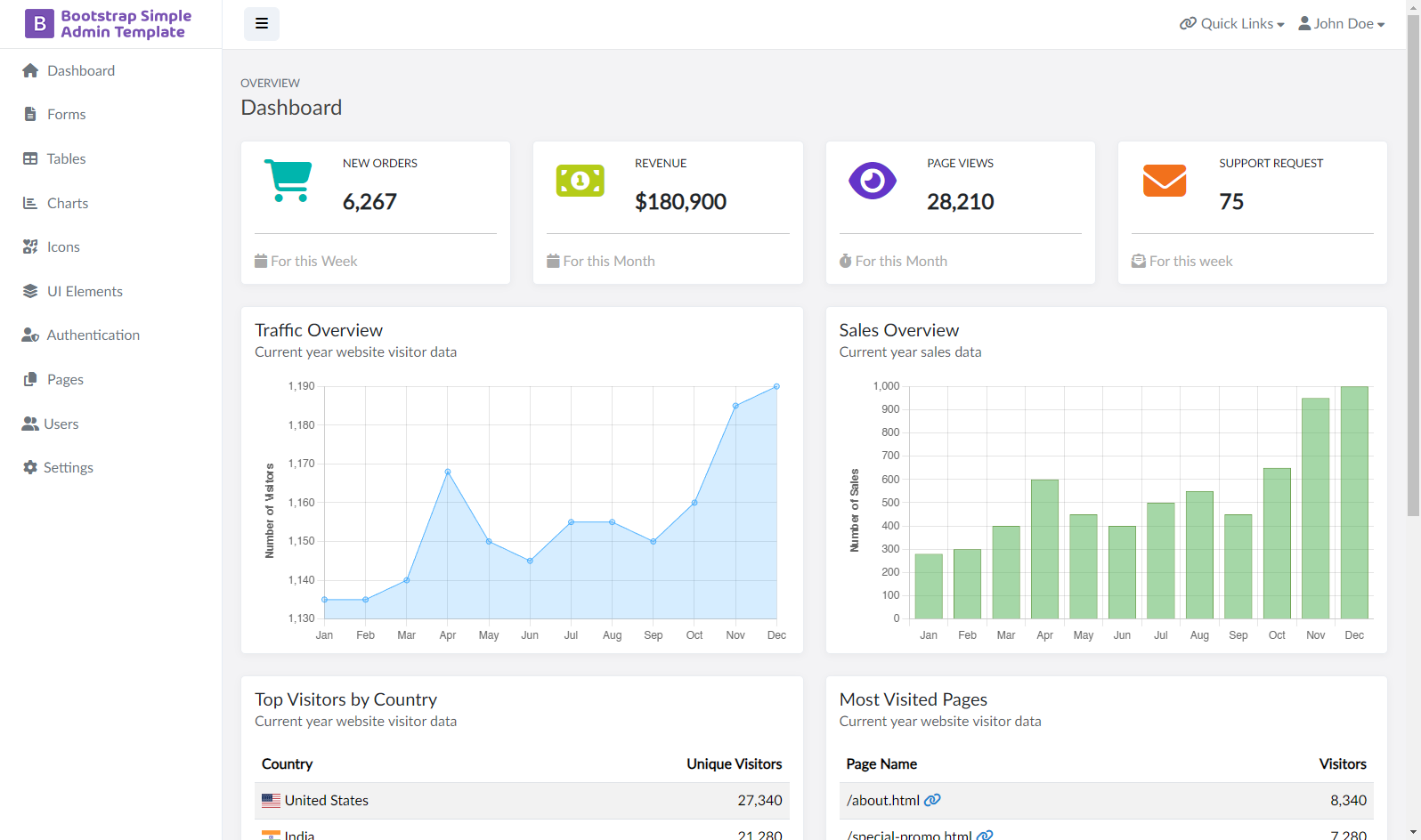
BootAdmin is a free HTML5 admin dashboard template built on Bootstrap 4.1.1, designed for web app backends, control panels, and admin panels. The template is distributed through ThemeWagon and created by the Bootadmin author. It provides a complete set of dashboard UI components that you can download and edit directly in HTML, CSS, and JavaScript.
What is BootAdmin?
BootAdmin is a free HTML5, CSS3, and Bootstrap 4.1.1 admin dashboard template that serves as a starting point for building control panels and web application backends. It includes the Datatables plugin for data tables, FullCalendar for event calendars, and chart components for Scatter, Pie, Area, and Column visuals. The package contains CSS files, JavaScript source files, font icons, and library/plugin files, making it a self-contained front-end toolkit.
Key Features
- Bootstrap 4.1.1 — Built on Bootstrap version 4.1.1 with FontAwesome icons included.
- Chart types — Includes Scatter, Pie, Area, and Column charts for data visualization.
- Datatables — Integrated the Datatables plugin for sortable and searchable tables.
- 5 authentication pages — Pre-built login and sign-up pages ready for integration.
- FullCalendar — Bundles the FullCalendar library for scheduling and event views.
- Example pages — Comes with blank, pricing, invoice, FAQ, and login example pages.
- Responsive layout — Fully responsive and compatible with Chrome, Edge, Firefox, Opera, Safari, and mobile browsers.
- Form and card styles — Basic and customized forms plus Basic, Title, and Panel card designs.
- Collapsible navigation — Drop-down menus and a collapsing side navigation for efficient dashboard navigation.
Who is it for?
- Web developers — Use BootAdmin to assemble admin panels quickly by editing the plain HTML/CSS files rather than starting from scratch.
- Startups and SaaS teams — Reuse the pre-built pricing, invoice, FAQ, and authentication pages to launch a customer-facing dashboard.
- Freelancers and agencies — Deliver backend interfaces to clients on a free, open-source base that permits commercial use.
What can you do with BootAdmin?
- Create authentication flows – Use the 5 pre-built authentication pages to set up login and registration screens.
- Present data tables – Leverage Datatables to display sortable, searchable records in your admin panel.
- Add charts – Use Scatter, Pie, Area, and Column charts to visualize metrics and analytics.
- Build a calendar – Embed FullCalendar to show events, deadlines, and schedules.
How does BootAdmin work?
Download the template from ThemeWagon, unzip the folder containing CSS, JavaScript, font icons, and plugin files, then open any HTML page in a browser or edit it with a code editor. The template includes extensive documentation that explains how to customize the layout, forms, and components.
Pricing
BootAdmin is free to download. Its license permits open-source usage, commercial projects, and lifetime free updates.
Alternatives
- Deskapp — A free Bootstrap 4 HTML5 responsive admin dashboard template from ThemeWagon.
- Vali — A free modular Bootstrap 4 admin dashboard template.
- Elaadmin — A free responsive Bootstrap 4 HTML5 admin dashboard template.
FAQ
Is BootAdmin free?
Yes, BootAdmin is a free download from ThemeWagon. The license allows use in commercial projects and includes lifetime free updates.
What technologies does BootAdmin use?
BootAdmin uses HTML5, CSS3, Bootstrap 4.1.1, and FontAwesome icons, with the Datatables plugin and FullCalendar library included.
Does BootAdmin include authentication pages?
Yes, it ships with 5 pre-built authentication pages, plus blank, pricing, invoice, FAQ, and login example pages.
Can I customize BootAdmin?
Yes, the source includes CSS files, JavaScript source files, and HTML pages that can be edited directly. Extensive documentation is included to guide customizations.