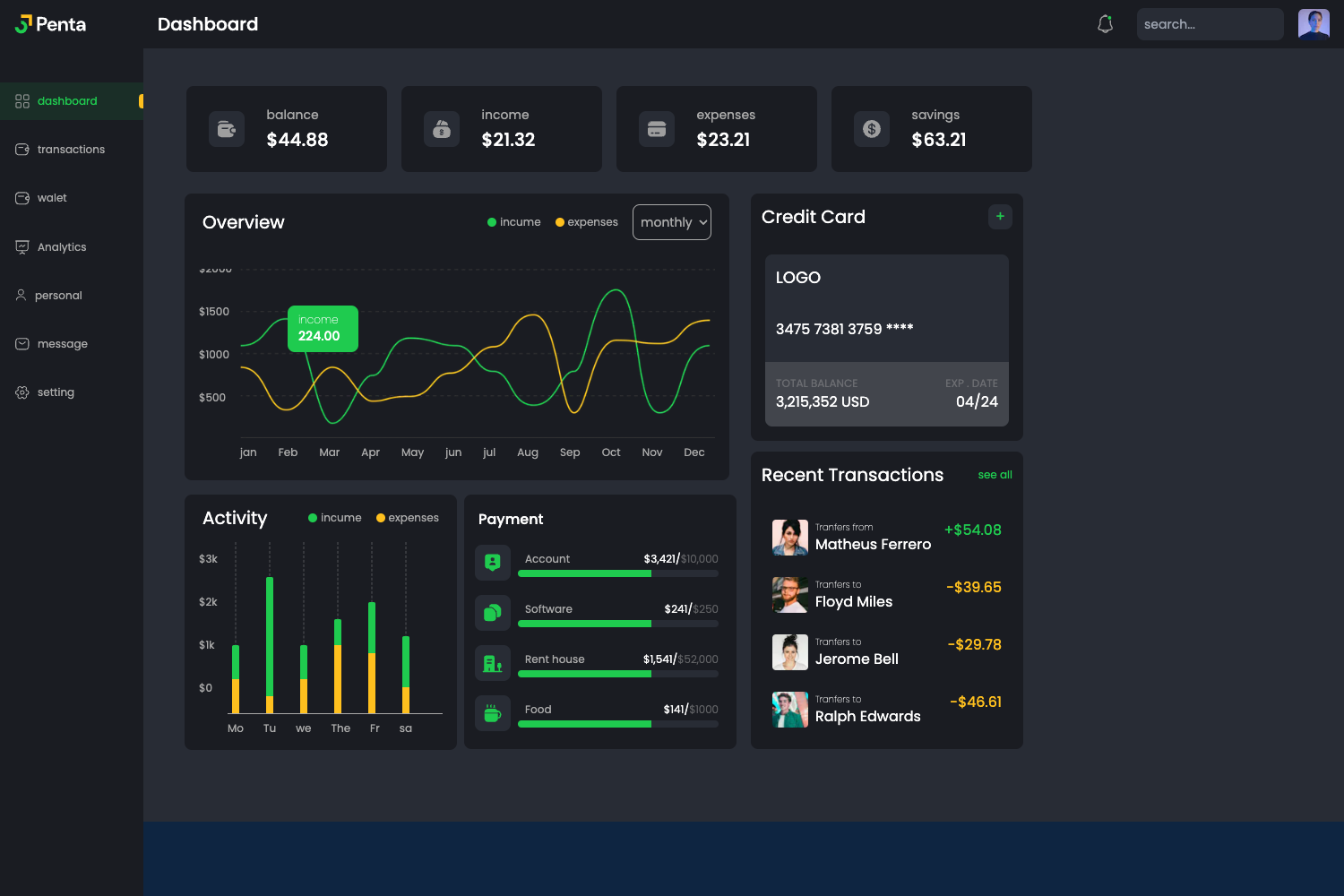
Template details
JavaTMP
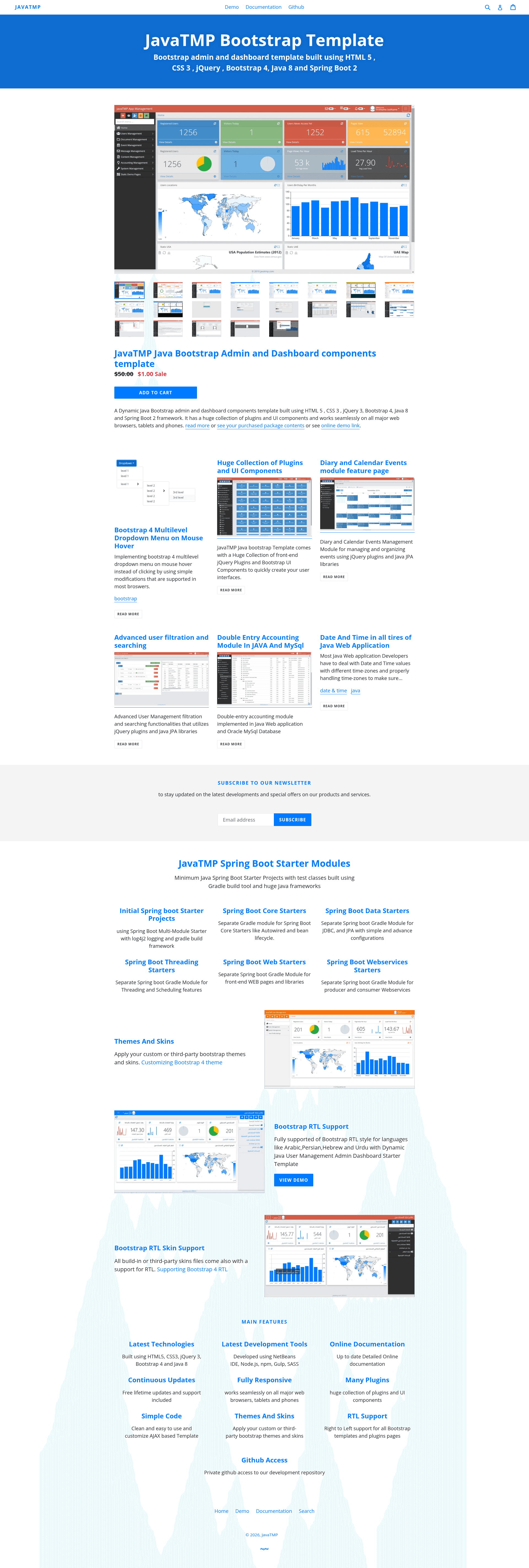
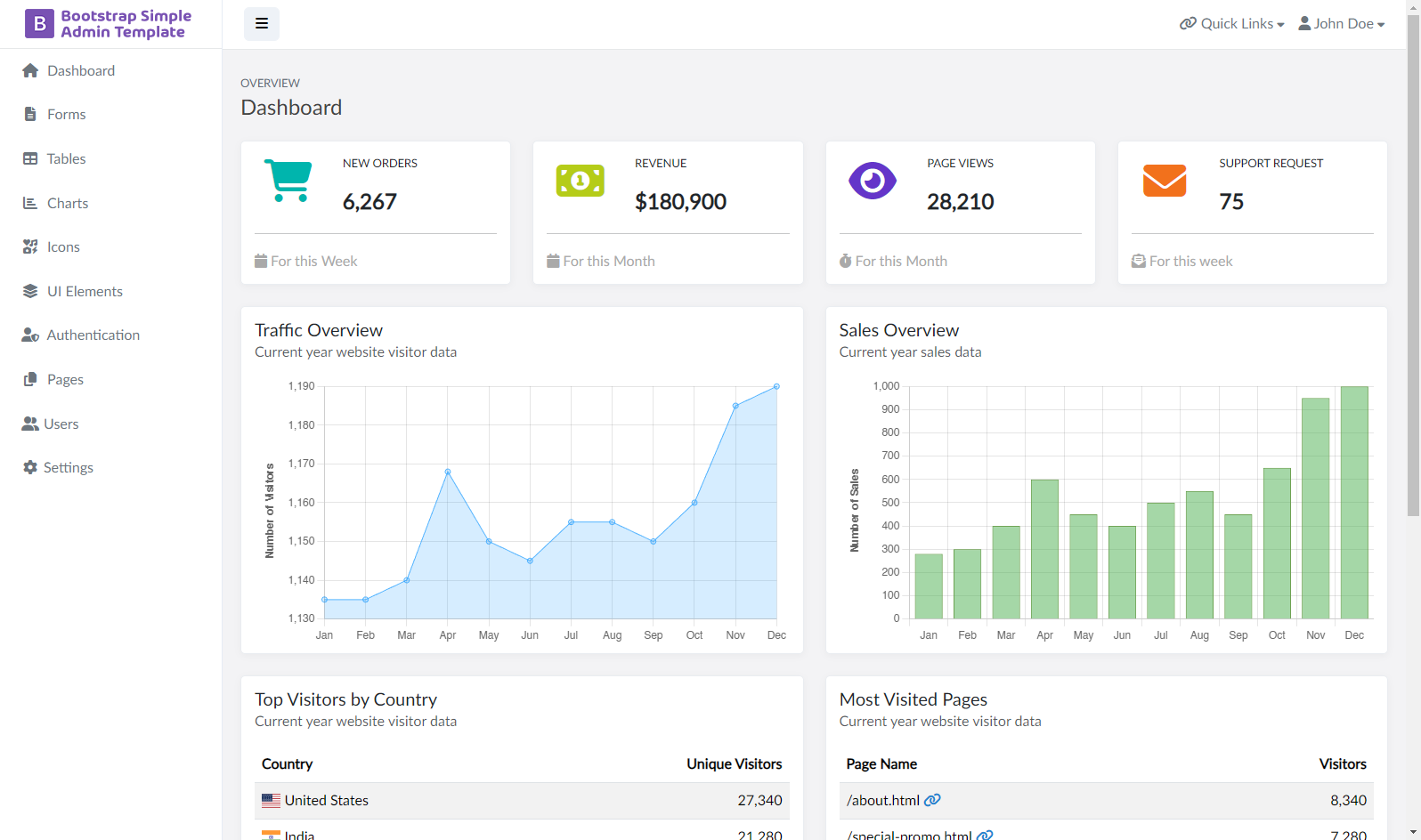
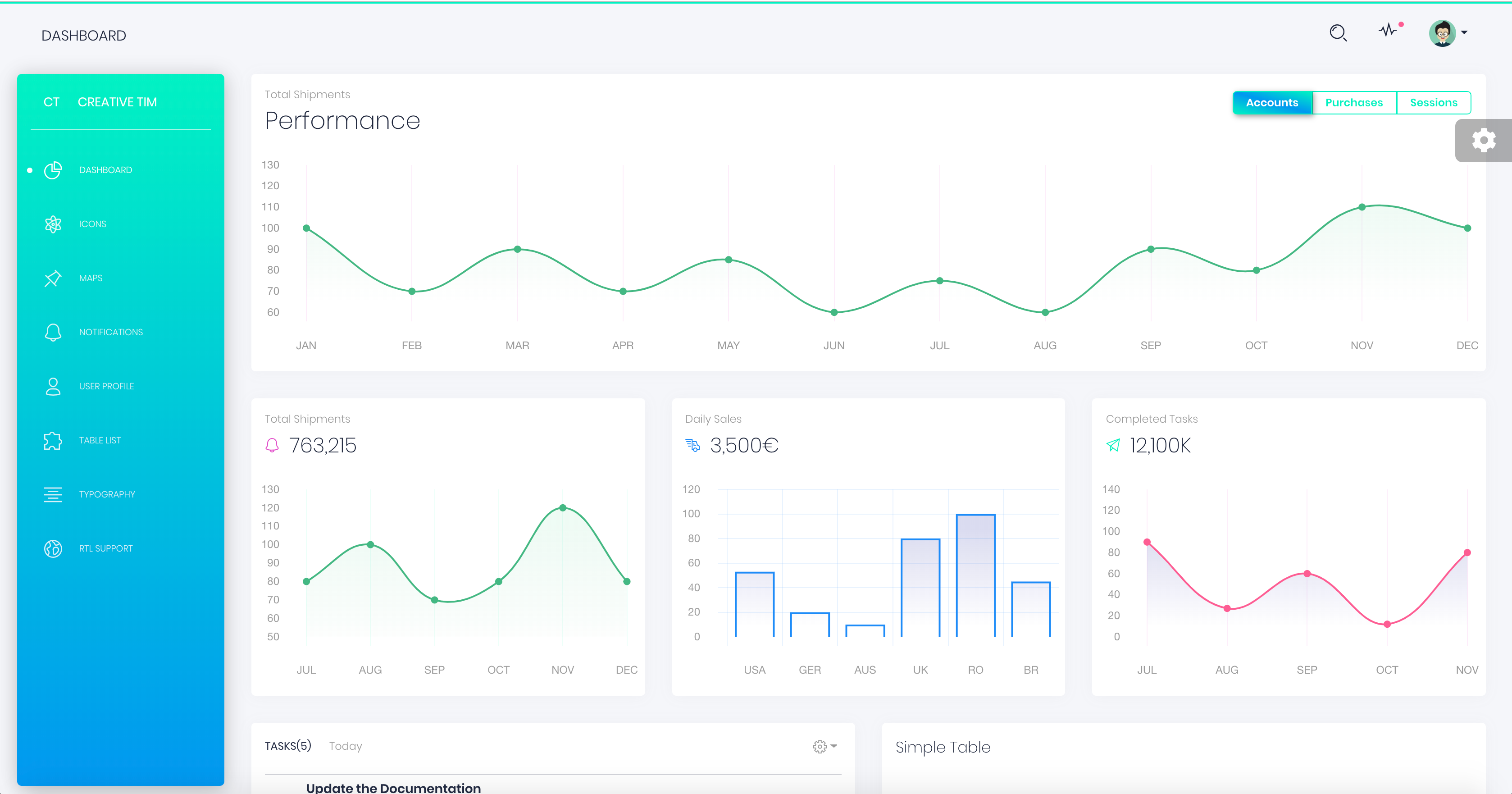
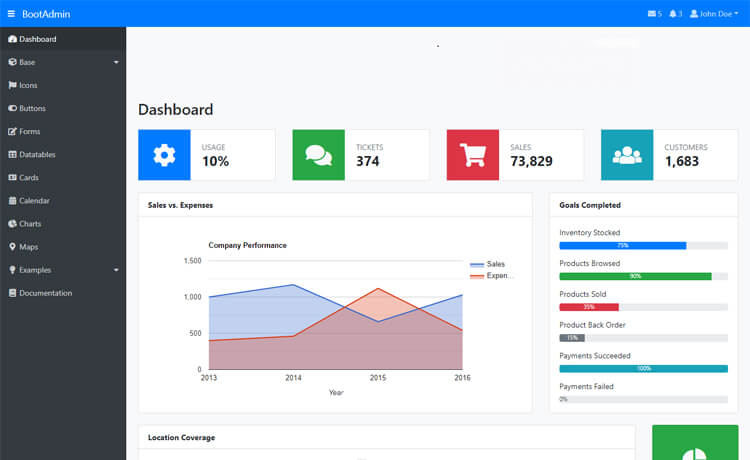
JavaTMP Bootstrap admin and dashboard component template built using HTML 5, CSS 3, jQuery, Bootstrap 4 and Java
About this template
JavaTMP is a Bootstrap 4 admin and dashboard template for Java web applications, distributed in both a static HTML version and a dynamic Java Servlet/JSP and Spring Boot version.
What is JavaTMP?
JavaTMP is a commercial admin and dashboard template built with HTML5, CSS3, jQuery 3, and Bootstrap 4, specifically geared toward Java web projects. It takes a set of UI components, plugins, and pre-built pages as its core content and produces either a standalone static HTML interface or a dynamic web application that can be integrated with Java backend frameworks. The template is developed by JavaTMP and supports a wide range of browsers, tablets, and phones.
Key Features
- Static and dynamic versions — the static HTML version and the dynamic Java Servlet/JSP version share the same design, so you can prototype in HTML and later add Java backend logic.
- Responsive fluid layout — the template adapts to desktops, tablets, and phones and works across all major web browsers.
- RTL support — right-to-left language support is included for all Bootstrap templates and plugin pages, targeting Arabic, Hebrew, and other RTL locales.
- AJAX-based navigation — the README describes a clean, easy-to-customize AJAX template structure, meaning page content can be loaded without full reloads.
- Fixed admin structure — pages include a fixed navbar, sidebar, breadcrumb, and footerbar, which is the typical layout for admin consoles.
- npm and Gulp toolchain — dependencies are managed with Node's npm, and Gulp automates build and development processes; Bower and Yarn are explicitly not used.
- SCSS styling — CSS files are generated using SASS's SCSS syntax, making it easier to customize Bootstrap variables and component styles.
- Extensive Spring Boot starter modules — the repository includes dozens of modular examples covering Spring Boot JDBC, JPA, multi-datasource JPA, paging, async, batch, Quartz, scheduler, REST, SOAP consumer/producer, caching, Actuator, iText, JasperReports, and validation.
Who is it for?
- Java web developers — teams building admin interfaces with Servlet/JSP or Spring Boot can use the dynamic template and the JavaTMP-App-Starter project to bootstrap a working dashboard connected to MySQL.
- Front-end developers — those who want a ready-made Bootstrap 4 admin UI with a large component and plugin library can work directly with the static HTML version.
- Full-stack learners — developers studying Spring Boot can inspect the many starter modules as thin, focused examples of how to pair Java frameworks with a Bootstrap front end.
What can you do with JavaTMP?
- Spin up a Spring Boot dashboard: edit
application.propertiesin the JavaTMP-App-Starter module with your MySQL credentials, then runmvn spring-boot:runto launch a development version of the admin app. - Generate a production WAR: run
mvn clean packageand launch the resulting WAR withjava -jar, optionally specifying a port via-Dserver.port. - Build an RTL admin interface: use the built-in RTL support to serve Arabic or Hebrew users without custom CSS overrides.
- Learn framework integration: study modules like spring-boot-jpa-advance, spring-boot-quartz-advance, and spring-boot-soap-producer to see how each framework fits into a Bootstrap-based UI.
How does JavaTMP work?
The README describes a concrete setup flow. First, with Node.js installed, run npm install to fetch all Node dependencies from package.json, then run gulp to regenerate front-end dependencies. Next, prepare a MySQL database as described in the database configuration section, and set the datasource URL, username, and password in the Spring Boot application.properties file. After that, import the project as a Maven project in your IDE or launch it from the command line with mvn spring-boot:run.
Pricing
JavaTMP is a paid commercial template; the README thanks purchasers and includes links to an official pricing page and a GitHub LICENSE file. No dollar amounts or tier names are disclosed in the README itself.
Alternatives
- AdminLTE — another open-source Bootstrap admin dashboard template.
- CoreUI — an admin dashboard template available in multiple front-end frameworks including Bootstrap, Vue, Angular, and React.
FAQ
Does JavaTMP support RTL layouts?
Yes. The README explicitly lists RTL support for all Bootstrap templates and plugin pages, so you can build admin interfaces for Arabic, Hebrew, and other right-to-left languages without additional CSS work.
Which Java backend technologies are covered?
JavaTMP's dynamic version uses Java Servlet/JSP and Spring Boot. The GitHub repository contains a JavaTMP-App-Starter Spring Boot project plus dozens of starter modules for data access, threading, web services, caching, and reporting.
How do I run the dynamic version?
After installing Node.js, run npm install and gulp. Then configure a MySQL database and update spring.datasource.url, spring.datasource.username, and spring.datasource.password in the application.properties file. Finally, run mvn spring-boot:run for development or package and run a WAR for production.
Does JavaTMP use Bower or Yarn?
No. The project uses npm for dependency management and Gulp for build automation. The README states that Bower and Yarn are no longer used for managing web frameworks and plugins.
What database does the starter project expect?
The JavaTMP-App-Starter module is configured for MySQL, with a sample datasource URL pointing to a database named appdb and connection properties for SSL, timezone, and auto-reconnect.