Template details
Bootstrap Simple Admin Template
A free, open-source admin dashboard template built with Bootstrap 5.3.3, offering pre-built pages and a responsive layout.
About this template
Bootstrap Simple Admin Template is a free, open-source admin dashboard template built with HTML, CSS, and JavaScript on Bootstrap 5.3.3, designed to give developers a responsive, mobile-first starting point for web application backends.
What is the Bootstrap Simple Admin Template?
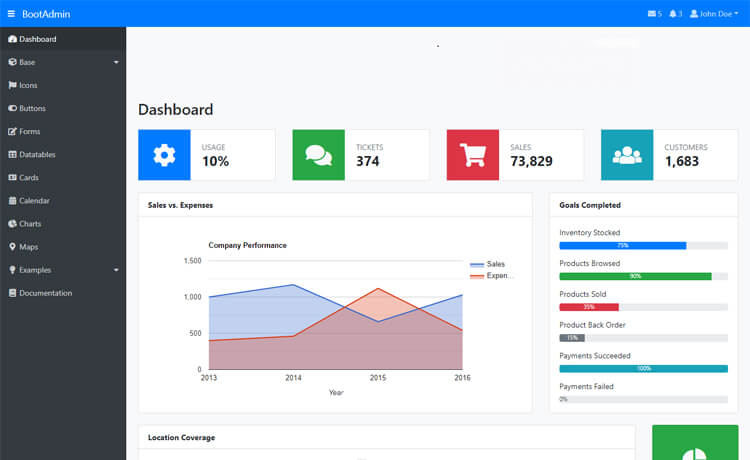
The Bootstrap Simple Admin Template is a front-end admin dashboard template that provides a complete UI foundation—header topbar navigation, sidebar navigation, and a main content area—along with a set of pre-built pages. It takes no configuration inputs; you download the static HTML/CSS/JS files, edit them to fit your project, and serve them from any web server or integrate them with a backend of your choice. The template is created and maintained by Pro Dev Ph and is licensed under the Apache 2.0 open-source license.
Key Features
The template packs a set of concrete features that make it a practical starting point for admin dashboards.
- Bootstrap 5.3.3 upgrade — The template has been updated to Bootstrap version 5.3.3, bringing new styles, improved buttons, cards, tabs, forms, and background color utilities.
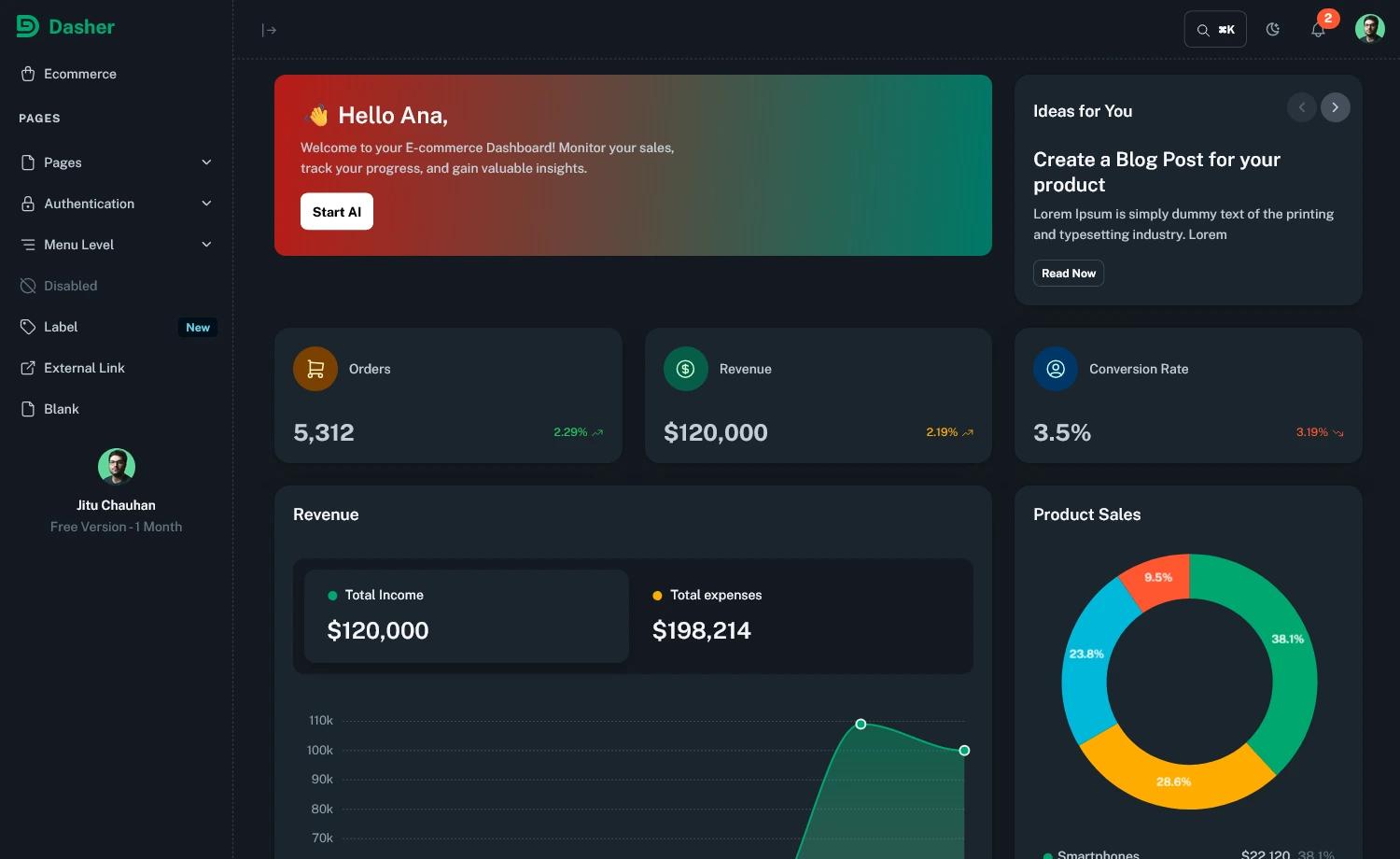
- Flexible layout system — Includes a header topbar navigation, a sidebar navigation, and a main content area, giving you the standard admin shell out of the box.
- Pre-built pages — Ships with a dashboard, sign-in, sign-up, and forgot-password pages, 404 and 500 error pages, a charts-and-analytics page, users and roles management pages, and a settings page.
- Fully responsive design — The layout adapts to mobile and desktop screen sizes using Bootstrap's responsive grid, with a mobile-first approach.
- Clean, modular code — The HTML, CSS, and JavaScript are structured to be developer-friendly, making customization and maintenance straightforward.
- Open-source license — Released under Apache 2.0, so you can use, modify, and redistribute it freely, including in commercial projects.
Who is it for?
This template suits developers and teams who need a pre-built admin interface without starting from a blank page.
- Backend and full-stack developers who need a ready-made admin interface for their web applications and want to avoid building UI components from scratch.
- SaaS founders building dashboards for user management, analytics, and settings screens can use the template's pre-built pages to launch an MVP faster.
- Agencies and freelancers creating admin portals for e-commerce or website management can repurpose the layout and pages for client projects.
What can you do with it?
The pre-built pages and layout cover several common admin dashboard scenarios.
- SaaS platforms: Set up a dashboard with auth pages, a charts-and-analytics view, and a settings screen in one template.
- E-commerce admin portals: Use the users and roles management pages to build staff and customer administration screens.
- Mobile-first web applications: Rely on the responsive Bootstrap layout to ensure the admin interface works on smartphones and tablets as well as desktops.
FAQ
Here are answers to common questions about this admin template.
Is the Bootstrap Simple Admin Template free?
Yes, the template is open-source under the Apache License 2.0. You can use it for personal and commercial projects without payment or attribution, though you must preserve the license notice.
What is included in the Bootstrap Simple Admin Template?
The template includes a dashboard, authentication pages (sign-in, sign-up, forgot password), 404 and 500 error pages, a charts and analytics page, users and roles management pages, and a settings page, all styled with Bootstrap 5.3.3.
Which libraries does the Bootstrap Simple Admin Template use?
The template is built on Bootstrap 5.3.3 for styling and layout, alongside HTML, CSS, and JavaScript. The repository files also include common admin-feature components for navigation, forms, and tables, though the specific JavaScript libraries are not detailed on the project page.
How do I customize the Bootstrap Simple Admin Template?
Because it is a static template, you can edit the HTML, CSS, and JavaScript files directly. The code is modular, so you can remove pages you don't need and add your own content without affecting the core layout.
Does the template work with backend frameworks?
Yes, since it's static front-end code, you can serve it alongside any backend—Node.js, Django, Laravel, or plain servers—by placing the files in your public directory and linking your backend API endpoints to the template's pages.