Template details
Bootstrap 5 Tutorial
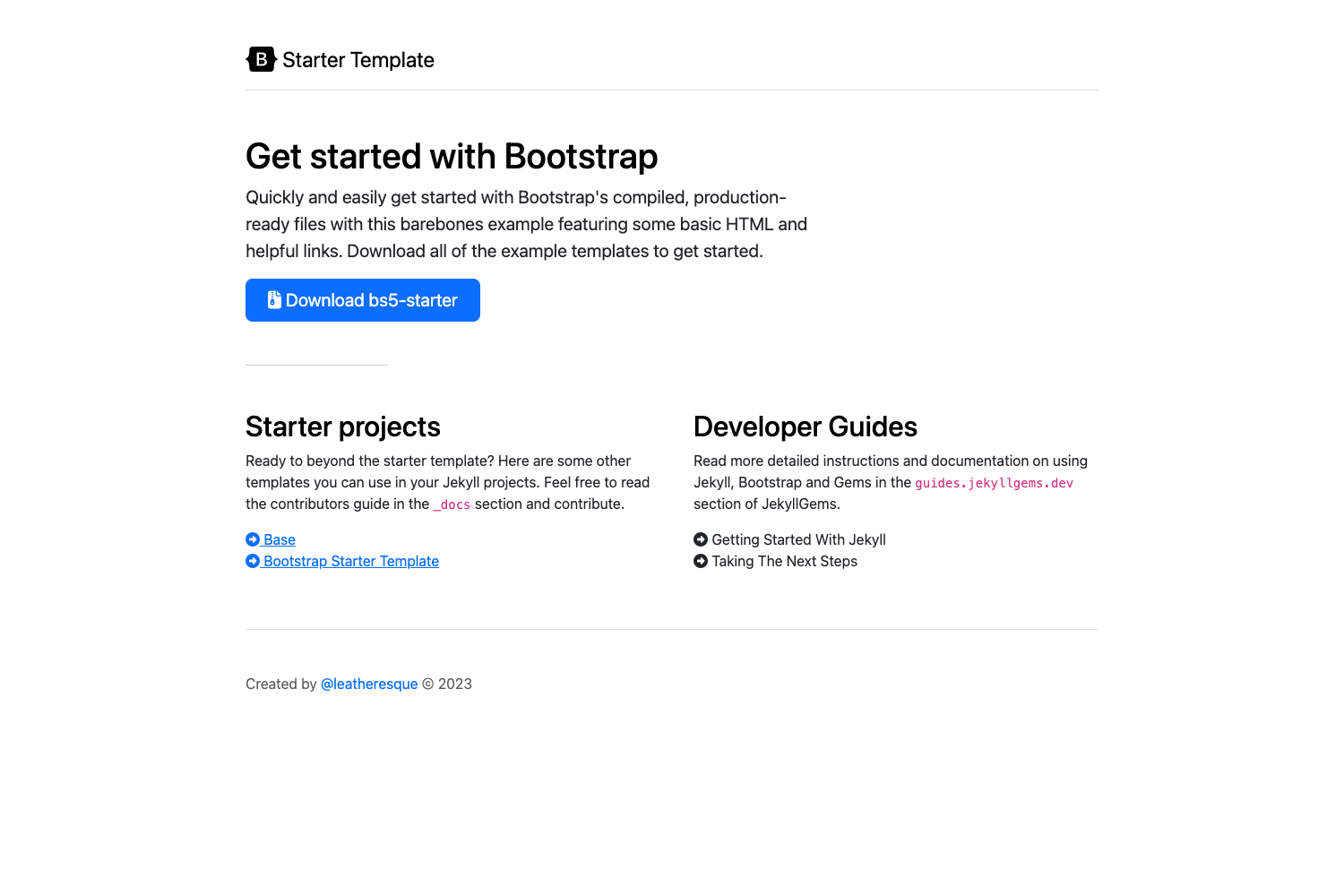
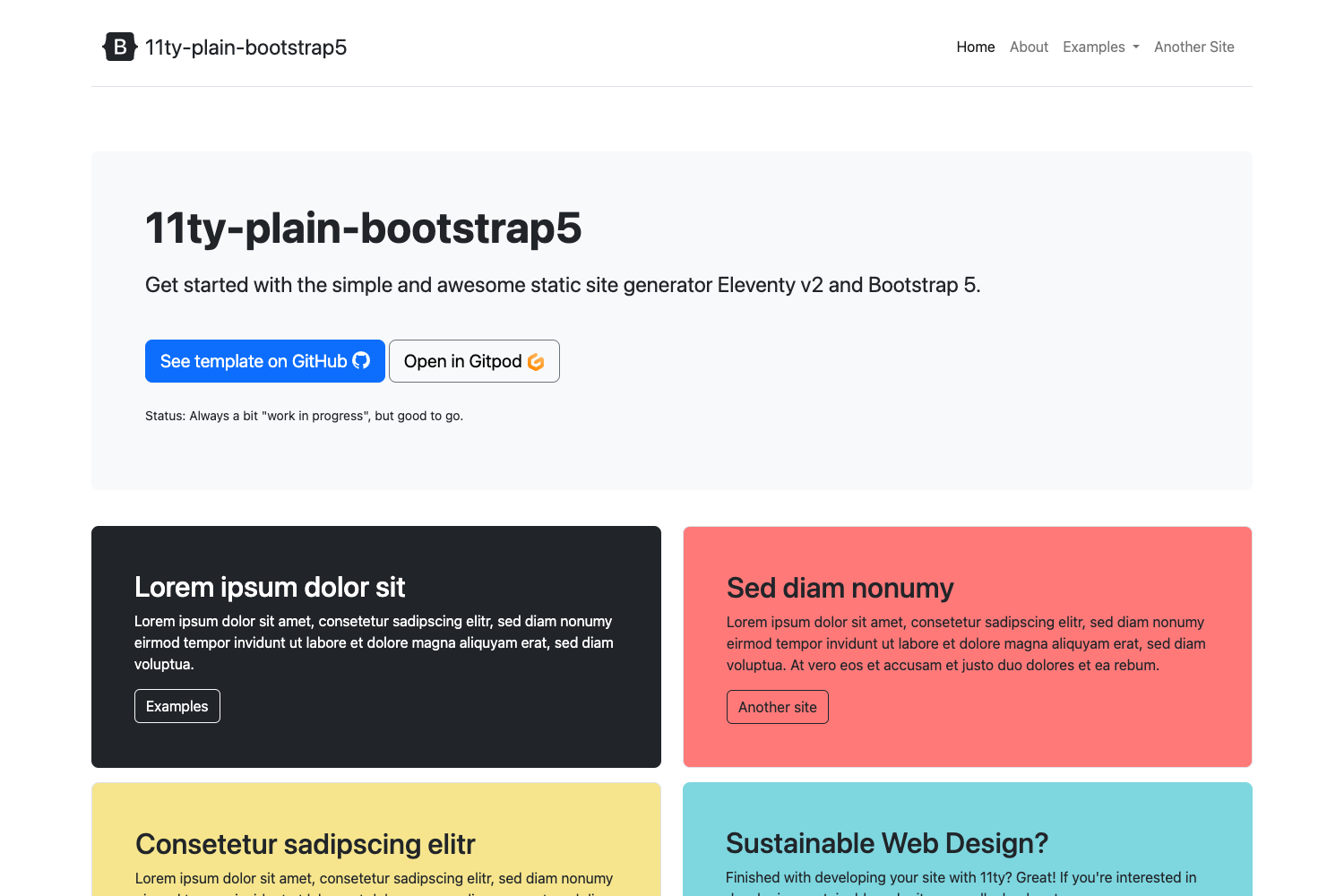
Bootstrap 5 tutorial starter project from Themesberg with Gulp, Sass, and BrowserSync.
About this template
The Bootstrap 5 Tutorial is a companion starter project published by Themesberg for its step-by-step guide on building websites with Bootstrap 5. It provides a scaffolded codebase that combines Bootstrap 5, Sass, Gulp, BrowserSync, and vanilla JavaScript so developers can follow along with the tutorial and end up with a working static website. The project runs locally on a development server and is distributed through GitHub.
What is the Bootstrap 5 Tutorial?
The Bootstrap 5 Tutorial is a companion starter project published by Themesberg for its step-by-step guide on building websites with Bootstrap 5. It provides a scaffolded codebase that combines Bootstrap 5, Sass, Gulp, BrowserSync, and vanilla JavaScript so developers can follow along with the tutorial and end up with a working static website. The project runs locally on a development server and is distributed through GitHub.
Key Features
- Bootstrap 5 — The project is built on Bootstrap 5, giving you the responsive grid, components, and utilities from the latest version of the framework.
- Sass compilation — Styles are authored in Sass and compiled to plain CSS automatically by Gulp, so you can use variables, nesting, and mixins.
- Gulp task runner — Gulp orchestrates the development workflow: it compiles Sass, watches your files for changes, and restarts the local server.
- BrowserSync live reload — BrowserSync runs a local server at
http://localhost:3000and synchronizes browser interactions, so updates appear instantly as you edit. - Vanilla JavaScript — The project uses plain JavaScript without dependencies, making it easy to add interactive behavior without learning a framework.
- Themesberg ecosystem — The repo links to Themesberg's blog, premium themes, free themes, and affiliate program, so you can extend the tutorial with real-world resources.
Who is it for?
The Bootstrap 5 Tutorial is aimed at web developers and designers who want to understand how to set up a modern front-end build pipeline using Bootstrap 5. It is especially useful for beginners who are following the Themesberg tutorial and need a known-good starting point. It also serves as a minimal boilerplate for front-end developers who prefer Gulp and Sass over preconfigured build tools.
What can you do with the Bootstrap 5 Tutorial?
- Students of the tutorial: follow along with the Themesberg guide and build a styled, responsive webpage step by step.
- Front-end developers: use the project as a starting point to quickly create a new Bootstrap 5 site with automated Sass compilation and live reload.
- Designers prototyping in code: leverage Bootstrap's components and the Gulp/BrowserSync setup to iterate on designs without manual refresh.
How does the Bootstrap 5 Tutorial work?
The project is set up as a standard npm package. You begin by cloning or downloading the files, then run npm install to fetch all dependencies. After that, the command gulp starts a local server at http://localhost:3000, compiles Sass, and watches for file changes. The entire workflow is designed to be as simple as three commands.
FAQ
Is the Bootstrap 5 Tutorial free to use?
Yes, the project files are hosted in a public GitHub repository, so you can clone or download them at no cost. The tutorial itself is published on the Themesberg blog and is freely accessible.
What tools do I need to run the project?
You need Node.js and npm installed on your machine. The project uses Gulp as a command-line task runner, which is installed through npm during the npm install step.
Does the project include a production build?
The getting started guide only mentions the development workflow with Gulp. It does not explicitly document a production build command, so you may need to extend the Gulp tasks for production optimization.