Template details
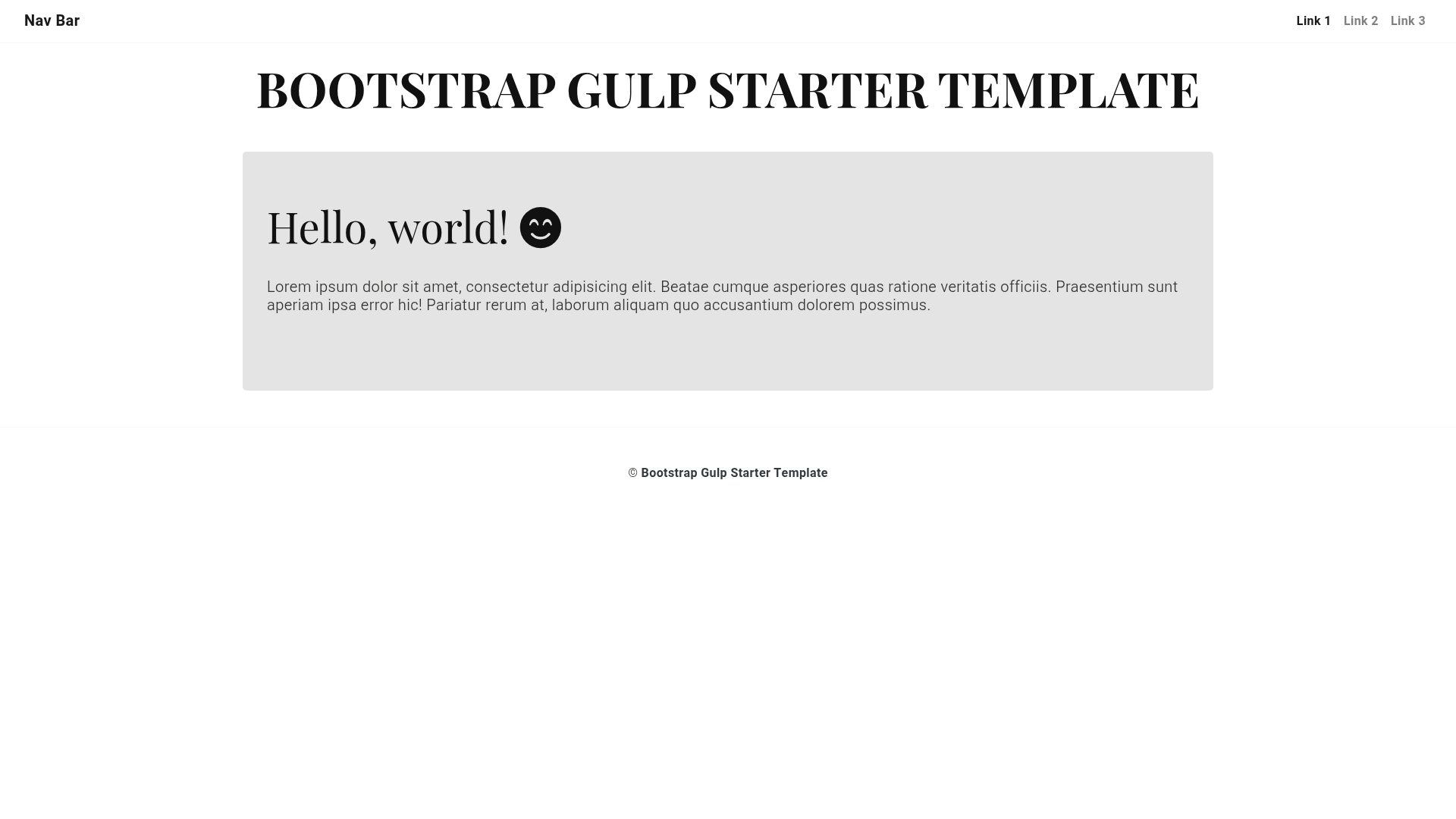
Bootstrap Gulp Starter Template
Bootstrap 4 + Gulp 4 + Panini for improve front-end development workflow
About this template
Bootstrap Gulp Starter Template is an open-source front-end boilerplate that combines Bootstrap 4, Gulp 4, and Panini to compile multi-page static websites from Sass, JavaScript, and Handlebars partials.
What is the Bootstrap Gulp Starter Template?
The template is a project scaffold for front-end development. It takes source files from the src folder — SCSS, JavaScript, images, fonts, HTML pages, layouts, partials, and external JSON or YAML data — and processes them through a Gulp 4 build system into a production-ready static site in the dist folder. The project runs on Node.js and npm, with Gulp as the task runner. It was created by johndavemanuel and is maintained on GitHub under the MIT license.
Key Features
- Panini flat-file generator — compiles HTML pages using a common layout, supports partials, custom Handlebars helpers, and external data files in JSON or YAML format.
- Sass compilation with autoprefixer — SCSS files in
src/assetsare compiled, prefixed for browser compatibility, and combined with JavaScript concatenation. - BrowserSync live reload — a built-in server runs on http://localhost:3000, automatically reloads the page on file changes, and live-injects CSS updates when a Sass file is saved.
- Production build optimizations — CSS compression via gulp-cssmin, JavaScript minification via gulp-uglify, and image compression via gulp-imagemin are applied when running
gulp production. - Accessibility and linting checks — gulp-accessibility generates a
reportstext file of issues, while.htmllintrcand.sass-lint.ymlconfigure HTML and SCSS lint rules, with JavaScript checked by jshint. - PurgeCSS integration — unused CSS is removed during production builds to reduce file size.
- Pre-included assets — Fontawesome 5, Animate CSS, and RTL support via directional-scss are bundled in the project.
- GitHub Pages deployment — gulp-gh-pages is configured to publish the built site directly to a GitHub Pages branch.
Who is it for?
Front-end developers who want a preconfigured Gulp workflow with Bootstrap and Sass. Teams building static marketing sites, documentation, or landing pages with multiple HTML pages that share common layouts and partials. Developers learning Panini and Handlebars who want a working reference implementation.
What can you do with it?
- Freelance web developers: scaffold new client sites quickly and keep markup consistent with reusable partials and data-driven pages.
- Open-source contributors: fork the repository, add features to the
srcfolder, and run the linting and accessibility checks before submitting a pull request. - Prototyping teams: spin up a local server with live reload, edit Sass and JavaScript, and see changes instantly without manual compilation.
- Static site deployers: generate a minified and compressed
distfolder and push it to GitHub Pages using the included gulp task.
How does it work?
Clone the repository, run npm install to fetch all Node dependencies, then run gulp development to start the local server at http://localhost:3000. To create a production-ready build, run gulp production, which deletes the existing dist folder and recreates all compiled files from src. Always make edits in src only, because dist is regenerated on every build and is not kept in source control.
FAQ
What are the system requirements?
You need Node.js, npm (which is included with Node), and Gulp installed globally. Verify them by running node -v, npm -v, and gulp -v in the terminal.
How do I start the development server?
Run gulp development after installing dependencies. The site will be available at http://localhost:3000, and BrowserSync will automatically reload the page when you change files.
How do I create a production build?
Run gulp production. This command deletes the dist folder and recreates it with compressed, minified CSS, JavaScript, and images.
Why shouldn't I edit files in the dist folder?
The dist folder contains compiled output that is overwritten each time you run a build. Project changes should be committed to src files only; the dist folder is not kept in source control.
Is the template free to use?
Yes, the project is released under the MIT license, so it can be freely used, modified, and redistributed.