Template details
Brackets
An open source code editor for the web, written in JavaScript, HTML and CSS.
About this template
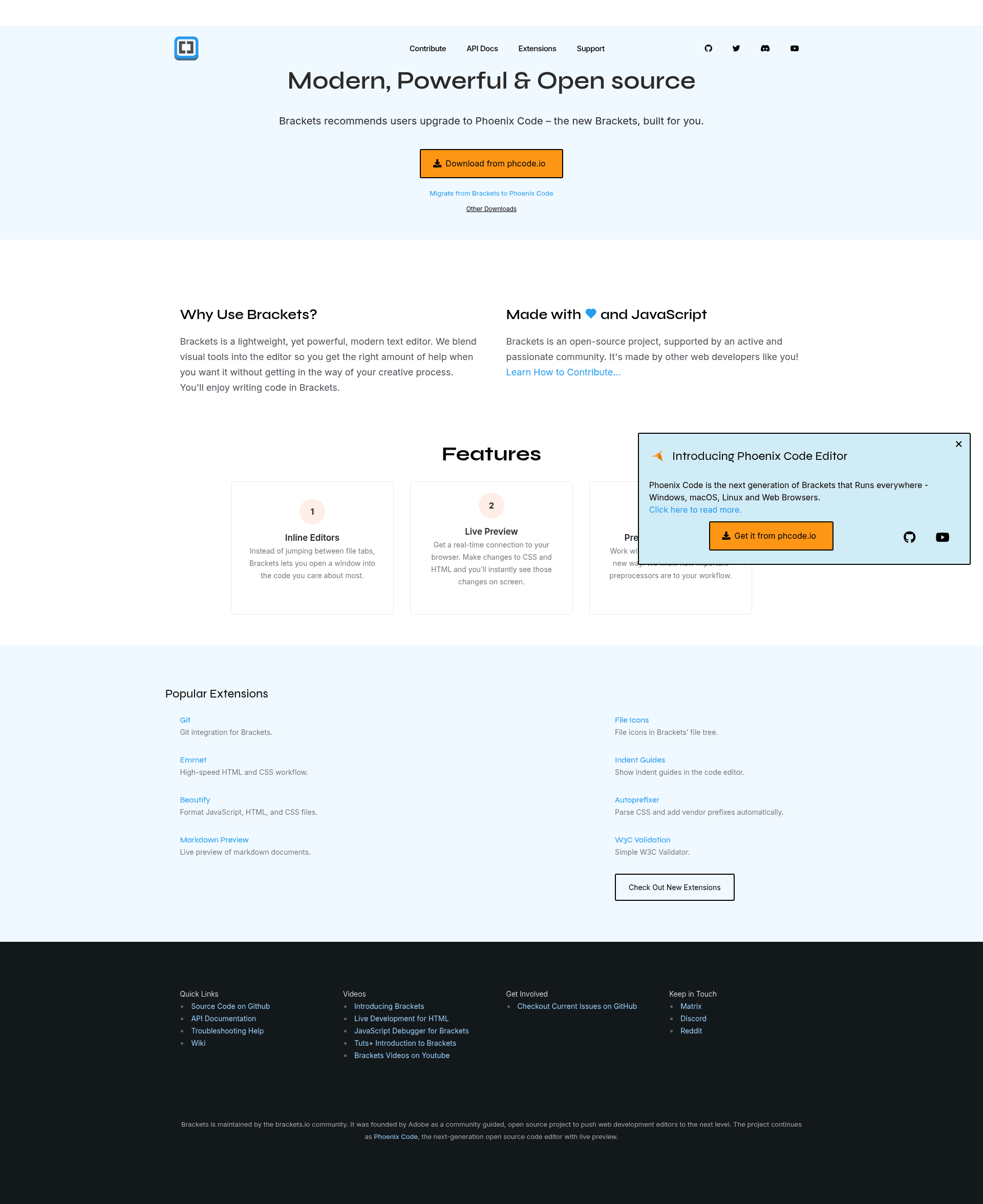
Brackets is an open-source code editor for HTML, CSS, and JavaScript that is itself built in HTML, CSS, and JavaScript, with its core editing engine based on CodeMirror.
What is Brackets?
Brackets is a modern, open-source desktop code editor developed by Adobe, available for Mac, Windows, and Linux (Debian/Ubuntu). It runs as a desktop application in a thin native shell so it can access local files directly. The editor takes source files from your local file system and provides features like Quick Edit and Live Preview to speed up front-end web development.
Key Features
- Quick Edit — puts context-specific code and tools inline instead of cluttering the environment with panels and icons, letting you edit CSS rules directly from HTML.
- Live Preview — works directly with your browser to push code edits instantly and jump between real source code and the browser view.
- Open source — the entire project is authored in HTML, CSS, and JavaScript, so developers can contribute through the GitHub repository.
- Extensibility — a large community maintains an official extension registry at registry.brackets.io with installable add-ons.
- Cross-platform installers — stable builds are provided for Mac, Windows, and Debian/Ubuntu Linux via brackets.io.
- Built-in getting-started content — a folder with simple example files opens by default so new users can explore the interface.
Who is it for?
- Web designers and front-end developers who need inline, context-aware editing for HTML and CSS without switching files or views.
- Educators and students learning web development who want a simple editor with a live browser preview to see code changes immediately.
- Open-source contributors interested in hacking on a code editor written entirely in web technologies, with guidance in the project's CONTRIBUTING.md.
What can you do with Brackets?
- Front-end prototyping: write HTML and CSS, then use Live Preview to see updates instantly in the browser while keeping source and preview synchronized.
- Learning CSS: use Quick Edit to overlay CSS rules on the HTML being edited, making it easier to understand selectors and cascade behavior.
- Building extensions: developers can create new functionality, share it through the extension registry, and install third-party add-ons to customize the editor.
What happened to Brackets?
Adobe ended support for Brackets on September 1, 2021. The project can still be forked on GitHub, and Adobe partnered with Microsoft to recommend Visual Studio Code as the migration path. The latest stable installer remains available from brackets.io.