Template details
JNTemplate
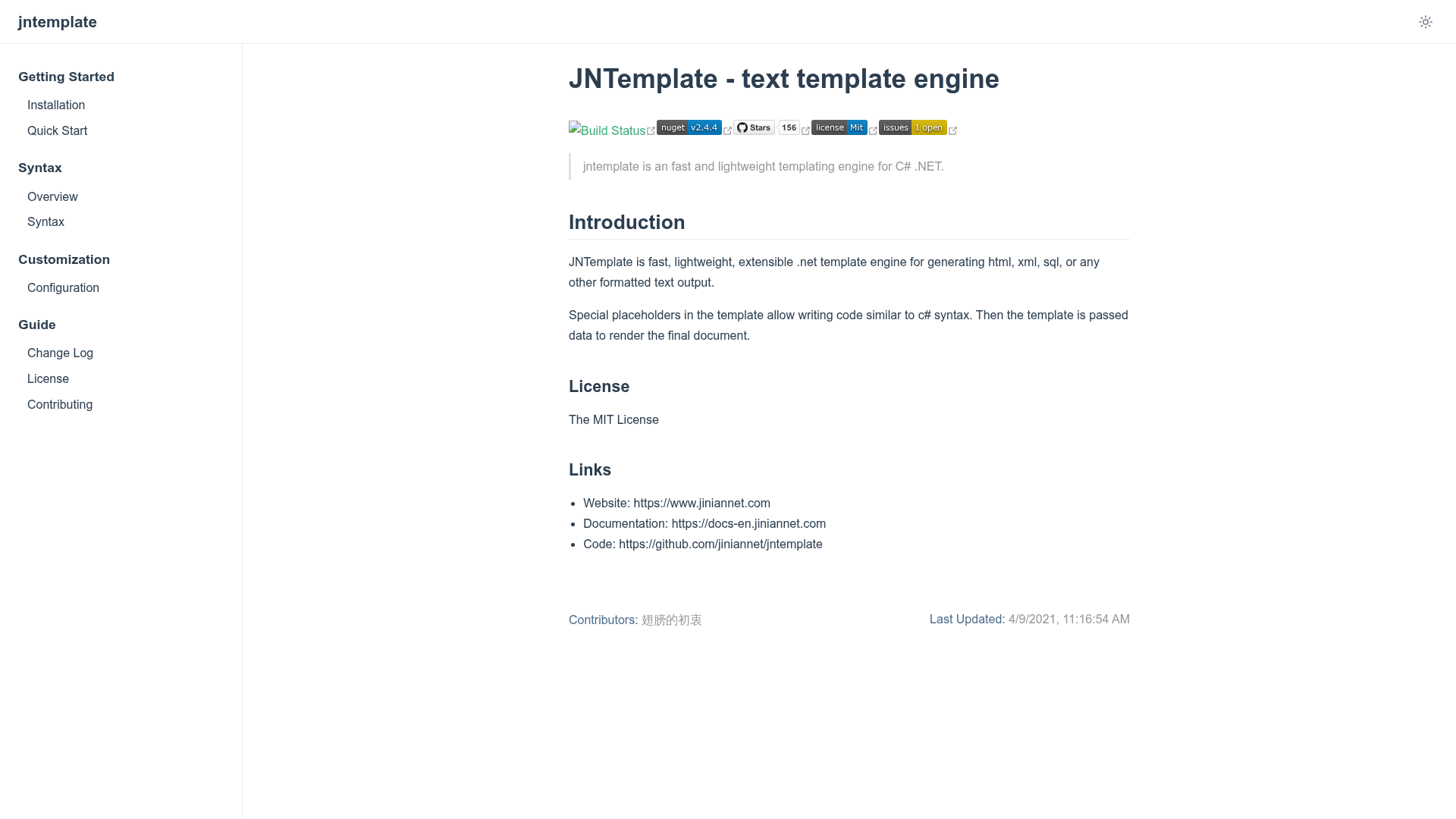
JNTemplate is a fast, lightweight, extensible .NET template engine for generating HTML, XML, SQL, or any other formatted text output.
About this template
JNTemplate is a fast, lightweight, extensible .NET template engine that renders HTML, XML, SQL, or any other text format from templates and data. It runs on the .NET platform and is developed by jiniannet, an open-source organization, with source on GitHub and distribution through NuGet.
What is JNTemplate?
JNTemplate is an open-source template engine for .NET that takes a template file or string with special placeholders and a data model, and produces formatted text output. It is designed for speed and a small footprint, and its syntax resembles C#. The project is MIT-licensed and available as the JinianNet.JNTemplate NuGet package.
Key Features
- Fast and lightweight — The project states these as its core design goals; it is intended as a low-overhead alternative for .NET rendering.
- C#-like template syntax — Use placeholders such as
${name}(an inline-code placeholder) and control flow likeforeachloops directly in templates. - Multi-format output — Generates HTML, XML, SQL, or any arbitrary text, making it flexible beyond web views.
- Easy data binding — Assign values to template variables with
template.Set("name", value)and render withRender(). - Configurable engine —
Engine.Configureaccepts an options object (using theIOptionspattern) to adjust behavior. - NuGet installation — Install via Package Manager (
PM> Install-Package JinianNet.JNTemplate) ordotnet add package JinianNet.JNTemplate. - Extensible — The project advertises extensibility for custom filtering or processing within templates.
Who is it for?
- .NET web developers who need to render dynamic HTML views from template files in MVC or Razor-less projects.
- Backend and service developers who want to generate XML or SQL output from a data model without hand-coding string concatenation.
- Tool and console-app creators who need a small, embeddable template engine for producing configuration files, emails, or reports.
What can you do with JNTemplate?
- Web developers: Load an HTML template from disk, set a few variables, and render a full page in one call.
- Data engineers: Generate parameterized SQL statements or XML documents using
foreachloops over arrays or collections. - Automation scripters: Produce text files from templates inside .NET scripts or small utilities, with minimal dependencies.
How does JNTemplate work?
The quickstart shows a three-step process: call Engine.LoadTemplate with a file path, set data with template.Set, then call template.Render() to obtain the output string. The engine parses placeholders and loop constructs during rendering, and configuration is handled through Engine.Configure with an options object.
Pricing
JNTemplate is open source and released under the MIT license, so it is free to use in commercial and personal projects without licensing fees.
FAQ
Is JNTemplate free?
Yes, it is released under the MIT license, which allows free commercial and personal use with no cost.
How do I install JNTemplate?
Install it via NuGet using PM> Install-Package JinianNet.JNTemplate in the Package Manager Console or dotnet add package JinianNet.JNTemplate on the command line.
What output formats does JNTemplate support?
The documentation states it can generate HTML, XML, SQL, or any other formatted text output. The rendering result is a string that you can write to a file, stream, or response.
What does JNTemplate's syntax look like?
It uses C#-like syntax with placeholders like ${name} and loops such as ${foreach(name in list)} ... ${end}. Data is bound via template.Set("key", value).
Where can I find JNTemplate documentation?
The official documentation is at https://docs-en.jiniannet.com, and the source code is on GitHub at https://github.com/jiniannet/jntemplate.