Template details
bay.js
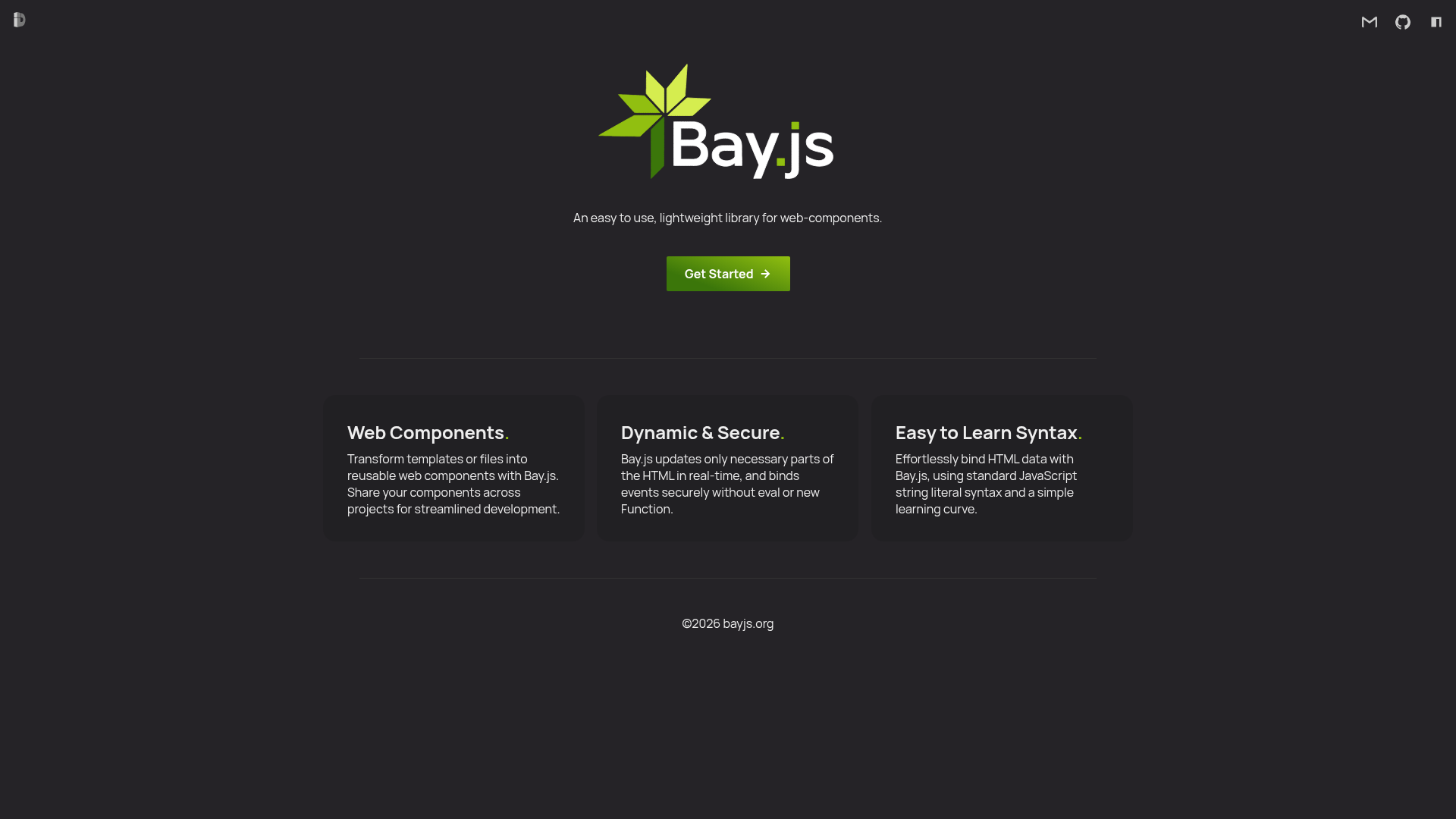
A lightweight, zero-dependency frontend library for building reusable web components and adding reactive state to HTML without a build step.
About this template
Bay.js is a zero-dependency frontend library for creating reusable web components and adding reactive state and interactivity to HTML, with an optional build step. It lets you define custom elements from inline <template> tags, external HTML files, JavaScript strings, or Declarative Shadow DOM, and runs entirely in the browser.
What is bay.js?
Bay.js is a lightweight frontend library that turns plain HTML templates into custom elements (web components) with reactive data binding, events, and lifecycle scripts. It takes a template source — an inline <template> in the DOM, a URL to an HTML file, a JavaScript string, or a DSD template — and registers it as a custom element with a name containing a dash. The library has zero dependencies, is published on npm as @dunks1980/bay.js, and has a documentation site at Bayjs.org.
Key Features
- Optional build step — Add a single script tag via jsDelivr to use bay.js without any bundler; ES module and npm imports are also supported.
- CSP compatible — Works under a strict Content Security Policy even without a build step.
- Versatile rendering — Components can render to regular DOM, shadow DOM, or light DOM using the
<inner-html>tag. - Zero dependencies — The library has no external runtime dependencies, keeping bundle size small.
- Template sources — Components can be created from an inline
<template bay="my-component">, a template id likebay="#my-template", a URL to a file such as/components.php, a JavaScript string passed tobay.create(), or the experimental DSD methodbay="dsd". - Reactive state — Assigning
this.xxxinside a component triggers a re-render; global state via$globalre-renders every component that references it. - Built-in tags — Conditional tags
<if>,<else-if>,<else>,<switch>, and<show>control rendering;<map>and<for>iterate arrays;<route>and<router>add client-side routing. - Lifecycle scripts — Special
<script>blocks in a template run at different points:mounted,props,render,slotchange, andupdate.
Who is it for?
- Web developers who want to create reusable custom elements without learning a full framework or setting up a build pipeline.
- Agencies and freelancers building multi-page sites where server-side templates (PHP or other) need to be enhanced with client-side interactivity.
- Component library authors looking to distribute single-file web components that consumers can load with a simple script tag.
- SPA developers who need a small router and state management inside web components without pulling in a larger framework.
What can you do with bay.js?
- Build interactive UI components — Define a custom element like
<my-component bay="#my-template" message="Hello">and have it render with props, two-way binding viabind, and event handling via:clickattributes. - Reuse templates across pages — Store component templates in a
.htmlor.phpfile and reference them by URL, enabling server-side rendering or shared component libraries. - Create components dynamically — Use
bay.create('my-component', '<h1>This is in a string</h1>', ["message"])to generate custom elements on the fly. - Implement client-side routing — Use the
<router>and<route>tags to build a SPA, with path variables accessible via$path.
How does bay.js work?
Bay.js scans the DOM for custom elements that have a bay attribute pointing to a template. It parses the template source, registers a custom element (the name must include a dash), then compiles the template into a render function. When a component property changes, the render function runs and diffs the template against the current DOM. To use it, either add the script tag to your page and define <template bay="my-component"> tags inside the body, or import bay as an ES module and call bay() to initialize it.
Is bay.js free?
Yes, bay.js is open-source under the MIT License. The npm page, GitHub repository, and the project website Bayjs.org are all publicly available, and the library can be used via the free jsDelivr CDN without registration.
Can bay.js be used with a build step?
Yes. Although bay.js is designed to work with just a script tag, it also supports ES module imports and npm installation (npm i @dunks1980/bay.js). When using imports, call bay() once to initialize the library before creating components.
Does bay.js support server-side rendering?
Bay.js supports URL-based templates, so you can point a component's bay attribute directly to a .php endpoint or other server-generated HTML file. The file contents are fetched and used as the component template, which means templates can be rendered or modified on the server.
Are there any limitations with the DSD method?
When using bay="dsd" with a <template shadowrootmode="open">, props are not available — only settings work — and content renders to the main DOM, so styles inside are not encapsulated. DSD is marked as experimental in the documentation.