Template details
Browser Agent Template
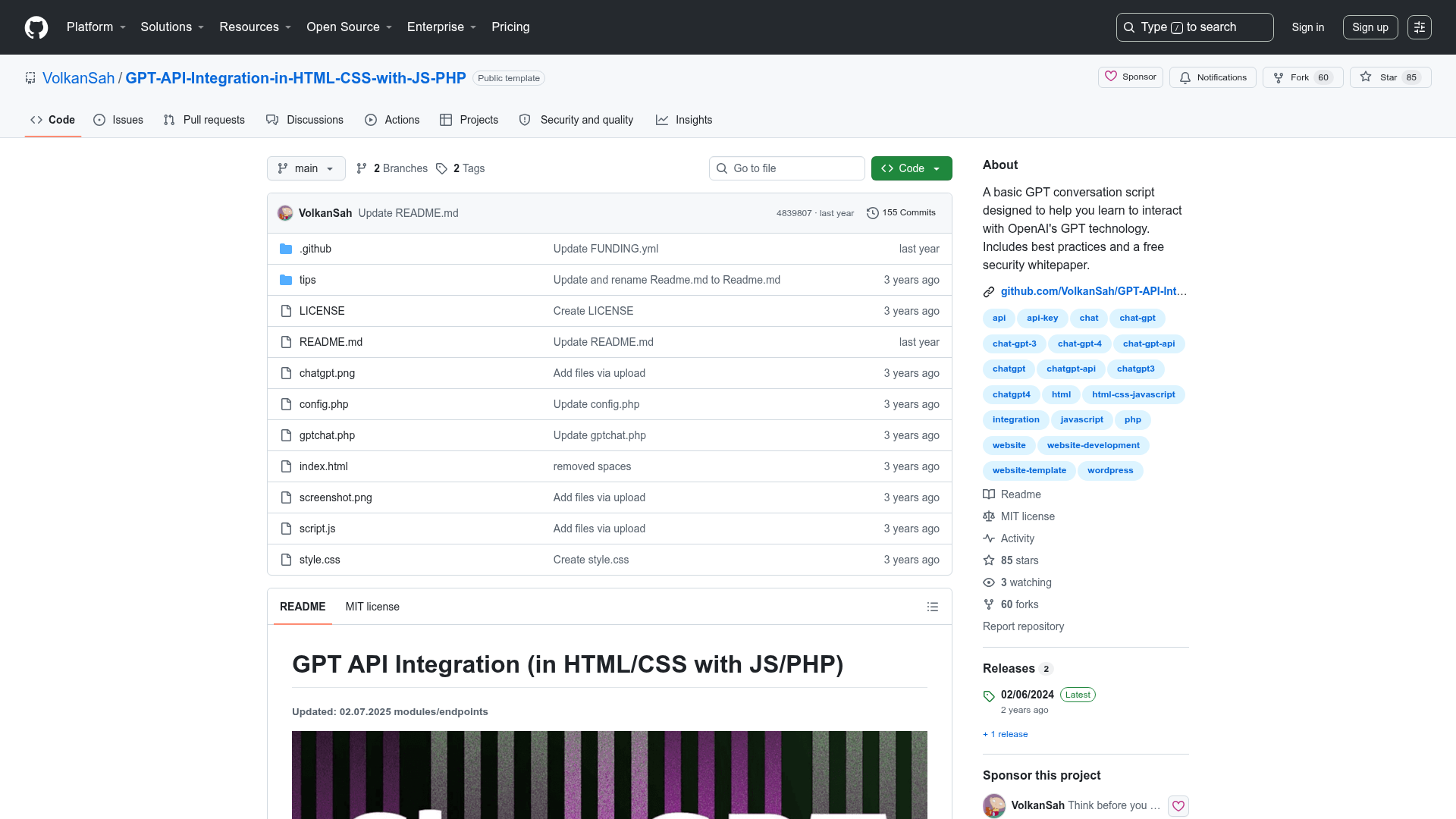
Open-source, fork-and-deploy Vercel eve agent template that browses the real web with a Browser Use cloud browser.
About this template
Browser Agent Template is an open-source, MIT-licensed starter for building a web-browsing AI agent: it combines a Vercel eve agent, a Next.js chat interface, and a Browser Use cloud browser so the agent can navigate the live web, extract content, fill forms, and take screenshots. Fork the repository, supply two environment variables, and deploy to Vercel.
What is Browser Agent Template?
Browser Agent Template is a fork-and-deploy Next.js application that provides a web chat UI for talking to an AI agent. The agent runs on Vercel's eve framework and uses the @browser_use/eve package to provision a real Browser Use cloud browser, which executes the browsing tasks in a live browser session. It takes natural-language tasks from the chat input and returns streamed responses with inline tool calls, plus a live browser view that you can watch in real time. The project is maintained as an open-source template by browser-use, the maker of the cloud browser infrastructure.
Key Features
- Web chat UI — Types your task in the browser; responses stream in and every tool call (open browser, navigate, extract) renders inline as it happens.
- Cloud browser access — The agent drives a real Browser Use cloud browser to navigate pages, scrape content, fill forms, click, and screenshot, with no scraping APIs.
- Live browser panel — Every browsing session returns a liveUrl that the UI embeds in a side panel, letting you watch the agent's browser next to the chat.
- Server-side API key — The BROWSER_USE_API_KEY lives in the app runtime and is never exposed to the agent's sandbox or the model.
- Single Next.js service — withEve() in next.config.ts mounts the eve agent into the app, so the chat UI and agent deploy together.
- Customizable — The documentation covers renaming the agent, rewriting its instructions, changing the AI model, adding tools and skills, configuring proxy country and timeouts, and adding auth for public deployments.
- Self-hosting option — Requires Node.js 24+; clone, npm install, copy .env.example to .env.local, then npm run dev and chat at localhost:3000.
Who is it for?
- Developers who want to build their own AI web-browsing assistant without writing browser automation infrastructure from scratch.
- Startups and indie hackers who need a deployable agent on Vercel with minimal setup — just add API keys.
- AI engineers who want a reference implementation of the eve framework combined with a cloud browser, including a live-watch UI.
- Automation builders who need to prototype multi-step web tasks such as navigating to a URL, extracting data, and filling forms.
What can you do with Browser Agent Template?
- Build a personal research assistant: ask it to visit a site like news.ycombinator.com and summarize the top posts.
- Automate live data collection: have the agent open real pages, fill out forms, click through flows, and capture screenshots.
- Prototype an AI-powered customer support agent: give it browsing abilities to check web pages and report back answers.
How does Browser Agent Template work?
- The web UI streams through eve's built-in Web Chat channel (useEveAgent).
- On a web task, the agent loads the browser-use skill and calls open_cloud_browser.
- @browser_use/eve provisions a Browser Use cloud browser while the key stays server-side, returning a liveUrl.
- The agent drives the browser with browser-harness-js (raw, typed CDP) inside eve's sandbox.
- The UI embeds the liveUrl in a side panel until stop_cloud_browser ends the session.
Pricing
The template is open source and free to self-host (MIT license). To run it you need a BROWSER_USE_API_KEY from browser-use.com and an AI Gateway credential — either link a Vercel project or set AI_GATEWAY_API_KEY. The page does not state the costs of those services.
FAQ
What do I need to deploy this template to Vercel?
You need a BROWSER_USE_API_KEY from browser-use.com and a model credential for the AI Gateway. The deploy button prompts you to set both environment variables when cloning the repository.
What Node.js version is required?
Node.js 24+ is required for self-hosting. The template was tested with the development commands npm run dev, npm run typecheck, and npm run build.
Can I change the AI model?
Yes. The Customization Guide explains how to change the AI model, as well as how to rename the agent, rewrite instructions, add tools and skills, and configure cloud browser options like proxy country, profile, and timeouts.
Is the API key exposed to the model or agent sandbox?
No. The BROWSER_USE_API_KEY stays in the app runtime and is never exposed to the agent's sandbox or the model, so the browsing is powered by @browser_use/eve without leaking credentials.
How do I watch the agent browse?
Every browsing session returns a liveUrl. The template's UI embeds that URL in a side panel next to the chat, so you can watch the agent's browser in real time.