Template details
Sticker Store
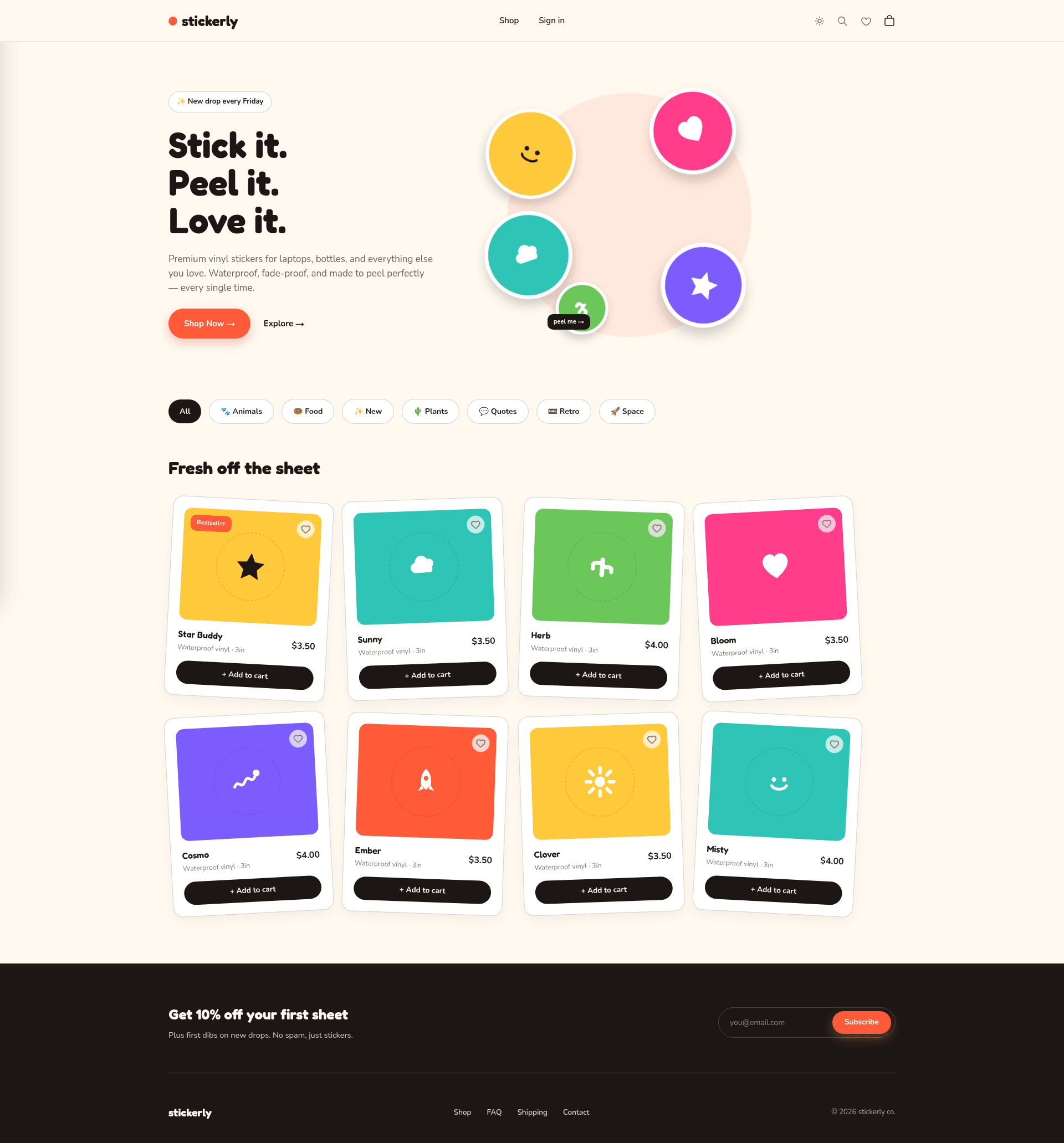
Open-source sticker storefront built with Next.js, Airtable, PlanetScale, and Craftgate.
About this template
Sticker Store is an open-source e-commerce starter template built with Next.js 12 that lets you launch a sticker shop by configuring a few environment variables. It uses Airtable as its CMS, PlanetScale as its database, and Craftgate for payment processing, with styling handled by Tailwind CSS.
What is Sticker Store?
Sticker Store is a full-stack e-commerce template for selling stickers, built on Next.js 12 by Vercel. As input, you provide your product data in Airtable and set environment variables for your PlanetScale database and Craftgate payment credentials; as output, you get a deployable storefront with product listings and checkout. The project is maintained by developer Enes Ozturk and released under the MIT license.
Key Features
- Next.js 12 framework — React-based pages with server-side rendering and static generation, deployable to Vercel with one click.
- Tailwind CSS styling — Utility-first CSS framework included for rapid UI customization without leaving your HTML.
- Airtable as CMS — Manage products and store content through Airtable's spreadsheet-like interface rather than a traditional admin panel.
- PlanetScale for database — Serverless MySQL-compatible database using the PlanetScale Node.js client for queries and storage.
- Craftgate payments — Payment processing integrated with the Craftgate Node.js client, supporting cards and alternative payment methods.
- React Hook Form inputs — Forms built with React Hook Form for validation and minimal re-renders.
- Environment-based configuration — A .env.example file lists exactly which variables to set before booting the app.
- Figma design file — The UI comes with a linked Figma design file for editing the visual design before development.
Who is it for?
- Indie sticker sellers — Want a professional-looking storefront without building the checkout and catalog from scratch.
- Developers learning e-commerce — Can study a working integration of Next.js, Airtable, PlanetScale, and Craftgate in one codebase.
- Startup founders — Need a minimal, customizable storefront they can deploy on Vercel and point at their own product data.
What can you do with Sticker Store?
- Launch a sticker shop — Add your product rows to Airtable, set your payment keys, and deploy to Vercel.
- Customize the storefront — Edit Tailwind classes and the React components to change the look; the Figma file lets you redesign before coding.
- Extend payments to other products — Swap the sticker product model for any item catalog while keeping the Airtable CMS and checkout flow.
How does Sticker Store work?
Clone the repository, install dependencies with yarn, then create a .env file using .env.example as a guide. After filling in your Airtable, PlanetScale, and Craftgate credentials, run yarn dev for local development or press the Deploy with Vercel button for one-click production deployment.