Template details
Cara
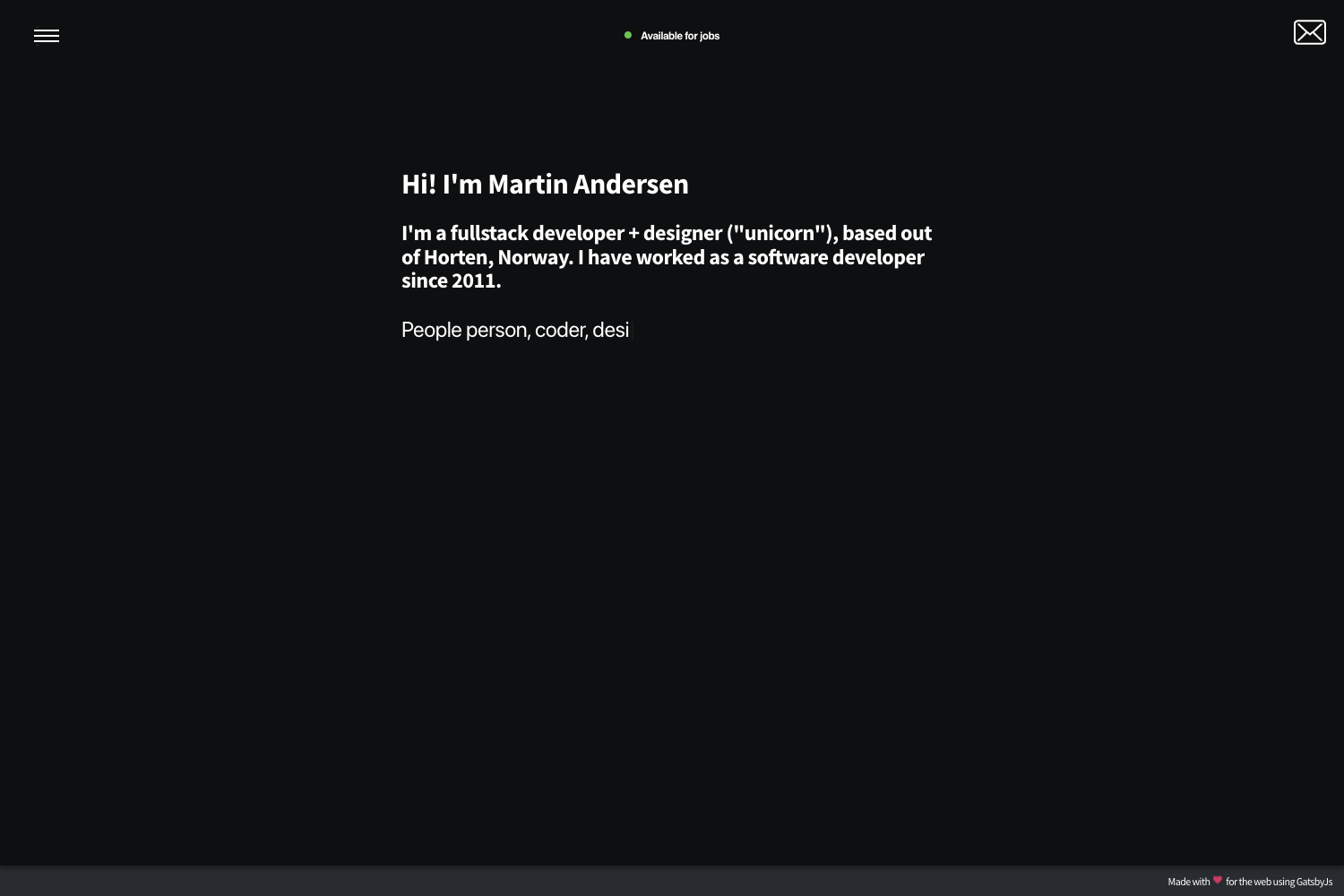
Playful one-page portfolio starter for Gatsby with parallax effects, CSS animations, and Theme UI theming.
About this template
Cara is a free and open-source, one-page portfolio starter for Gatsby that pairs the react-spring Parallax effect with Theme UI theming and CSS shape animations. Built by LekoArts, it is distributed as a Gatsby starter that installs and configures the @lekoarts/gatsby-theme-cara theme, which is also available separately. The starter is designed to be customized through Gatsby theme shadowing and MDX content files rather than a traditional admin interface.
What is Gatsby Starter Portfolio: Cara?
Cara is a Gatsby starter for a playful, colorful one-page portfolio website. It accepts content in four MDX files — intro, projects, about, and contact — and outputs a static site with parallax scrolling and animated decorative shapes. The project runs on Gatsby's static site generator and is authored by LekoArts, who maintains a collection of free and open-source Gatsby themes. A live demo is available at cara.lekoarts.de, and the source is hosted on GitHub.
Key Features
- Theme UI theming — Colors, typography, and spacing are defined with Theme UI, and the configuration can be overridden by shadowing files in
src/gatsby-plugin-theme-ui/. - react-spring Parallax Effect — The one-page layout uses react-spring's Parallax component to create scroll-driven movement between sections.
- CSS Animations on Shapes — Decorative shapes are animated with pure CSS, reducing the need for additional JavaScript libraries.
- Four MDX content sections — Intro, projects, about, and contact are each defined in a separate
.mdxfile, making content editing straightforward for developers comfortable with Markdown and JSX. - ProjectCard component — Projects are rendered with a
<ProjectCard>component that accepts title, link, and background gradient props; the card body is supplied as children. - One-click deploy to Gatsby Cloud — The README links a "Deploy to Gatsby Cloud" button that clones the starter from GitHub and deploys it without manual configuration.
- 0BSD license — Released under the permissive 0BSD license, so there are no restrictions on copying, modifying, or redistributing the code.
- Static assets included — The
staticfolder contains icons, social media images, androbots.txt, with a recommendation to regenerate these via Real Favicon Generator.
Who is it for?
Cara is aimed at developers and designers who want a visually distinctive portfolio without building the whole site from scratch. Creative professionals can use it to showcase projects with a playful aesthetic and smooth parallax interactions. Gatsby developers can study the starter to learn how a Gatsby theme is installed, configured, and shadowed in a real project. Because it is free and open source, it also suits students and hobbyists who need a polished portfolio template with no licensing cost.
What can you do with it?
- Portfolio website owners: Customize the four MDX sections to present your name, projects, about text, and contact links.
- Designers experimenting with motion: Adjust the react-spring parallax settings and CSS animations to create custom scroll effects.
- Gatsby theme learners: Use the starter as a working example of theme shadowing — placing files in
src/@lekoarts/gatsby-theme-cara/overrides the theme's components and MDX content. - Anyone wanting a quick deploy: Use the one-click Gatsby Cloud deployment button to publish a portfolio in minutes.
How does the starter work?
To start, run npx gatsby new gatsby-starter-portfolio-cara https://github.com/LekoArts/gatsby-starter-portfolio-cara to clone the site and install dependencies. Then cd gatsby-starter-portfolio-cara and run npm run develop to start a development server at http://localhost:8000. The site uses the Gatsby theme system, so all theme files can be overridden via shadowing; content lives in the theme's sections folder, and this starter has already overridden all four files.
Pricing
Cara is free and open source. It is released under the 0BSD license, and the @lekoarts/gatsby-theme-cara theme is part of LekoArts' free Gatsby theme collection. There are no paid tiers or premium features mentioned in the README.
FAQ
Is Cara free to use?
Yes, Cara is completely free. It is licensed under the 0BSD license, and the underlying theme is part of LekoArts' collection of free and open-source Gatsby themes, so there are no licensing fees or usage restrictions.
How do I change the text and projects in my portfolio?
Each section of the one-page site is defined in an MDX file: intro, projects, about, and contact. You override these files by placing your own versions in src/@lekoarts/gatsby-theme-cara/ within your project. The projects file specifically uses the <ProjectCard> component to display cards.
What is Gatsby theme shadowing and why do I need it?
Shadowing is a Gatsby theme feature that lets you replace a file inside an installed theme with your own implementation. For Cara, you'll shadow files in src/@lekoarts/gatsby-theme-cara/ to modify components or content, and you can customize Theme UI styles by shadowing files in src/gatsby-plugin-theme-ui/.
Can I deploy Cara to Netlify or Vercel?
The README specifically highlights one-click deployment to Gatsby Cloud via a dedicated button. Since this is a standard Gatsby site, it can also be deployed to any static host that supports Gatsby builds, but the documentation only guarantees Gatsby Cloud.
Does Cara include a blog or multiple pages?
No. Cara is a one-page portfolio starter with four content sections — intro, projects, about, and contact. It does not include a blog or additional page templates; for those, LekoArts offers other free Gatsby starters and themes.