Template details
Gatsby Starter Banshorian
Get up and running with your own CV or work-project portfolio using GatsbyJS and gatsby-theme-banshorian.
About this template
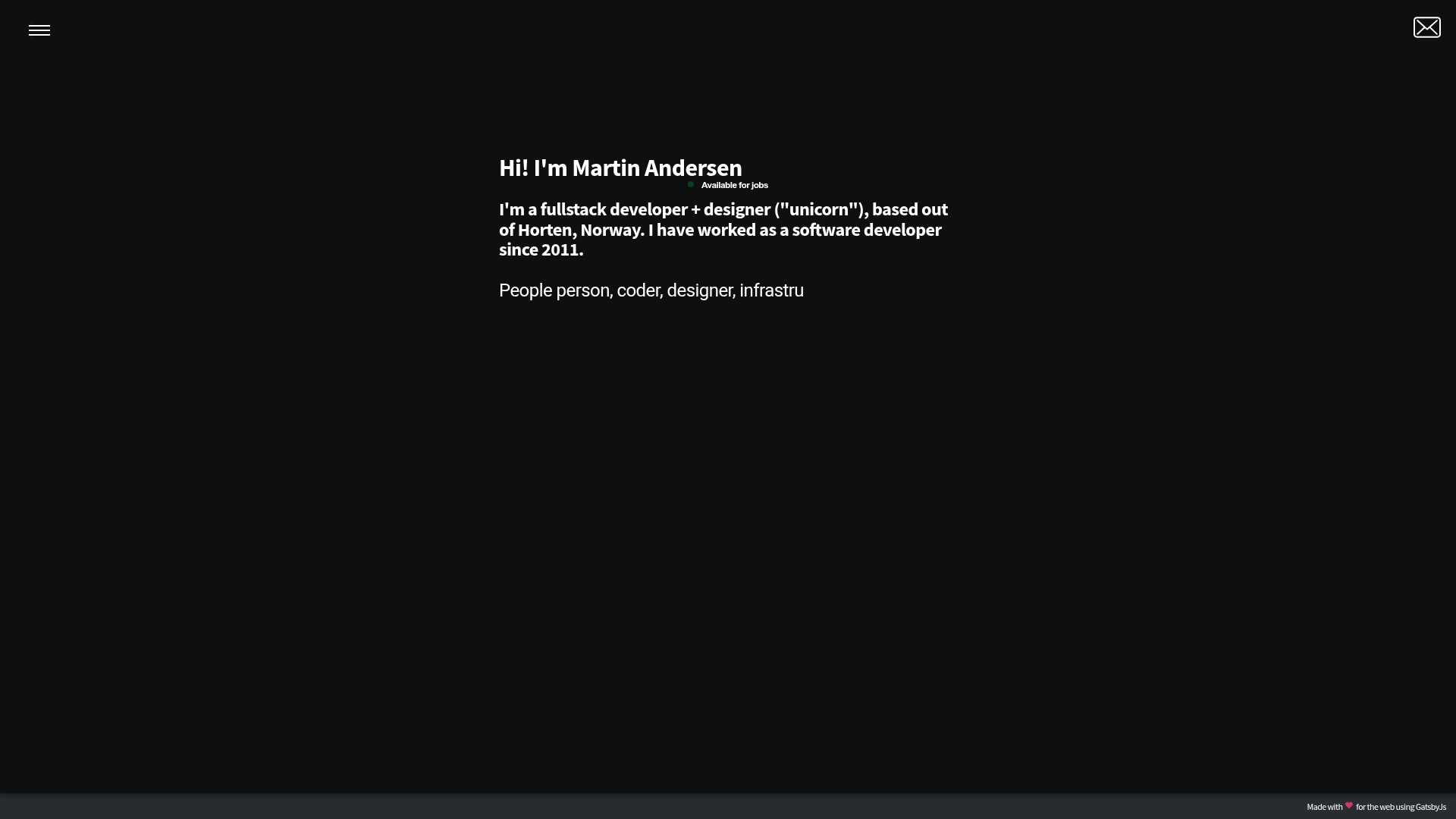
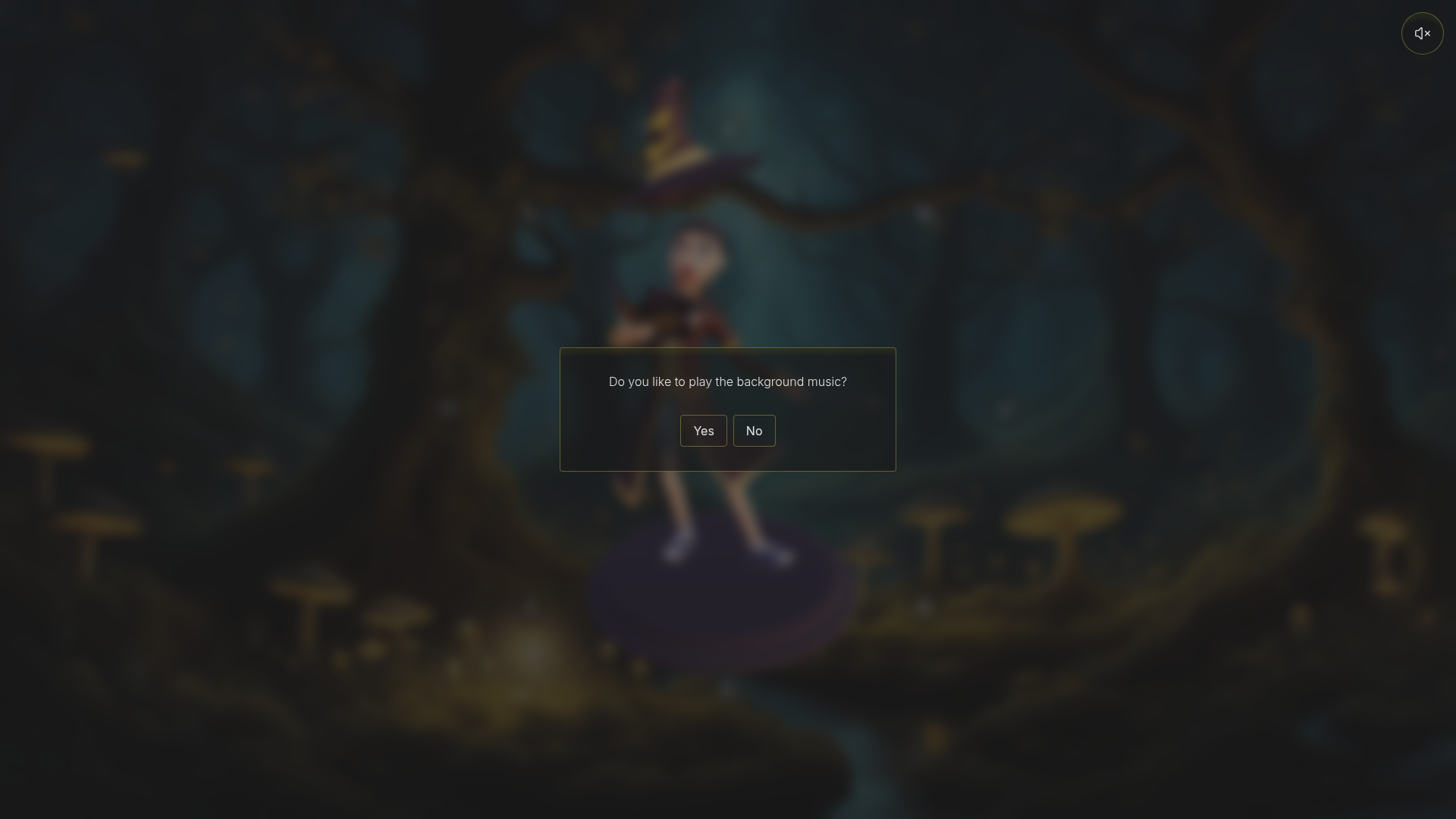
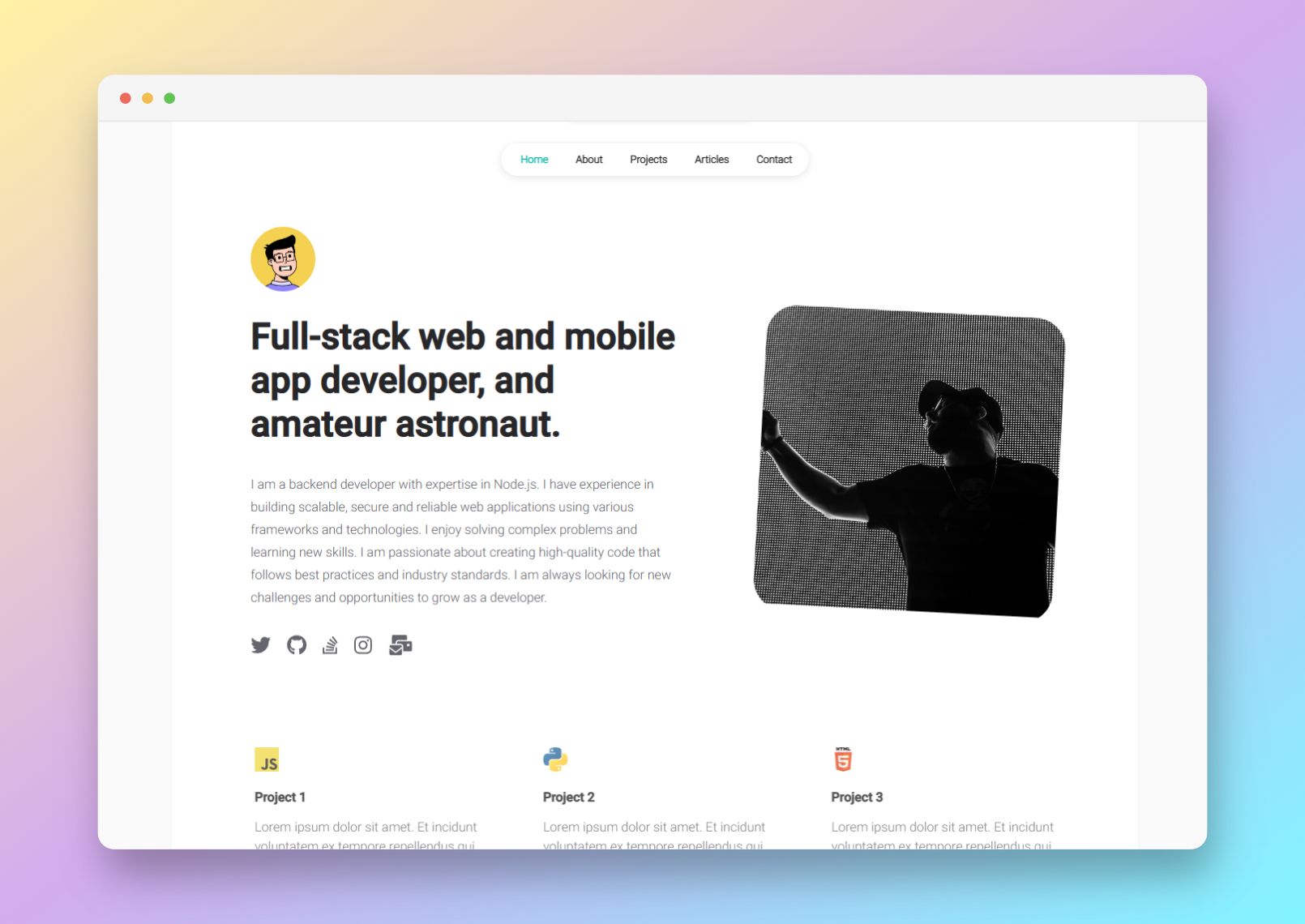
Gatsby Starter Banshorian is a Gatsby starter and theme for building a CV or work-project portfolio, distinguished by an animated melting menu transition that can be shaped by a site icon or logo.
What is Gatsby Starter Banshorian?
Gatsby Starter Banshorian is a starter (gatsby-starter-banshorian) that installs the companion theme gatsby-theme-banshorian to produce a static portfolio site. It takes Markdown files in an experience directory as input and outputs a generated site with Home, Experience, Skills, and About Me pages. The project was originally a personal portfolio created by Martin Andersen (@webmaeistro) and Christian David Ibarguen R, and is released under the MIT License.
Key Features
- Melting menu transition — The menu uses a shape-covered animation described as a
melting page effect, in which up to three colored shapes animate on click, and the site's logo or icon can be incorporated into the transition for a custom design feel. - Markdown-based experience and skills — Work history entries are written as Markdown files with YAML frontmatter for company, logo, job title, skills, and image galleries; skills are automatically gathered from all experience entries.
- Component shadowing — Developers can override theme files such as
layoutColors.css.jsto change per-page background and text colors, or editabout-me.jsonto replace the About Me content. - Configurable site options — The
gatsby-config.jsfile exposes options for basePath, siteTitle, siteUrl, social usernames (Twitter, GitHub, StackOverflow, LinkedIn), a resume PDF link, menu link colors, and home page typewriter strings. - Image layouts 1 through 5 — Experience entries can declare one of five layout numbers to control how project images animate and display, with an optional caption.
- Skill logo requirements — Each skill references a logo image stored in
src/images/skills; recommended resolution is 500x500 pixels, and several logos are included with the starter. - Vercel deployment — The README shows deploying by importing the repository to Vercel, with the example URL gatsby-starter-banshorian.vercel.app.
Who is it for?
- Front-end developers — who want a Gatsby-based portfolio without building the site chrome from scratch, using React and GraphQL under the hood.
- Job seekers and freelancers — who need to present work history, company logos, skill tags, and a downloadable resume PDF in a visually distinctive layout.
- Design-led makers — who want to customize the menu transition, icon integration, and page color schemes through component shadowing and a recommended color palette tool.
What can you do with it?
- Developers: quickly scaffold a CV or portfolio project with the Gatsby CLI and start adding Markdown-based experience items.
- Freelancers: showcase client work with image galleries using one of five layout animations and captions.
- Designers: personalize typography and colors by overriding theme CSS files and editing the about-me JSON content.
How does it work?
Create a new project with gatsby new YOUR-PROJECT-NAME https://github.com/webmaeistro/gatsby-starter-banshorian.git, then load gatsby-theme-banshorian in the plugins array of gatsby-config.js. After installing dependencies with yarn or npm and running gatsby develop, the site is available at localhost:8000. Content is added by placing Markdown files in the experience directory; each file's frontmatter defines company, logo, skills, dates, and image layouts.
FAQ
Is Gatsby Starter Banshorian free?
Yes, the project is open source under the MIT License, so it can be downloaded, modified, and used freely. The author does, however, note the repository is under development and currently recommends not using it in a production environment.
What image sizes do skills require?
Skill logos should have a resolution of 500x500 pixels, stored in the src/images/skills directory. The starter includes several logos, and you need to create any skill logo that isn't included.
How can I change the portfolio colors?
Use Gatsby component shadowing by creating a file in src/gatsby-theme-banshorian/layout/layoutColors.css.js that imports css from @emotion/core and defines per-page background and text color rules. The README also suggests Coolors.co for picking a palette.
Does this starter support Vercel deployment?
Yes, the README describes deploying by importing the repository to Vercel. After deployment, the URL will look similar to https://gatsby-starter-banshorian.vercel.app.