Template details
Reactfolio
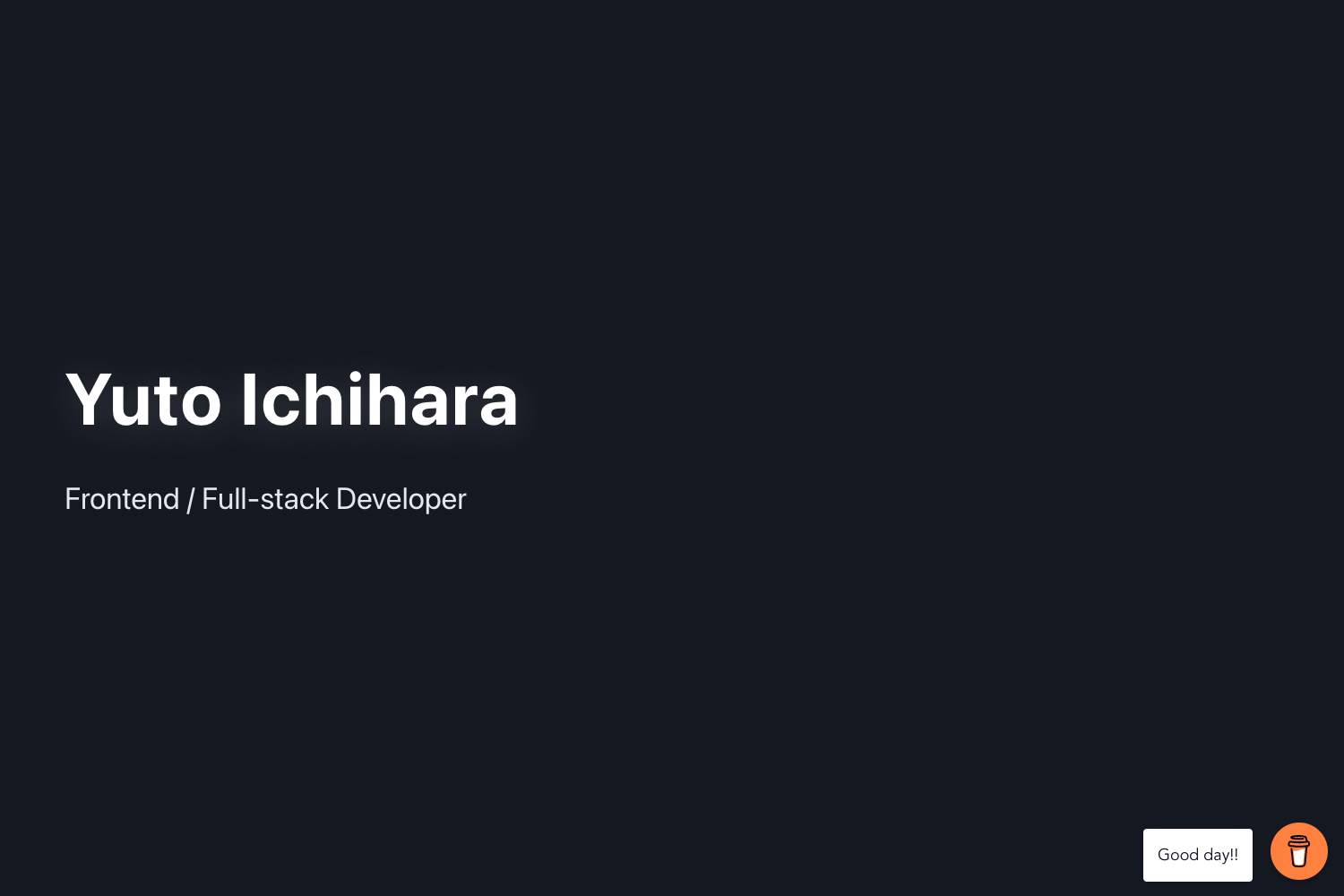
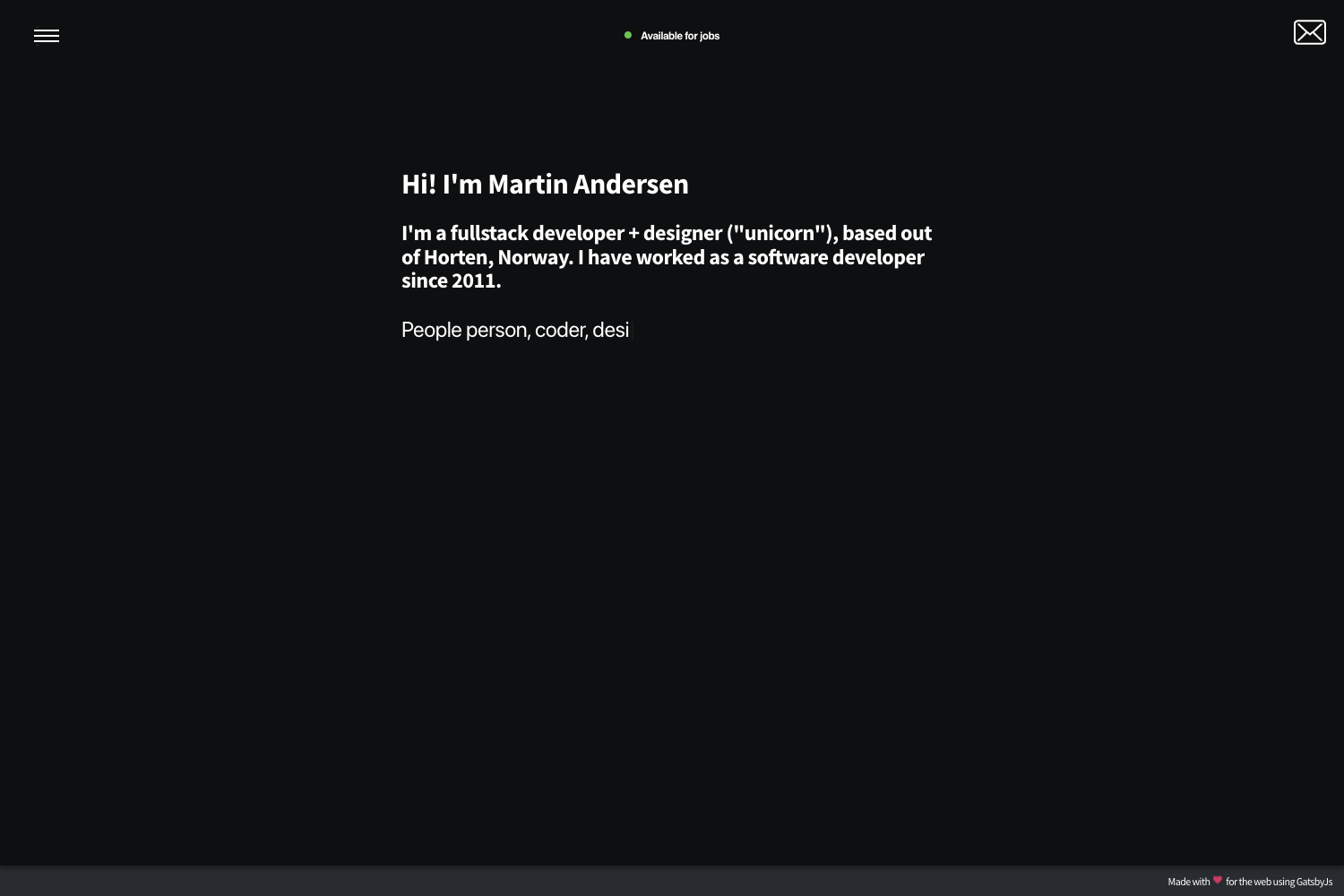
Reactfolio is a sleek and responsive personal portfolio template built using React, perfect for showcasing your work and skills in a professional manner.
About this template
Reactfolio is a free, open-source, multi-page personal portfolio template built with React that lets developers showcase their projects, articles, skills, and contact details in one place.
What is Reactfolio?
Reactfolio is a free, open-source personal portfolio web template built with the React library. It takes configuration data from the /src/data/ directory as input and produces a static multi-page website as output, with pages for Home, About, Projects, Articles, and Contact. The template is published to reactfolio.tharindu.dev, and its GitHub repository has about 487 stars.
Key Features
The template ships with the following specific capabilities out of the box.
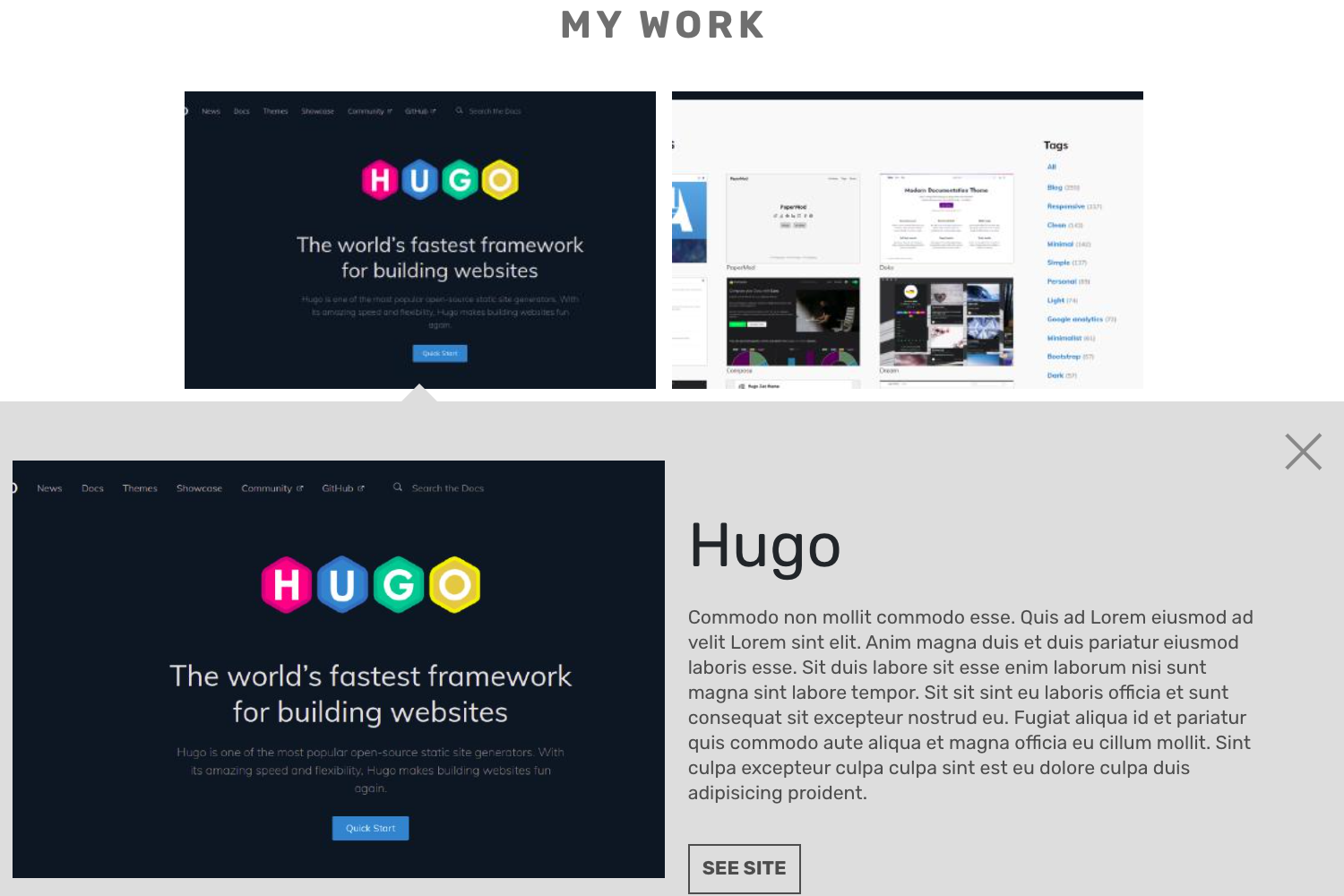
- Multi-page layout — The template includes five distinct pages: Home, About, Projects, Articles, and Contact, with navigation between them.
- Responsive design — The layout adapts to different screen sizes, making the portfolio usable on mobile, tablet, and desktop.
- Central data configuration — All site content lives in four files under
/src/data/(user.js,articles.js,seo.js,tracking.js), so beginners never need to touch React components. - Article management — You add blog posts by creating a new function that starts with
article_inarticles.jsand registering it in themyArticlesarray, with each article supporting date, title, description, and a JSX body. - SEO metadata per page — The
seo.jsfile stores an array of page-specific titles, descriptions, and keywords that get attached to each page for search engines. - Google Analytics 4 integration — A
tracking.jsfile accepts your GA4 MEASUREMENT ID to enable traffic analytics on the deployed site. - CSS variable theming — Page fonts and colors are controlled through CSS custom properties in
styles.css, letting you rebrand the site by changing a few variables. - Production build script — Running
npm run buildgenerates a static bundle in abuild/directory that can be copied to any web server.
Who is it for?
The template is best suited for developers, designers, and beginners who want a portfolio without building from scratch.
- Developers and programmers — Use the template to present your open-source projects, technical articles, and coding skills in a clean multi-page layout.
- Designers and creative professionals — Replace the default content in the data files to feature visual work, case studies, and contact links.
- Beginners new to React — Edit the centralized data files and CSS variables to customize the site, then use the documented
npm startandnpm run buildcommands to run and deploy it.
What can you do with Reactfolio?
With the template's pages and configuration options, you can:
- Job hunters — Turn the Home, About, and Projects pages into a personal resumé site that links to your best work and includes a contact page for recruiters.
- Freelancers — Use the Projects section as a client showcase and the Articles section to publish short posts that demonstrate your expertise, all updated from one data directory.
- Students — Launch a clean academic portfolio for course projects, extracurriculars, and a professional bio, then deploy the static build to any public server.
How does Reactfolio work?
Install Node.js and git, then clone the repository. Run npm install to set up dependencies and npm start to launch a development server on localhost:3000 with hot reloading. Customize your content by editing files in /src/data/, then run npm run build to create a production-ready static build in the build/ directory and deploy that folder to a server.
Pricing
Reactfolio is free to use and open source. The repository is public and can be forked, and the project description states it is an open source project you can change freely, with no paid tiers or subscription requirements mentioned on the page.
FAQ
Here are answers to common questions about setting up and customizing Reactfolio.
Is Reactfolio free?
Yes, Reactfolio is an open-source project that is free to use. The README states it is a public and open source project and invites contributors to fork it and implement their own ideas.
What tools do I need to run Reactfolio?
You need NodeJS and git installed globally on your machine. After cloning the repository, run npm install to install dependencies and npm start to start the development server at http://localhost:3000.
How do I add a new article to Reactfolio?
Open /src/data/articles.js, create a new function whose name starts with article_ (for example, article_3), fill in the date, title, description, style, and body properties, then add that function to the myArticles array at the bottom of the file. The body uses JSX, so use className instead of class.
How do I set up Google Analytics on Reactfolio?
Find your Google Analytics 4 MEASUREMENT ID, then open /src/data/tracking.js and paste the ID in the appropriate field. The template handles the analytics tracking code once the ID is in place; the README links to Google support for finding the measurement ID.
Why do my subpages only work from the homepage navigation?
This happens because the template uses client-side routing. If you deploy to an Apache server, you can fix it by adding the rewrite rules provided in the FAQ section of the README to your .htaccess file, which routes all requests back to index.html.