Template details
CareerCanvas Hugo Theme
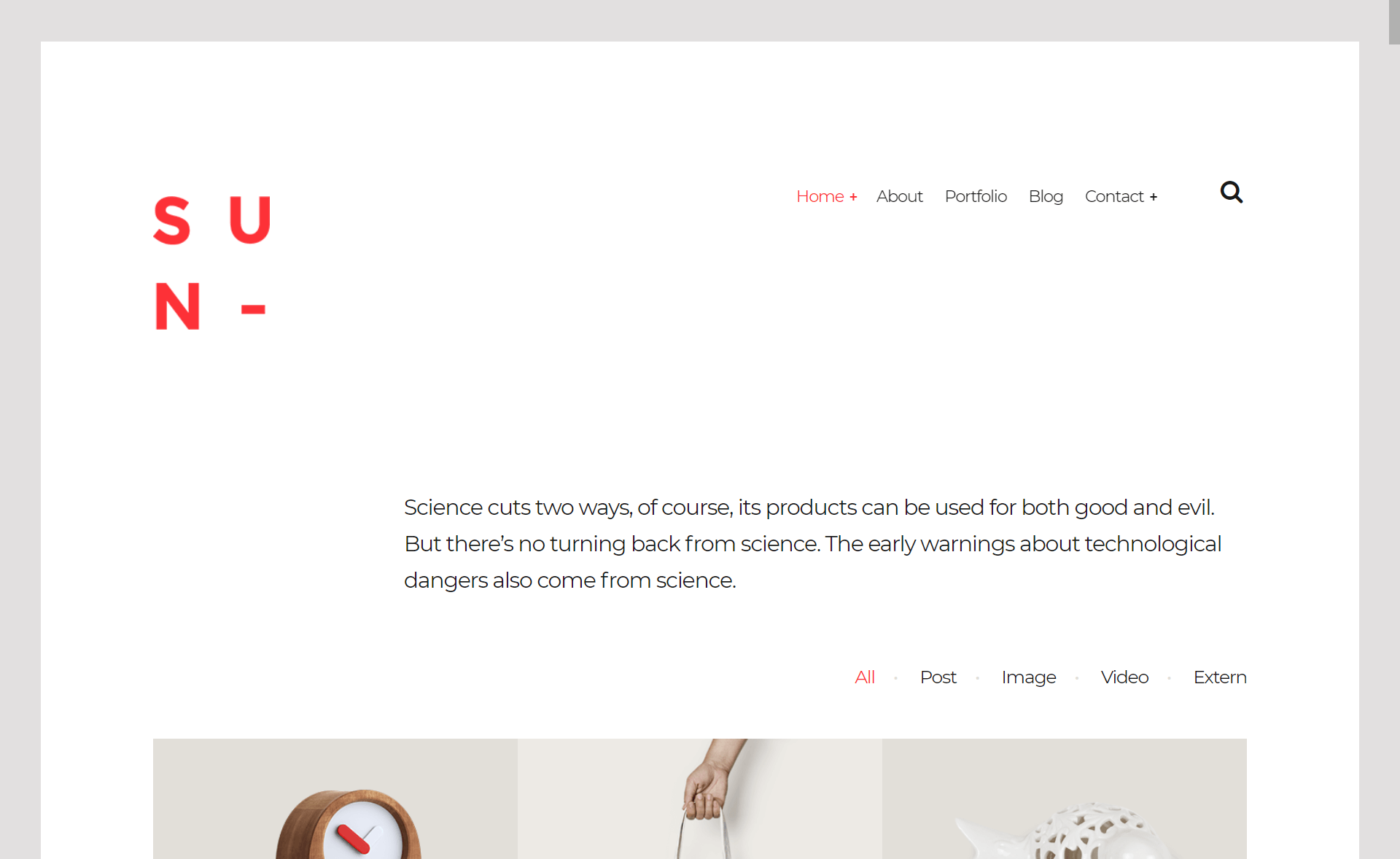
A responsive Hugo portfolio theme with Tailwind CSS, dark mode, blog, galleries, and bilingual support.
About this template
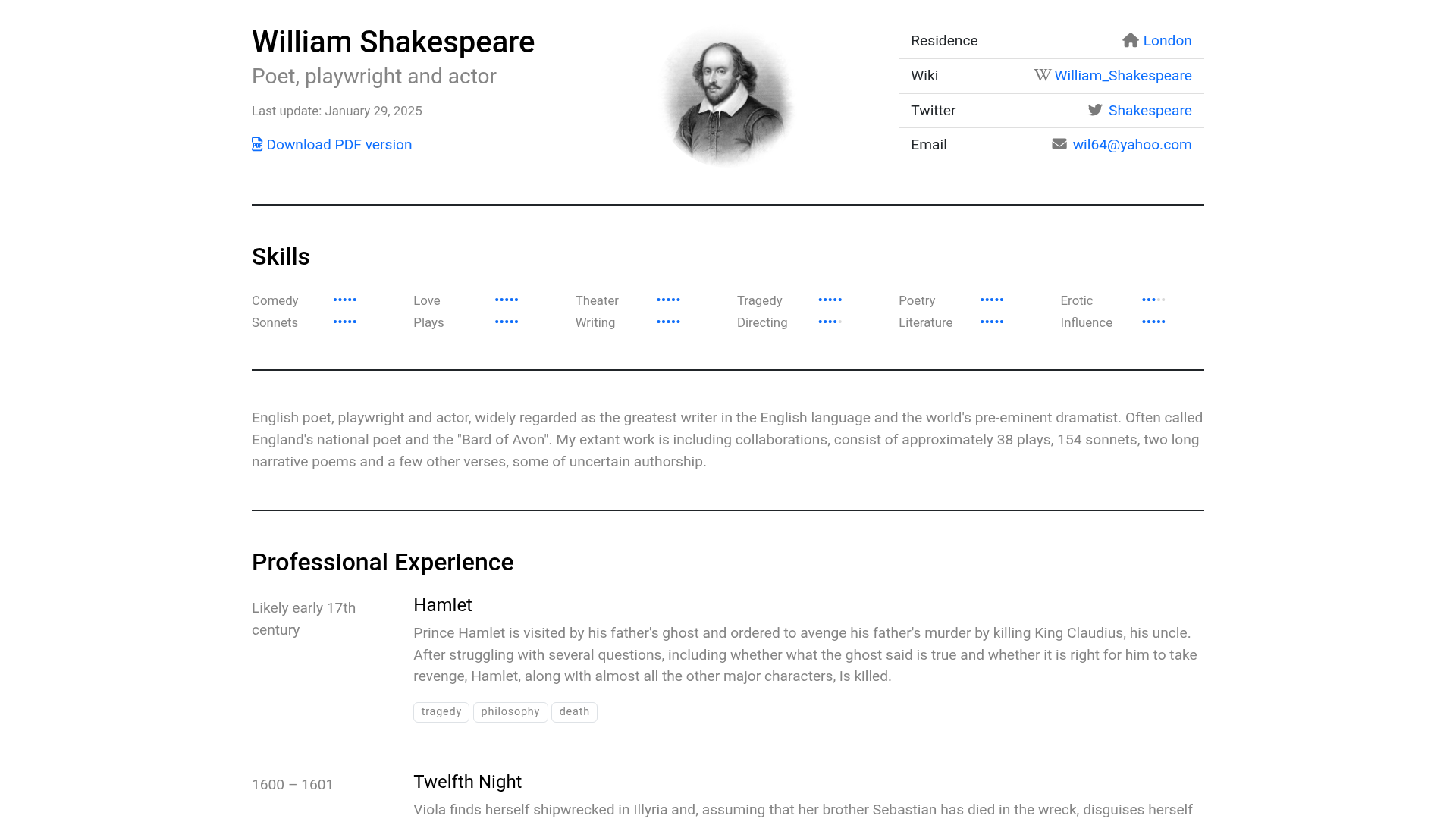
CareerCanvas is a responsive Hugo theme for personal portfolio websites, built with Tailwind CSS, that combines a project gallery, blog, skills timeline, and contact section in one static-site package.
What is CareerCanvas?
CareerCanvas is a Hugo (static site generator) theme created by Felipe Cordero for building personal portfolio sites. It takes Hugo content files (Markdown) and a configuration file (config.toml) as input, and produces a fully static website output. The theme runs on any Hugo installation and is available on GitHub with an MIT license, where it has gathered 56 stars.
Key Features
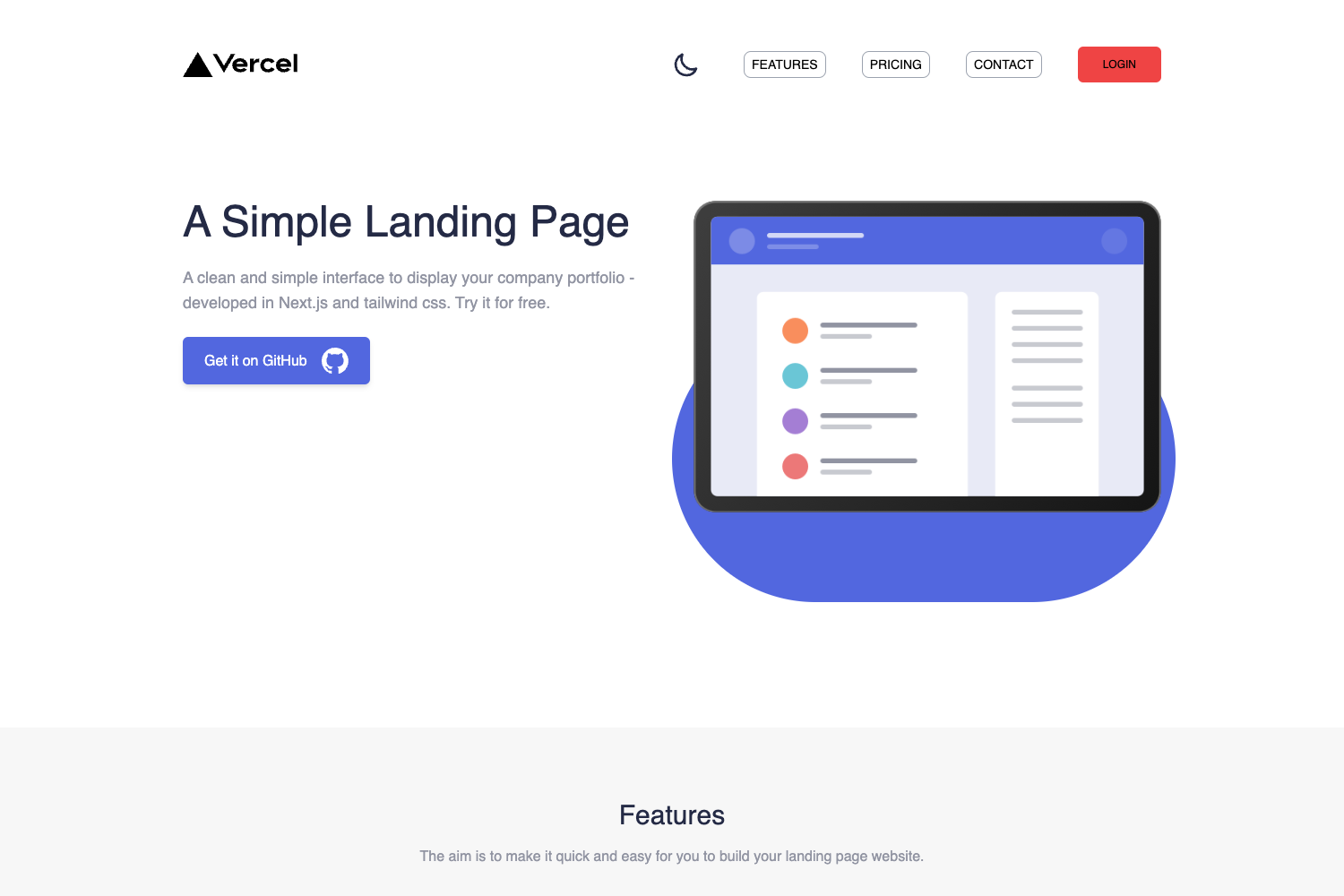
- Dark mode — Toggle between light and dark themes out of the box.
- Tailwind CSS styling — Utility-first CSS framework preconfigured for easy customization.
- Configurable colors — Adjust the palette via the COLOR_CUSTOMIZATION.md guide without touching core styles.
- Portfolio galleries — A shortcode takes a directory path and renders a responsive image gallery.
- Blog section — Publish articles with a built-in blog layout.
- Skills and experience timeline — Display professional skills and a chronological work history.
- Multilingual support — Ships with English and French translations (EN/FR) out of the box.
- Responsive design — Layout adapts to mobile and desktop viewports.
Who is it for?
CareerCanvas is aimed at developers, designers, freelancers, and job seekers who want a personal portfolio site without building one from scratch. Developers can use it to showcase open-source projects; designers can present visual work in the gallery; freelancers can use the skills timeline to win clients; job seekers can create a clean resume site for applications.
What can you do with CareerCanvas?
- Developers: Publish project case studies in the blog and link to them from the portfolio gallery.
- Designers/Photographers: Use the gallery shortcode to display high-resolution work samples.
- Bilingual professionals: Switch between English and French content for a wider audience.
- Freelancers: Present an experience timeline that narrates past contracts and skills.
How does CareerCanvas work?
The README documents two installation paths: add the theme as a git submodule (recommended) or clone it directly into the themes directory. After setting the theme name in config.toml and adding parameters like name, tagline, profile image, and social links, you run the development server with npm run dev or build the production version. A full example config is provided in example-config.toml.
FAQ
Is CareerCanvas free?
Yes, the theme is released under the MIT license, so it is free to use, modify, and distribute.
What are the installation requirements?
You need Hugo installed to generate the site, and Node.js/npm for the Tailwind CSS build pipeline (dev server and production build via npm run dev).
Does it support dark mode?
Yes, dark mode is built in and can be toggled by the user.
Which languages are supported?
The theme includes English and French translations out of the box, controlled by Hugo's multilingual settings.