Template details
Website Workshop
A starter HTML/CSS/JS website template created for a two-part USC workshop on building personal websites.
About this template
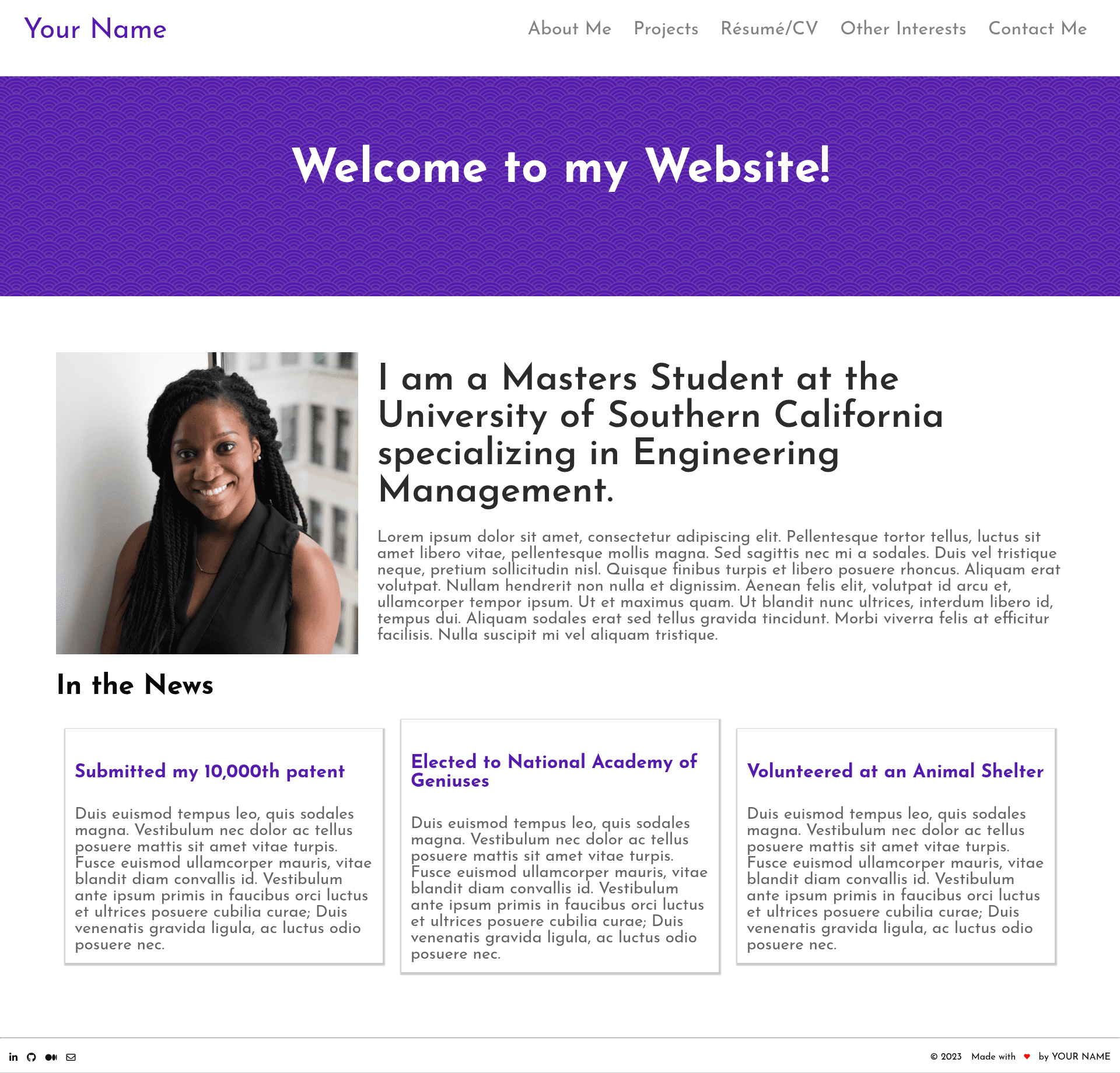
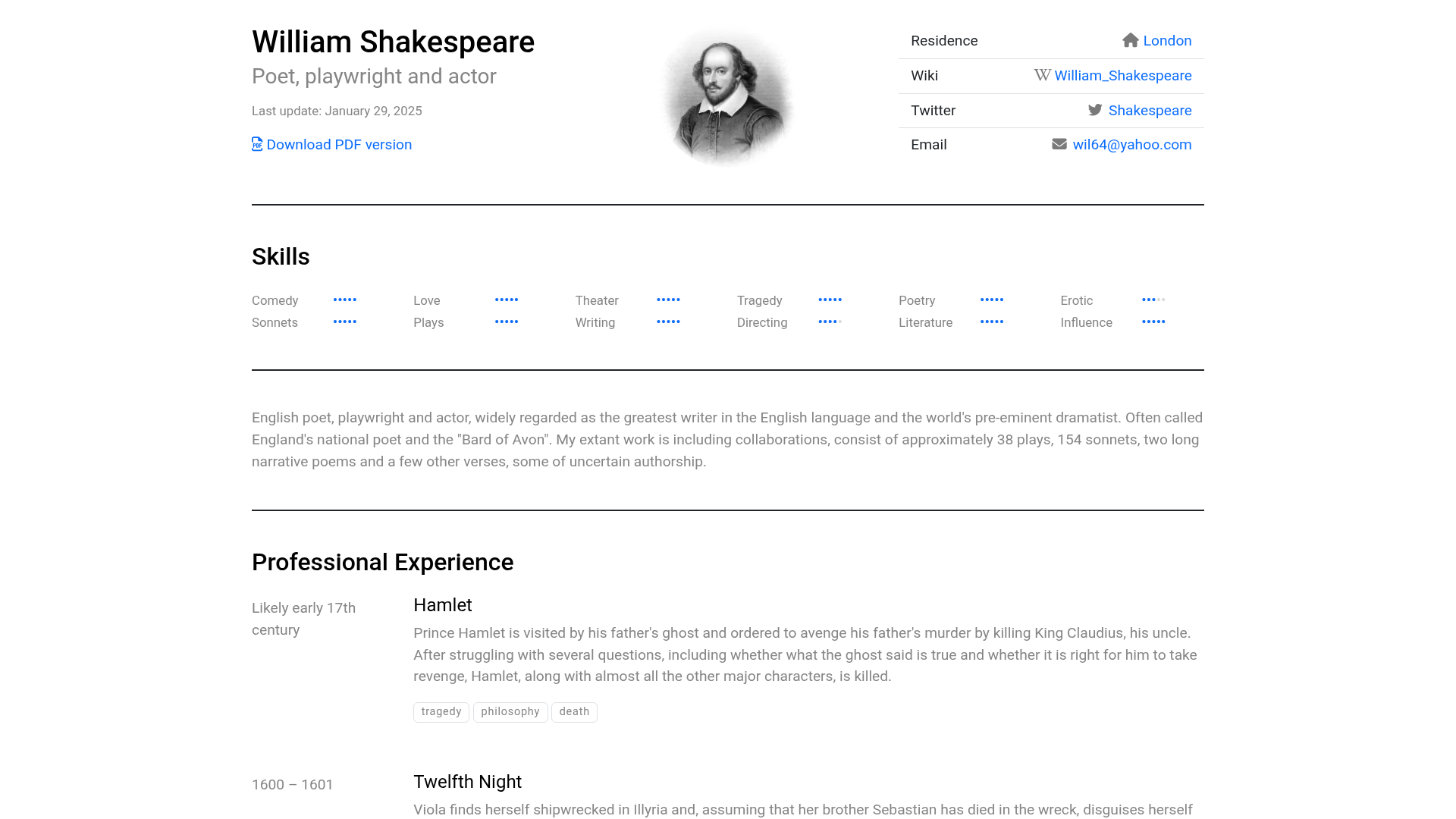
Website Workshop is a starter website template built entirely with plain HTML, CSS, and JavaScript, created by Niraj Ganesh for a two-part USC workshop that teaches attendees how to build and deploy a personal website. The template takes a repository clone as input and produces a five-page personal site — home, projects, resume, interests, contact — that can be deployed for free on GitHub Pages.
What is Website Workshop?
Website Workshop is a hand-written, dependency-free website template that uses only HTML, CSS, and JavaScript, with no build tools or frameworks required. It is distributed as a GitHub repository that can be cloned with Terminal or GitHub Desktop, and the finished site is served as static files from the index.html home page. The template was authored by Niraj Ganesh and used in a two-part workshop at the University of Southern California (USC).
Key Features
- Plain HTML/CSS/JS stack — The template has no framework, bundler, or package manager; you edit static files and refresh the browser to see changes.
- Pre-built page structure — Eight HTML files are included:
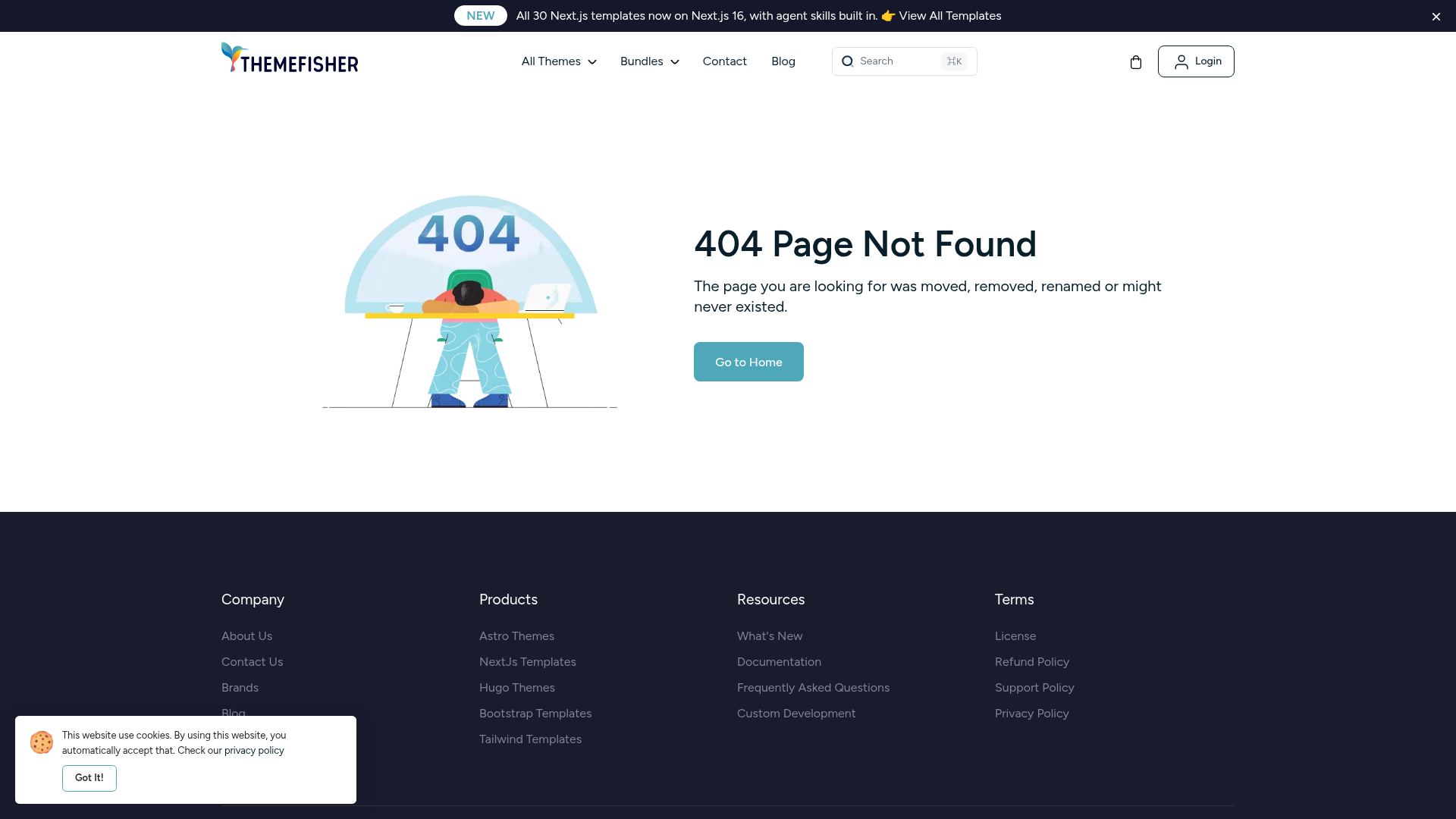
index.html,projects.html,resume.html,interests.html,contact.html,404.html, plusnavigation.htmlandfooter.htmlfragments. - JavaScript-driven layout —
nav_footer.jsinjects the shared navigation and footer into every page, andindex.jscontrols opening and closing the mobile navigation bar. - Centralized styling — All design and layout rules live in a single
style.cssfile, so global changes to colors, fonts, and spacing are made in one place. - Image placeholders — The
imagesfolder ships with eight sample images: a gallery image, three profile pictures, and three project sub-images, ready to be swapped for personal photos. - GitHub Pages deployment — The README walks through renaming the repo to your username, enabling Pages from the main branch, and enforcing HTTPS to get a free
username.github.ioURL. - Workshop-oriented documentation — The README acts as a tutorial with steps for cloning, editing, viewing on localhost, and pushing changes back to GitHub.
Who is it for?
- Workshop instructors — Lead a hands-on web development session where every attendee clones the same repo and deploys their own site by the end of the workshop.
- Complete beginners — People with no web experience can follow the README to make their first personal website using Terminal or GitHub Desktop, a code editor like VS Code, and a browser.
- Students building a portfolio — USC students or any learner can use the pre-built Projects, Resume, and Contact pages to publish a simple online presence without paying for hosting.
- Self-taught developers — Developers who want a minimal, readable codebase to study how plain CSS and JavaScript can assemble a multi-section site.
What can you do with Website Workshop?
- Publish a personal homepage — Replace the placeholder profile images and edit the text in
index.htmlto introduce yourself, then deploy to GitHub Pages for a public URL. - Create a portfolio project gallery — Use the Projects page and the included
project2_sub1.jpg,project2_sub2.jpg, andproject2_sub3.jpgplaceholders to showcase three projects with images. - Teach a web workshop — Use the provided README and repository as the base for a two-part class in which participants clone, customize, and deploy static websites.
- Learn how static sites work — Inspect
nav_footer.jsandindex.jsto see how JavaScript can inject shared HTML components and toggle the mobile menu.
How does Website Workshop work?
The intended workflow starts with cloning the repository to your local machine using either git clone in Terminal or the GitHub Desktop "Clone repository" dialog. After editing content in the HTML files and visuals in style.css, you open index.html directly in a browser to preview on localhost. When ready, you commit changes with git add ., git commit -m "message", and git push, then enable GitHub Pages in the repository Settings to publish the site.
Pros and cons
- Pros: No dependencies or build step; free hosting through GitHub Pages; explicit beginner-friendly steps in the README; includes navigation, footer, 404 page, and mobile menu behavior out of the box.
- Cons: Content lives directly in each HTML file, so multi-page updates require editing each page manually; the JavaScript is minimal and does not provide a templating engine or component variables beyond the shared nav/footer.
Pricing
The template is free to use, clone, and modify. The only cost involved is optional — a custom domain — because deployment on GitHub Pages is included with a free GitHub account.
FAQ
Does Website Workshop require a web framework?
No. The template uses only HTML, CSS, and JavaScript, so there is no Node.js, React, Vue, or other framework installation. Any code editor, including VS Code, can open and edit the files, and the site runs by opening index.html in a browser.
How do I deploy Website Workshop for free?
Rename your cloned repository to match your GitHub username, go to Settings, then Pages, choose "Deploy from a branch" and select the main branch, and keep HTTPS enforced. Your site will appear at username.github.io — the README covers this process step by step.
Is knowledge of Terminal required?
No. GitHub Desktop can replace most Terminal commands: you can clone the repository, view changes, and push updates through its graphical interface. Terminal is only needed if you prefer using git clone, git add, git commit, and git push directly.
What files should I edit to change the content?
All visible text lives in the HTML files, while all visual styling lives in style.css. The JavaScript files nav_footer.js and index.js handle shared navigation/footer injection and the mobile menu toggle, so content changes generally do not require touching JavaScript.
Does the template include a blog?
No. The repository ships with index, projects, resume, interests, and contact pages, plus a 404 page, but no blogging functionality. It is designed as a personal profile and portfolio site rather than a blog.