Template details
Carpe Diem Admin Dashboard
A Next.js admin dashboard for managing the Carpe Diem API data, built with TypeScript, SASS, and Framer Motion.
About this template
Carpe Diem Admin Dashboard is an open-source Next.js admin page that manages the data of the Carpe Diem API, built with TypeScript, SASS, and Framer Motion. This GitHub project by GabrSobral provides a complete Next.js codebase for an admin dashboard, including a Figma design reference and installation instructions for both development and production environments.
What is Carpe Diem Admin Dashboard?
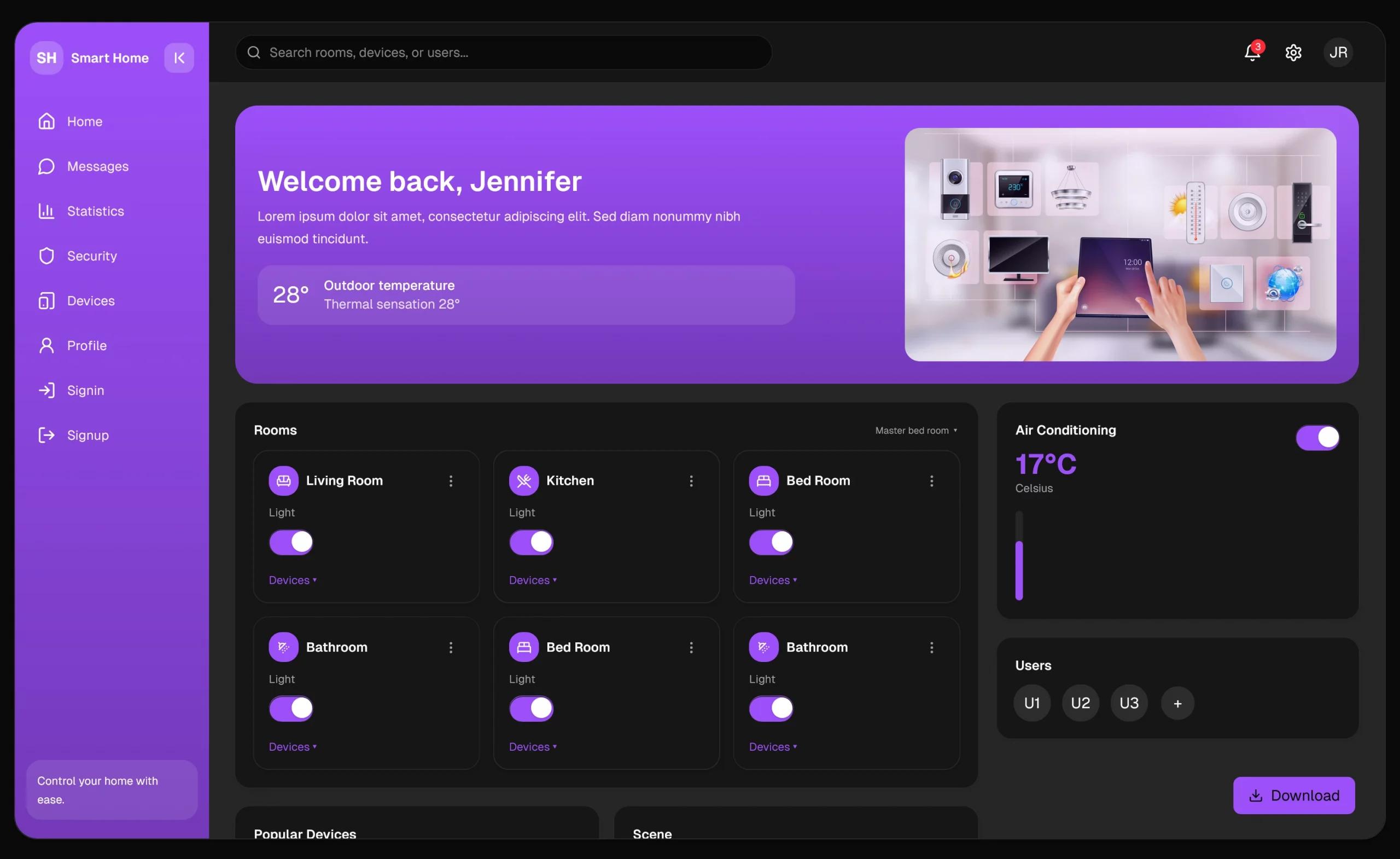
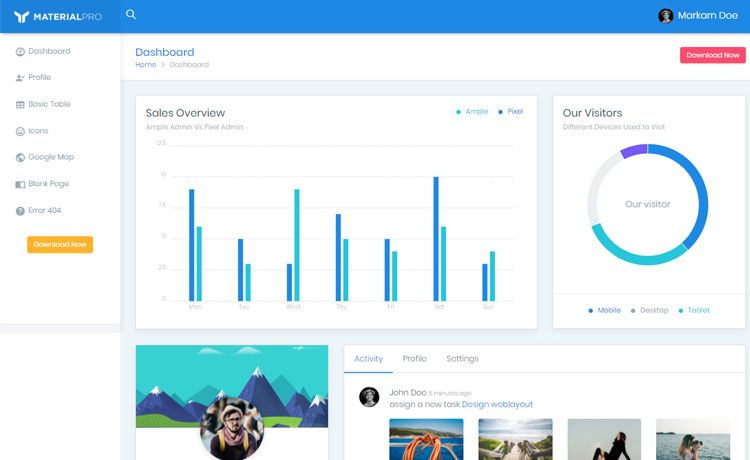
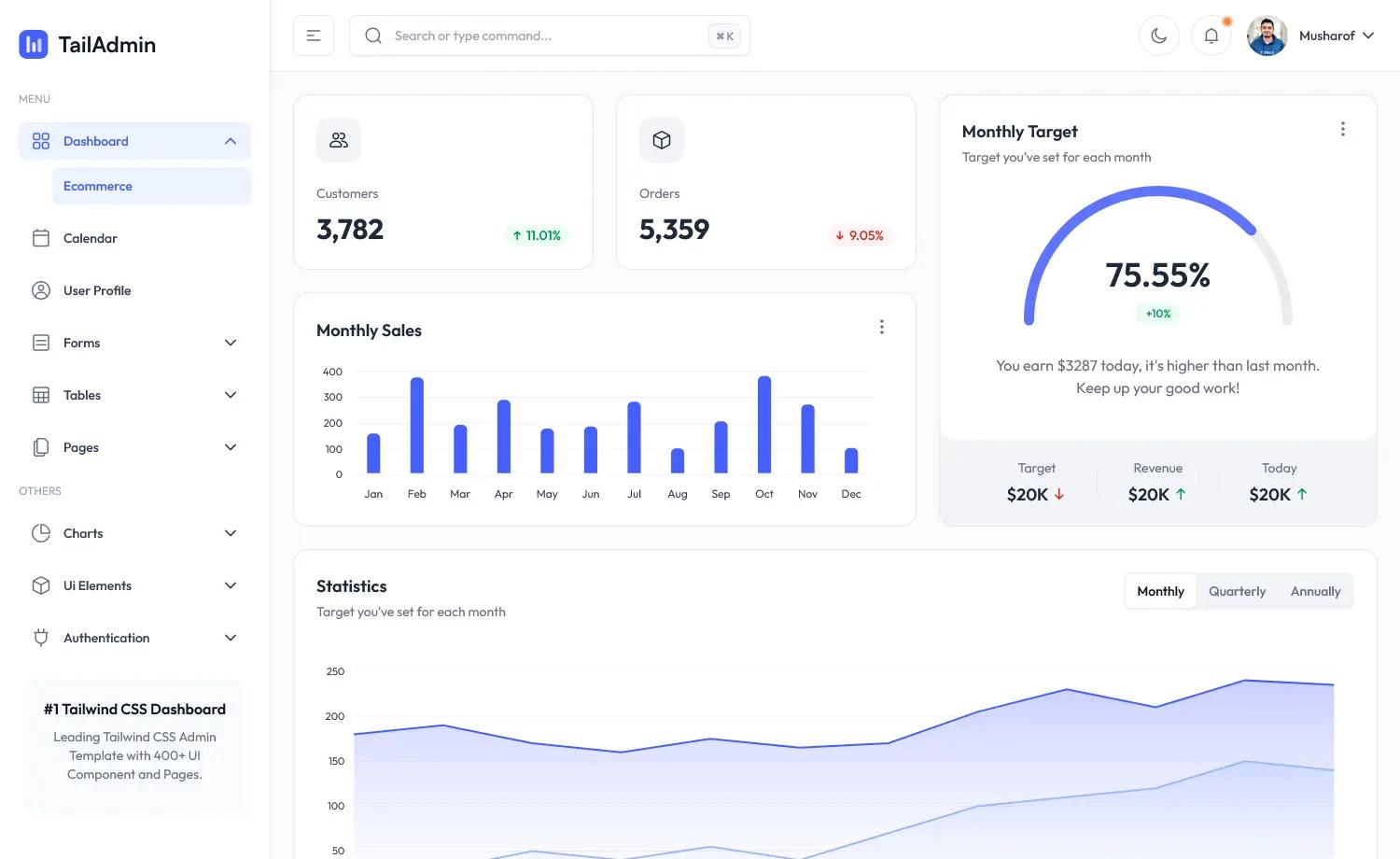
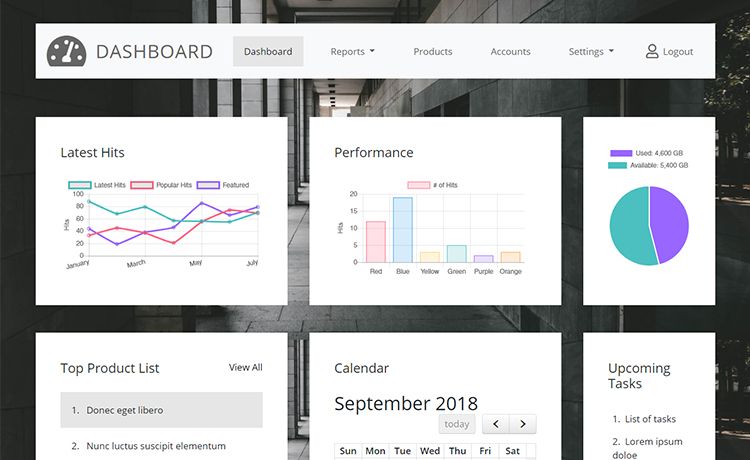
Carpe Diem Admin Dashboard is a Next.js project (using ReactJS as the underlying UI library) that serves as an admin page for managing the data of the Carpe Diem app's API. It takes data from that API and presents it through a dashboard interface, allowing administrators to oversee and edit records. The codebase is written in TypeScript, styled with SASS, and enhanced with Framer Motion animations. The repository includes a link to the original Figma design so developers can match the intended UI.
Key Features
- Next.js framework — Provides server-side rendering support and file-based routing; the project can be built for production with the
buildcommand and started withstart. - TypeScript — The entire codebase is typed, giving developers compile-time error checking and better editor autocompletion.
- SASS styling — Styles are written in SASS (SCSS), enabling variables, nesting, and mixins for maintainable CSS.
- Framer Motion — Adds declarative animations and smooth transitions to the admin interface without writing custom CSS animations.
- ReactJS components — Uses React component architecture for building reusable UI elements and managing state.
- Figma design reference — A linked Figma file (
Carpe_Diem_ADMIN) shows the intended layout and visual design to guide implementation. - Admin dashboard purpose — Specifically built to manage data from the Carpe Diem app's API, rather than acting as a generic template.
Who is it for?
- Front-end developers — Developers who want a ready-made Next.js + TypeScript + SASS admin dashboard structure to adapt for managing API data.
- Carpe Diem project maintainers — The admin interface for the Carpe Diem app, letting them manage the data that powers the application.
- Developers learning Next.js — A practical example of combining Next.js with React, TypeScript, SASS, and a motion library in a real project.
- Designers — Designers can reference the Figma file to understand the intended UI and compare it with the implemented components.
What can you do with it?
- Admin users: manage data exposed by the Carpe Diem API through the dashboard, using the interface to view and update records.
- Developers: run
yarn devornpm run devto launch a hot-reloading development server, oryarn build/npm run buildfollowed bystartfor a production deployment. - Design contributors: open the linked Figma file to inspect component layouts and visual details before making UI changes.
How does it work?
To run the project, clone the repository: git clone https://github.com/GabrSobral/Carpe_Diem_ADMIN.git. After cloning, install all dependencies with yarn or npm install. Then start the development server with yarn dev or npm run dev. For production, run the build command first, then the start command. The project was created using Node.js v14.17.1.
FAQ
Is Carpe Diem Admin Dashboard free to use?
The repository is publicly available on GitHub, so the code can be freely viewed and used. No license file is mentioned in the README, so check the repository before using it in commercial projects.
What technology stack does it use?
The project uses Next.js, ReactJS, TypeScript, SASS, and Framer Motion. It requires Node.js (v14.17.1 was used during development) and a package manager such as npm or yarn.
How do I install the project?
Clone the repository, run yarn or npm install to install dependencies, then use yarn dev or npm run dev to start the development server. For production, run the build command followed by start.
Does it support server-side rendering?
Yes, because it is a Next.js project, it inherits Next.js's server-side rendering capabilities. The repository topics also include "server-side-rendering," indicating this is a relevant feature of the codebase.