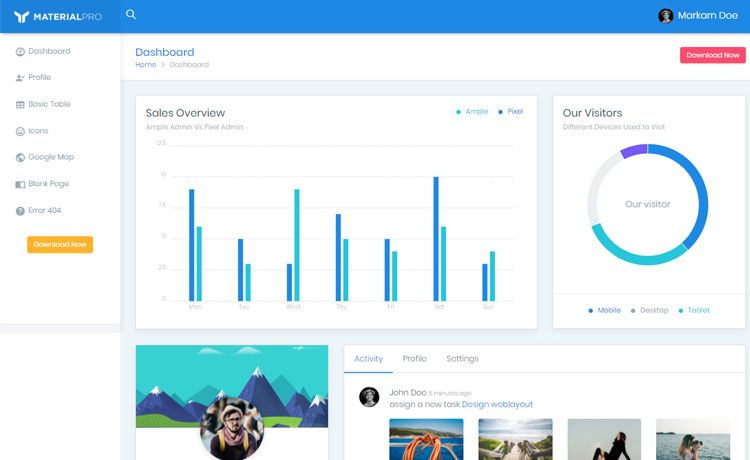
Template details
Sakai19
Free Angular Admin Template by PrimeNG
About this template
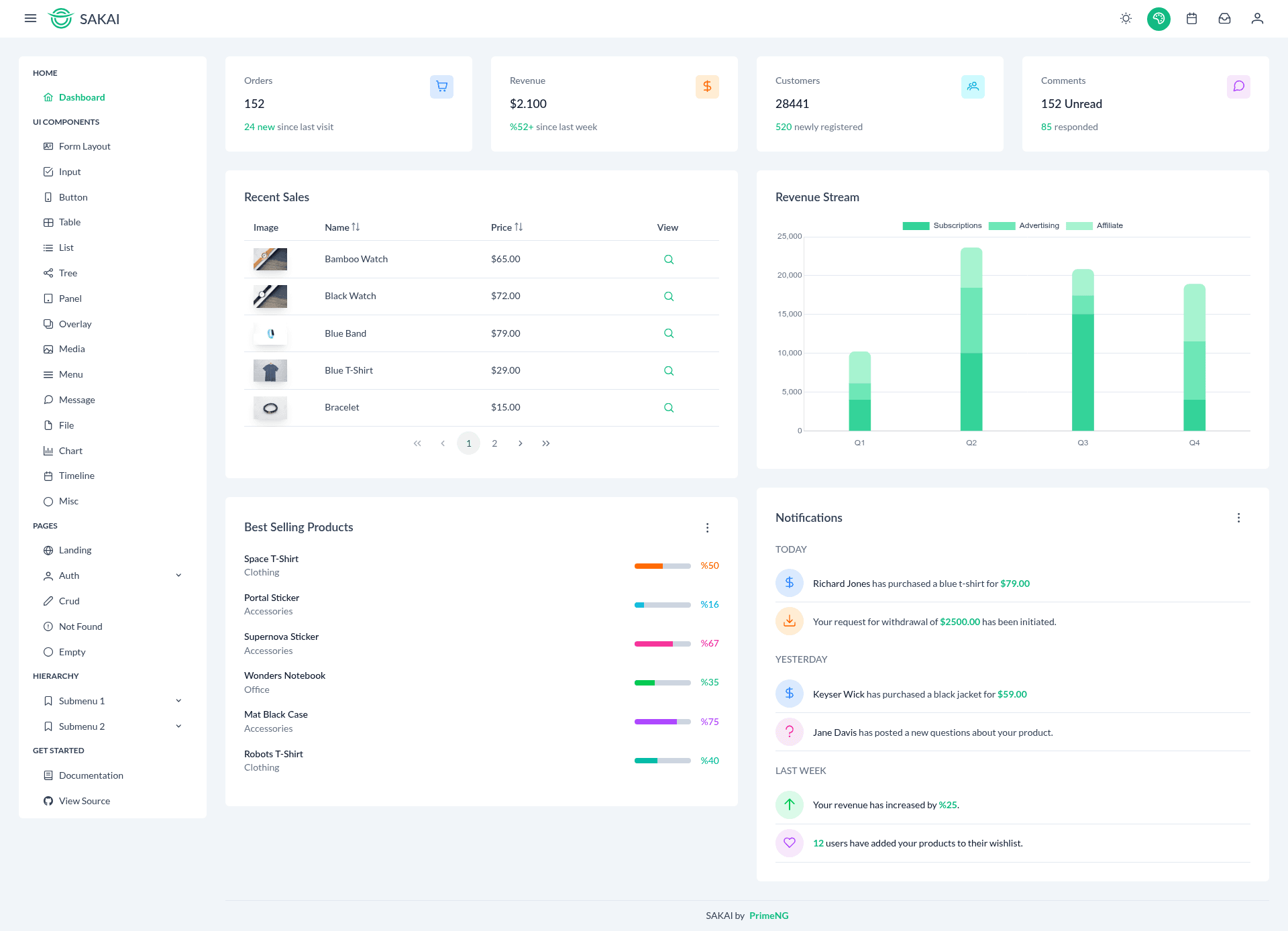
Sakai19 is a free Angular admin dashboard template by PrimeNG, built on Angular CLI version 21 for creating admin panels, dashboards, and management interfaces.
What is Sakai19?
Sakai19 is a free, open-source admin template built with Angular and distributed by PrimeNG, a well-known Angular UI component library. It takes a standard Angular CLI project structure and provides a starting point for admin dashboard applications. The template outputs a compilable Angular application that can be served locally, built for production, and tested using standard Angular tooling.
Key Features
- Angular CLI 21 — The project is generated with Angular CLI version 21, giving you the latest Angular tooling and project conventions.
- Development server — Run
ng serveto launch a local server athttp://localhost:4200/with automatic reload on source file changes. - Code scaffolding — Generate new components, directives, and pipes with
ng generate component component-name; a full list of schematics is available viang generate --help. - Production build — Execute
ng buildto compile the app into thedist/directory, with performance optimizations applied in production mode. - Unit testing — Run
ng testto execute unit tests using the Karma test runner. - End-to-end testing — A generic
ng e2ecommand is provided; Angular CLI does not bundle a default e2e framework, so you can select one that fits your project. - PrimeNG foundation — Created by PrimeNG, the template is intended for admin and dashboard use cases, and can be extended with PrimeNG components.
Who is it for?
- Angular developers building admin panels or dashboards who want a pre-configured Angular CLI project instead of starting from scratch.
- Development teams that need an internal management interface and prefer to work with PrimeNG's component set.
- Freelancers and agencies delivering admin-focused web applications who can customize the template for client projects.
What can you do with Sakai19?
- Build a dashboard — Use the template as the foundation for a dashboard with navigation, data tables, and charts, extending it with PrimeNG components available in the ecosystem.
- Prototype an admin panel — Quickly stand up a working Angular application with a known structure, then replace the sample content with your own views.
- Learn Angular CLI workflows — Because the template includes standard commands, developers can use it as a reference for Angular project setup, testing, and building.
How does Sakai19 work?
The template is a conventional Angular CLI project. Run ng serve for local development, ng build to produce an optimized production bundle in dist/, and ng test for unit tests with Karma. Code generation is handled by Angular schematics through the ng generate command.
FAQ
Is Sakai19 free?
Yes, Sakai19 is a free admin template. Its repository metadata describes it as a "Free Angular Admin Template by PrimeNG."
What Angular version does Sakai19 use?
The project is generated with Angular CLI version 21, which is the tooling for Angular 21. Check the package.json of your cloned repository for exact dependency versions.
How do I start Sakai19 locally?
Navigate to the project directory and run ng serve. Then open http://localhost:4200/ in your browser. The server reloads automatically when you modify source files.
How do I add a new component to Sakai19?
Use the Angular CLI command ng generate component component-name from the project root. This creates the component files and updates the module.
How do I run tests in Sakai19?
Unit tests are executed with ng test, which uses the Karma test runner. For end-to-end tests, use ng e2e after installing an e2e framework, since Angular CLI does not include one by default.