Template details
Cassi
Free Bootstrap 4 photography website template with dark split-header, off-canvas nav, and gallery modal view.
About this template
Cassi is a free Bootstrap 4 HTML5 photography website template from Colorlib that ships as a multi-page site with a dark split-header slider, off-canvas navigation, and a gallery with modal image view.
What is Cassi?
Cassi is a free, open-source Bootstrap 4 HTML5 template built for photographer portfolios, photography showcases, and related sites. It is a multi-page website package containing 7 HTML files, CSS and SCSS sources, JavaScript files, font icons, and library/plugin assets, and it is distributed by ThemeWagon with lifetime free updates. The template was created by Colorlib and is licensed for commercial use.
What makes Cassi stand out?
Cassi pairs a dark, minimal aesthetic with several interaction-heavy components that are uncommon in free templates. It includes a split header with a full-screen slider, an off-canvas navigation triggered by a burger menu, a masonry gallery with modal image view, a CSS3 preloader, and load-on-scroll animations. On the tech side, it runs on Bootstrap 4 and integrates Owl Carousel, FontAwesome, Elegant Font, and Masonry, and it provides SCSS source files for easy restyling.
- Bootstrap 4 framework — Responsive grid and components built on Bootstrap 4, cross-browser optimized for Chrome, Edge, Firefox, Mobile, Opera, and Safari.
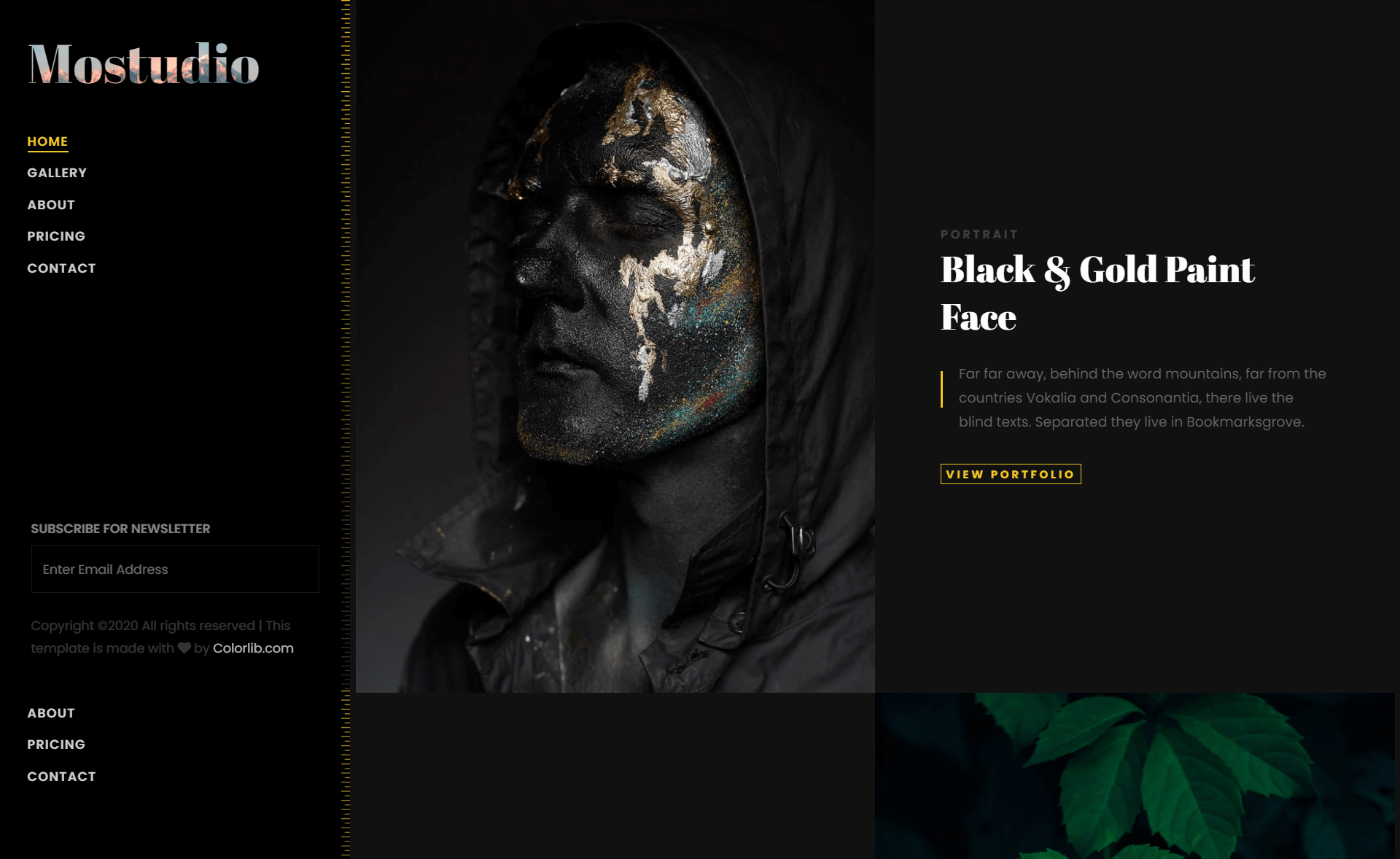
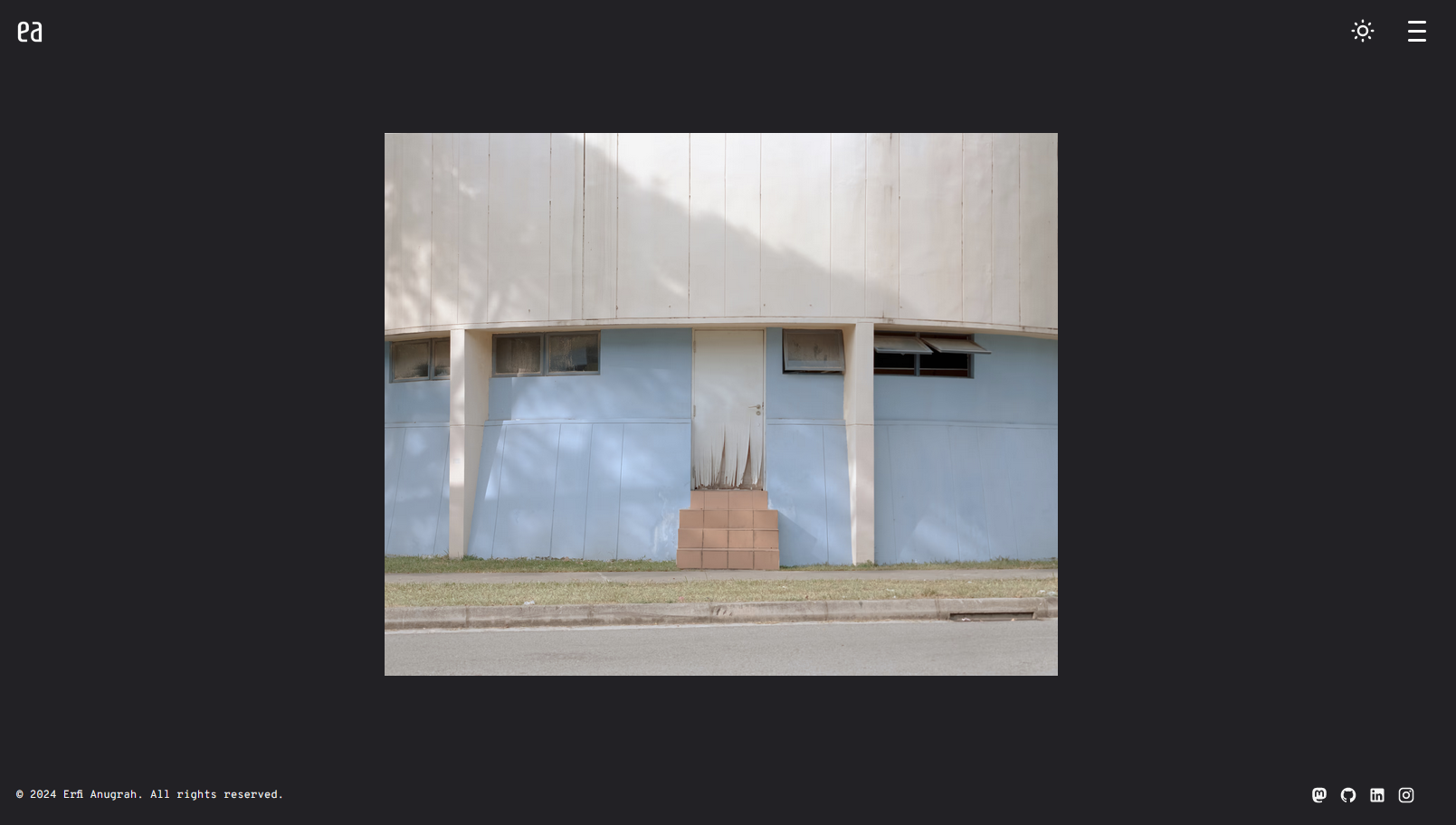
- Split header with full-screen slider — The homepage opens with a split layout and a full-screen slider powered by Owl Carousel.
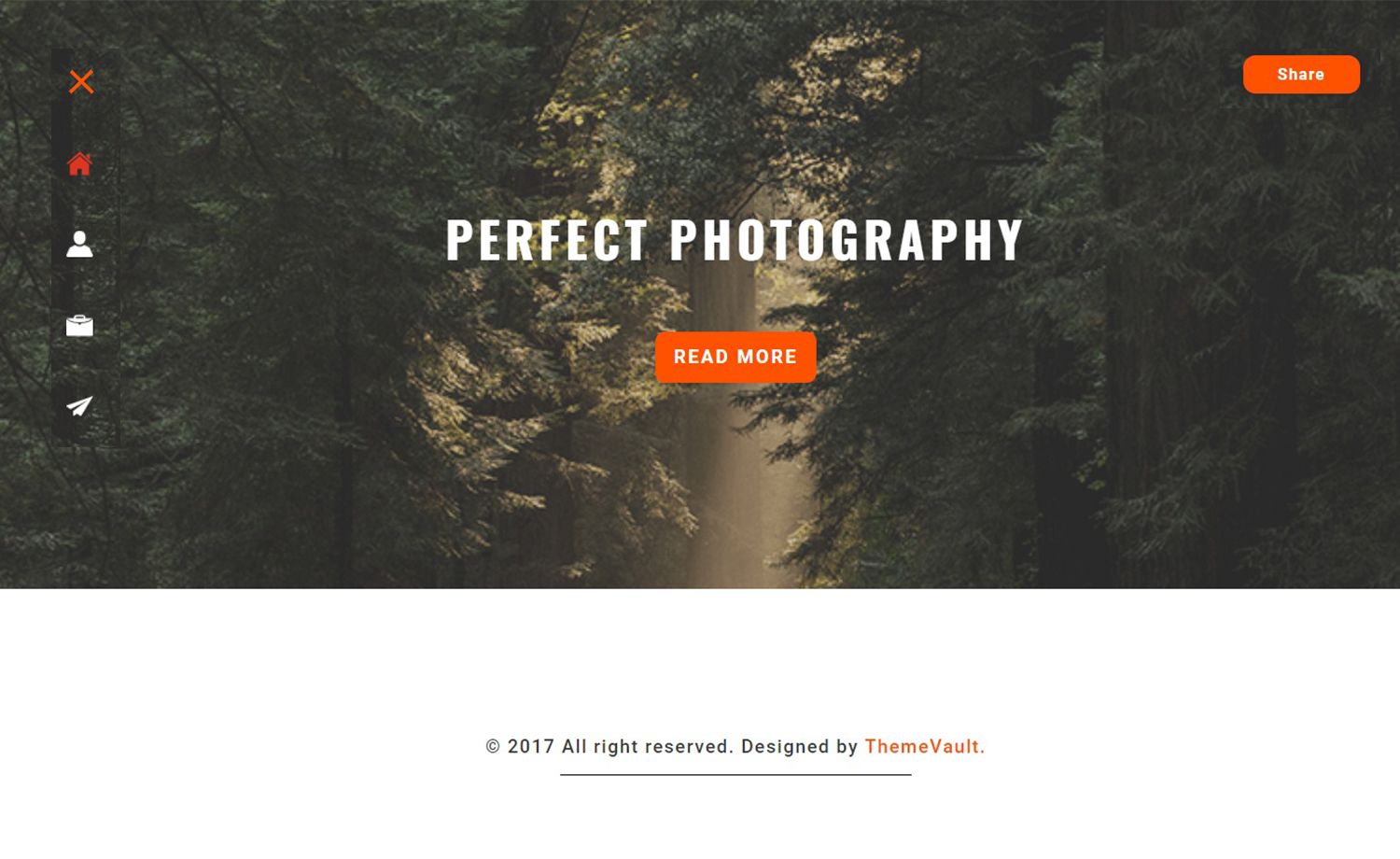
- Off-canvas navigation with burger menu — A burger menu triggers a slide-in off-canvas panel, keeping mobile navigation compact.
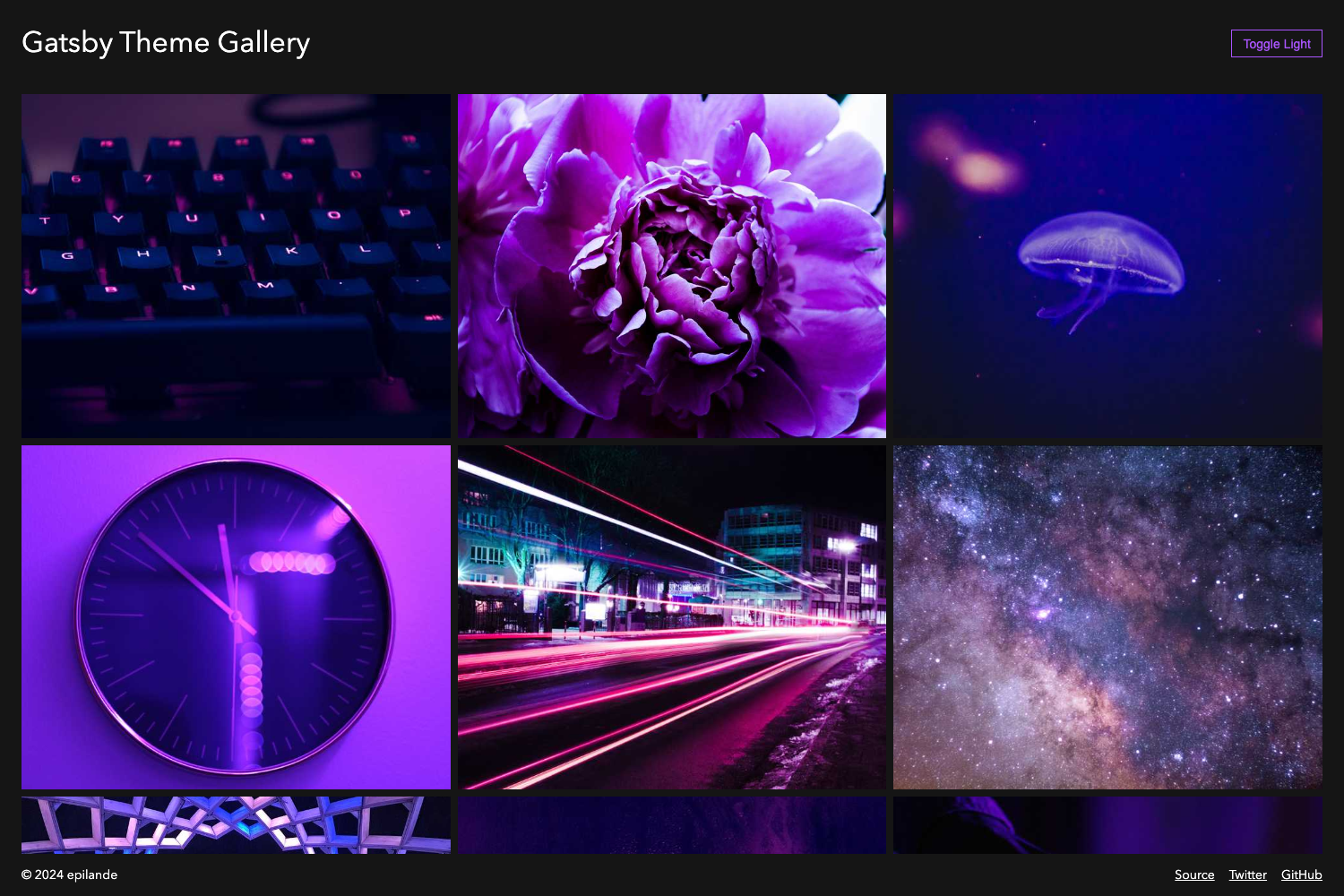
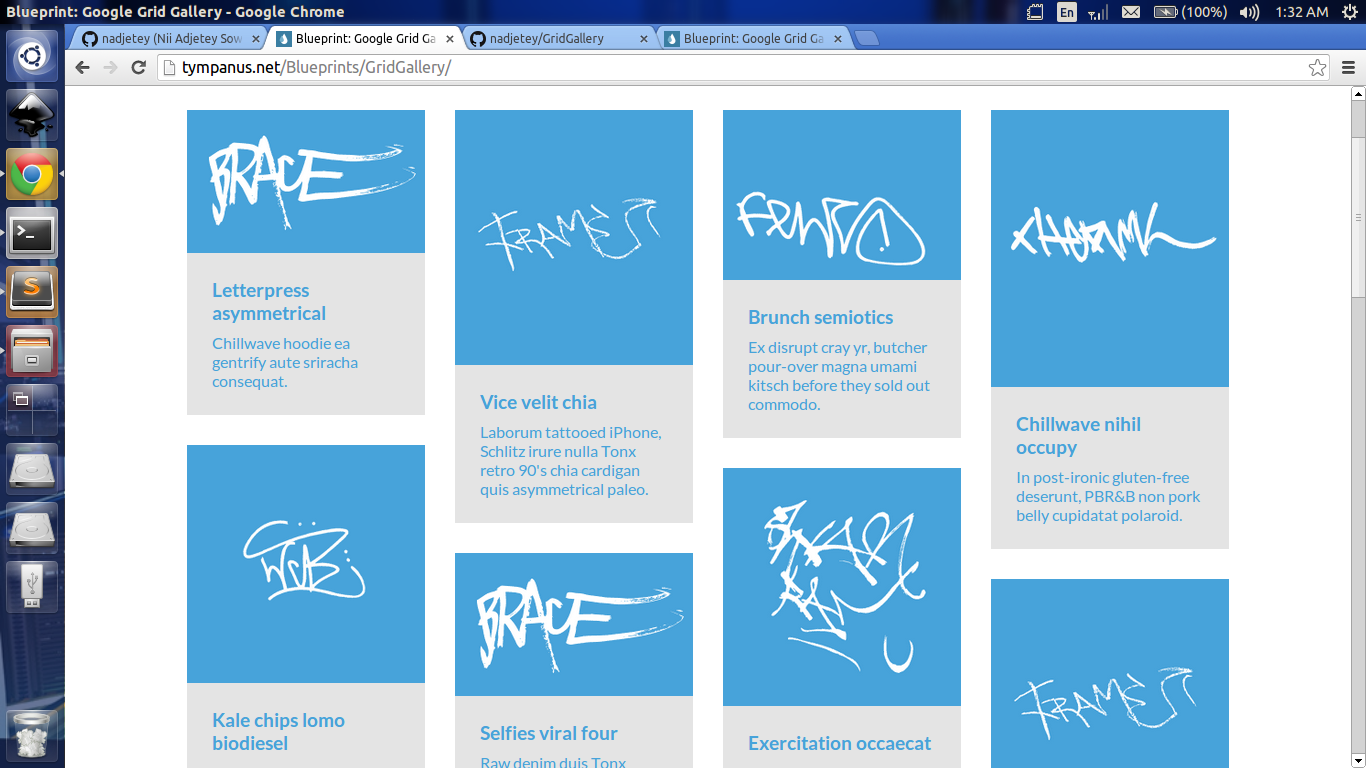
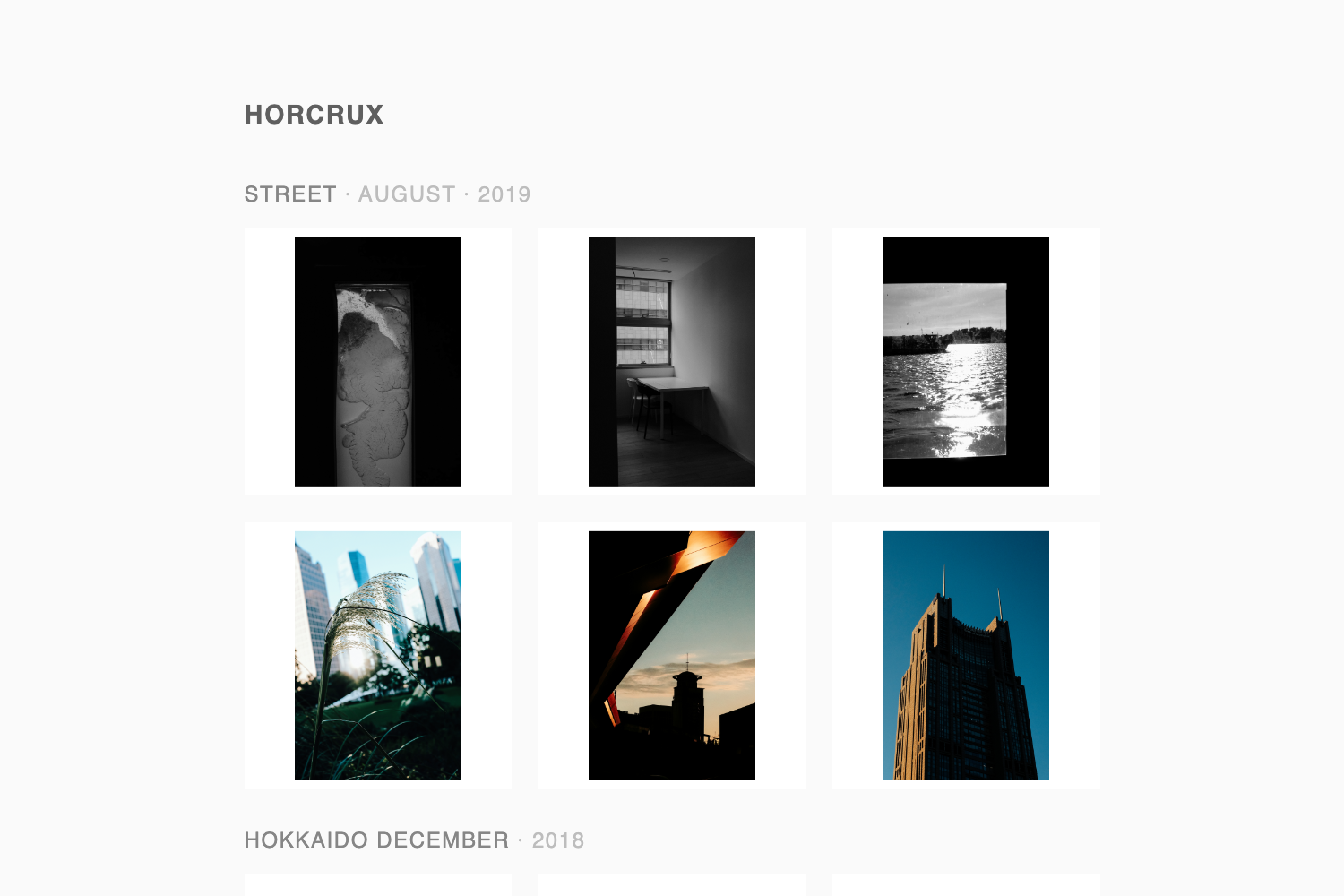
- Gallery with modal image view — A masonry-style gallery lets visitors open photos in a modal lightbox.
- CSS3 preloader and scroll animations — The template includes a CSS3 preloader and load-on-scroll animations for content blocks.
- Blog and contact sections — Includes a blog section with a comment form UI, a contact form, call-to-action buttons, and hover effects.
- Included assets — Ships with all demo images, 7 HTML files, CSS and SCSS files, FontAwesome and Elegant font icons, JavaScript sources, and library/plugin files.
Who should use Cassi?
Cassi is for photographers and visual creatives who need a ready-made web presence without custom development. A wedding or portrait photographer can swap in their own images and copy to launch a portfolio; a photo studio can use the multi-page structure to organize galleries, blog posts, and contact information; and a freelancer or small agency can use it as a dark-themed client showcase with a built-in contact form.
What can you do with Cassi?
- Photographers: Launch a personal portfolio with a full-screen slider, masonry gallery, and contact form in a single afternoon.
- Photo studios: Build a multi-page site that separates gallery pages, blog entries, and contact info for different clients and services.
- Bootstrap learners: Use the included SCSS source files to study how a dark photography theme is structured and to restyle it for mockups.
Alternatives
Other free Bootstrap photography templates on ThemeWagon include Snapshot, PhotoGallery, and Proshoot, each of which offers a different gallery layout and visual style.
FAQ
Is Cassi free?
Yes, Cassi is free to download from ThemeWagon, with an open-source license that permits commercial projects and lifetime free updates. No payment or credit card is required.
What files are included in the download?
The package includes all demo images, 7 HTML files, CSS and SCSS files, FontAwesome and Elegant font icons, JavaScript source files, and library/plugin files such as Owl Carousel, Bootstrap, and Masonry.
Does Cassi work on mobile?
Yes, Cassi is fully responsive and is compatibility-tested with Chrome, Edge, Firefox, Mobile, Opera, and Safari.
Can I use Cassi for a commercial photography business?
Yes, the license allows use in commercial projects, and the template ships with a lifetime free update policy.
What pages make up the multi-page template?
The 7 HTML files cover a typical photography site: a home page with a split header slider, gallery pages with modal view, a blog section with comment form UI, and a contact page with a form.