Template details
gatsby-theme-gallery
🏞 A Gatsby Theme for adding a gallery to your site.
About this template
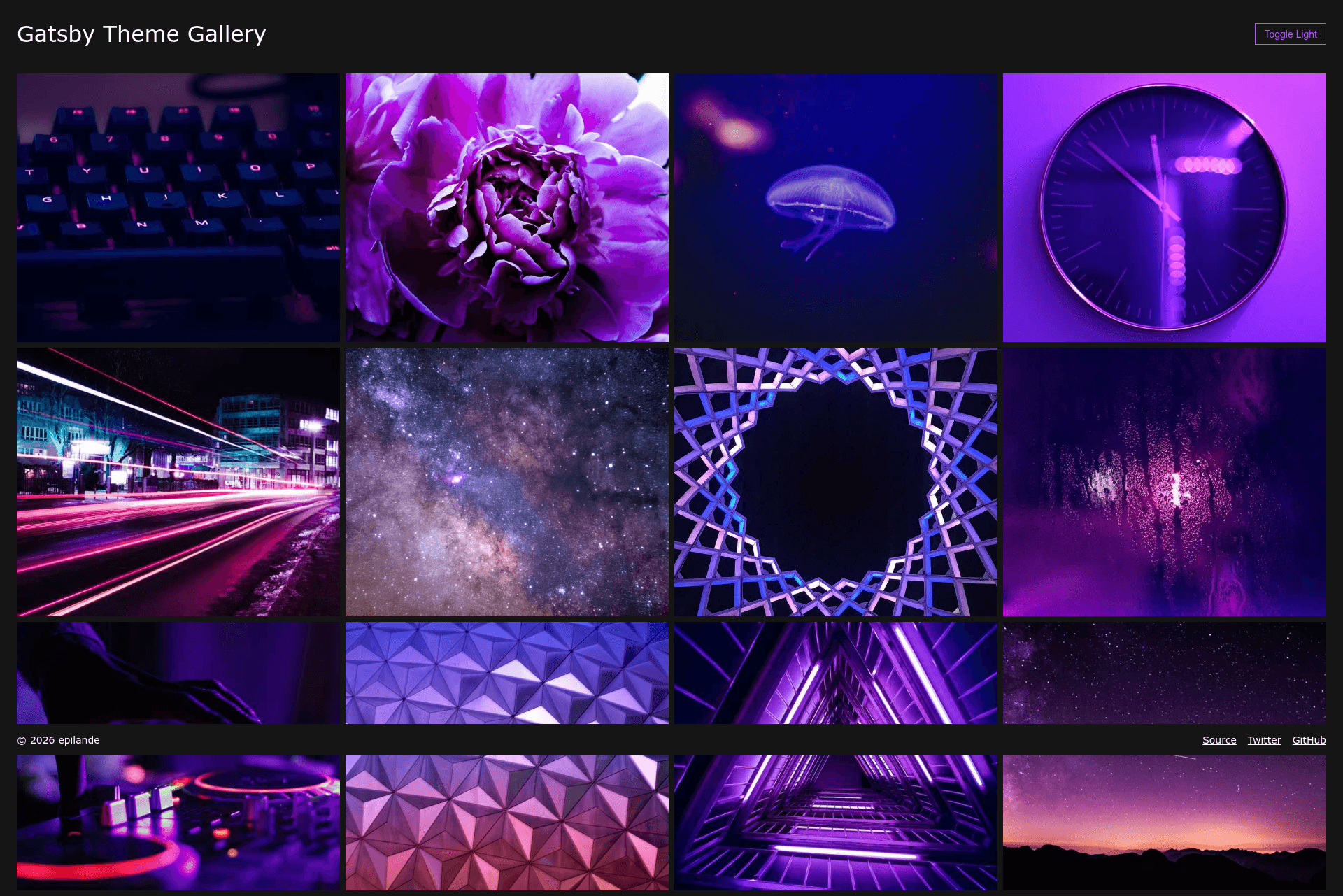
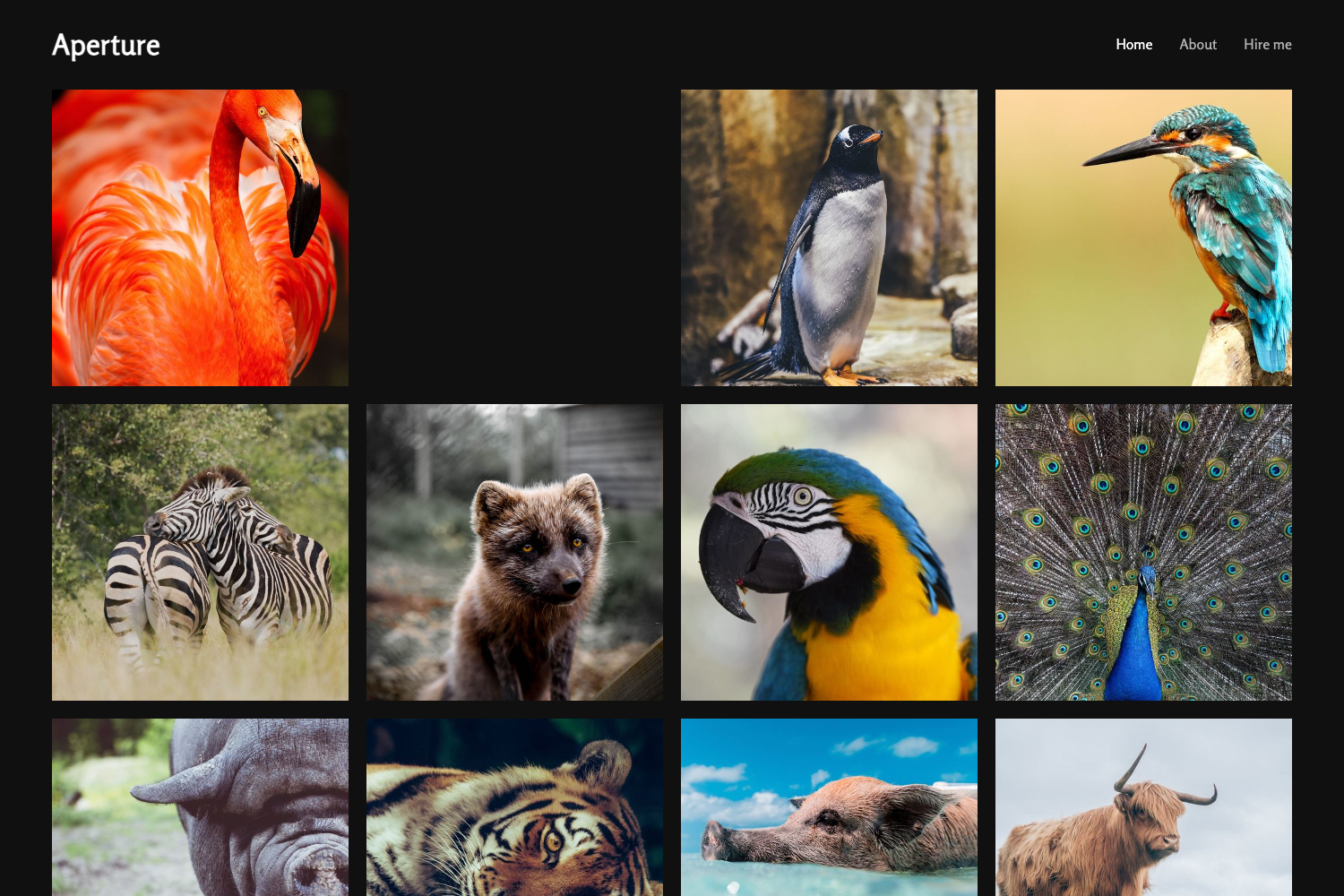
gatsby-theme-gallery is an open-source Gatsby theme that adds a self-hosted photo gallery to a Gatsby site by generating a gallery page from images placed in a directory. Built with React and TypeScript, it removes the need for third-party hosting services and is designed for straightforward installation and full customization through Gatsby's component shadowing system.
What is gatsby-theme-gallery?
gatsby-theme-gallery is a Gatsby theme created by epilande and published on npm. It takes a folder of images (default content/gallery) as input and produces a responsive gallery page served at a configurable basePath (default /). The theme includes a reusable Gallery component, lightbox viewing, and a mobile-friendly layout, all styled with theme-ui so users can customize the design with theme tokens. It is released under the MIT license, and a live demo is hosted at https://gatsby-theme-gallery.netlify.com/.
Key Features
The theme ships with a set of self-contained features that require no extra configuration to get a working gallery.
- Drop-in installation — Add
gatsby-theme-galleryto the plugins array ingatsby-config.jsand drop images intocontent/gallery; no further configuration is required. - Reusable Gallery component — Import
Galleryfrom the theme to embed the gallery inside any custom layout of your own design. - Lightbox — Click an image to open it in a lightbox overlay for closer inspection.
- Responsive by default — The generated gallery layout adapts to mobile and desktop screens.
- Theme UI styling — Customize colors, typography, and spacing through Theme UI's design system settings.
- Component shadowing — Override any theme file (for example
src/gatsby-theme-gallery/components/Footer.js) to replace parts of the gallery with your own code. - Configurable paths — The
basePathandgalleryPaththeme options let you change the gallery's URL and the directory where images are read from.
Who is it for?
This theme fits users who want a lightweight, self-hosted gallery without buying into a third-party platform.
- Photographers who want to showcase a portfolio on their own domain without relying on a third-party gallery service.
- Gatsby developers who need a gallery section in a client site and want to control every part of the layout through component shadowing.
- Personal website owners who have a collection of images and want a minimal, lightbox-capable gallery with no external dependencies.
What can you do with gatsby-theme-gallery?
Beyond the default gallery page, the theme supports two other integration patterns through its exported component and Gatsby shadowing.
- Self-host a photo gallery — Place images into
content/galleryand the theme builds a browsable gallery at your chosen path. - Embed the gallery anywhere — Use the
Gallerycomponent inside an existing page or layout when you don't want the default standalone page. - Fully reskin the gallery — Use component shadowing to replace the header, footer, or individual controls, and restyle everything with
theme-ui.
How does gatsby-theme-gallery work?
Setting up the gallery takes three steps: install the npm package, register the plugin, and put images in the gallery directory.
- Install the theme with npm and add
gatsby-theme-galleryto the plugins array in your site's Gatsby configuration. - Create the default gallery directory at the project root and place images inside it.
- The theme automatically generates a gallery page at the configured
basePathduring build time, so the gallery appears on your site without manual page creation.
FAQ
Is gatsby-theme-gallery free?
Yes, it is open-source and distributed under the MIT license, so you can use it without subscription fees or per-photo charges.
Where do I put my photos?
By default the gallery reads from the content/gallery folder at your project root. You can change this location with the galleryPath theme option.
Can I change the gallery's URL?
Yes, set the basePath theme option. The default is the site root (/).
How do I customize the gallery's look?
The theme uses theme-ui, so you can override theme tokens to change the visual style. For structural changes, use Gatsby component shadowing by creating files under src/gatsby-theme-gallery/ in your project.
Does it require a backend or third-party service?
No, the gallery is static and generated at build time. Images are served directly by your Gatsby site, so there is no external API or database involved.