Template details
Cayman
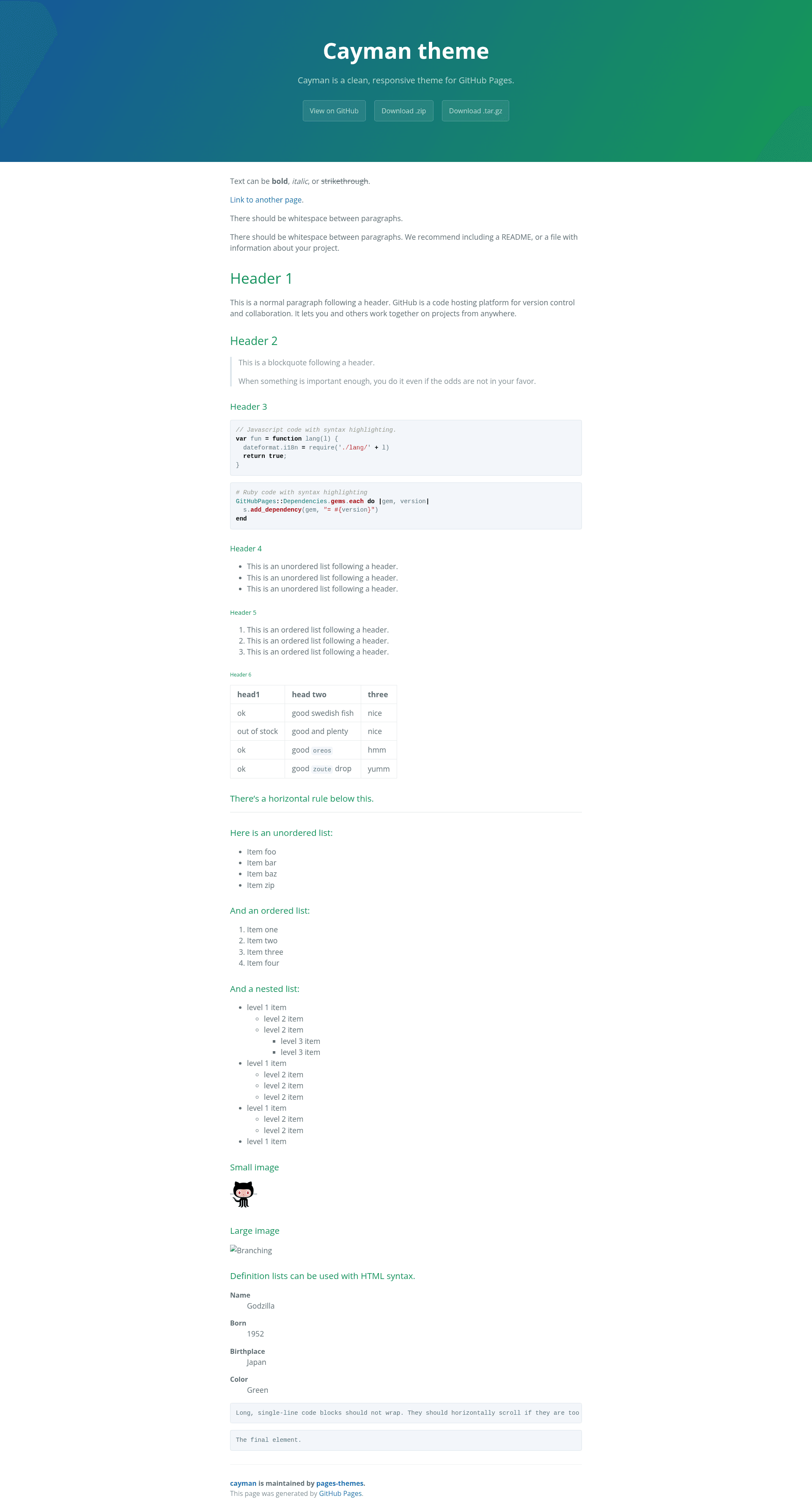
A free, open-source Jekyll theme for GitHub Pages that creates a clean, single-column project website.
About this template
Cayman is a free, open-source Jekyll theme for GitHub Pages that transforms a simple _config.yml and Markdown files into a clean, single-column project site. It is maintained by the pages-themes organization and is designed to be the quickest way to publish a project-oriented website on GitHub Pages.
What is Cayman?
Cayman is a Jekyll theme hosted on GitHub Pages with a minimal, project-focused layout. It takes your site's configuration (title, description, optional download links) and content written in Markdown, then produces a static HTML site through Jekyll. The theme is installed by adding remote_theme: pages-themes/cayman@v0.2.0 and the jekyll-remote-theme plugin to your _config.yml, or by using the jekyll-theme-cayman Ruby gem. It is maintained by the pages-themes organization and is open source with a minimal test suite.
Key Features
- Remote theme installation — Add one line to
_config.ymlto use Cayman; no Gemfile is required for GitHub Pages, though thegithub-pagesgem is provided for local preview. - Configurable site title and description — Set
titleanddescriptionin_config.ymlto update the header text and meta description. - Optional download buttons — Set
show_downloadsto true to display links to your repository's zip and tar.gz archives. - Google Analytics integration — Add a
google_analyticstracking ID to_config.ymlor paste custom tracking code into_includes/head-custom-google-analytics.html. - Custom stylesheet support — Create
/assets/css/style.scssthat imports the theme's Sass and appends your own CSS or Sass, including overriding Sass variables before the import. - Layout overrides — Copy the default layout from the repository to
/_layouts/default.htmlto modify HTML structure, add a favicon, or edit the included partials. - URL overrides — Replace GitHub-generated URLs by setting keys under
github:in_config.yml, such aszip_url. - Open source and tested — The theme ships with a minimal test suite (run via
script/cibuild) and accepts contributions from users.
Who is it for?
Cayman is for GitHub Pages users who want a clean, project-focused website with minimal configuration. It suits beginners creating their first site, open-source maintainers who need a simple landing page for a repository, and developers who want a base to customize with Sass variables and layout overrides without starting from scratch.
What can you do with Cayman?
- Open-source maintainers — Publish a project site with a title, description, and download buttons by editing only
_config.yml. - Technical writers — Use Cayman as a lightweight documentation site, writing pages in Markdown and relying on the theme's clean typography.
- Jekyll newcomers — Learn Jekyll's conventions through Cayman's simple structure and config-driven customization, which the project deliberately keeps simple rather than flexible.
- Designers seeking a base — Override the stylesheet and layout to build a custom design while reusing the theme's structure and includes.
How does Cayman work?
To use Cayman, add remote_theme: pages-themes/cayman@v0.2.0 and plugins: [jekyll-remote-theme] to _config.yml. GitHub Pages then builds your Jekyll site with Cayman's layout on every push. For local preview, add the github-pages gem to your Gemfile and run bundle exec jekyll serve. To modify the theme itself, clone the repository, run script/bootstrap to install dependencies, and start a local server with bundle exec jekyll serve on localhost:4000.
Pros and cons
- Pros: Simple one-line setup, native GitHub Pages support, configurable without writing code, open source with an included test suite.
- Cons: The theme intentionally prioritizes simplicity over flexibility, so advanced users may need to override templates or Sass variables to achieve custom layouts or complex site structures.
Pricing
Cayman is free and open source. It is distributed through GitHub Pages' remote-theme mechanism and as a Ruby gem, with no paid tiers or licensing fees.
FAQ
How do I install Cayman?
Add remote_theme: pages-themes/cayman@v0.2.0 to your _config.yml and include jekyll-remote-theme in your plugins list. GitHub Pages will apply the theme automatically on the next build. No Gemfile is required when hosting on GitHub Pages.
Can I customize Cayman's colors?
Yes. Create /assets/css/style.scss, add the front matter and @import "{{ site.theme }}"; at the top, then set new Sass variables before the import or add custom CSS after it. This allows you to change the theme's color scheme and other styles.
Does Cayman support Google Analytics?
Yes. Set google_analytics to your tracking ID in _config.yml, or paste the latest tracking code into _includes/head-custom-google-analytics.html in your Jekyll site to take advantage of newer Google Analytics versions.
How do I add a download button?
Set show_downloads: true in _config.yml. Cayman will display download links to your repository's zip and tar.gz archives using URLs generated by GitHub. You can override these URLs by setting zip_url and similar keys under github: in _config.yml.
Can I change the layout entirely?
Yes. Copy _layouts/default.html from the Cayman repository to your site at _layouts/default.html, then edit the HTML. The theme's includes, such as favicon and Google Analytics partials, are also customizable by adding files to your local _includes folder.