Template details
Dev Landing Page
Minimal landing page for developers, with 9 material themes and one-click GitHub Pages deployment.
About this template
Dev Landing Page is a minimal, single-page website template made for developers to publish a personal landing page on GitHub Pages, distributed as an MIT-licensed boilerplate.
What is Dev Landing Page?
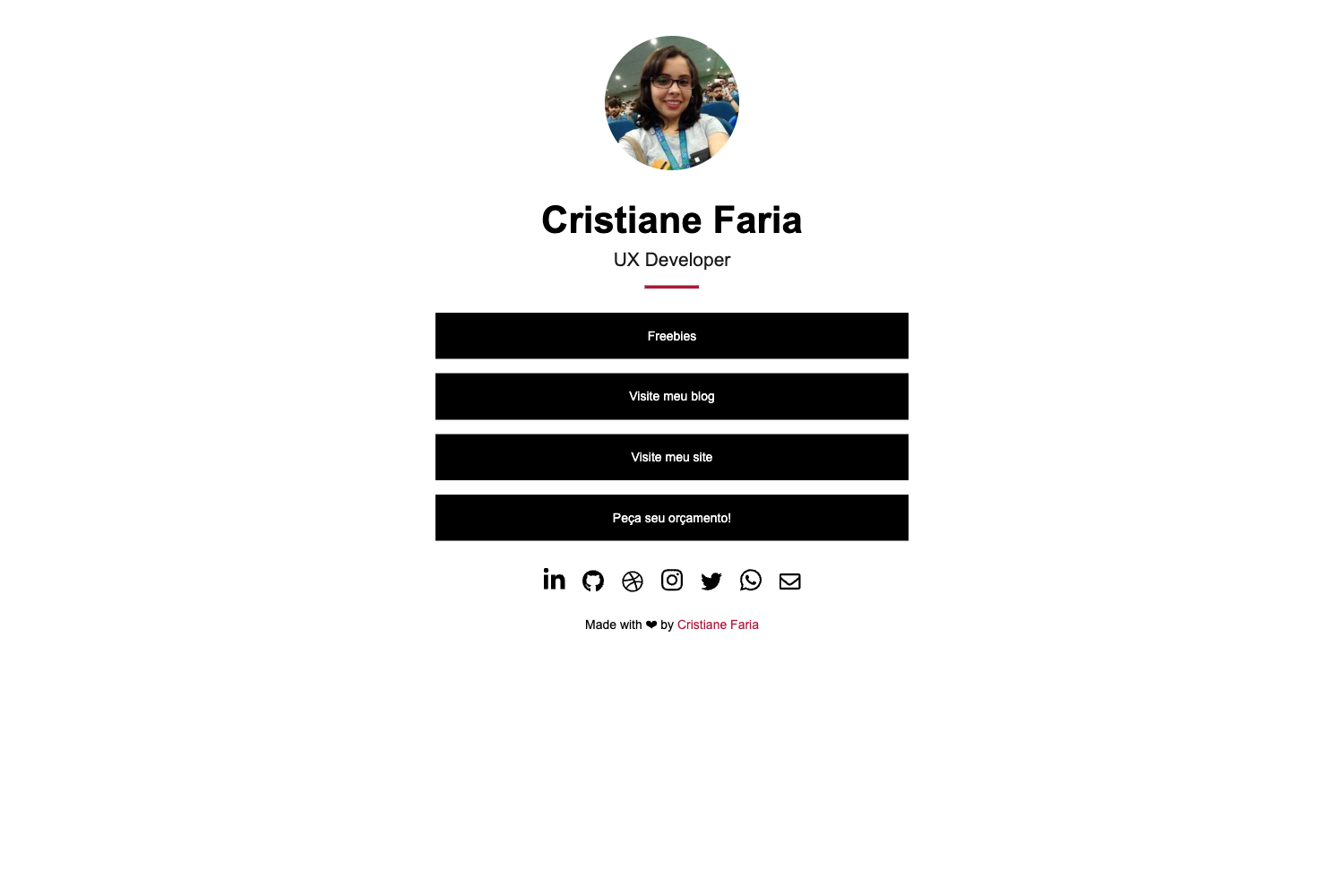
Dev Landing Page is a minimal landing page template that showcases a developer's name, bio, social links, and projects in one clean page. You edit the template files with your own details and it produces a static website you can host for free at the address username.github.io. The project is created by Dinesh Pandiyan and released under the MIT license, so you are free to fork, modify, and reuse it. The template is a static site designed for deployment on GitHub Pages with no server-side build step.
Key Features
- Nine material themes — The template ships with 9 built-in material themes; you can use one as-is or customize the styles to create your own look.
- Minimal single-page layout — The page is intentionally minimal and content-focused, following the idea that a developer's code speaks for itself.
- GitHub Pages workflow — The README provides steps to create a repository named with your username and .github.io, copy the template files in, customize your details, and push to publish.
- Custom domain support — You can serve the page under a domain like yourname.com by following GitHub's custom domain quick-start guide.
- MIT open-source license — The template is free to use, modify, and distribute; the license is included in the repository.
- Direct content editing — Your name, links, and other text live directly in the template files, so updating the page requires no build tools or extra setup.
Who is it for?
- Developers — Anyone with a GitHub profile can use this template to create a simple landing page linking to repositories, blog posts, and social media accounts.
- Open-source maintainers — Project maintainers can present a focused "about me" page that points visitors to their projects and community profiles.
- Technical job seekers — A candidate can quickly stand up a professional profile page at their own GitHub Pages URL to include on resumes and applications.
What can you do with Dev Landing Page?
- Personal branding — Publish a username.github.io page that collects your name, bio, and links into a single consistent online identity.
- Project promotion — Highlight GitHub repositories and other online work from one focused landing page.
- Rapid onboarding — Use the template as a starting point for any developer-centered personal site, adapting the themes and content to fit new needs.
How does Dev Landing Page work?
The deployment workflow centers on GitHub Pages. First, create a new repository named with your GitHub username followed by .github.io. Second, fork or clone this template and copy its files into that repository. Third, customize the name, links, and content, then push the repository to GitHub and your site goes live automatically.
Pricing
Dev Landing Page is free to use. It is released under the MIT license, so there are no licensing fees and you can modify the code for personal and commercial projects without restriction.
FAQ
Is Dev Landing Page free?
Yes, the template is free. It is published under the MIT license, meaning you can use, copy, modify, and distribute it without paying anything.
How do I put Dev Landing Page on GitHub Pages?
Create a new repository named with your GitHub username followed by .github.io, copy the template files from this repository into it, customize your details, and push. GitHub Pages will serve the site at that address automatically.
Can I use a custom domain?
Yes. GitHub's documentation for setting up a custom domain explains how to point a domain like yourname.com to your GitHub Pages site, and this template works with that setup.
How many themes are included?
The template ships with 9 material themes. If none of them appeal to you, the README notes that it is simple to customize the styles and create your own.