Template details
Celadon
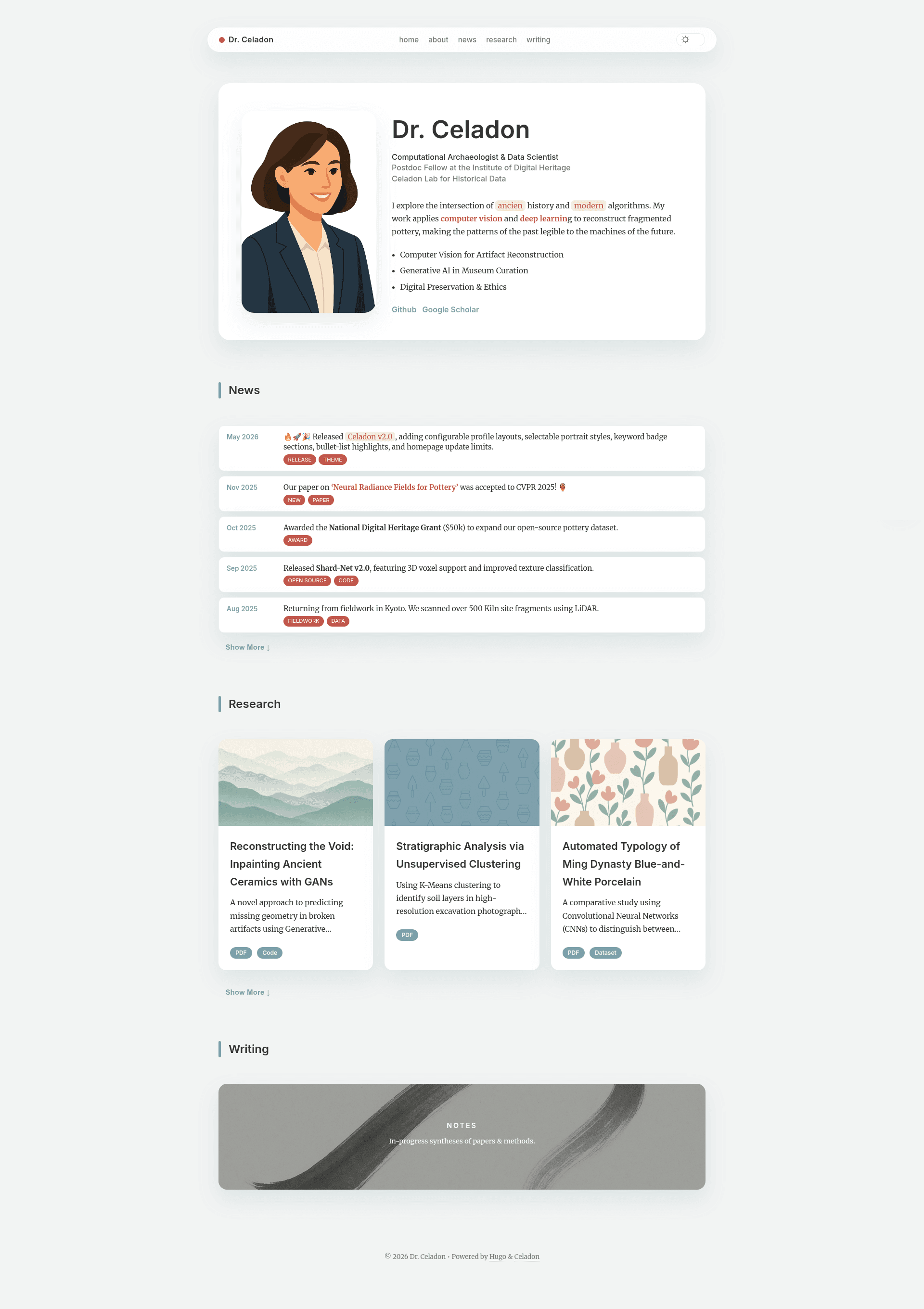
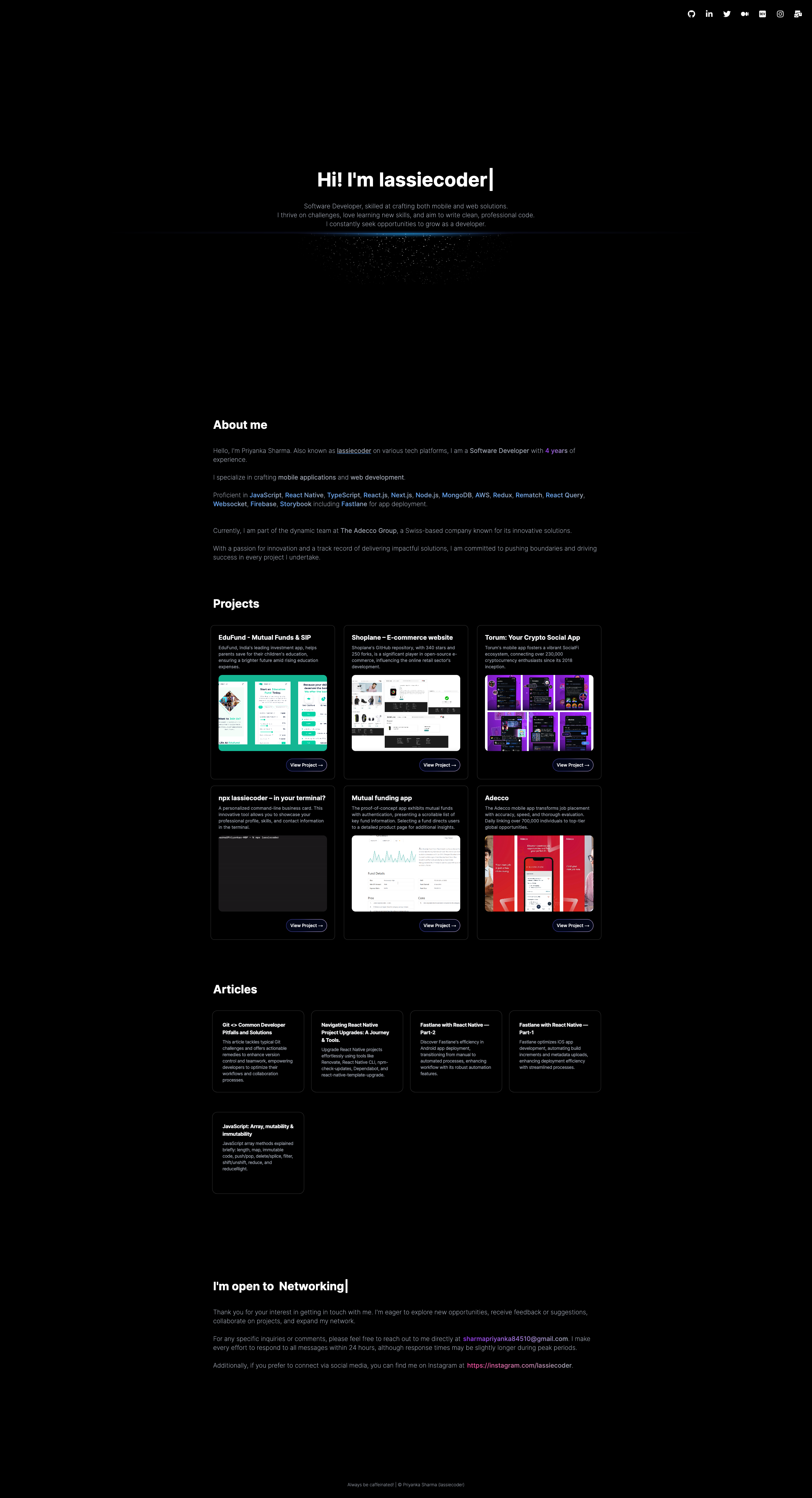
A lightweight, responsive one-page portfolio theme for Hugo for academics, data scientists, and creative technologists.
About this template
Celadon is a lightweight, responsive one-page portfolio theme for the Hugo static site generator, built for academics, data scientists, and creative technologists who need to present publications and projects in a clean, calm layout.
What is Celadon?
Celadon is a Hugo theme that turns Markdown content and YAML data files into a modern one-page homepage with deep sub-pages. It is created by Yajie Xu, released under the MIT license, and designed to balance rigorous academic content with a soft “Morandi” color palette. The theme runs entirely on Hugo and does not require JavaScript frameworks or a database, making it fast to deploy on static hosting services.
What makes Celadon stand out?
- Morandi design system — A calm, high-contrast palette using muted teal, warm clay, and cinnabar accents, plus a “Deep Slate” dark mode for low-light reading.
- One-page architecture — A smooth-scrolling homepage that acts as a gateway to deeper content sections, with the order of sections controlled by a
sectionslist inhugo.toml. - Academic tooling — Native KaTeX support for LaTeX-style math and Hugo Chroma for syntax-highlighted code blocks, including a copy-button interface for snippets.
- Modular sections — About, News, Research, Builds, and Writing sections can be enabled, disabled, or reordered from the site configuration without editing theme template code.
- Responsive layouts — Collapsible grid and list layouts that reflow for mobile and tablet viewports, with four layout options for each section: hero, news, cards, and grid.
- Rich text in YAML — Profile, news, and research card data files accept Markdown and inline HTML, so you can add bold, links, accent spans, and highlighted pill marks to homepage content.
- Flexible profile card — The
data/profile.yamlfile supports amodernorclassiclayout, circular or rectangular images, bullet-style highlights, and grouped keyword badge rows.
Who should use Celadon?
Academics who want to list publications, teaching notes, and news in a single-page format. Data scientists who need to present research cards with co-author links, tags, and preprints. Creative technologists who want a portfolio with a “Builds” project section and a Markdown-based blog. It also suits anyone who prefers editing plain-text files over a visual site builder.
What can you do with Celadon?
- Academics: Publish a research section with card-style entries that include paper titles, abstracts, co-author links, and preprint URLs, and link to a “Study Notes” list under
content/study. - Data scientists: Use
data/research.yamlto create project cards with summaries, tags, and external links, and configure a custom label for co-authors (for example, “Collaborators”). - Creative technologists: Build a “Builds” section that displays project entries with images, links, and status badges, all managed through YAML data files.
- Writers: Maintain a writing section that links to full Markdown articles in
content/writing, with list-page layouts generated from an_index.mdfile.
How does Celadon work?
The homepage is assembled by matching a list of section names in hugo.toml to corresponding YAML files inside the data/ directory. For example, a section named “news” reads data/news.yaml, and each entry becomes a timeline item with date, detail text, and optional badges. Deep content lives in content/ folders; each folder needs an _index.md file to generate a list page, and homepage cards link to it via a link property in the YAML data. The theme also supports a limit setting per section to control how many news entries show before an expandable button.
FAQ
Is Celadon free?
Yes. Celadon is open source under the MIT license, so you can use, modify, and redistribute it freely for personal or commercial projects. There is no mention of any paid tier or license fee in the documentation.
Does Celadon support math equations and code highlighting?
Yes. It includes native KaTeX support for math notation and Hugo Chroma for syntax-highlighted code blocks. The code block interface adds a copy button, styled in a “Gemini” fashion, so readers can easily duplicate snippets.
Can I reorder the sections on the homepage?
Yes. The sections list in the [params.homepage] section of hugo.toml determines which sections appear and in what order. Each section also has its own enable, title, and layout settings, so you can show or hide sections and choose between hero, news, cards, or grid layouts.
How is homepage data structured?
Each section reads its data from a matching YAML file in the data/ directory. Profile information goes in data/profile.yaml, news items in data/news.yaml, and research cards in data/research.yaml. These files support inline Markdown and HTML for enriched text, like bold, links, and highlight pills.
How do I change the favicon?
Place favicon files (including android-chrome-192x192.png, apple-touch-icon.png, favicon.ico, and site.webmanifest) in the static/ directory of your Hugo site. The theme automatically picks them up, so no additional configuration is needed.