Template details
Portfolio
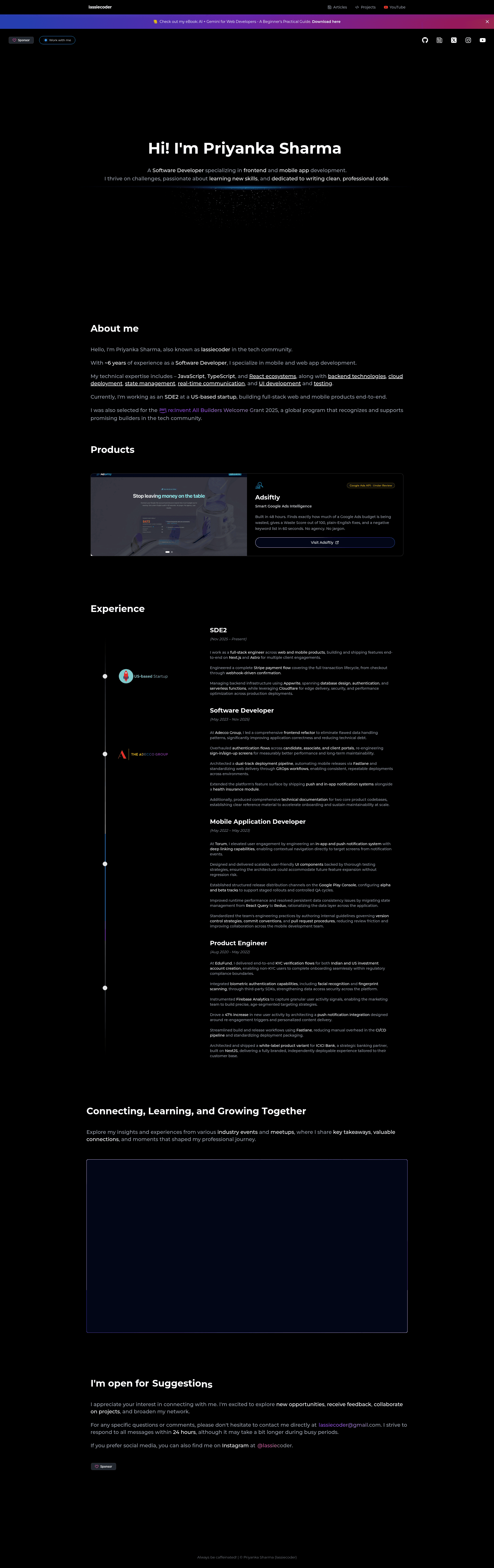
A developer portfolio template built with Next.js, Tailwind CSS, and Framer Motion animations.
About this template
Portfolio is a developer portfolio template built with Next.js 14 and Tailwind CSS, using Framer Motion for animations, designed to be deployed directly to GitHub Pages. It was created by Priyanka Sharma (lassiecoder) and is released under the MIT License, so it can be freely reused and customized.
What is this portfolio template?
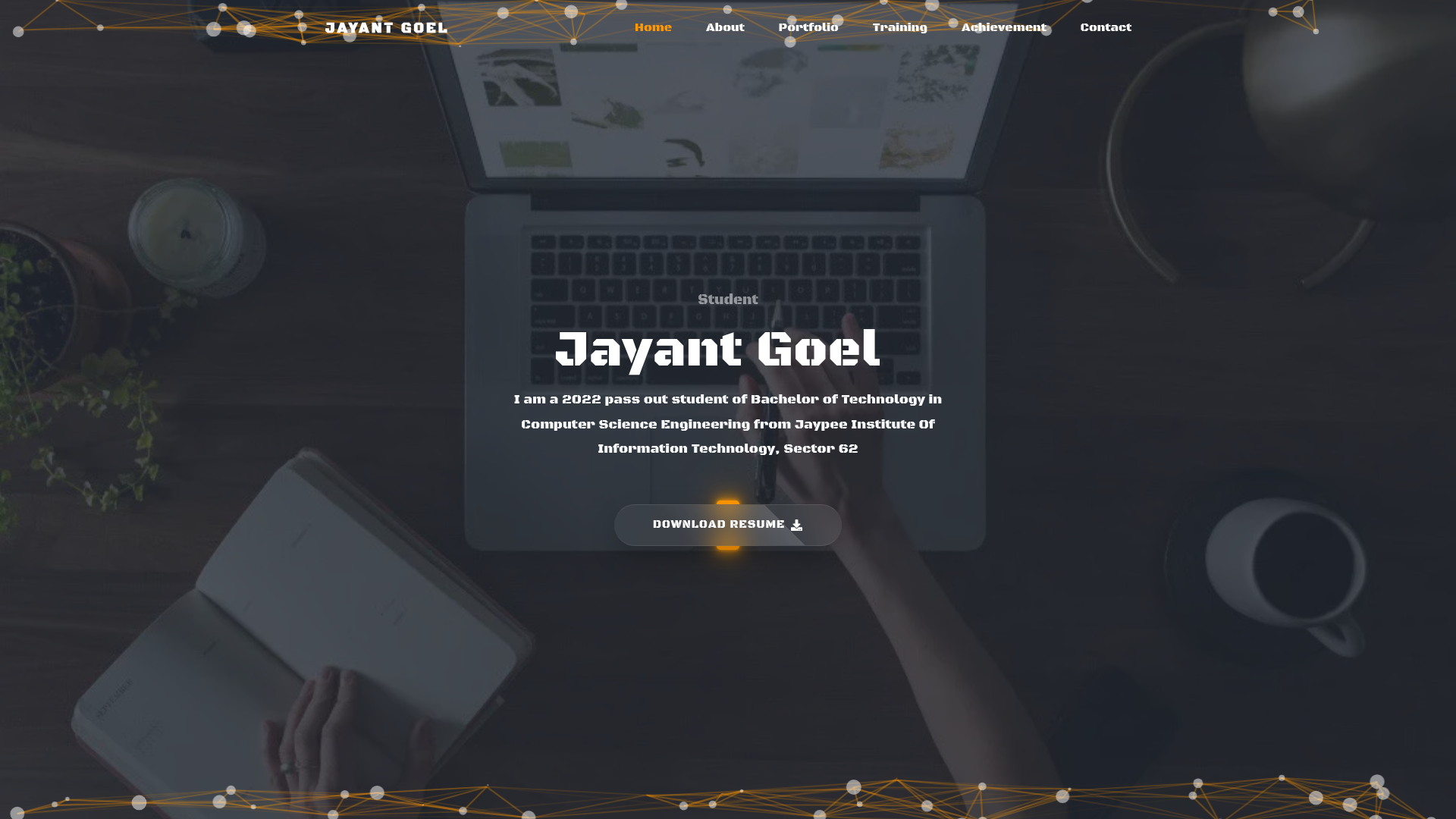
This template is a single-page developer portfolio built on Next.js 14.1.4 with TypeScript, styled with Tailwind CSS 3.3.0, and animated with Framer Motion 11.0.25. It takes developer profile content — name, bio, projects, contact links — entered directly into React components and renders a responsive, animated portfolio page. The project also includes particle background effects via @tsparticles/react, toast notifications via sonner, and Google Analytics support via react-ga4.
Key Features
- Next.js 14 framework — React-based static generation with file-based routing, giving fast loads and SEO-friendly output.
- Tailwind CSS — Utility-first styling (version 3.3.0) that makes layout customization quick without writing custom CSS.
- Framer Motion animations — Smooth reveal and hover animations driven by Framer Motion 11.0.25.
- Particle background — Interactive particle effect using @tsparticles/react and the slim engine.
- Typewriter effect — A rotating headline effect via typewriter-effect for the hero section.
- Google Analytics — react-ga4 integration to track page views and user behavior.
- Toast notifications — sonner to show transient messages and feedback.
- GitHub Pages deployment — A deploy script using gh-pages plus GitHub Actions workflow support for one-command publishing.
Who is this template for?
- Developers who want a ready-made portfolio to showcase their projects and skills without starting from scratch.
- Freelancers looking for a professional online presence with animations and particle effects to stand out.
- Students or early-career programmers who need a simple, deployable portfolio for job applications and personal branding.
What can you do with this template?
- Showcase your work: Replace the default content in the React components with your own project descriptions, links, and screenshots.
- Track visitors: Add your Google Analytics ID to react-ga4 and monitor portfolio traffic.
- Deploy to GitHub Pages: Run npm run deploy to build and publish the site, with GitHub Actions handling the workflow.
- Customize animations: Use Framer Motion and typewriter-effect to adjust how elements animate on scroll and load.
How does this template work?
The template runs as a standard Next.js app. After cloning, install dependencies with npm install, then start development with npm run dev. For production, npm run build creates an optimized static export, and npm run deploy pushes it to GitHub Pages via gh-pages. The README instructs users to push changes to the master branch and monitor the GitHub Actions workflow for successful deployment.
FAQ
Is this portfolio template free to use?
Yes, the project is licensed under the MIT License, so you can use, modify, and distribute it freely, including for commercial purposes, as long as you retain the original copyright notice.
What technologies does it use?
The template uses Next.js 14 with TypeScript, Tailwind CSS 3 for styling, Framer Motion for animations, @tsparticles/react for particle effects, and sonner for notifications. It also includes ESLint for code quality.
How do I deploy my portfolio?
After customizing your content, run npm run build to create a production build, then commit and push to your GitHub repository. The included GitHub Actions workflow and gh-pages script handle publishing to GitHub Pages automatically; you can monitor the workflow in the Actions tab.