Template details
Gatsby Minimal Portfolio Blog
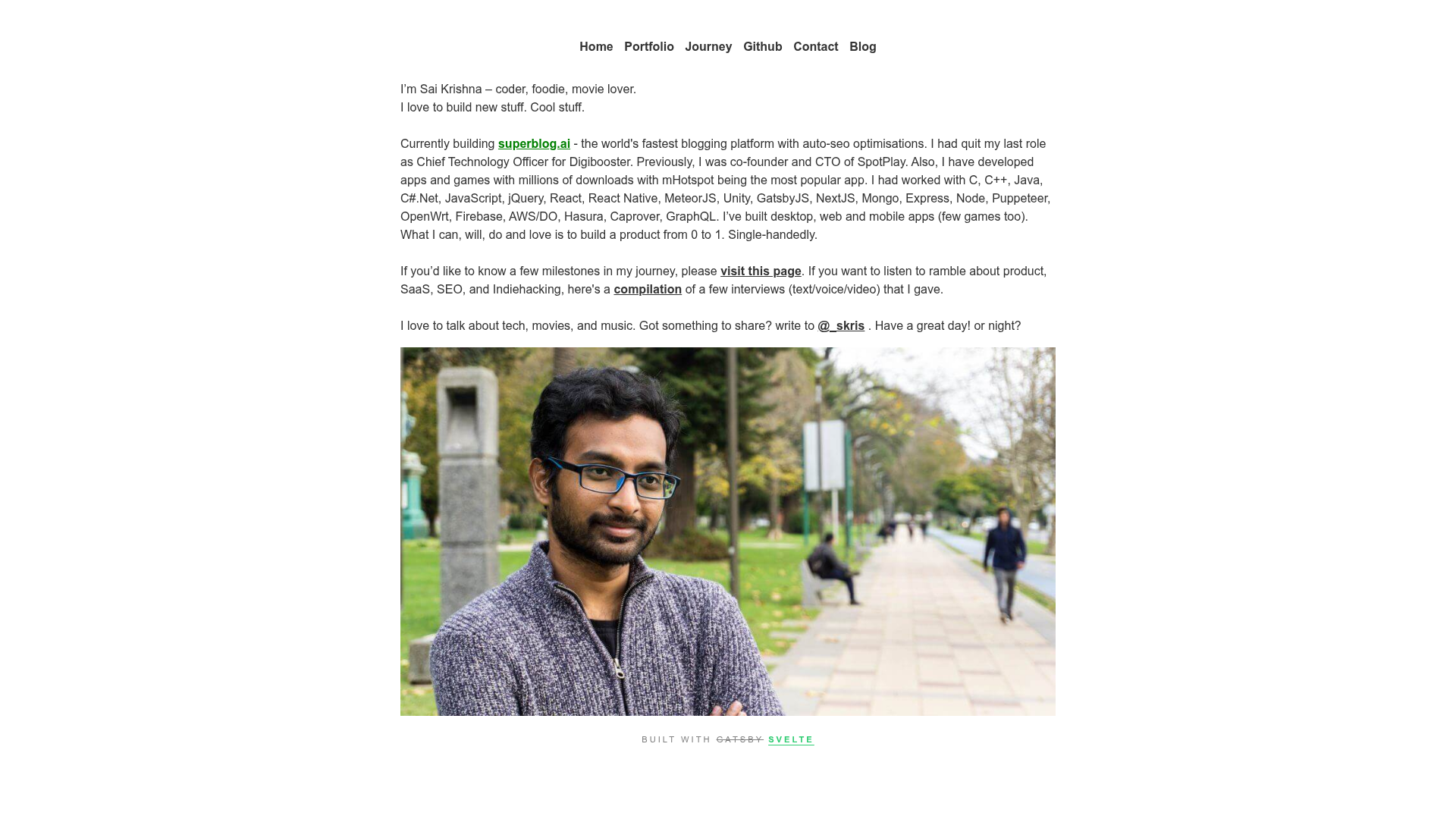
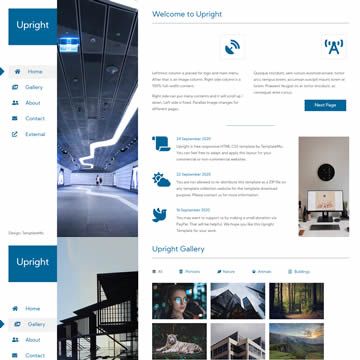
A minimal GatsbyJS starter for a portfolio website with a blog, based on gatsby-starter-blog and suitable for developers.
About this template
Gatsby Minimal Portfolio Blog is a GatsbyJS starter for developers who want a minimal portfolio website with an integrated blog, built on top of the official gatsby-starter-blog.
What is Gatsby Minimal Portfolio Blog?
Gatsby Minimal Portfolio Blog is a free, open-source Gatsby starter that combines a personal portfolio with a blog. It takes your project data, site configuration, images, and Markdown blog posts as input, and generates a static website. The starter runs on the Gatsby framework, which uses React and GraphQL. It is maintained by developer s-kris and hosted on GitHub with 10 stars.
Key Features
- Based on gatsby-starter-blog — inherits the standard blog setup from the official starter, including GraphQL-based content queries and a clean post layout.
- Portfolio and blog combined — lets you present projects and write articles from one codebase, without needing a separate CMS.
- Minimal, developer-focused design — the template prioritizes a simple layout that works well for personal sites and technical resumes.
- Straightforward customization — the quick start guide lists four files to edit: data files in
src/data/, site metadata ingatsby-config.js, images insrc/assets/images/, and the homepage description insrc/pages/index.js. - Standard Gatsby workflow — run
npm installandgatsby developto get a local development server with hot reload; production builds usegatsby build. - Installable via CLI — you can create a new project immediately by running
gatsby new gatsby-blog https://github.com/s-kris/gatsby-minimal-portfolio-blog.
Who is it for?
- Software developers who want a personal site to display their open-source projects and technical blog posts.
- Freelance developers looking for a lightweight portfolio to showcase their work and share client updates.
- Technical writers who need a minimal blog combined with an about/portfolio page, without dealing with heavy themes.
What can you do with Gatsby Minimal Portfolio Blog?
- Build a portfolio — update the data files in
src/data/and images insrc/assets/images/to list your projects, skills, and contact information. - Publish a blog — write Markdown posts using the gatsby-starter-blog conventions, and they will be automatically processed into indexed blog pages.
- Deploy as a static site — because Gatsby pre-renders HTML, the output can be hosted on any static host such as Netlify, Vercel, or GitHub Pages.
How does it work?
The starter is installed from GitHub using the gatsby new command. After installation, you run npm install to fetch dependencies and gatsby develop to start a local server. The site is configured by editing the site metadata in gatsby-config.js and the placeholder data in src/data/. Blog posts are added as Markdown files in the same structure as the original gatsby-starter-blog.
FAQ
Is this starter free?
Yes, the repository is publicly accessible on GitHub, and you can freely use and modify the starter for your projects. There is no cost to use it.
How do I install it?
Assuming Gatsby is installed globally, run gatsby new gatsby-blog https://github.com/s-kris/gatsby-minimal-portfolio-blog. This creates a new folder with the starter's source files.
What technologies does it use?
The starter is built with GatsbyJS, which is a React-based framework, and uses JavaScript. The repository topics also list JavaScript and React. It does not require a separate CSS framework by default.
Does it include portfolio and blog sections?
Yes, the README describes it as "a minimal portfolio website with blog." The quick-start steps point to editing data files for portfolio content and site configuration, while the blog functionality comes from the gatsby-starter-blog foundation.