Template details
Chakra UI Vue SideNav Demo
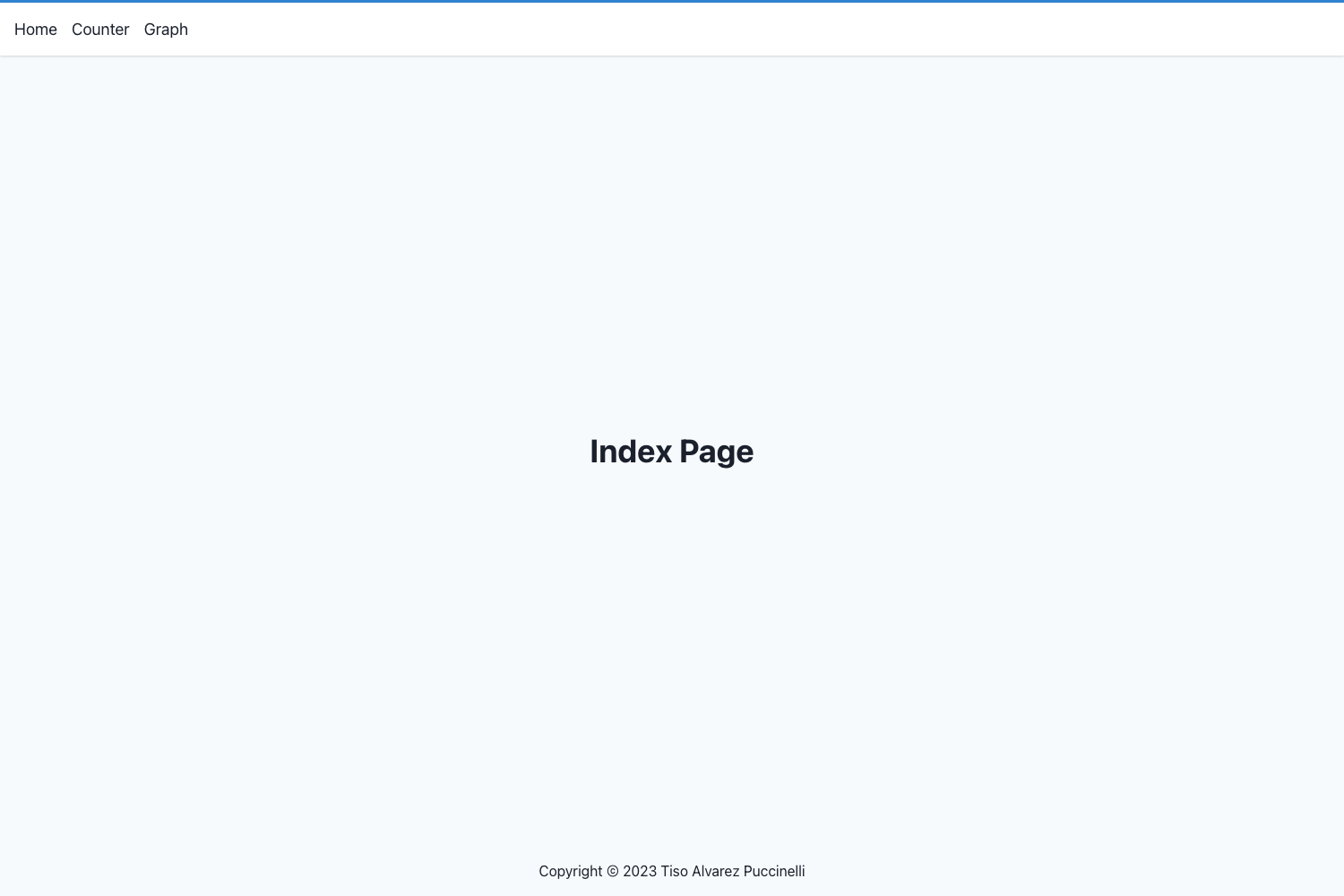
A Vue starter demo showcasing a side-navigation layout built with Chakra UI's Grid and extend API.
About this template
Chakra UI Vue SideNav Example is a Vue starter project that demonstrates how to assemble a side-navigation interface using the Chakra UI component library.
What is Chakra UI Vue SideNav Example?
This project is a single-page demo application built with Vue and the Chakra UI component library. It takes Chakra's Grid component as the layout foundation and shows how to compose low-level primitives into custom components that can accept Chakra props through the extend API. The repository is authored by Jonathan Bakebwa and is inspired by the personal website of @smokeyfro.
Key Features
- Grid-based layout — Uses Chakra UI's Grid component to create the page structure, demonstrating the layout technique.
- Custom component composition — Shows how to combine low-level Chakra primitives to build a reusable custom component.
- Extend API usage — Illustrates giving custom components the ability to consume Chakra props via the extend API.
- Vue + Chakra UI stack — A Chakra UI example written for Vue, whereas most Chakra demos target React.
- Live demo on Vercel — The project is deployed at https://chakra-sidenav.now.sh, so you can see the result immediately.
- Standard Vue CLI workflow — Uses yarn scripts:
yarn install,yarn serve,yarn build, andyarn linkfor linting. - Inspired by a real site — The sidebar layout is modeled after smokeyfro.com, making it a practical, production-like example.
Who is it for?
- Vue developers who want to learn how to implement a side-navigation layout with Chakra UI components.
- Chakra UI users who want to see how the extend API works in a Vue project.
- Starter template seekers who need a base for a dashboard, admin panel, or app shell with a sidebar.
- Designers prototyping interfaces who want a functional Vue side-nav example to modify.
What can you do with it?
- Learn Chakra UI in Vue: Study the Grid layout and component composition patterns used throughout the demo.
- Kickstart a new app: Clone the repository and adapt the sidebar and layout to serve as the shell of a new application.
- Experiment with the extend API: Use the example to understand how custom components can be made to accept Chakra props.
- Inspect a real deployment: View the live demo hosted on Vercel to see expected output before running the code locally.
How does it work?
The project follows a standard Vue CLI structure. After cloning, install dependencies with yarn install. For development, run yarn serve to get a hot-reloading dev server. To create a production build, run yarn build. The README also lists yarn link for linting and fixing files.
FAQ
Is this project free to use?
The repository is a public open-source example, so you can clone and modify it freely. No license or pricing information is stated in the README.
What technologies are used?
The project uses Vue.js as the frontend framework and Chakra UI for components and styling. Chakra UI provides the Grid system and the extend API used in the demo.
How do I run the project locally?
First run yarn install to install dependencies. Use yarn serve to start a local development server with hot-reload, and yarn build to compile a production build. Run yarn link to lint and fix files.
Where can I see the live demo?
The live demo is hosted on Vercel at https://chakra-sidenav.now.sh.
What does the extend API do?
The extend API allows custom components to gain access to Chakra UI's props, enabling them to be styled and themed like native Chakra components.