Template details
Chalet
Astro theme for local businesses — one config file, local SEO built in, GDPR-ready.
About this template
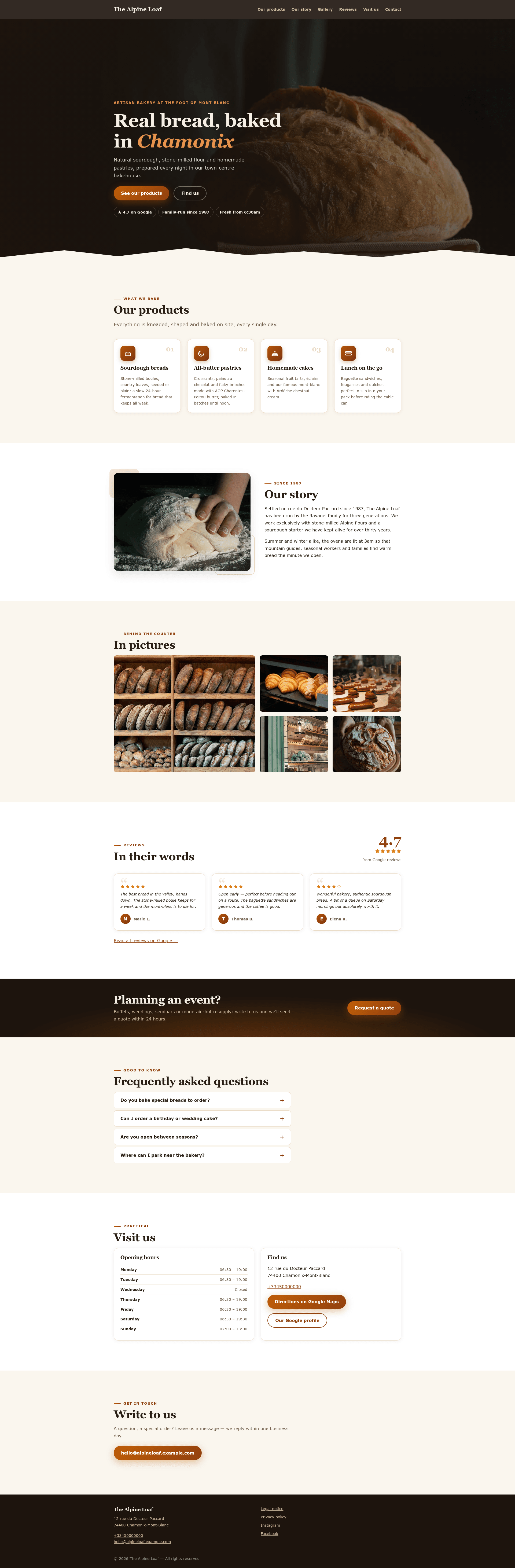
Chalet is an Astro theme for local businesses that turns a single TypeScript config file into a static, SEO-optimized, GDPR-friendly website in one command.
What is Chalet?
Chalet is a free, MIT-licensed Astro theme built specifically for small local businesses like bakeries, restaurants, guesthouses, salons, and workshops. It takes one configuration file (src/config/site.ts) that holds all copy, contact details, opening hours, services, reviews, FAQ, and legal information, and outputs a fully static HTML site into dist/ when you run npm run build. The theme was created by Antoine Grange in Chamonix-Mont-Blanc and is battle-tested on real small-business sites.
Key Features
- One-file configuration — Every text string, including UI labels and legal prose, lives in
src/config/site.ts; components contain zero hard-coded text, and a complete French translation example is included inexamples/french-bakery/. - Local SEO built in — The theme generates
schema.org/LocalBusinessandFAQPageJSON-LD from the config, along with canonical URLs, Open Graph tags, Twitter cards, a sitemap, androbots.txt. - GDPR-friendly by default — No cookies, no third-party requests, no web font CDN, and no embedded maps; privacy policy and legal notice pages are included, so most brochure sites won't need a cookie banner.
- Fast by design — Static HTML, system fonts, inline SVG icons, and a single ~10-line script for the mobile menu; built to score around 100 on Lighthouse.
- Designed to sell — A dramatic dark hero with trust badges, an aggregate review score computed from the configured reviews, hover micro-interactions, and pure-CSS scroll reveals that respect
prefers-reduced-motion. - Accessible — Includes a skip link, visible focus states, reduced-motion support, WCAG AA color contrast, and semantic markup.
Who is it for?
- Local business owners — A bakery, restaurant, guesthouse, salon, or workshop owner can get a professional website online in a day without hiring a developer, since only one config file needs editing.
- Freelance web designers — An agency or solo developer can use Chalet as a starting point for client projects, relying on the MIT license (attribution appreciated, never required) and the included legal pages.
- Privacy-conscious site owners — Since the theme ships with no cookies or trackers, it suits businesses in the EU that need to avoid unnecessary GDPR cookie banners.
What can you do with Chalet?
- For a bakery: Replace the placeholder SVG images with real photos, add the bakery's actual opening hours, and publish a
LocalBusinessJSON-LD block so Google can display the hours in search results. - For a guesthouse: Put guest reviews copied from a Google profile into the config, and the theme automatically shows star ratings and computes an aggregate score.
- For a salon: Use the contact form with a Formspree or Basin URL to collect quote requests without writing a backend; an invisible honeypot field catches bot submissions.
How does Chalet work?
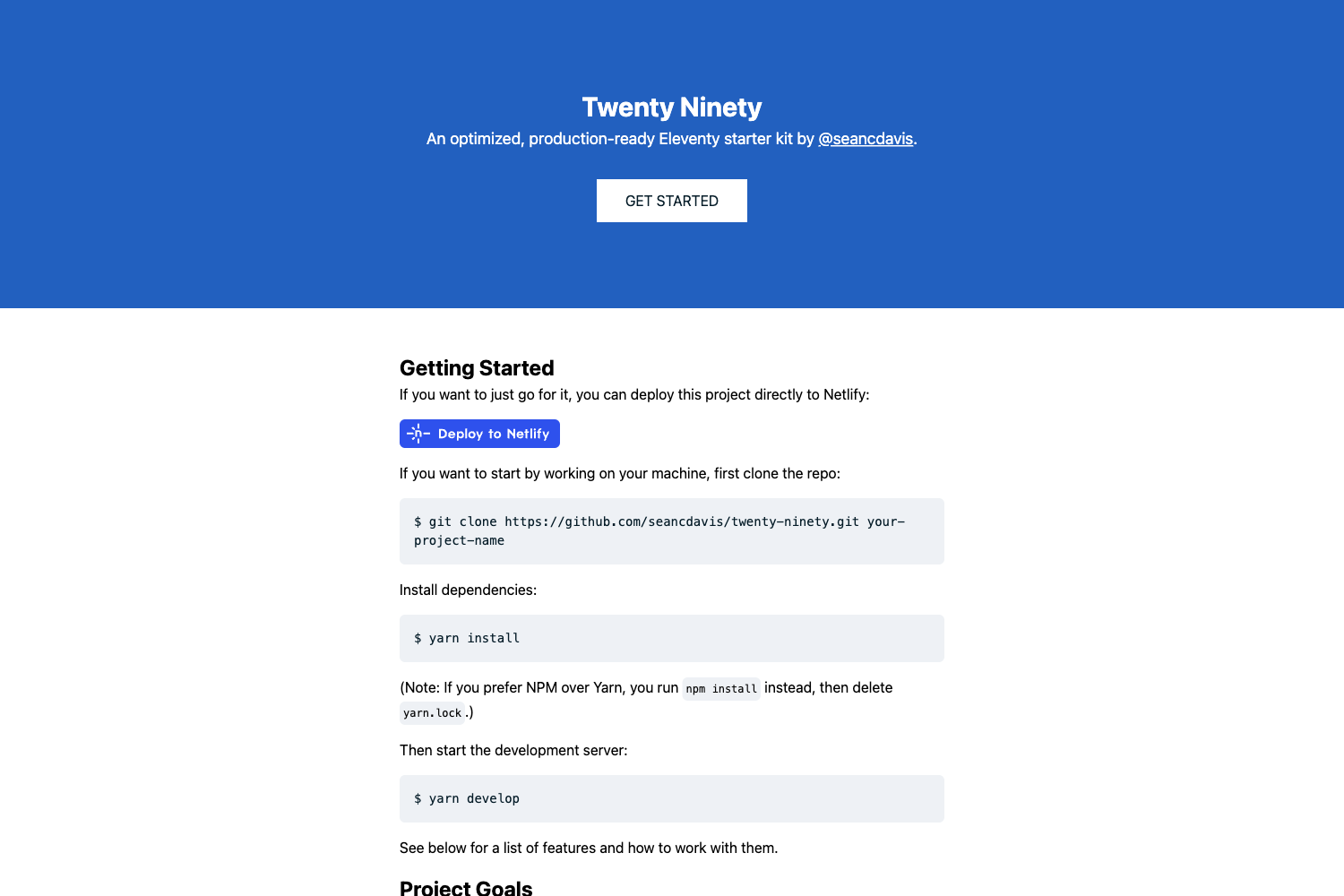
The quick start flow is: clone the repo, run npm install (requires Node.js 22.12 or higher), then npm run dev to preview at localhost:4321 or npm run build to generate the static site. From there, the "Make it yours" checklist walks through editing the config file, adjusting color tokens in src/styles/tokens.css, replacing images in public/images/, updating robots.txt, reordering sections in src/pages/index.astro, and deploying to Vercel, Netlify, or any static host.
FAQ
Why does Chalet use system fonts?
System fonts mean zero font downloads, faster first paint, and no request to a Google Fonts CDN, which EU courts have ruled raises GDPR concerns. To use a brand font, self-host it with @font-face and font-display: swap, then update the font CSS variables in tokens.css.
Where do I change the theme's colors?
All colors are defined as ten CSS variables in src/styles/tokens.css, and components never use raw color values. An alternative "alpine" palette is shipped in a comment to show how re-theming works.
Can I use Chalet for a client project?
Yes, it's released under the MIT license. Attribution is appreciated but never required.
Does Chalet support multiple languages on one site?
No — the theme supports one language per site, set via the SITE.lang config value. For a bilingual site, the README recommends running two deployments with two config files; native i18n routing is on the roadmap.