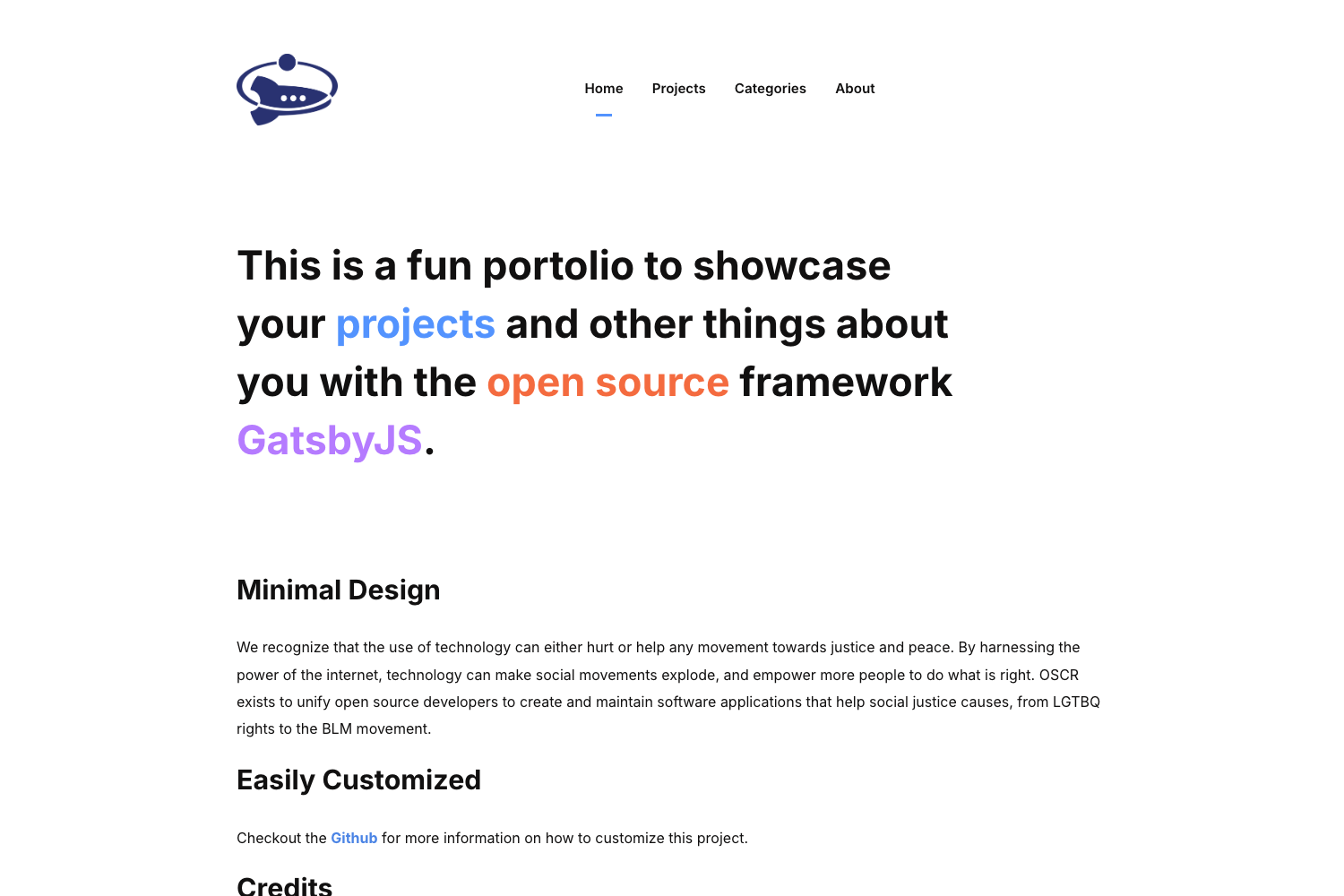
Template details
Gatsby React Bootstrap Starter
A GatsbyJS starter with react-bootstrap, react-icons, sticky navbar, SASS compiler, and basic layout.
About this template
Gatsby React Bootstrap Starter
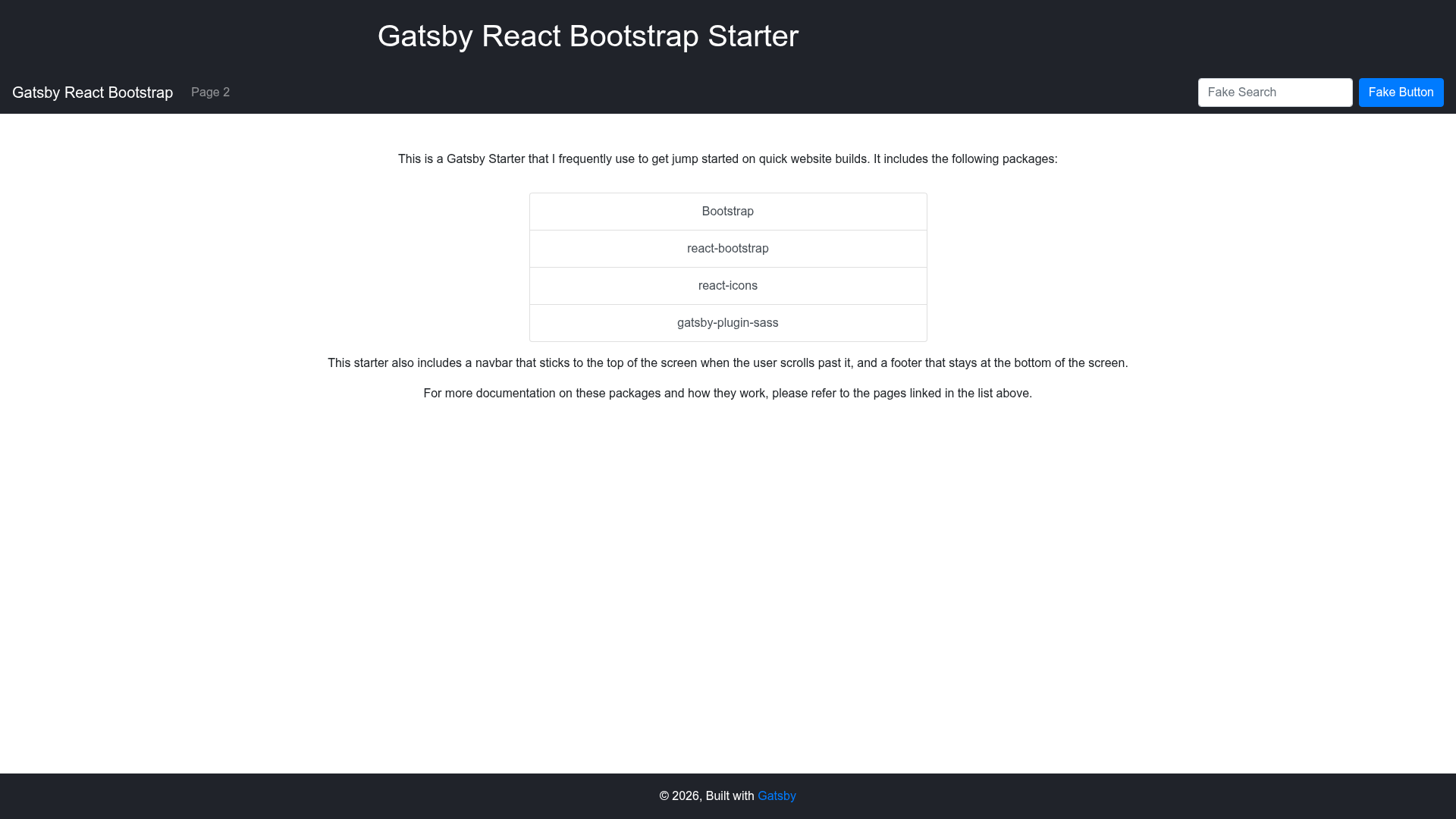
Gatsby React Bootstrap Starter is a GitHub starter template that scaffolds a GatsbyJS static site with react-bootstrap components, react-icons, a sticky-on-scroll navbar, and SASS compilation built in.
What is Gatsby React Bootstrap Starter?
This is a GatsbyJS starter project, meaning it's a pre-configured scaffold you can use to bootstrap a new Gatsby site. It takes a fresh Gatsby installation and adds a set of useful dependencies and layout files so you can start building pages immediately. The starter includes react-bootstrap for UI components, react-icons for icons, a sticky navbar that remains visible on scroll, a SASS compiler for writing .scss styles, and a basic layout component. It is published as an open-source repository on GitHub and has 38 stars.
Key Features
- react-bootstrap integration — reuses Bootstrap's grid, buttons, forms, navbars, and other components as React components compatible with Gatsby.
- react-icons — provides a large set of icons (from Font Awesome, Material Design, etc.) as React components without extra configuration.
- Sticky on scroll navbar — a navigation bar that stays fixed at the top of the viewport when the user scrolls down.
- SASS compiler — you can write styles in .scss files and they get compiled to CSS during the Gatsby build.
- Basic layout — a default layout component wraps pages so you have a consistent header, main, and footer structure.
- Gatsby-based — leverages Gatsby's data layer, build optimizations, and static site output.
Who is it for?
- Gatsby developers who want a starting point that already has Bootstrap styling and component setup, saving the time of adding and configuring react-bootstrap manually.
- Front-end developers who prefer Bootstrap's design system and want to use it inside a React/Gatsby project without writing CSS from scratch.
- Rapid prototypers who need a simple multi-page site with a sticky navigation bar and icon support and want to start coding content immediately.
What can you do with it?
- Build a marketing site: create landing pages with Bootstrap's responsive grid and components, add icons with react-icons, and keep a sticky navbar for navigation.
- Prototype a web app: use the pre-configured layout and SASS pipeline to quickly develop a UI with Bootstrap's modals, forms, and buttons.
- Learn Gatsby and Bootstrap together: study how a Gatsby project is structured while seeing how react-bootstrap components are imported and used.