Template details
Next.js TypeScript Tailwind Boilerplate
Production-ready Next.js boilerplate with TypeScript, Tailwind CSS 3, ESLint, Prettier, and one-click Vercel/Netlify deploy.
About this template
Next.js TypeScript Tailwind Boilerplate is a free MIT-licensed starter template that combines Next.js 12+, Tailwind CSS 3, and TypeScript with a preconfigured developer toolchain, so you can clone it and build a production-ready static site in minutes.
What is Next.js TypeScript Tailwind Boilerplate?
The template uses Next.js as a static site generator and ships with Tailwind CSS 3 processed by PostCSS, styled-jsx integration, TypeScript with strict mode, and React 17. It is created by lertsoft and published on GitHub as typescript-ventures. The starter outputs a static out folder after npm run build-prod, deployable to any hosting service. The required runtime is Node.js 14+ with npm.
Key Features
- Next.js static generation — Uses Next.js for SSG with live reload, cache busting, and minified HTML/CSS output out of the box.
- TypeScript strict mode — Full type checking, React 17 strict mode, and absolute imports configured in
tsconfig.json. - Tailwind CSS 3 and PostCSS — Tailwind integrated with
styled-jsx; unused CSS is removed during production builds. - ESLint and Prettier — Linting via NextJS, NextJS Core Web Vitals, Tailwind CSS, and Airbnb configurations, plus Prettier formatting.
- Husky and lint-staged — Git hooks run linters on staged files before each commit.
- VSCode integration — Includes debug configurations, settings, tasks, and recommended extensions for PostCSS, ESLint, Prettier, and TypeScript.
- SEO and PWA helpers — Next SEO metadata, JSON-LD, and Open Graph tags in
/layout/Meta, plus documented steps for making the app PWA-ready. - One-click deployment — Netlify and Vercel deploy buttons in the README; production builds also work with any static host.
Who should use it?
- Next.js developers starting a new project — They get a clean, typed foundation with Tailwind and linting already wired up.
- Small teams — They benefit from the shared ESLint, Prettier, and Husky configurations that enforce consistent code style across commits.
- Hobbyists deploying to Netlify or Vercel — They can use the one-click deploy buttons and the static
outfolder for quick hosting.
What can you do with it?
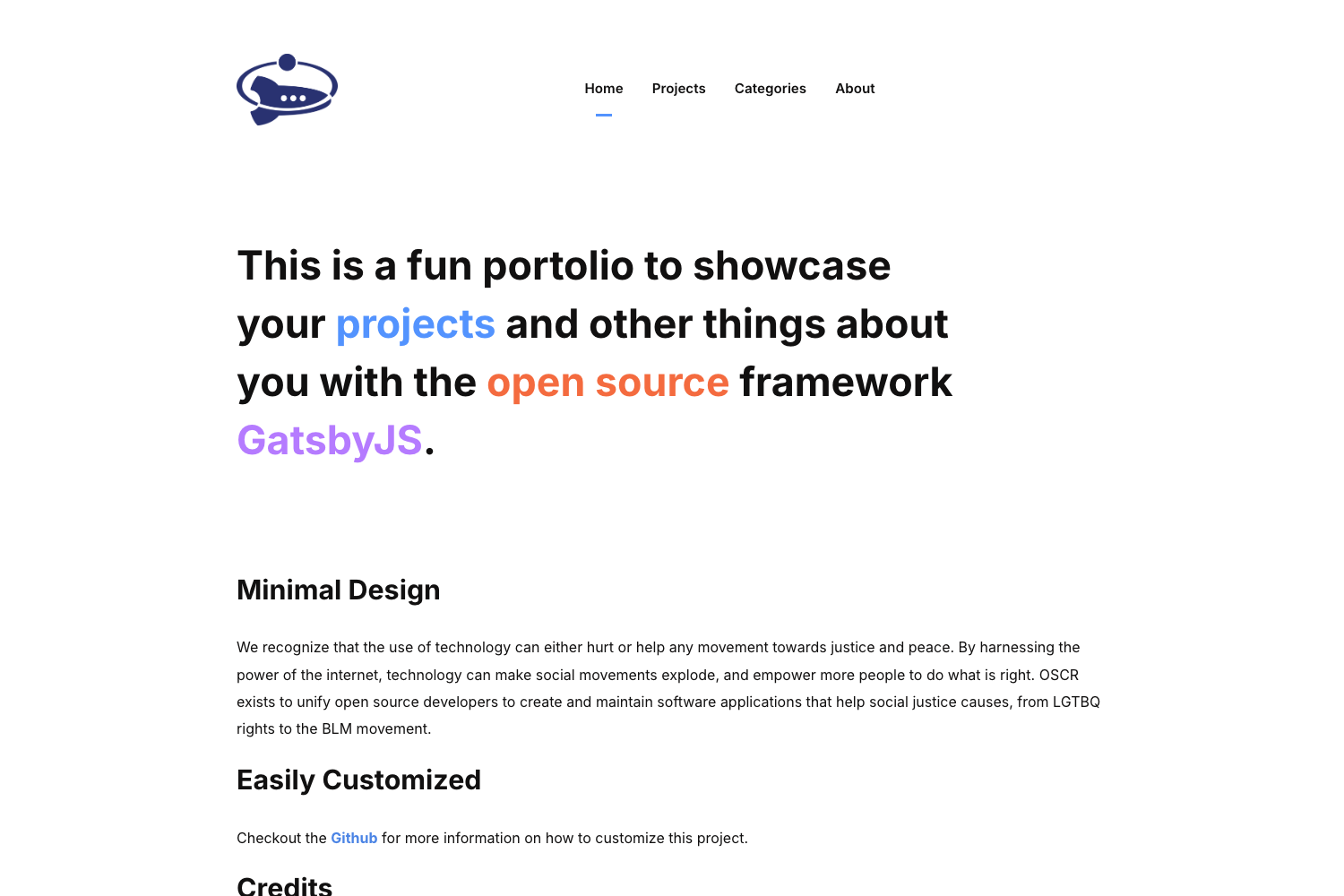
- Launch a static site or blog: Customize the included minimalist theme in
src/templates/Main.tsx, set SEO metadata, and publish withnpm run build. - Set up a development environment quickly: After cloning,
npm installandnpm run devgive you live reload on localhost:3000. - Profit from PWA guidance: Generate a maskable icon and manifest with the linked tools, then use PWA Builder to publish the result.
How does it work?
The README documents a straightforward workflow: clone the repository, run npm install, then npm run dev for local development. For production, npm run build creates minified assets and npm run build-prod outputs the static site into the out folder. Customization happens in src/templates/Main.tsx, src/styles/global.css, and src/utils/AppConfig.ts.
Pricing
The boilerplate is free and open source under the MIT License, copyright 2022.
Alternatives
- create-next-app — the official Next.js CLI starter that scaffolds a bare project without the preconfigured linting, Tailwind, and deployment setup included here.
FAQ
Is this boilerplate free?
Yes. The README states it is licensed under the MIT License, so you can use it for personal or commercial projects without a license fee.
What Node.js version do I need?
You need Node.js 14+ and npm installed on your local machine. The project uses current Next.js and TypeScript tooling that requires this version.
How do I customize the default theme?
Edit src/templates/Main.tsx for the layout, src/styles/global.css for Tailwind-based styles, and src/utils/AppConfig.ts for site-wide configuration. Favicon files are in the public folder.
Does this boilerplate include a PWA?
It does not ship a fully installed PWA, but the README provides steps and external tools for creating maskable icons, generating manifest.json, and publishing with PWA Builder.
Can I deploy to Netlify or Vercel?
Yes. The README includes one-click deploy buttons for both Netlify and Vercel; you can also deploy the generated out folder to any static hosting service.