Template details
Chaplin
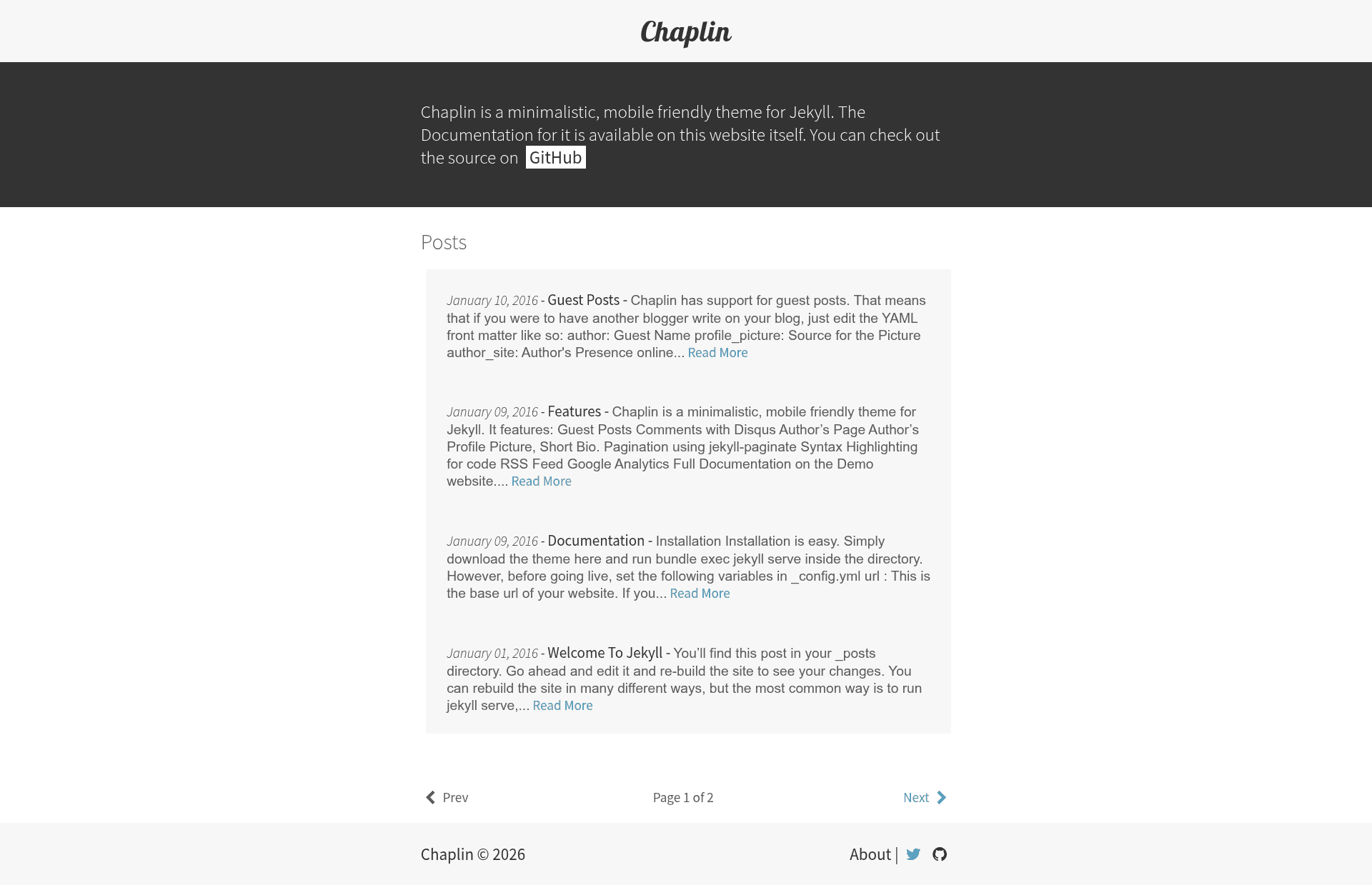
A minimalistic, single column theme for Jekyll, created by Ankit Sultana under the MIT license.
About this template
Chaplin is a minimalistic, single-column Jekyll theme for personal blogs and portfolios, built by Ankit Sultana and distributed under the MIT license. It is designed for writers and developers who want a clean, no-frills blog without learning a complex framework.
What is Chaplin?
Chaplin is a minimalistic, single-column theme for Jekyll, the static site generator. It takes Markdown posts placed in the _posts directory and renders them into a clean, blog-style website. The theme is authored by Ankit Sultana, hosted on GitHub at bk2dcradle/Chaplin, and released under the MIT license. It is designed to be lightweight and easy to customize through simple configuration variables.
Key Features
- Single-column layout — A content-focused design that presents posts in one vertical column, ideal for distraction-free reading.
- Jekyll 3+ compatible — Uses Rouge, Jekyll's default syntax highlighter, for code blocks without extra setup.
- Configurable site variables — Set
url,baseurl, andtracking_idin_config.ymlto adapt the theme to your domain and analytics. - Google Analytics integration — Enable by setting
google_analytics: trueand providing your tracking ID. - Disqus comments support — Paste your Disqus universal code into
_includes/disqus.htmlto add comments to posts. - Customizable heading font — Change the
$heading-fontvariable in_sass/_vars.scssto alter the look of headings. - Markdown posts — Save files in the
year-month-day-name-of-the-file.markdownformat using any text editor; Jekyll handles the rest. - Minimal footprint — The theme has no external dependencies beyond Jekyll itself, keeping your site fast and simple.
Who is it for?
Chaplin is for developers and writers who want a clean, no-frills blog without learning a complex framework. It suits Jekyll users who already know how to write Markdown and want a theme that gets out of the way. It's also a good fit for personal portfolios where the content should speak for itself, given the single-column layout and minimal styling.
What can you do with Chaplin?
- Personal bloggers: Write and publish Markdown posts with automatic syntax highlighting for code snippets.
- Portfolio owners: Showcase work in a single-column layout with a minimal aesthetic that puts projects front and center.
- Jekyll learners: Study a complete, small Jekyll theme to understand how themes are structured, from
_config.ymlto_includes.
How does Chaplin work?
Installation is straightforward: download the repository, run bundle exec jekyll serve locally to preview, then set url, baseurl, and tracking_id in _config.yml before going live. Posts are added by creating Markdown files with the standard Jekyll date-prefixed naming convention in the _posts folder.
FAQ
Is Chaplin free to use?
Yes, Chaplin is open-source under the MIT license, so you can use, modify, and distribute it freely with attribution.
How do I install Chaplin?
Download the theme from GitHub as a ZIP file, extract it, run bundle exec jekyll serve inside the directory, and then customize the _config.yml variables for your site.
How do I enable Google Analytics in Chaplin?
Set tracking_id to your Google Analytics ID and set google_analytics to true in _config.yml. The theme will then include the tracking snippet automatically.
How do I add Disqus comments to my posts?
Get the universal embed code from Disqus, paste it into the _includes/disqus.html file, and comments will appear on your blog.
What syntax highlighting does Chaplin use?
Chaplin uses Rouge, which is the default syntax highlighter for Jekyll 3 and above. You don't need to configure anything extra to highlight code blocks.