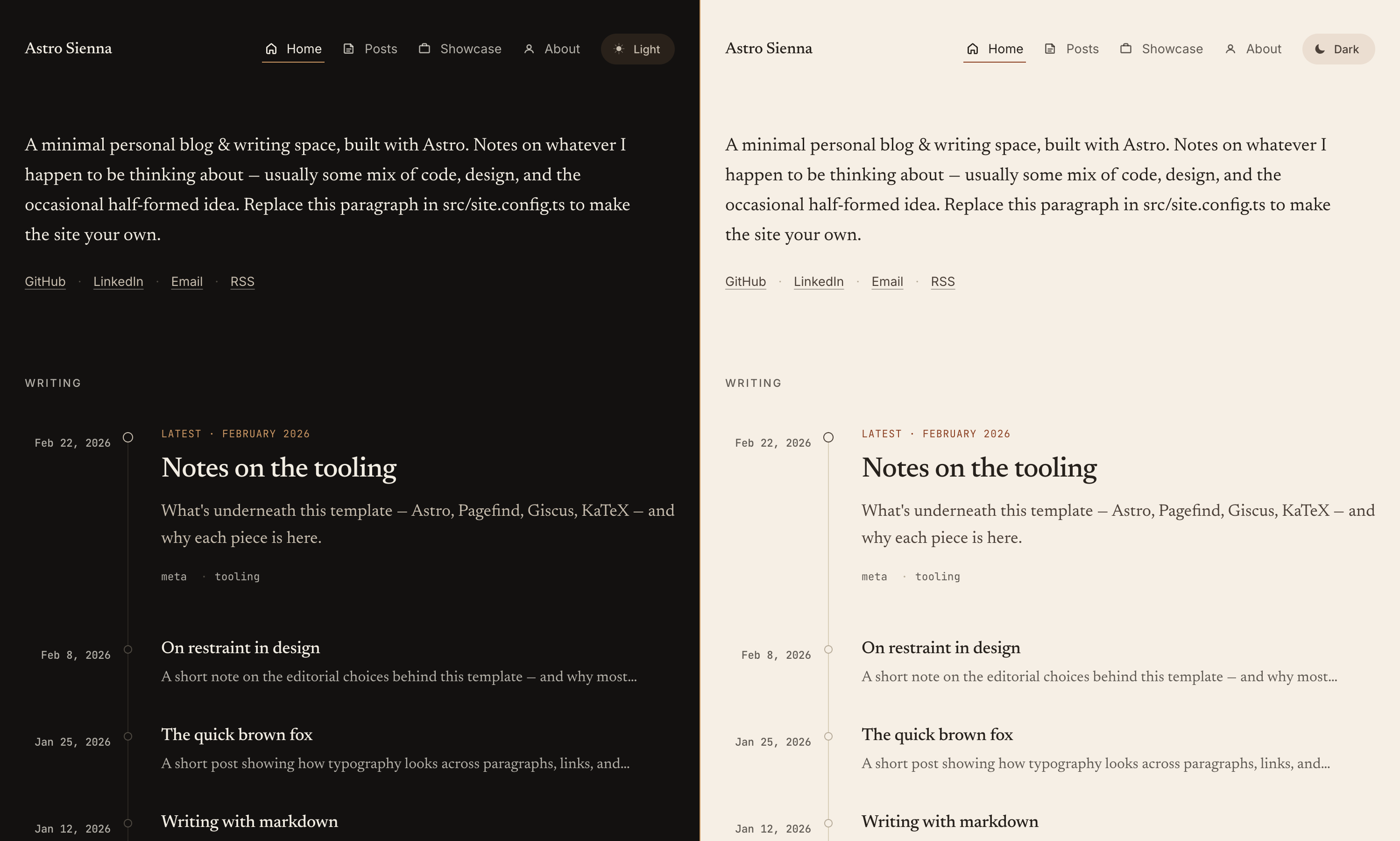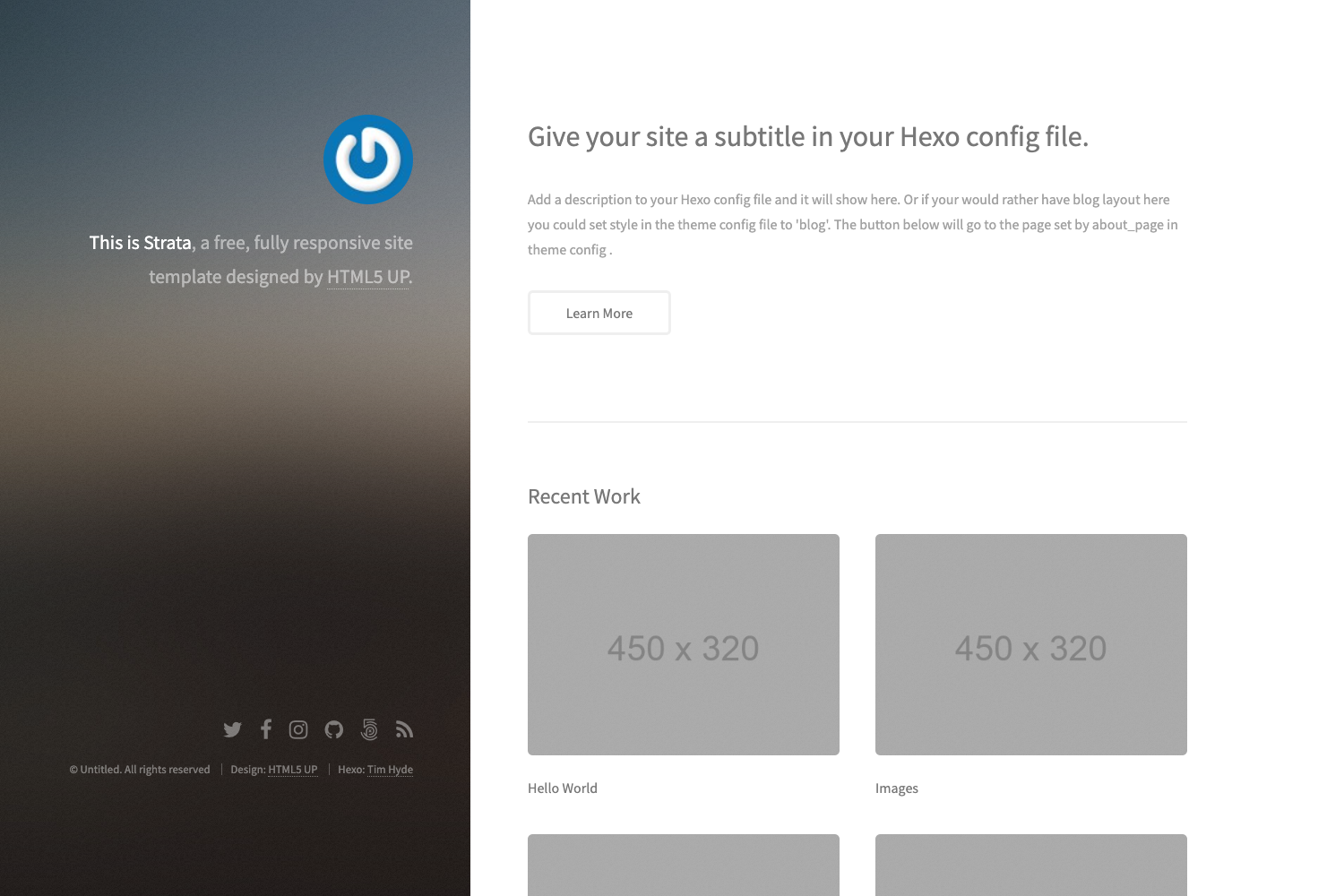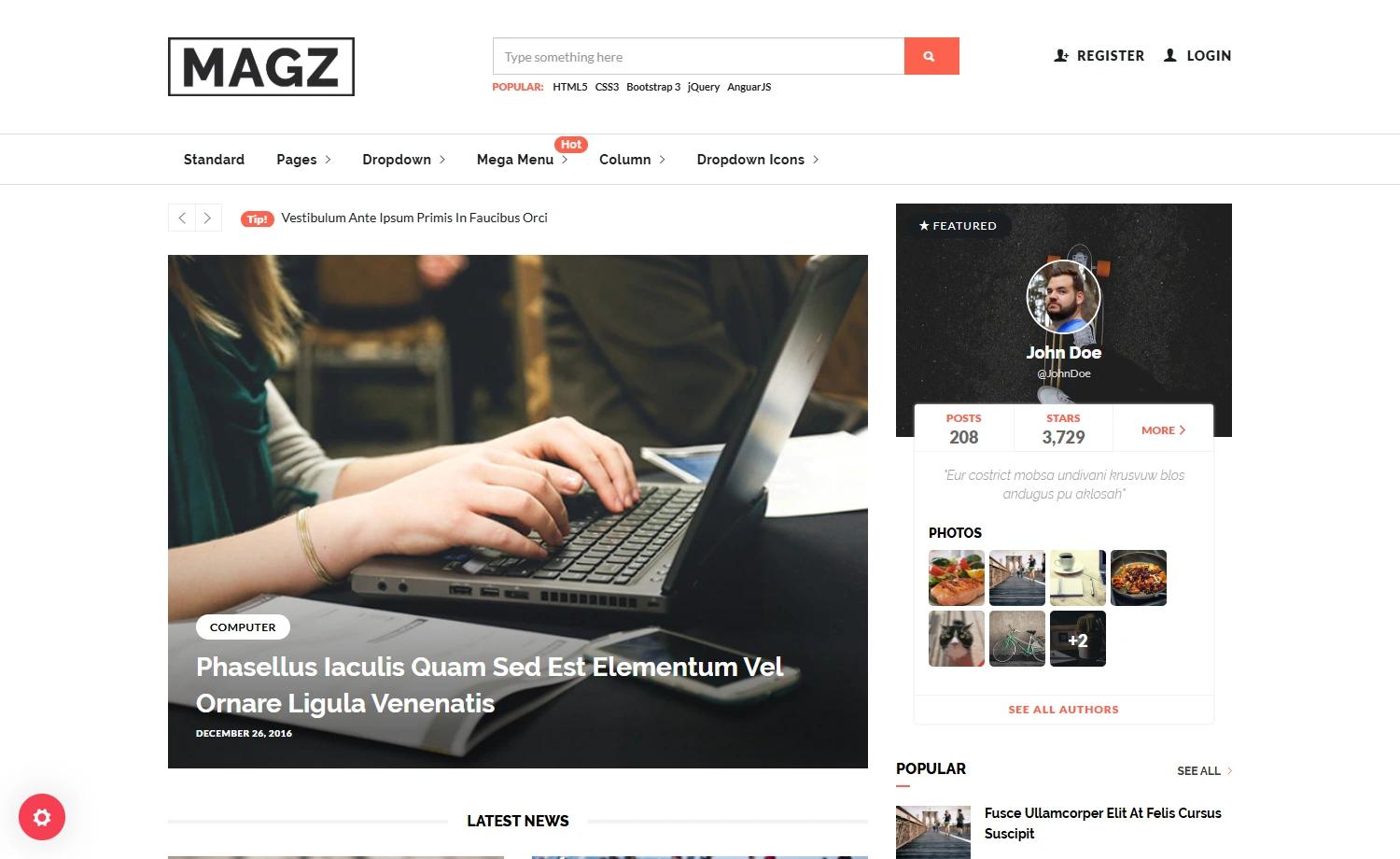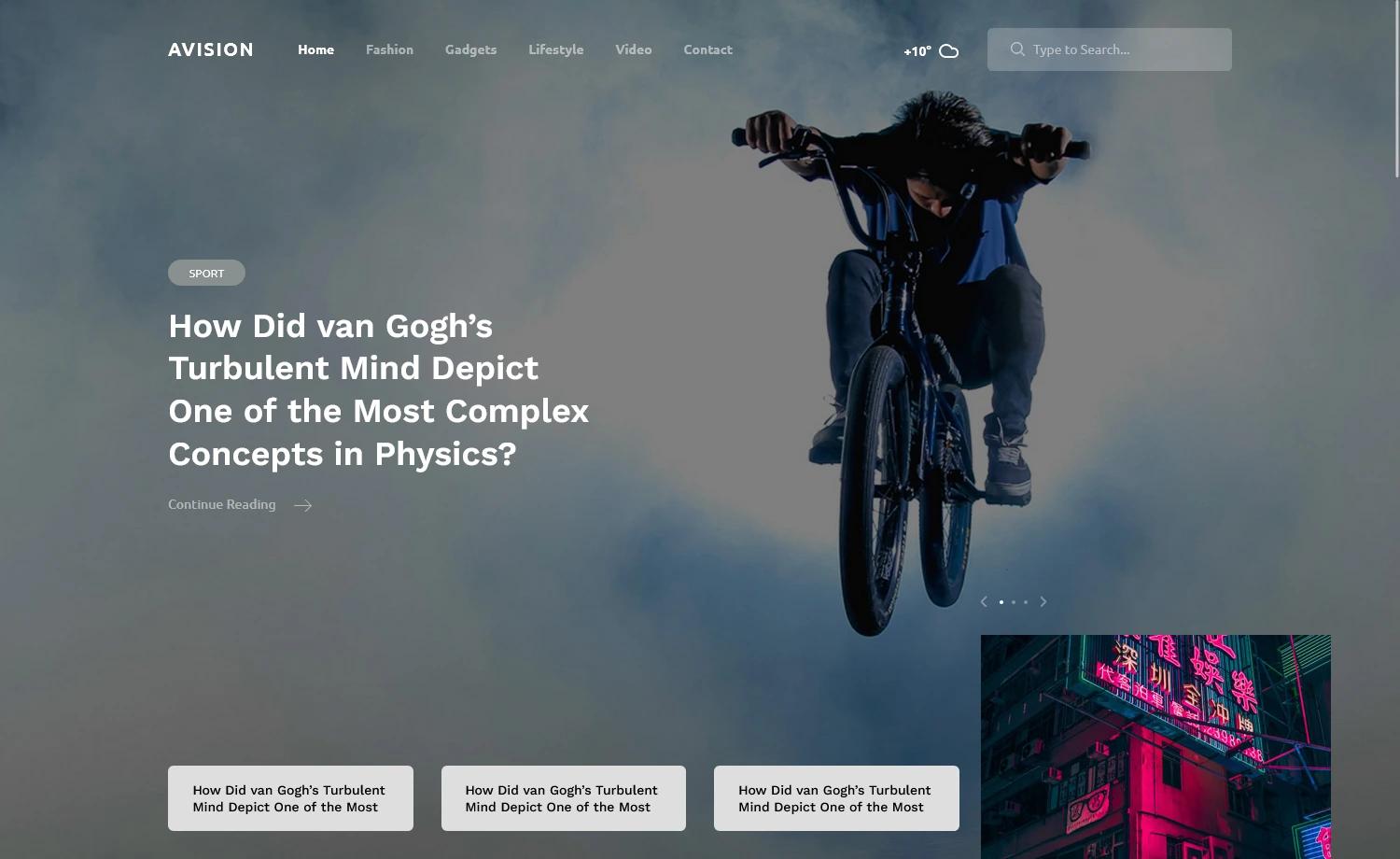
Template details
Hello Programmer
A minimal Hugo blog theme for programmers, with Korean/English support, Disqus comments, and Google Analytics.
About this template
Hello Programmer is a minimal Hugo blog theme built specifically for programmers who want a simple, fast static site with multilingual support.
What is Hello Programmer?
Hello Programmer is a simple, open-source blog theme for Hugo, the static site generator. It takes a Hugo site with Markdown content and produces a static blog with a minimal design, focused on readability. The theme is developed by lubang and released under the MIT License. It supports two languages out of the box: Korean (as the default) and English, with a configuration file that sets DefaultContentLanguage = "kr".
Key Features
- Hugo static site generator — Built on Hugo, so sites compile to plain HTML/CSS with no server-side dependencies; pagination is configured with
paginate = 7. - Multilingual support — Ships with Korean and English language packs; the English translation is flagged as rough and welcomes pull requests for improvement.
- Customizable site settings — Configure
baseurl,title,authorname/email, and adescriptionparameter directly inconfig.toml. - Comment and analytics integration — Native support for Disqus (
disqusShortname) and Google Analytics (googleAnalytics) via config values. - Branding images — Replace
static/images/logo@.pngfor the top-left logo andstatic/images/thumbnail.pngfor the OpenGraph preview image. - MIT License — Free to use, modify, and redistribute, with the license included in the repository.
Who is it for?
- Programmers who want a no-frills blog to write about code, with a default language of Korean.
- Hugo users looking for a minimal theme that can be installed in a few commands and configured through
config.toml. - Bilingual bloggers who need both Korean and English versions of their posts, though the English strings may need community corrections.
What can you do with it?
- Personal tech blog: Publish Markdown posts and have them rendered into a clean, paginated blog layout.
- Multilingual site: Write content in Korean and English and switch languages via Hugo's built-in multilingual mechanism.
- Social previews: Set a custom OpenGraph thumbnail so links shared on social platforms show a chosen image.
How does it work?
Installation follows the standard Hugo theme workflow: clone the repository into the themes directory (git clone https://github.com/lubang/hugo-hello-programmer-theme), then reference it in config.toml with theme = "hugo-hello-programmer-theme". After that, write content in content/ and run hugo to generate the static site.
FAQ
Does Hello Programmer support English?
Yes, an English language pack is included, but the maintainer notes on the repository that the sentences might be "a little bit stupid" and asks for pull requests to fix the translations.
Is the theme free?
It is open source under the MIT License, so you can use it for personal or commercial projects without paying a license fee.
How do I install the theme?
Clone the repository into your Hugo site's themes folder, then set theme = "hugo-hello-programmer-theme" in your config.toml file. Full instructions are in the README.
What languages are supported?
Currently Korean (kr) and English (en). The configuration sets DefaultContentLanguage = "kr", so Korean is the default site language.