Template details
Hexo-theme-hollow
A pure and elegant theme for Hexo.
About this template
Hexo-theme-hollow is a minimalist, MIT-licensed blog theme for Hexo that converts Markdown posts into a clean static site with configurable features like dark mode, local search, and table of contents.
What is Hexo-theme-hollow?
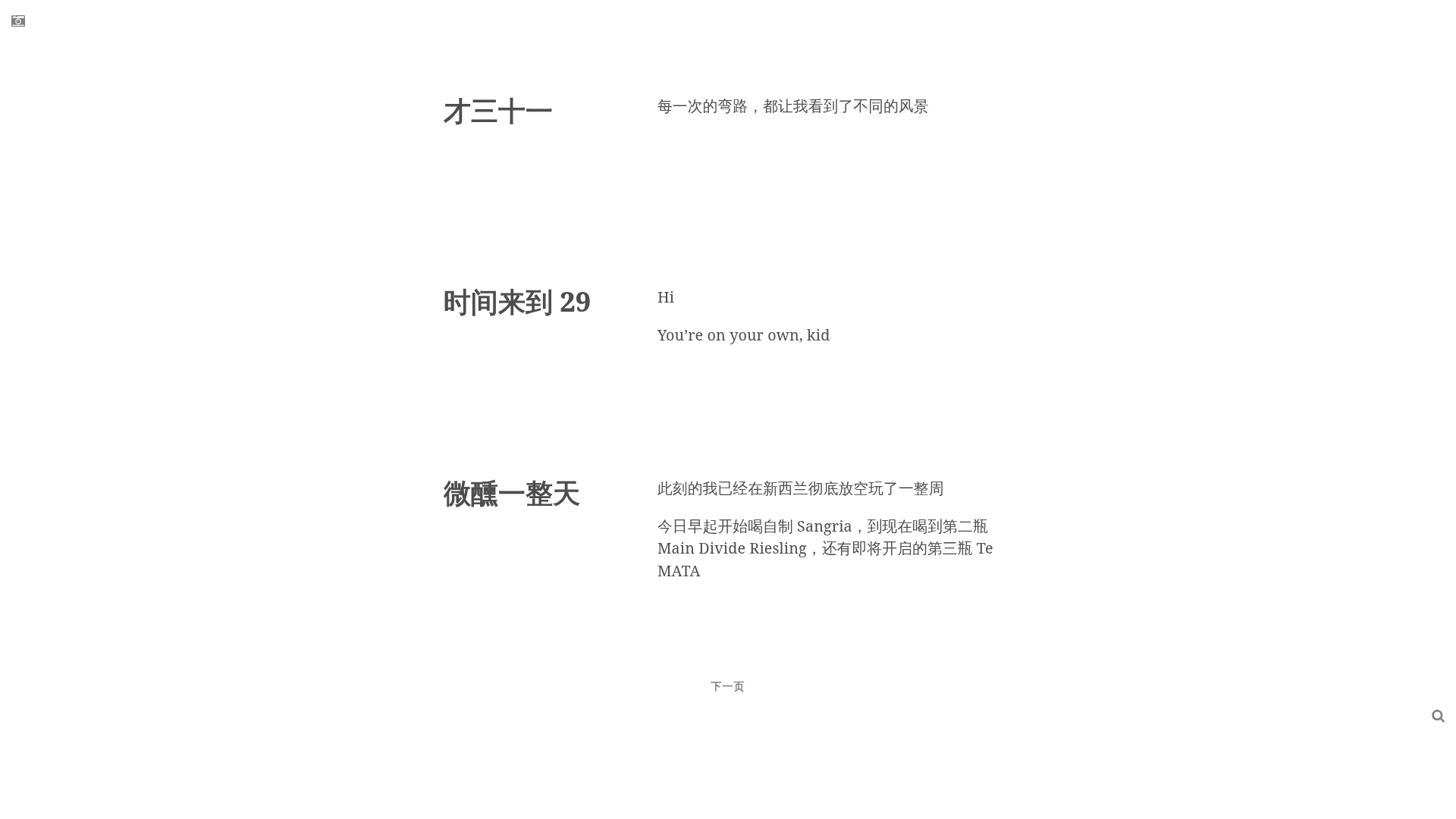
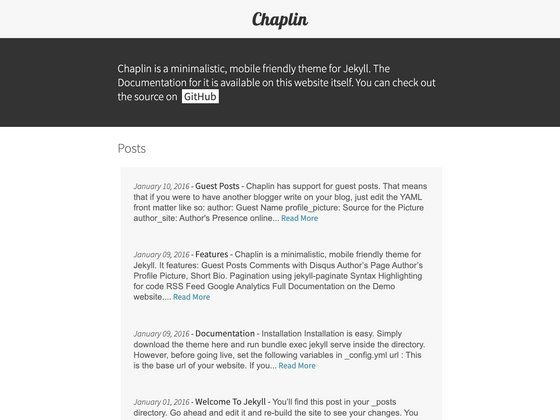
Hexo-theme-hollow is a pure and elegant theme for Hexo, a Node.js static site generator. It takes Markdown posts with YAML front matter (title, category, date) and outputs a static HTML site with a minimalist reading interface. The theme is developed by zchen9, with contributions from fakeYanss, and is distributed under the MIT license. A live demo is available at My Fragment.
Key Features
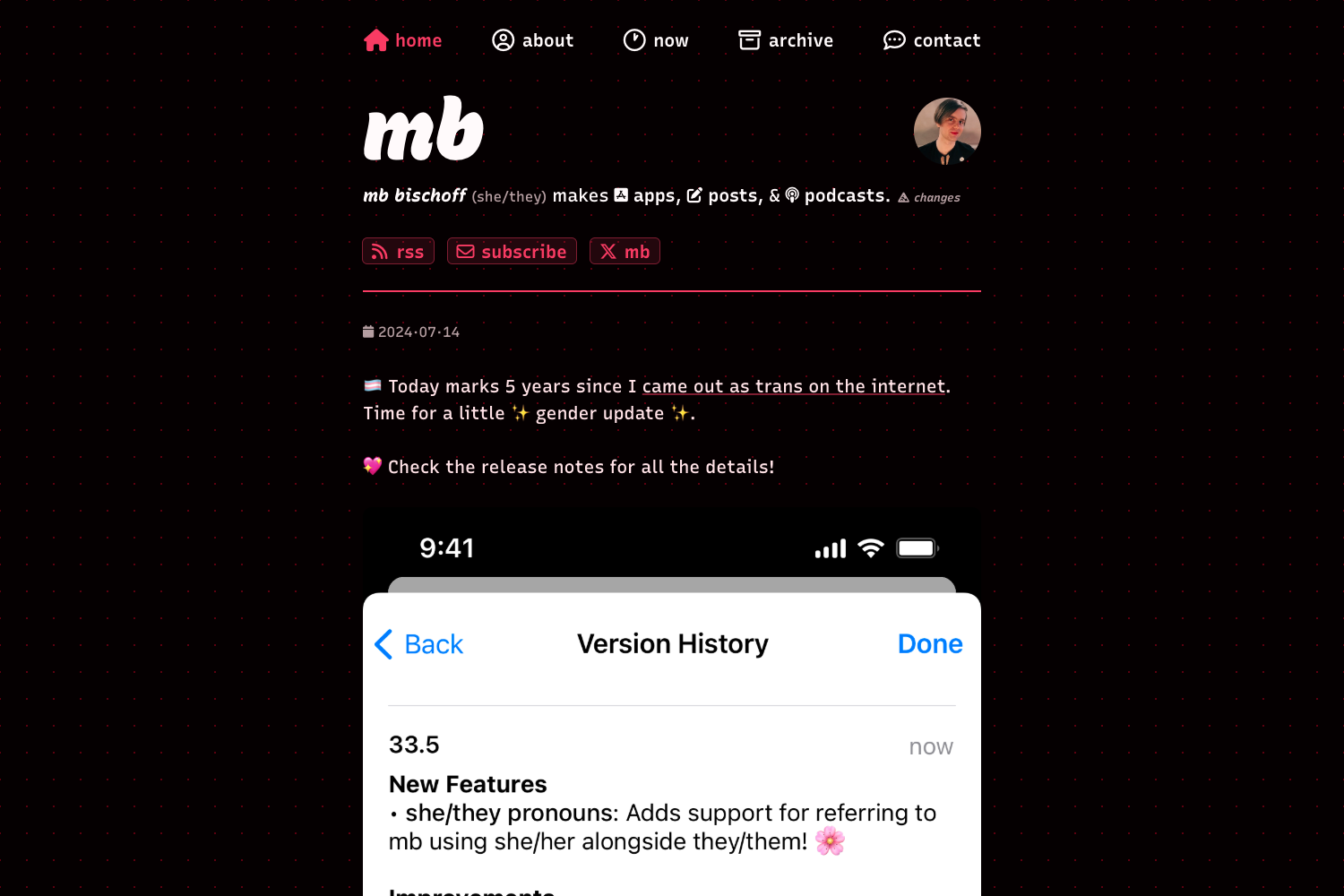
- Dark mode support — Added in the April 2021 update, with a palette optimized for low-light reading.
- Table of contents — Optional TOC controlled by
toc.enablein the theme config. - Local search — Client-side search powered by
atom.xml; requires thehexo-generator-feedplugin. - Image viewer — Integrates viewer.js, allowing full-screen zooming of article images.
- Service worker — Optional registration via
service_worker: truefor offline caching. - Disqus comments — Set
disqus_shortnameto enable comment threads. - Google Analytics — Add a tracking ID for usage statistics.
- Camera icon — A homepage camera icon that appears when
baseurlis configured. - Custom date format — Set
date_format, e.g.,YYYY 年 MM 月 DD 日, with precedence over the blog's global setting. - Article previews — Use the Hexo more-comment marker to separate excerpts from the full content.
Who is it for?
Hexo-theme-hollow is aimed at bloggers and developers who use Hexo and want a fast, simple theme without extra weight. It suits personal blogs, minimal note collections, or small portfolios where readability matters. Users should be comfortable editing YAML configuration files.
What can you do with it?
- Personal bloggers: Publish Markdown posts with categories and dates, and show excerpts on the homepage using the more-comment marker.
- Tech writers: Enable the table of contents and local search to help readers navigate long, structured articles.
- Portfolio owners: Use the camera icon and minimalist layout to present a curated set of links or fragments, as the demo "My Fragment" does.
How does it work?
Installation follows standard Hexo theme steps: clone the repository into themes/hollow, set theme: hollow in the blog's _config.yml, then run hexo clean, hexo generate, and hexo server for local preview; hexo deploy publishes the site. Posts are Markdown files with YAML front matter including title, category, and date, plus an optional comment marker for excerpt splitting.
Pricing
Hexo-theme-hollow is free and open source under the MIT license.
Alternatives
- NexT — a more feature-rich Hexo theme with many built-in plugins and styles.
FAQ
Is Hexo-theme-hollow free?
Yes, the theme is open source under the MIT license, so it is free to use and modify.
Does Hexo-theme-hollow support dark mode?
Yes, dark mode support was added in April 2021, with optimized colors for the dark palette.
How do I enable local search?
Set local_search: true in the theme's _config.yml and install the hexo-generator-feed plugin via npm install hexo-generator-feed --save.
How do I enable Disqus comments?
Fill in your disqus_shortname in the theme configuration and comments will appear on posts.
Can I change the date format?
Yes, set date_format in the theme config, for example YYYY 年 MM 月 DD 日. This setting takes priority over the blog-level date format.