Template details
ChatGPT Apps SDK Next.js Starter
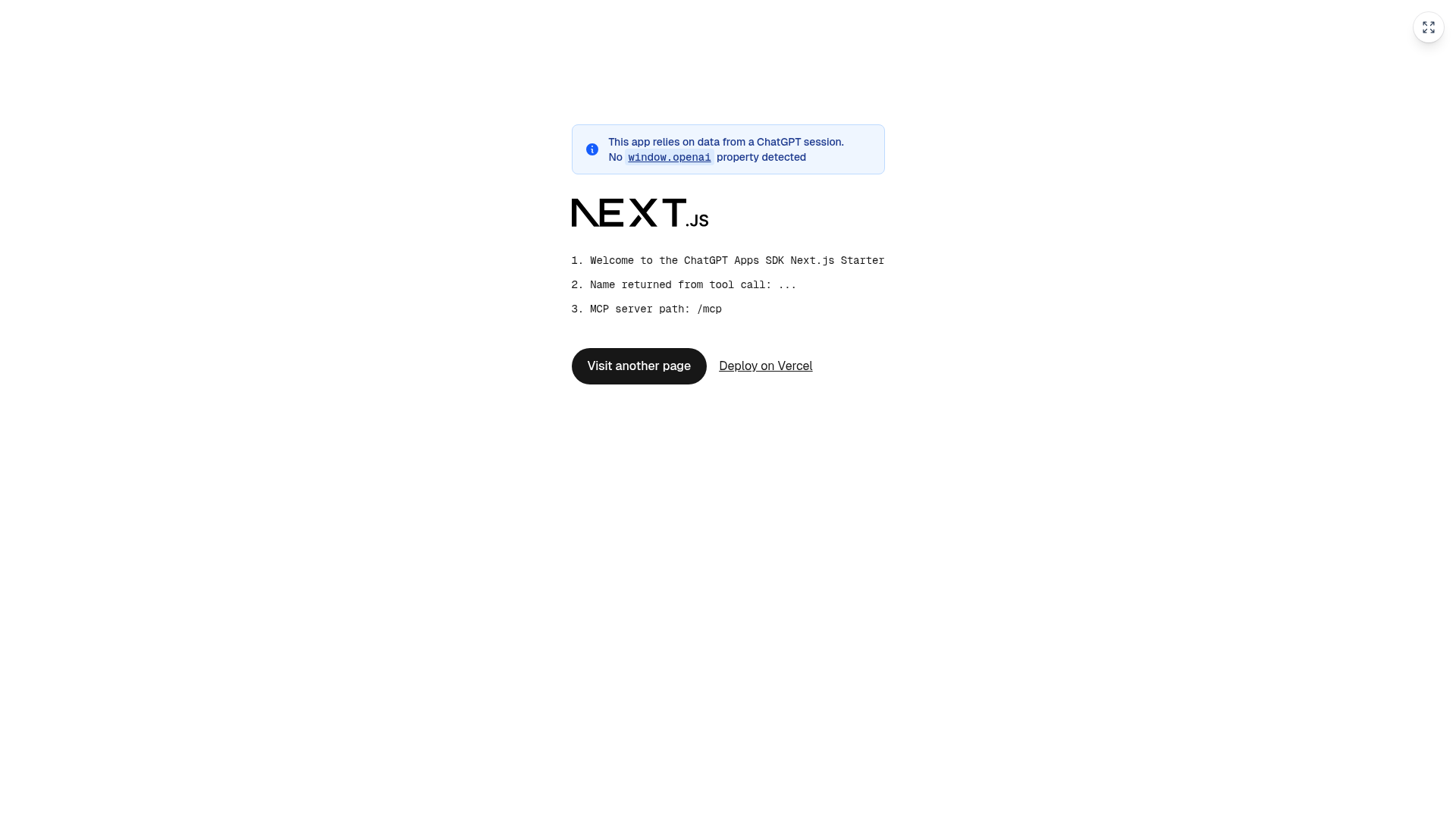
A minimal Next.js starter for building OpenAI Apps SDK-compatible MCP servers with widget rendering in ChatGPT.
About this template
The ChatGPT Apps SDK Next.js Starter is a minimal Next.js application that demonstrates building an OpenAI Apps SDK-compatible Model Context Protocol (MCP) server with widget rendering in ChatGPT, deployable to Vercel.
What is the ChatGPT Apps SDK Next.js Starter?
The ChatGPT Apps SDK Next.js Starter is a starter template that combines a Next.js app with a working MCP server at app/mcp/route.ts. It exposes tools and resources to ChatGPT, and tool responses can reference HTML resources that ChatGPT renders inside an iframe. The project includes configuration for asset prefixing, CORS middleware, and a client-side bootstrap that patches browser APIs so the app runs correctly inside the ChatGPT iframe. It is designed to deploy to Vercel, with automatic detection of production and preview URLs.
Key Features
- MCP server route — a complete MCP server implemented in app/mcp/route.ts that registers tools and resources with OpenAI-specific metadata.
- Widget rendering — tool responses include openai/outputTemplate pointing to a templateUri, which ChatGPT fetches and renders as HTML in an iframe.
- OpenAI tool metadata — supports openai/toolInvocation/invoking and openai/toolInvocation/invoked for loading states, openai/widgetAccessible for widget visibility, and openai/resultCanProduceWidget to enable widget output.
- Asset prefix configuration — next.config.ts sets assetPrefix to the app's base URL, preventing 404 errors on /_next/ static files inside the iframe.
- CORS middleware — middleware.ts returns 204 responses for OPTIONS preflight requests and adds CORS headers to all responses for cross-origin React Server Components fetching.
- SDK bootstrap — the NextChatSDKBootstrap component in app/layout.tsx patches history.pushState, history.replaceState, window.fetch, and observes html attributes to prevent ChatGPT from breaking Next.js hydration.
- Vercel deployment — baseUrl.ts reads VERCEL_PROJECT_PRODUCTION_URL and VERCEL_BRANCH_URL to set the correct asset URLs, and the project includes a deploy button for one-click setup.
- Minimal project structure — only a handful of files: app/mcp/route.ts, app/page.tsx, app/globals.css, middleware.ts, and next.config.ts.
Who is it for?
- Developers building ChatGPT connectors — use the MCP server as a starting point to register custom tools that return data ChatGPT can render as widgets.
- Next.js developers — reference the assetPrefix, CORS middleware, and API-patching patterns when embedding a Next.js app inside an iframe.
- Teams shipping on Vercel — deploy the starter with the provided Vercel button and rely on automatic detection of production and preview URLs.
What can you do with it?
- Create custom ChatGPT tools — register tools in app/mcp/route.ts that call your own APIs and return JSON, with widget rendering driven by templateUri.
- Render interactive content in ChatGPT — serve HTML pages as registered resources that ChatGPT displays in iframes, such as dashboards, forms, or data visualizations.
- Learn the OpenAI Apps SDK pattern — study the working cross-linking between tools and resources, the required metadata fields, and the bootstrap patches needed for client-side navigation.
How does it work?
- ChatGPT calls a tool registered in app/mcp/route.ts.
- The tool response includes a templateUri referencing a registered resource.
- ChatGPT fetches the resource's HTML and renders it inside an iframe.
- Next.js hydrates the app inside the iframe using the patched browser APIs from NextChatSDKBootstrap.
- Client-side navigation uses the patched window.fetch to load React Server Components payloads directly.
FAQ
Do I need ChatGPT developer mode to use this starter?
Yes. Connecting an MCP server to ChatGPT requires developer mode access. The content notes that connecting MCP servers to ChatGPT requires developer mode and links to the connection guide.
How do I connect the MCP server to ChatGPT?
Deploy your app to Vercel, then in ChatGPT go to Settings → Connectors → Create, and add your MCP server URL with the /mcp path, for example https://your-app.vercel.app/mcp.
Why is assetPrefix important in next.config.ts?
Without assetPrefix, Next.js tries to load /_next/ static files from the iframe's origin, which causes 404 errors. Setting assetPrefix to the base URL ensures assets are fetched from the correct origin.
Does this template work only on Vercel?
The template is designed to work with Vercel, and its baseUrl.ts automatically detects VERCEL_PROJECT_PRODUCTION_URL and VERCEL_BRANCH_URL. Nothing in the code prevents running it locally with npm run dev, but the deployment orchestration is Vercel-specific.