Template details
Gatsby Simple Blog Starter
A minimal Gatsby blog starter with markdown posts, styled-components, Sass, Google Analytics, Disqus, and offline support.
About this template
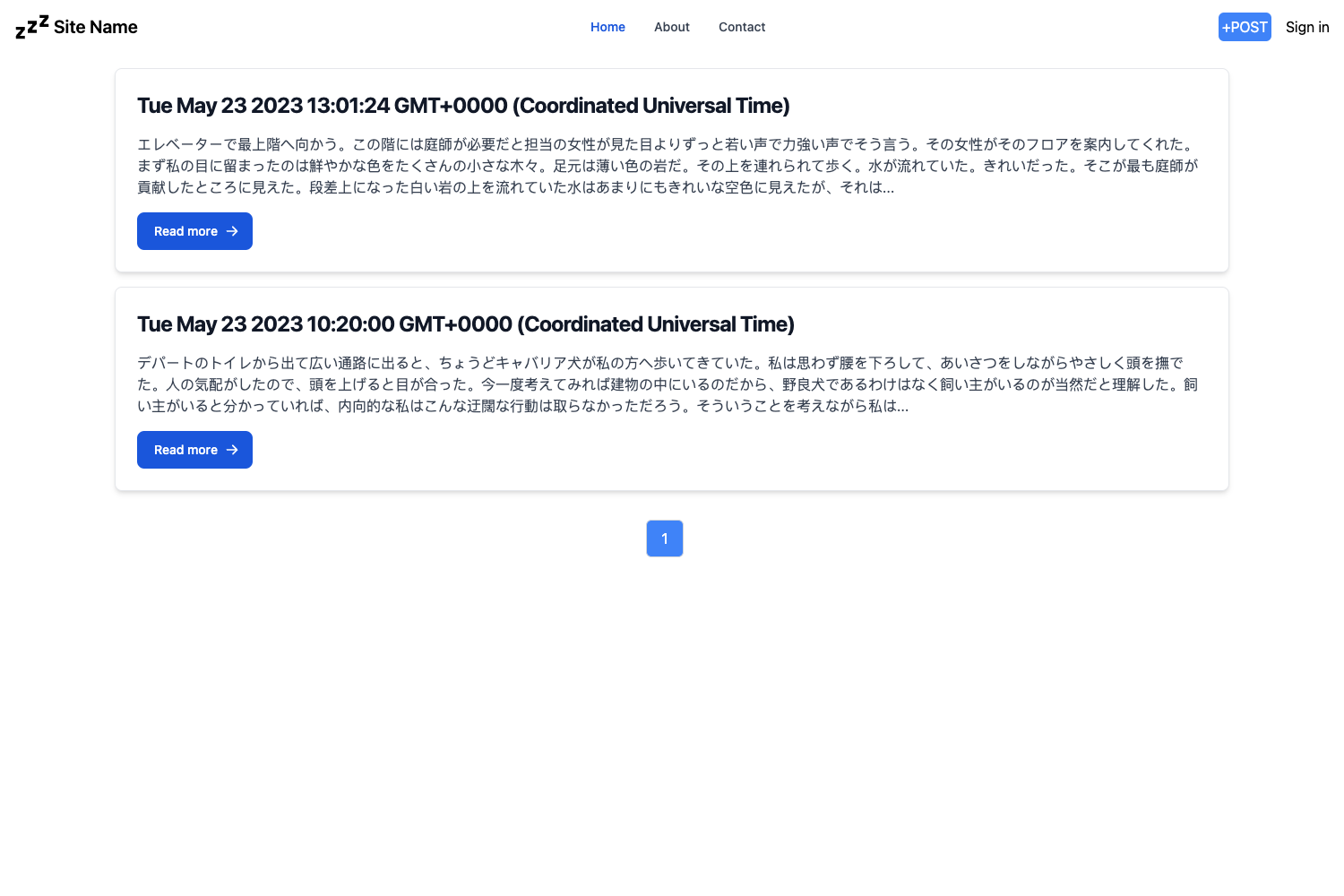
Gatsby Simple Blog Starter is a minimal blogging starter for Gatsby that turns markdown files in the src/posts folder into a static blog with styled-components, Sass, Google Analytics, and Disqus comments.
What is Gatsby Simple Blog Starter?
Gatsby Simple Blog Starter is a minimal blogging starter for the Gatsby static site generator, created by Collins Muriuki. It takes markdown files placed in the src/posts directory as input and produces a static blog site with styled-components styling, Sass support, offline functionality, Google Analytics tracking, and Disqus comment integration. The starter is version 1.3.5, MIT licensed, and includes a live demo hosted on GitHub Pages.
Key Features
- styled-components — Components are styled using the styled-components CSS-in-JS library.
- Sass support — The gatsby-plugin-sass plugin lets you write global styles in Sass/SCSS.
- Markdown posts — gatsby-transformer-remark transforms markdown files into blog posts.
- Google Analytics — Provide your tracking ID in gatsby-config.js to enable analytics.
- Disqus comments — Provide your Disqus shortname in gatsby-config.js to enable comments on posts.
- Offline support — gatsby-plugin-offline adds offline functionality to the blog.
- MIT license — Free to use and modify, with the license included in the repository.
Who is it for?
- Individual bloggers — who want a minimal, no-frills blog with markdown authoring.
- Developers — who need a Gatsby starter they can customize; configuration lives in gatsby-config.js.
- New Gatsby users — who want an example of how to wire up remark, Sass, analytics, and comments in one package.
What can you do with it?
- Start a personal blog: run gatsby new with the repo URL and write markdown posts.
- Enable analytics: add your Google Analytics tracking ID in gatsby-config.js.
- Add comments: add your Disqus shortname in gatsby-config.js.
- Publish automatically: commit markdown changes and push; the starter's build process generates the static site.
How does it work?
Clone or create a new project with the Gatsby CLI using the command gatsby new project-name https://github.com/thecodemint/gatsby-starter-simple.git. Replace the default settings in gatsby-config.js, add your markdown posts to src/posts following the example templates, then build or deploy the site.
FAQ
How do I add a new blog post?
Write a markdown file in the src/posts directory, following the example templates already in that folder. Save it there and commit/push your changes to publish.
How do I enable Google Analytics?
Open gatsby-config.js and provide your Google Analytics tracking ID to the gatsby-plugin-google-analytics configuration block.
How do I enable Disqus comments?
Open gatsby-config.js and add your Disqus shortname to the gatsby-plugin-disqus configuration block.
Is this starter free?
Yes, the starter is released under the MIT license, so it is free to use, modify, and distribute.