Template details
Clerk JavaScript SDKs
Official JavaScript repository for Clerk authentication, providing SDKs for user management.
About this template
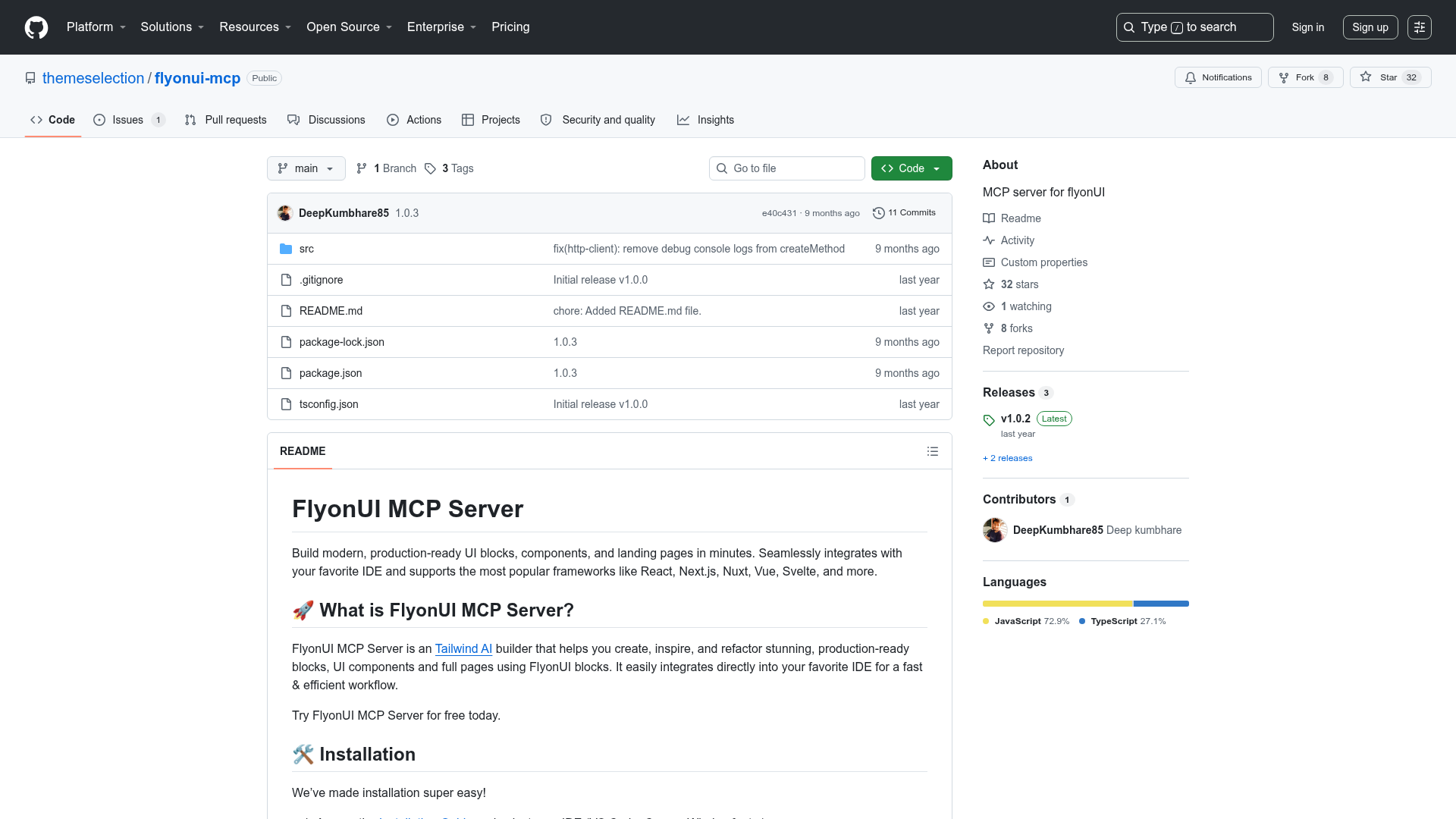
Clerk JavaScript SDKs is the official JavaScript repository for Clerk authentication, containing a family of libraries that add sign-up, sign-in, and profile management to web applications.
What is Clerk JavaScript SDKs?
Clerk JavaScript SDKs is the official JavaScript repository for Clerk authentication. It contains all Clerk JavaScript SDKs under the @clerk namespace, providing streamlined user experiences for sign-up, sign-in, and profile management. The SDKs run on a wide range of JavaScript environments and platforms, including Next.js, React, Vue, Nuxt, Express, Fastify, Astro, and more, and are installed via npm, yarn, or pnpm (for example, npm install @clerk/nextjs for Next.js).
Key Features
- Multi-framework SDKs — The repository ships SDKs for Next.js, React, Vue, Nuxt, Express, Fastify, Astro, Expo, and other environments, installable with npm, yarn, or pnpm.
- Prebuilt UI components — Includes ready-made components for sign-up, sign-in, and profile management that can be dropped into an application.
- Organizations for multi-tenancy — Enables grouping users into organizations, managing roles and permissions, and controlling access to resources, aimed at B2B and enterprise apps.
- Quickstart guides — Clerk.com/docs provides step-by-step quickstarts, with Next.js listed as the most popular starting point.
- Localization support — The repo includes a
localizationspackage for adding or editing translated button text and other UI strings. - MIT license — The project is open source under the MIT license, and contribution guidelines are provided in the repository's docs folder.
Who is it for?
- JavaScript developers — Builders of web apps in Next.js, React, Vue, or other frameworks who need to add authentication quickly without building it from scratch.
- B2B and SaaS teams — Product teams that need multi-tenancy features like organizations, roles, permissions, and resource-level access control.
- Open source contributors — Developers who want to maintain or extend Clerk's JavaScript SDKs, or add new localizations through the
localizationspackage.
Use cases
- Next.js developers: add authentication to a new or existing Next.js app by installing
@clerk/nextjsand following the official quickstart. - Multi-tenant SaaS builders: use the Organizations feature to group users, assign roles, and scope permissions across workspaces.
- Open source contributors: submit issues or pull requests to improve the SDKs, or add new localizations through the
localizationspackage.
How does it work?
The README outlines three steps: sign up for a Clerk account, create an application in the Clerk Dashboard, and spin up a codebase with a quickstart guide for your framework. After that, you install the matching SDK package and integrate the provided components and hooks.
Alternatives
- Auth0 — A commercial identity platform that offers authentication and authorization for JavaScript apps.
- Firebase Authentication — A backend authentication service from Google that integrates with web and mobile apps.
FAQ
What frameworks does Clerk JavaScript SDKs support?
Based on the repository topics, the SDKs cover Next.js, React, Vue, Nuxt, Express, Fastify, Astro, Expo, and more. Install the package matching your framework, such as @clerk/nextjs for Next.js.
How do I get started with Clerk JavaScript SDKs?
Sign up for a Clerk account, create an application in the Clerk Dashboard, and then follow a quickstart guide for your framework. The README recommends starting with the Next.js quickstart if you're unsure which to pick.
Where can I find the Clerk documentation?
Full documentation is available at clerk.com/docs. The README specifically highlights the quickstart guides and the components and organizations overview pages.
Does Clerk JavaScript SDKs support multi-tenancy?
Yes, the Organizations feature lets you group users, manage roles and permissions, and control access to resources, which is suited for B2B and enterprise applications.
What license does Clerk JavaScript SDKs use?
The repository is licensed under the MIT license. Contribution guidelines and localization instructions are provided in the repository's docs folder and the localizations package README.