Template details
Commerce.js Next.js Demo Store
Serverless eCommerce demo store built with Commerce.js and Next.js, one-click deploy to Vercel. Includes catalogue, cart, checkout, receipts.
About this template
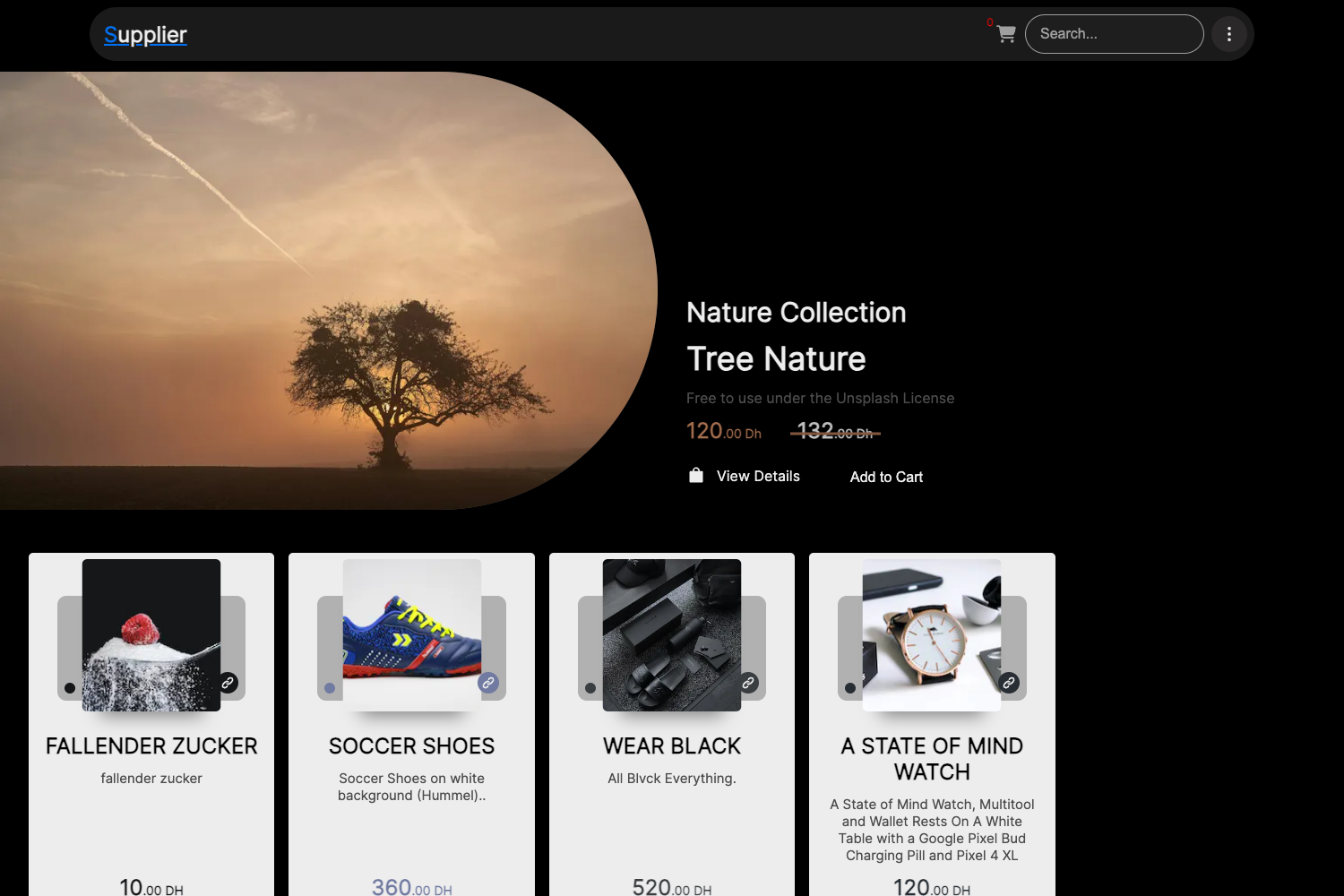
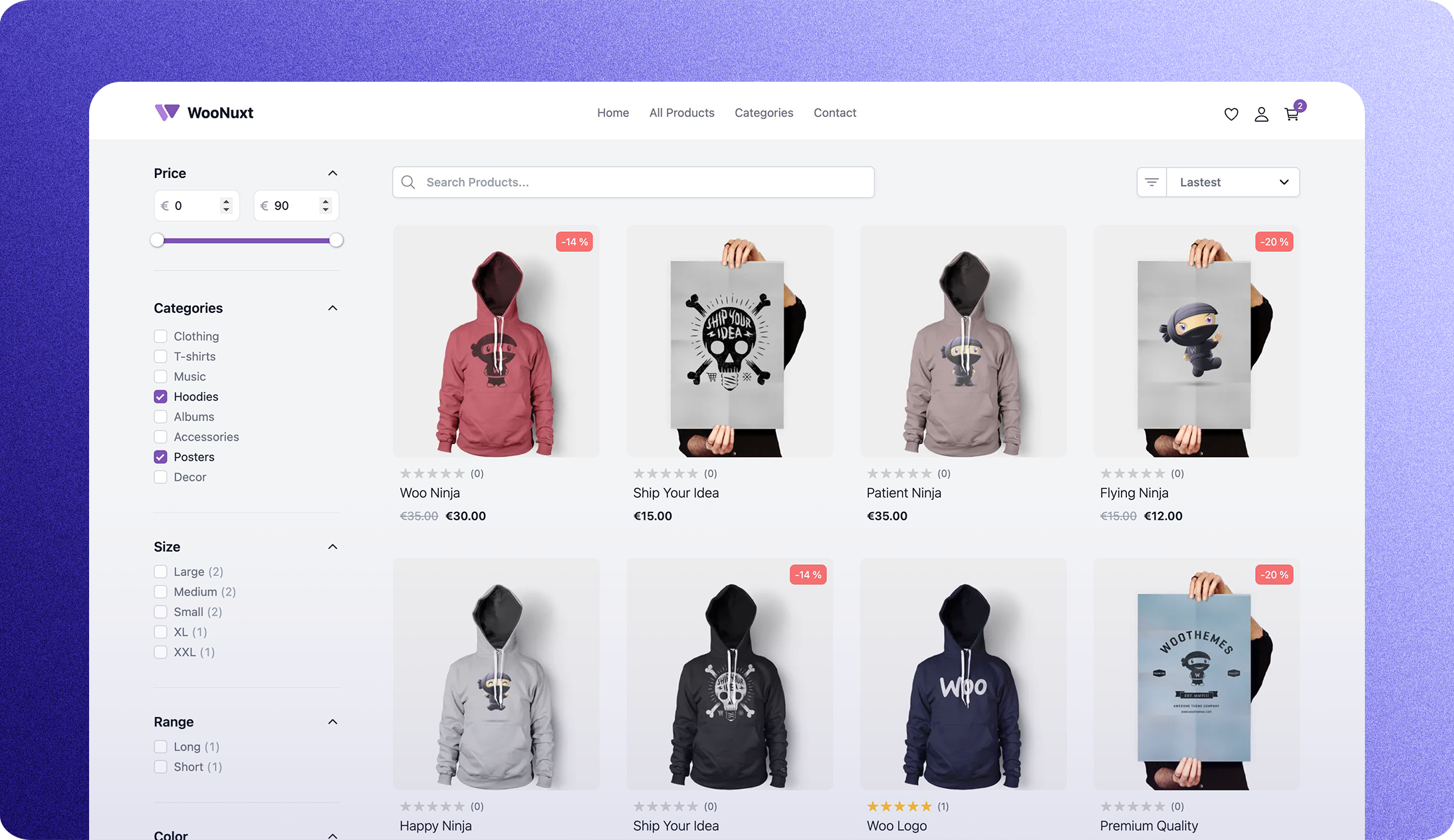
The Commerce.js Next.js Demo Store is an open-source eCommerce starter template that combines the Commerce.js SDK v2 with the Next.js framework to deliver a complete serverless storefront ready for one-click deployment to Vercel. It is maintained by Chec, the team behind Commerce.js, and includes a live demo storefront covering the entire purchase flow: product catalogue, categories, product variants, cart, checkout, order confirmation, and printable receipts.
What is the Commerce.js Next.js Demo Store?
It is a production-ready eCommerce template that takes a Commerce.js merchant's public API key as its main configuration input and outputs a complete storefront with product listing, shopping cart, and checkout pages. The template runs on Next.js and can be hosted on Vercel through a one-click deploy flow, or manually on any Node.js-compatible platform. It uses the Commerce.js v2 SDK for all backend commerce operations, including inventory, pricing, and order processing.
What makes this template stand out?
- One-click Vercel deployment — A deploy button clones the repository into a GitHub account and wires it to a Vercel project automatically; the only manual step is adding the
CHEC_PUBLIC_KEYenvironment variable in Project Settings. - Full purchase flow included — The storefront ships with product catalogue, category pages, product variants, cart, checkout, order confirmation, and printable receipts out of the box.
- Next.js framework — Built on Next.js for server-side rendering and Jamstack-friendly static generation, with all commerce data fetched at runtime via the Commerce.js SDK.
- Bootstrap and SASS styling — Global styles are authored in SASS on top of Bootstrap, so layout and component styling can be customized directly in the source files.
- Commerce.js v2 SDK — Uses the v2 release of the Commerce.js SDK; the template docs note that this version is the one configured throughout.
- Extensible for production features — The README lists extension points: adding shipping zones, enabling per-product shipping options, integrating CMS, support, fulfillment tools, fetching real reviews, adding search, and using webhooks for post-checkout automation.
- Open source — The repository is public on GitHub, so the full source is available for customization, self-hosting, and learning.
Who is it for?
- Developers building a Jamstack storefront — They get a working Next.js + Commerce.js reference implementation that demonstrates how to connect a headless eCommerce API to a frontend.
- eCommerce startups prototyping a store — Instead of building cart and checkout from scratch, they can deploy a live store in minutes and then customize branding, styling, and checkout flow.
- Agencies or freelancers scoping client projects — The template provides a concrete base for estimating effort and for demonstrating a fully functional store to clients, with deployment already wired to Vercel.
Use cases
- Storefront launch demo — Merchants can register a Chec account, copy the demo public key from the
.env.examplefile, and deploy a live storefront to Vercel to preview the entire buyer journey. - Checkout customization experiments — Developers can A/B test different checkout designs and flows because the checkout is part of the Next.js app and styles are in SASS/Bootstrap.
- Backend integration playground — The template can be extended to connect other services such as CMS, customer support, fulfillment, and review APIs, making it a starting point for a full commerce stack.
- Learning Commerce.js v2 — Since the codebase is open source and documented in the README, it serves as a practical tutorial for working with the Commerce.js SDK in a real app.
How does it work?
The setup is documented in the README: first install the Chec CLI and register a Chec account with chec register. Then deploy the repository to Vercel using the one-click button; the initial deploy fails until you add a CHEC_PUBLIC_KEY environment variable containing the public API key from your Chec dashboard (a demo key is provided in the .env.example file). After saving the variable, Vercel redeploys and the store is live.
FAQ
Is the Commerce.js Next.js Demo Store free?
The template itself is open source and free to use. Commerce.js offers a free tier for test mode, so you can run a demo store without paying, though you need to check the current Commerce.js pricing for production usage.
Do I need a Chec or Commerce.js account?
Yes. The storefront uses the Commerce.js v2 SDK and requires a public API key from a Chec merchant account. The README includes a chec register command and a direct signup link to create that account.
Can I deploy somewhere other than Vercel?
Yes. The README says manual deployment to any hosting platform is possible, but only Vercel gets the one-click deploy button. Since it is a Next.js app, Node.js-compatible hosts that support Next.js build commands should work.
What variables does the Vercel deployment need?
The only required environment variable is CHEC_PUBLIC_KEY. It must contain the public API key from your Chec dashboard. The README provides a demo public key for the sample merchant account in the .env.example file.
How do I customize the store's styling?
Global styles are written in SASS and built on Bootstrap. You can edit the SASS files and rebuild the Next.js app to change fonts, colors, and layout. The README lists "customizing the styling" as one of the documented extension points.