Template details
Container Images
Containerized services built from their own Dockerfiles, running as Vercel Functions behind a single domain.
About this template
Container Images is a Vercel starter template that demonstrates how to run multiple containerized services, each built from its own Dockerfile, as Vercel Functions behind a single domain.
What is Container Images?
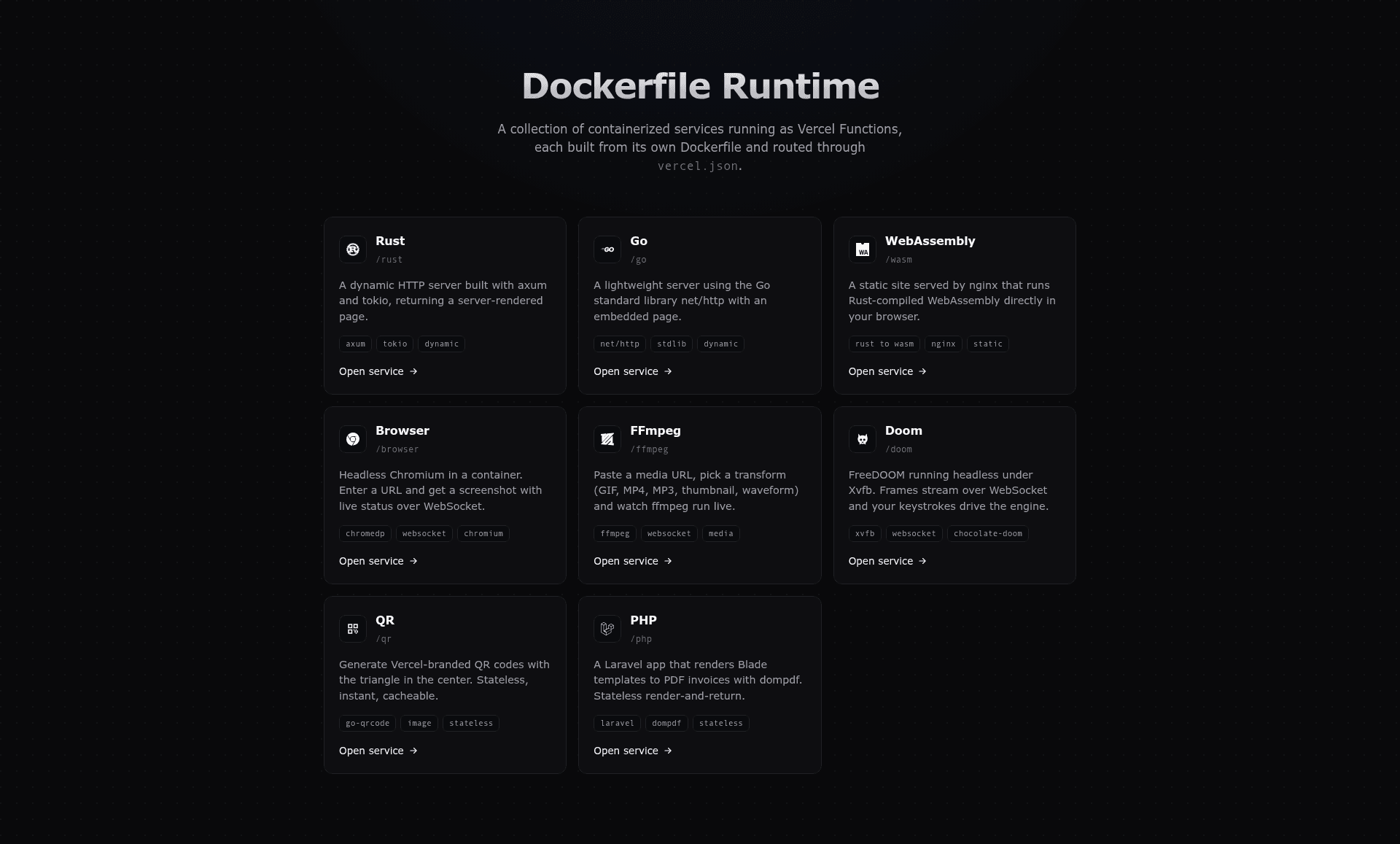
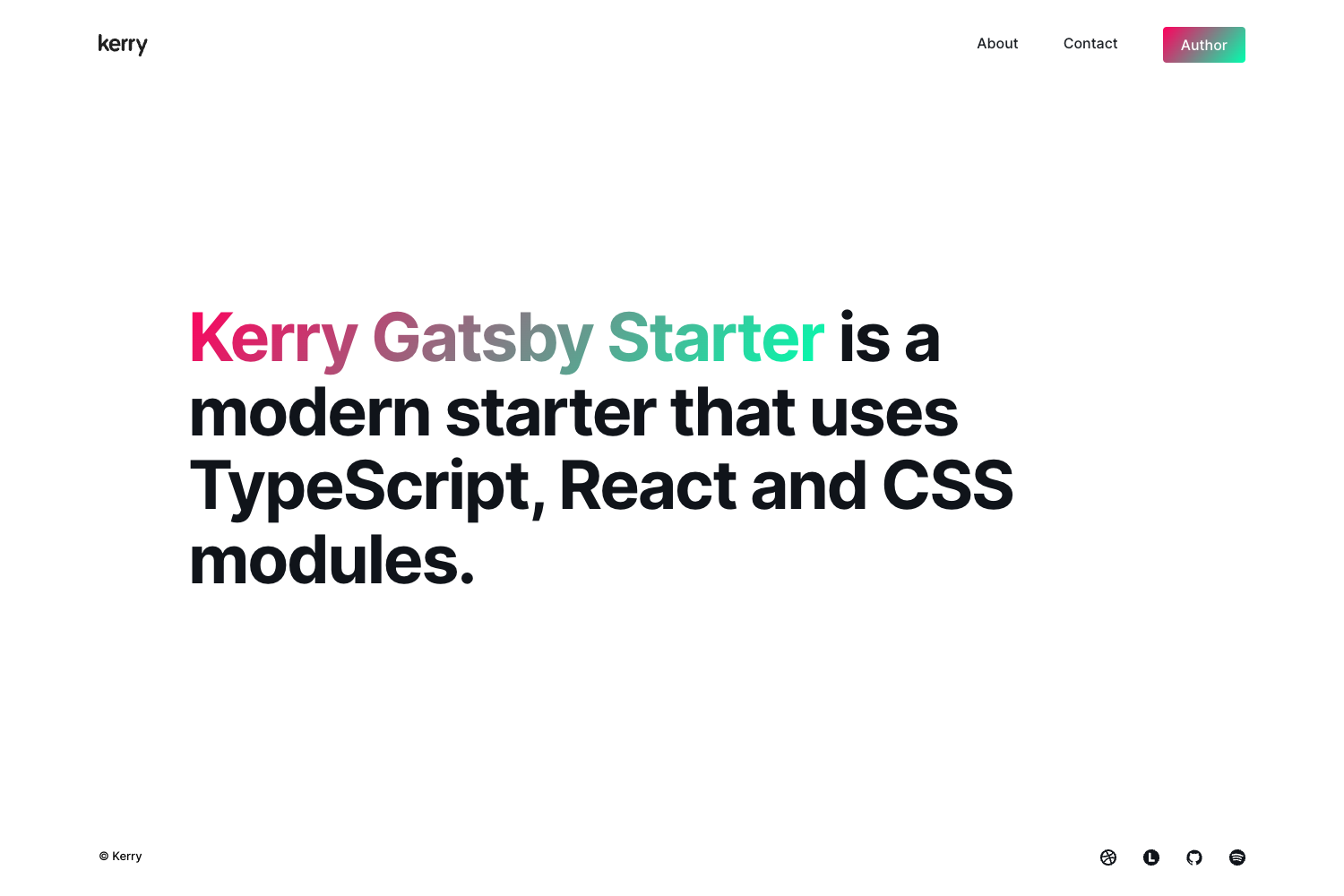
Container Images is a working example from the Vercel examples repository that combines the Vercel Dockerfile runtime with the native Next.js runtime. It contains nine independent services — a Next.js landing page plus eight containerized apps written in Rust, Go, WebAssembly, and PHP — all routed through one vercel.json using rewrites. The template is published by Vercel and runs on the Vercel platform, with the landing page built on Next.js 16, React 19, and Tailwind CSS v4.
What makes Container Images stand out?
- Nine services in one repo — Each service is self-contained, serving its own UI and API/WebSocket endpoints under its path prefix:
/rust(Rust + axum + tokio),/go(Go stdlib),/wasm(Rust to WebAssembly with nginx),/browser(Go + chromedp + headless Chromium),/ffmpeg(Go + ffmpeg),/doom(Go + Xvfb + chocolate-doom + ffmpeg),/qr(Go + go-qrcode), and/php(Laravel 12 + dompdf). - Dockerfile runtime support — Every service except the
weblanding page is built from its ownDockerfile, showing how to deploy arbitrary containerized workloads as Vercel Functions. - Path-based routing without an API gateway — A single
vercel.jsondeclares each service and uses rewrites to route requests by path, with a final catch-all that sends unmatched traffic to the Next.js page. - Media transformation with live progress — The
/ffmpegservice converts media between gif, thumbnail, mp4, mp3, and waveform formats, streaming progress updates over WebSocket. - Browser automation — The
/browserservice launches headless Chromium via chromedp, streams the page-load status over WebSocket, and returns a screenshot. - Playable Doom streaming — The
/doomservice runs the game in Xvfb and streams it as MJPEG over WebSocket, with keyboard and mouse input controls. - Stateless utility services — The
/qrservice generates QR codes with an optional centered logo, and the/phpservice produces PDF invoices using Laravel and dompdf.
Who is it for?
- Platform engineers evaluating Vercel's Dockerfile support for non-Node.js runtimes can inspect how each Dockerfile is structured and how services are wired into
vercel.json. - Full-stack developers building microservice demonstrations can deploy the entire repo with one click and get nine working services sharing a single domain.
- Teams porting legacy services to serverless can use the PHP/Laravel and Go examples as a reference for containerizing existing applications onto Vercel Functions.
What can you do with it?
- Experiment with multi-runtime architectures: Deploy Rust, Go, WebAssembly, and PHP services side by side under one domain to observe how a single
vercel.jsonroutes traffic to each. - Build a media conversion endpoint: Use the ffmpeg service to convert files into gif, thumbnail, mp4, mp3, or waveform outputs while watching progress via WebSocket.
- Automate headless browser tasks: Use the
/browserservice to capture a screenshot of any URL and stream the page-load status live over WebSocket. - Create instant utilities: Generate QR codes with an optional centered logo from the
/qrservice, or produce PDF invoices with the Laravel/phpservice.
How does Container Images work?
Each service is self-contained and declares its own root and entrypoint in vercel.json. The rewrites array maps path prefixes like /rust and /go to the matching service, and a catch-all rule sends all other requests to the Next.js landing page at /. To run locally, clone the repo and execute vercel dev at the root; for production, use the one-click deploy button on the README.
FAQ
Does Container Images replace Vercel Functions?
No, it extends them. The container image services run as Vercel Functions through the Dockerfile runtime, while the web service uses the native Next.js runtime. Both function types coexist in one deployment and share the same domain.
Can I add my own Dockerfile service to this template?
Yes. The vercel.json schema shows a services object where you can add an entry with a root directory and a Dockerfile entrypoint, then add a rewrites rule for the path prefix.
What is the Vercel Dockerfile runtime?
It's Vercel's support for building functions from a Dockerfile instead of using the platform's built-in runtimes. This template uses it to run Rust, Go, PHP, and WebAssembly services as serverless functions.
How many services are included in the demo?
Nine services total: the Next.js landing page plus eight Dockerfile-based services. Each service has its own UI and API, and they are all reachable under the same domain at different paths.
Can I use the ffmpeg service for production workloads?
The template is a demonstration, so the ffmpeg service is designed as an example rather than a hardened production service. It shows how to stream progress and handle media files, but production use would require adding auth, input validation, and resource limits.