Template details
Next.js Layout State
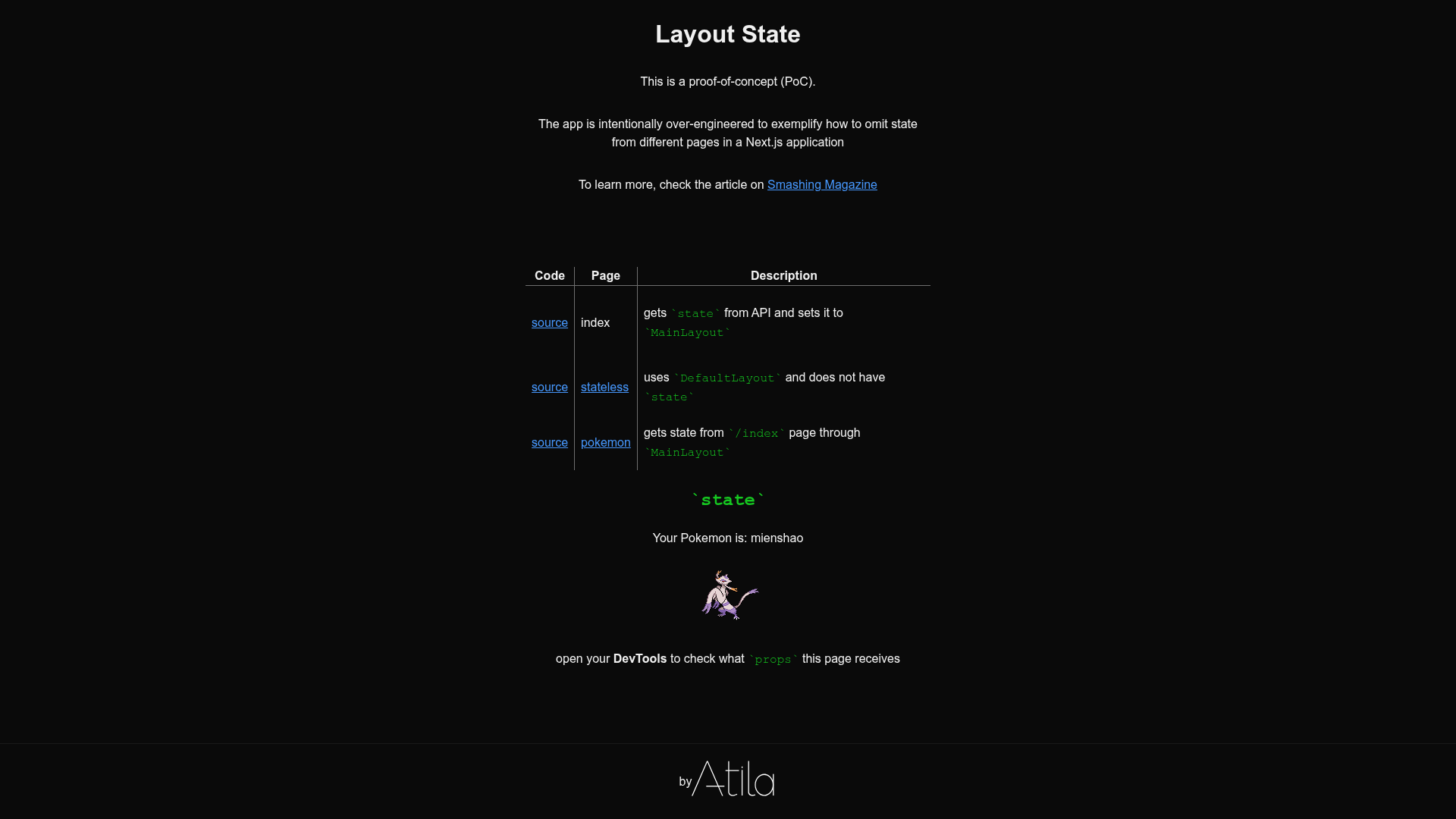
PoC on how to omit state from different pages in a Next.js application.
About this template
Next.js Layout State is a Boilerplate template that demonstrates how to omit state from different pages in a Next.js application. It is a proof-of-concept repository that provides a working example of managing layout-level state so it is not duplicated across pages.
What is Next.js Layout State?
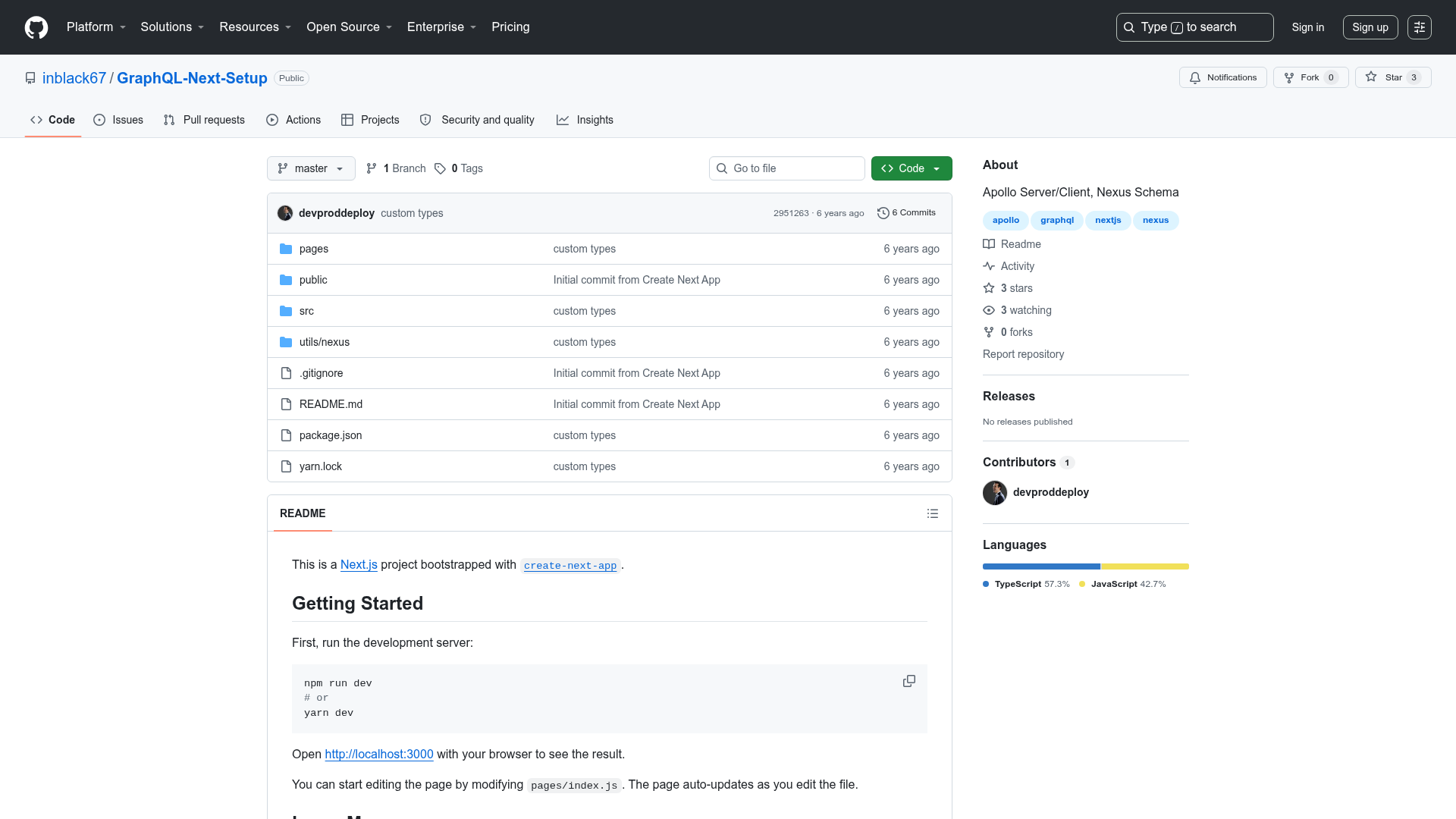
Next.js Layout State is a proof-of-concept boilerplate for Next.js applications that shows a pattern for omitting state that belongs to the layout (such as navigation, sidebars, or modals) from individual pages. The project runs as a standard Next.js app: after cloning the repository and running npm install and npm run dev, a local demo is served at http://localhost:3000. The template is built with Next.js 11+, React 17+, and TypeScript 4.3+, and the source is published in the atilafassina/nextjs-layout-state GitHub repository.
Key Features
- Next.js 11+ support — The template is built for Next.js version 11 or newer, using the standard
npm run devdevelopment workflow. - React 17+ compatibility — Requires React 17 or later, matching the peer dependency for the included Next.js version.
- TypeScript 4.3+ configuration — The project includes TypeScript 4.3+ tooling, giving you typed components and state structures.
- JAMstack-oriented setup — Optimized for JAMstack deployment, this template deploys to Netlify with one click from the repository page.
- State-management pattern demo — Serves as a proof of concept for omitting state from different pages, useful as a reference for your own layout architecture.
- Live demo available — The current demo is hosted at
nextjs-layout-state.netlify.appso you can see the intended behavior before cloning.
Who is it for?
- Next.js developers who want a concrete example of handling layout state without duplicating it across pages.
- JAMstack site builders deploying to Netlify who need a pattern that works in a static host and want a one-click deploy reference.
- TypeScript users looking for a typed starting point for a Next.js layout state experiment.
What can you do with it?
- Next.js developers: clone the repository and run
npm installthennpm run devto explore the layout state pattern locally athttp://localhost:3000. - JAMstack enthusiasts: use the "Deploy to Netlify" button to instantly publish the demo to a live URL and inspect how state behaves on a static host.
How does it work?
The repository provides the minimal setup steps described in its README: clone the repo, install dependencies with npm i, and start the development server with npm run dev. For deployment, the Netlify button triggers a new site build from the GitHub repository, and the live demo is continuously deployed at nextjs-layout-state.netlify.app.
FAQ
What is the purpose of this template?
It is a proof of concept that shows how to omit state from different pages in a Next.js application, addressing the common problem of layout-level state being unnecessarily repeated or persisted.
How do I run it locally?
Clone the repository, run npm i to install dependencies, and then npm run dev to start the development server at http://localhost:3000.
What versions of Next.js and React does it require?
The README's support table lists Next.js 11 and above, React 17 and above, and TypeScript 4.3 and above as the required dependency versions.
Can I deploy it to Netlify?
Yes, the GitHub repository includes a "Deploy to Netlify" button that starts a new deployment directly from the repo, and the current live demo is hosted on Netlify.
Does it include TypeScript?
Yes, the template is configured with TypeScript 4.3 or later, so you get typed components and state definitions out of the box.